Code copied!

Mastering Virtual Presentations: Engage, Persuade, Succeed

#1 Most Popular Online Course & Internship in Business and Management You can enroll today & get certified from EasyShiksha & HawksCode.

Mastering Virtual Presentations: Engage, Persuade, Succeed Description

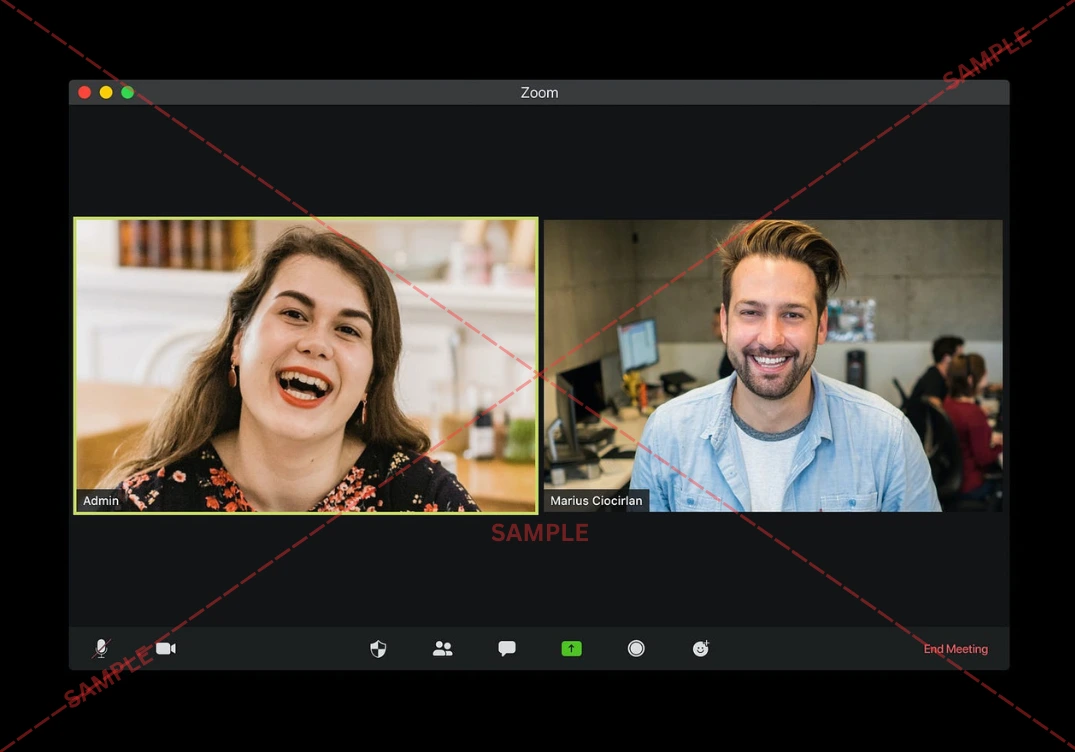
In today's digital era, the ability to communicate effectively through virtual platforms has transitioned from a beneficial skill to an absolute necessity. Did you know that over the past year, the use of video conferencing platforms has skyrocketed by more than 300%? The demand for professionals who can deliver compelling virtual presentations and lead engaging online meetings is higher than ever. Recognizing this transformative shift, we've meticulously crafted a comprehensive course designed to arm you with unparalleled skills in the art of virtual presentation and team management in digital settings.

Our team, consisting of seasoned experts with decades of experience in digital communication, virtual event planning, and online teaching, has put together this unique learning journey. Each member brings a treasure trove of insights from navigating the evolution of digital platforms, contributing to a rich, practical learning experience. We are driven by a shared passion for harnessing the power of virtual platforms to foster meaningful connections and facilitate impactful communication, no matter the distance. This course is our endeavor to equip you with the tools and strategies needed to thrive in the virtual realm.

The relevance of virtual presentation skills in the contemporary workforce cannot be overstated. With businesses, educational institutions, and even casual social gatherings moving online, mastering the nuances of digital platforms is crucial. From Zoom and Skype to WebEx, understanding the distinct features and optimal uses of each platform can be the difference between a forgettable presentation and a memorable one. This course is designed not just to acquaint you with these platforms, but to help you navigate them with ease and confidence, ensuring your message is always clear, engaging, and impactful.

Our journey begins with the basics—setting up a professional profile and optimizing your equipment and environment for the best possible video and audio quality. We delve into the essentials of lighting and sound, exploring how to create a professional backdrop that complements your presentation. Privacy and security settings are also covered, ensuring your virtual interactions remain safe and confidential.

As we progress, you'll find yourself immersed in the art of crafting visually striking and effective presentation slides, with practical exercises that bring theory to life. Learn how to design slides that captivate your audience, making every screen share a compelling part of your narrative. Our lessons on mastering screen sharing, using visual aids, and incorporating multimedia will transform your presentations from mundane to memorable.

Engagement and interactivity are at the heart of effective virtual communication. We’ll show you innovative ways to use polls, surveys, and breakout rooms, turning passive viewers into active participants. Real-world examples will guide you through managing Q&A sessions and leveraging chat functions to maintain a dynamic and interactive atmosphere.

However, skillful presentations aren't immune to technical hurdles. Our module on overcoming technical challenges prepares you with a robust toolkit for handling unexpected interruptions and glitches like a pro. From preparation checklists to quick fixes and backup plans, you'll learn to navigate the unpredictable nature of live virtual settings confidently.

Beyond the technical aspects, this course also emphasizes the critical role of nonverbal communication and on-camera presence. Discover the power of eye contact, facial expressions, and body language in forging connections through the camera. Our expert tips will help you refine your audio delivery for clear communication, ensuring your message is not just heard, but felt.

What truly sets this course apart is our deep dive into advanced presentation techniques tailored for virtual settings. From storytelling and narrative strategies to leveraging platform-specific features and integrating social media, you'll learn to craft and deliver presentations that resonate. By the end of the course, not only will you have a portfolio-ready project but also the confidence to pitch, present, and lead in any virtual setting.

Addressing the modern challenges of digital communication, we also explore ensuring inclusivity and accessibility in your presentations, managing virtual teams effectively, and navigating the legal and ethical considerations of online interactions. Every lesson is designed with a focus on real-world applicability, preparing you for the nuances of virtual communication in diverse and global contexts.

This course is perfect for both beginners eager to set a solid foundation in virtual presentation skills and advanced learners looking to elevate their techniques and engage audiences more deeply. With step-by-step guidance, we ensure that learners at every level find value and grow their abilities. Whether you're preparing for an important virtual pitch, leading online meetings, or aiming to enhance your digital persona, this course equips you with the skills to excel.

In a world where digital platforms continue to evolve, staying ahead means continuously refining and expanding your virtual communication skills. Join us, and embark on a transformative learning journey that will not only elevate your virtual presentation skills but also open doors to new opportunities in the digital landscape. Enroll today, and take the first step towards mastering the art of virtual communication in an ever-connected world.


Course Content

course-lock The importance of choosing the right platform course-lock Fundamentals of setting up a professional profile course-lock Optimizing lighting and sound for video calls course-lock Choosing the right equipment for video conferencing course-lock Tips for a professional background and setting course-lock Ensuring a stable internet connection course-lock Privacy and security settings on video conferencing course-lock Principles of effective slide design for virtual course-lock Tools and techniques for creating impactful slides course-lock Incorporating branding and aesthetics course-lock Optimizing slides for screen sharing course-lock Case studies on effective slide design in virtual course-lock Best practices for screen sharing on Zoom, Skype course-lock Using visual aids to enhance your message course-lock Technical tips for smooth screen transitions course-lock Avoiding common screen-sharing pitfalls course-lock Creatively incorporating multimedia into presentation course-lock Using polls and surveys to interact with your audience course-lock Managing Q&A sessions effectively on various platform course-lock Creative ways to use breakout rooms for collaboration course-lock Engaging participants with chat and reactions course-lock Analyzing real-life examples of interactive virtual course-lock Preparation checklist to avoid technical glitches course-lock Handling unexpected interruptions professionally course-lock Quick fixes for common technical issues course-lock Creating a backup plan for major disruptions course-lock Case studies on managing technical challenges course-lock Importance of eye contact and facial expressions course-lock Body language tips for engaging presentations course-lock Managing your energy and tone of voice course-lock Creating a connection through the camera course-lock Video recordings of effective vs ineffective course-lock Choosing the best microphones for clarity course-lock Techniques for clear articulation and vocal variety course-lock Minimizing background noise and distractions course-lock Effective use of silence and pauses course-lock Analyzing impactful audio presentation examples course-lock Storytelling and narrative techniques in digital course-lock Incorporating interactive elements beyond polls course-lock Advanced pacing and structure for keeping attention course-lock Leveraging platform-specific features to your advance course-lock Critique and improvement of recorded presentation course-lock Zoom-specific features for presenters course-lock Leveraging Skype for international presentations course-lock Maximizing the advanced functions of WebEx course-lock Comparative analysis of platform features course-lock Customizing presentations for the chosen platform course-lock Identifying and adapting to your virtual audience course-lock Techniques for virtual audience analysis and feedback course-lock Strategies for maintaining attendee engagement course-lock Handling difficult questions or audience members course-lock Case studies on successful audience engagement course-lock Developing a confident and authoritative online course-lock Personal branding in virtual presentations course-lock The psychology of viewer perception in digital course-lock Tailoring your message to your online image course-lock Real-life transformations Before and after virtual course-lock Best practices for inclusive virtual presentations course-lock Tools and techniques for accessible presentations course-lock Cultural considerations in a global virtual audience course-lock Creating content that respects and engages diverse course-lock Case studies on successful inclusive virtual event course-lock Effective leadership in virtual meetings course-lock Facilitating productive and efficient virtual team course-lock Building rapport and team cohesion online course-lock Case examples of successful virtual team management course-lock Challenges of virtual team leadership course-lock Privacy laws affecting video conferencing course-lock Ethical considerations in virtual presentations course-lock Maintaining confidentiality and data security online course-lock Understanding the legal implications of virtual course-lock Real-world legal challenges and how they were addr course-lock Tools for measuring the effectiveness of your pres course-lock Collecting and incorporating audience feedback course-lock Self-review and continuous improvement practices course-lock The role of peer reviews in refining your skills course-lock Case examples of presentation improvement over time course-lock Integrating social media with your virtual present course-lock Using platforms like LinkedIn for professional course-lock Strategies for promoting virtual events online course-lock Case studies of successful virtual event promotion course-lock Tips for engaging followers before, during course-lock Exploring lesser-known features of Zoom, Skype course-lock Customizing software for enhanced presentation course-lock Using API integration for personalized experiences course-lock Creative uses of video conferencing software features course-lock Examples of innovative feature use in live present course-lock Emerging technologies in video conferencing course-lock Evolving trends in virtual presentation styles course-lock Anticipating future needs in digital communication course-lock Case studies on pioneering virtual presentation course-lock Preparing for the next wave of digital communication course-lock Elements of a compelling virtual pitch course-lock Adapting our pitch for virtual delivery course-lock The psychology behind successful pitching online course-lock Practical exercises for pitch preparation and execute course-lock Real-life examples of successful and failed virtual




What You Need For This Course & Internship?

  • Access to Smart Phone / Computer
  • Good Internet Speed (Wifi/3G/4G)
  • Good Quality Earphones / Speakers
  • Basic Understanding of English
  • Dedication & Confidence to clear any exam

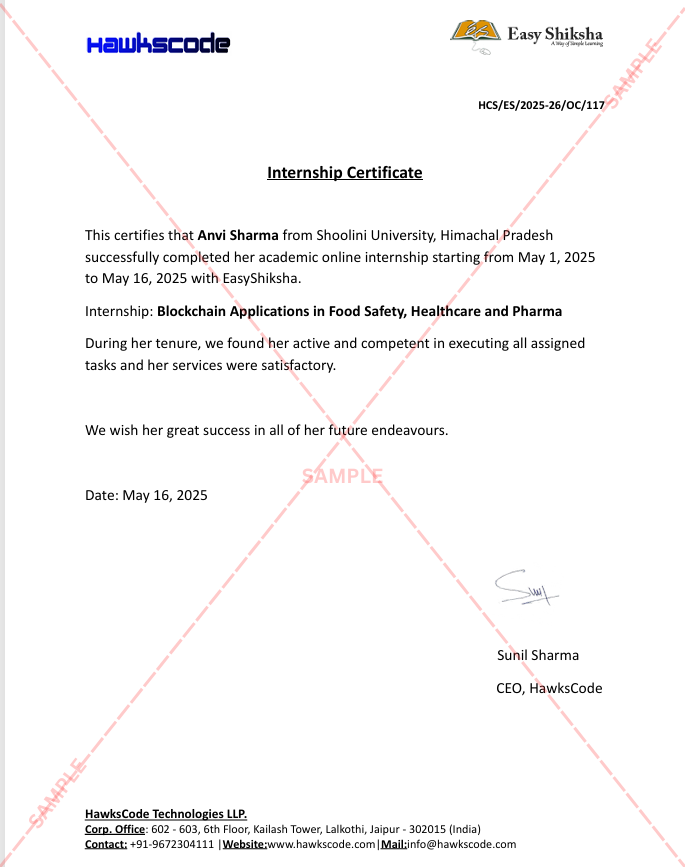
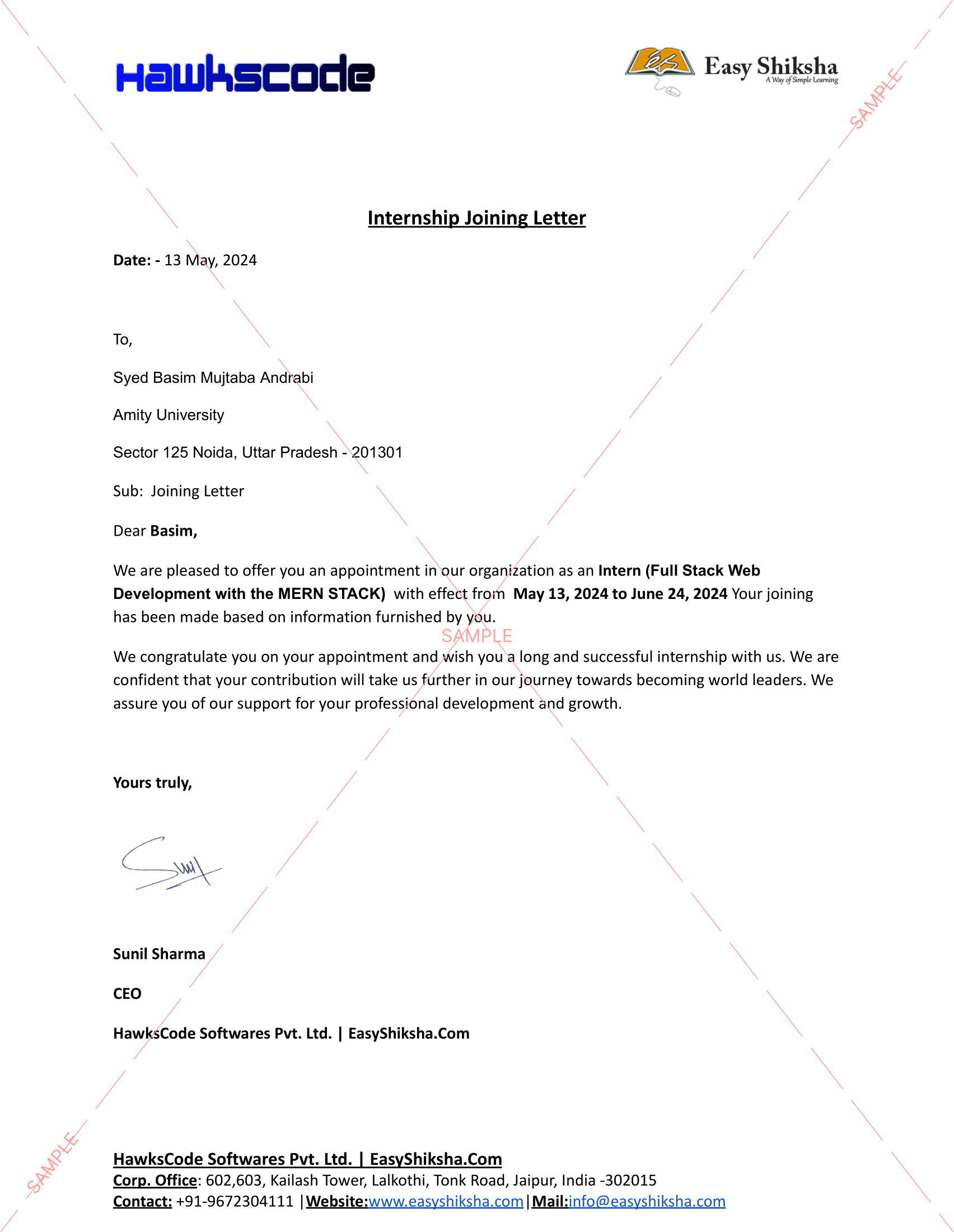
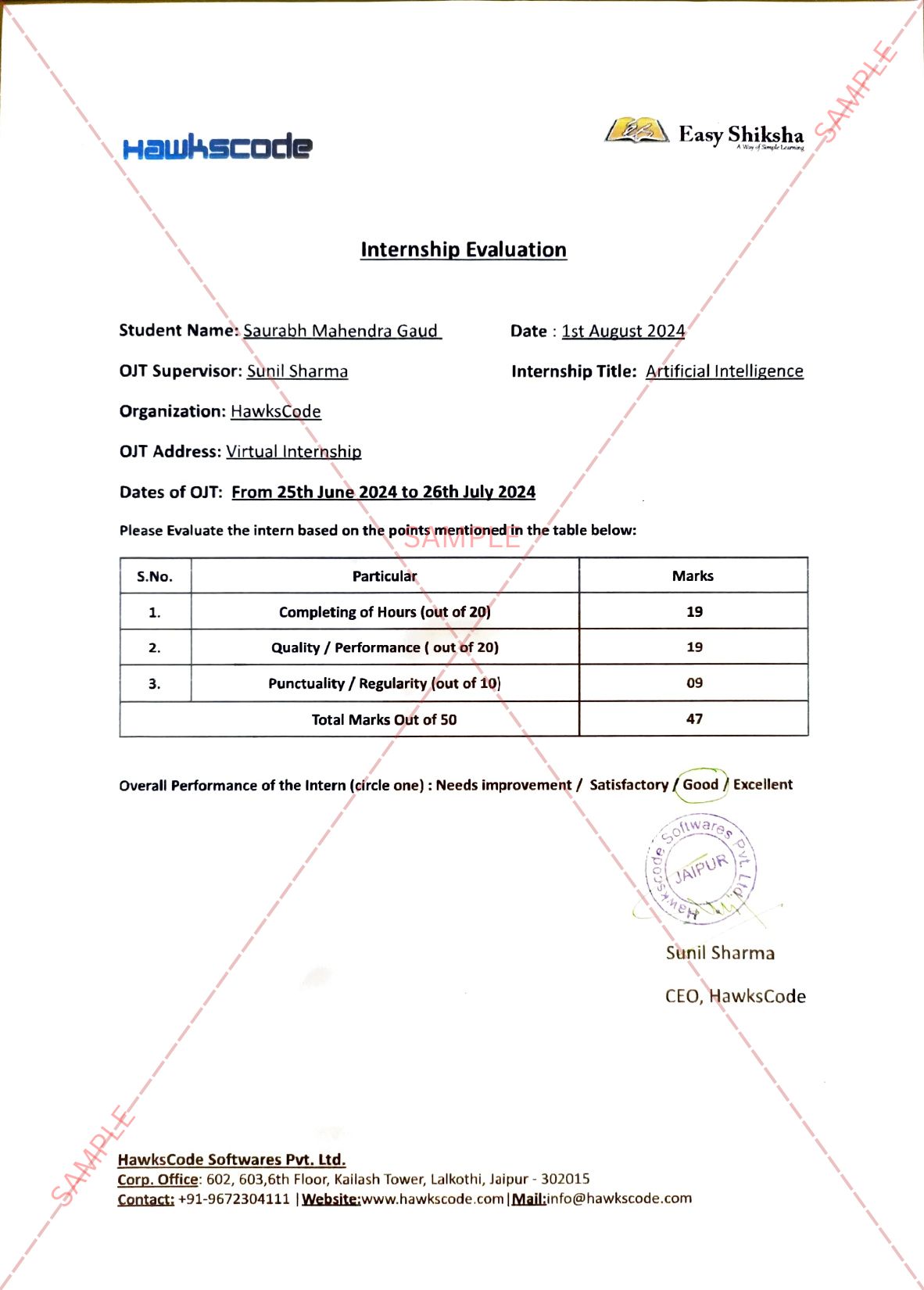
Internship Students Testimonials

Relevant Courses

easyshiksha badges
Frequently Asked Questions

Q. Is the course 100% online? Does it require any offline classes too?

The following course is fully online, and hence there is no need for any physical classroom session. The lectures and assignments can be accessed anytime and anywhere through a smart web or mobile device.

Q. When can I start the course?

Anyone can choose a preferred course and start immediately without any delay.

Q. What are the course and session timings?

As this is a purely online course program, you can choose to learn at any time of the day and for as much time as you want. Though we follow a well-established structure and schedule, we recommend a routine for you as well. But it finally depends on you, as you have to learn.

Q. What will happen when my course is over?

If you have completed the course, you would be able to have lifetime access to it for future reference too.

Q. Can I download the notes and study material?

Yes, you can access and download the content of the course for the duration. And even have lifetime access to it for any further reference.

Q. What software/tools would be needed for the course and how can I get them?

All the software/tools that you need for the course would be shared with you during the training as and when you need them.

Q. Do I get the certificate in a hard copy?

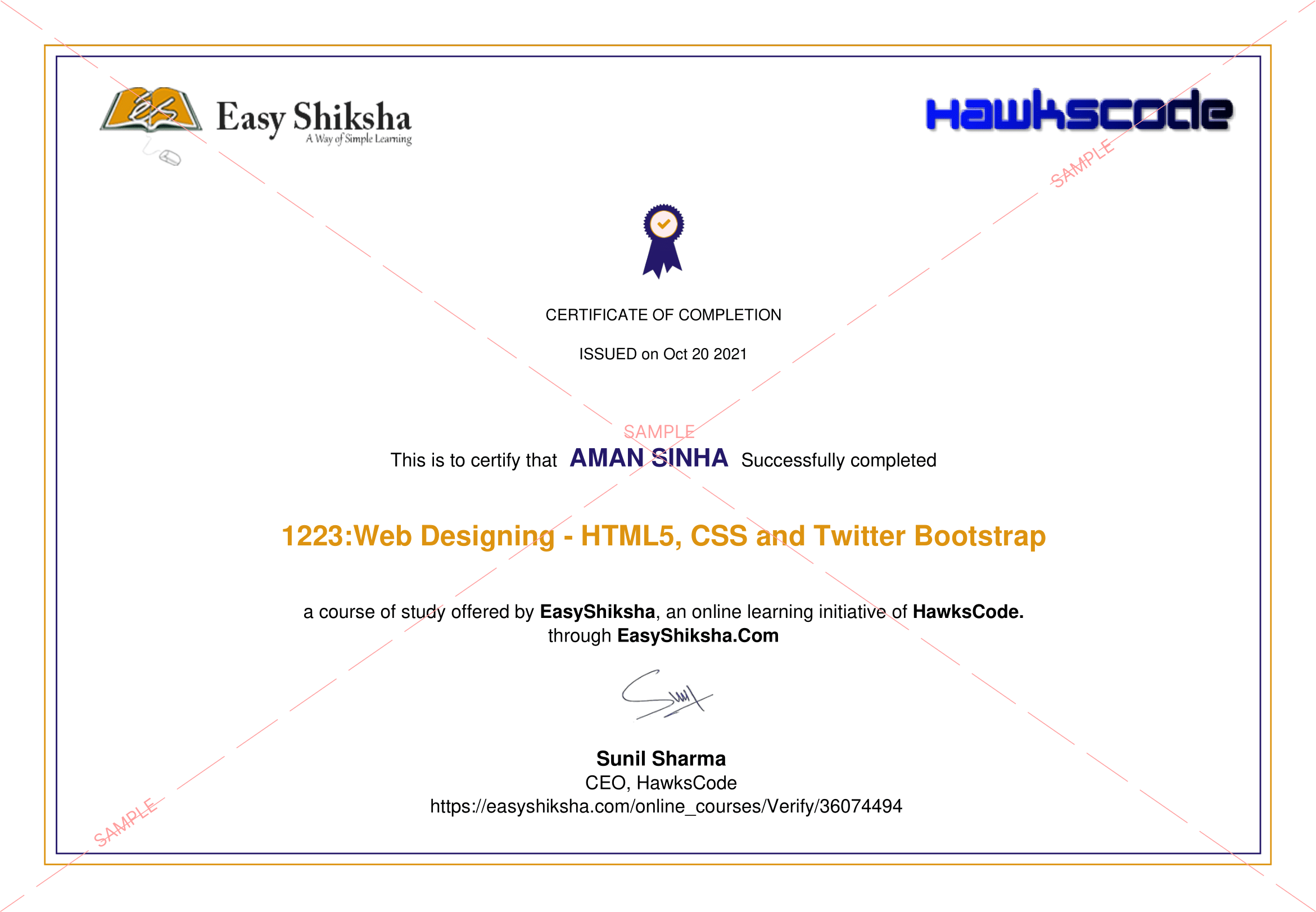
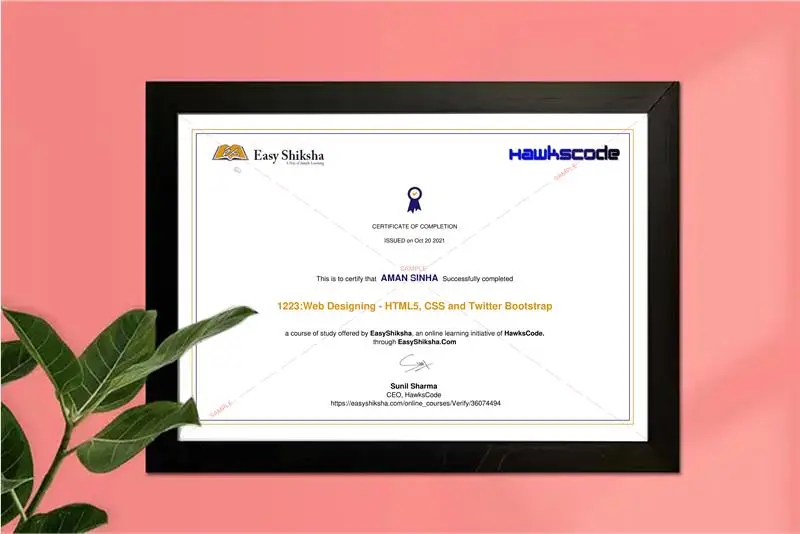
Yes. A hard copy of the certificate will be issued and sent to the registered address via post. In addition, a soft copy of the certificate will also be provided, which can be downloaded for digital use.

Q. Iโ€™m unable to make a payment. What to do now?

You can try to make the payment through a different card or account (maybe a friend or family). If the problem persists, email us at info@easyshiksha.com

Q. The payment got deducted, but the updated transaction status is showing โ€œfailedโ€. What to do now?

Due to some technical faults, this can happen. In such a case the amount deducted will be transferred to the bank account in the next 7-10 working days. Normally the bank takes this much time to credit the amount back into your account.

Q. The payment was successful but it still shows โ€˜Buy Nowโ€™ or not showing any videos on my dashboard? What should I do?

At times, there may be a slight delay in your payment reflecting on your EasyShiksha dashboard. However, if the problem is taking longer than 30 minutes, please let us know by writing to us at info@easyshiksha.com from your registered email id, and attach the screenshot of the payment receipt or transaction history. Soon after verification from the backend, we will update the payment status.

Q. What is the refund policy?

If you have enrolled, and are facing any technical problem then you can request a refund. But once the certificate has been generated, we shall not refund that.

Q. Can I just enrol in a single course?

Yes! You surely can. To begin this, just click the course of your interest and fill in the details to enrol. You are ready to learn, once the payment is made. For the same, you earn a certificate too.

Q. My questions are not listed above. I need further help.

Please contact us at: info@easyshiksha.com

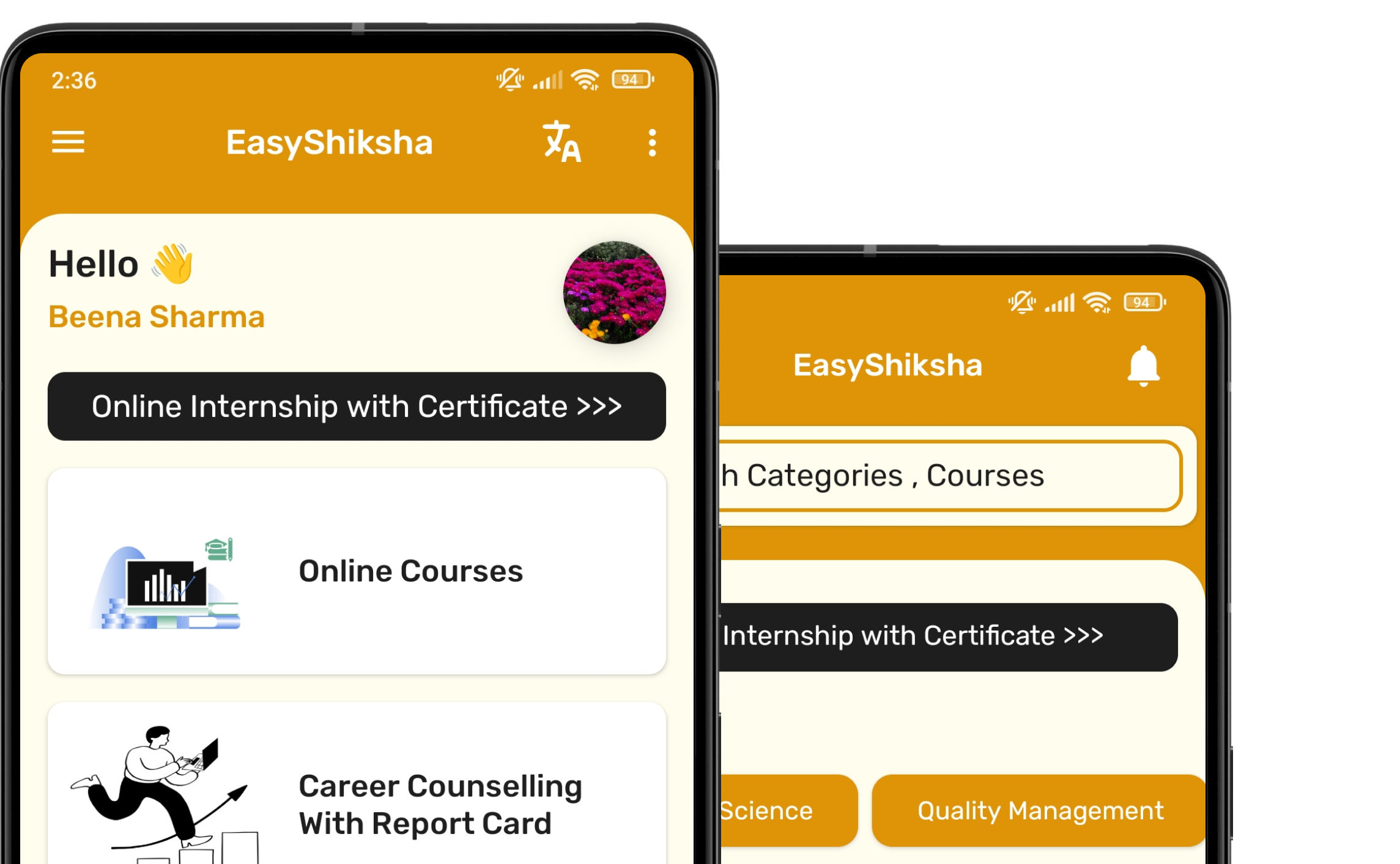
Experience the Speed: Now Available on Mobile!

Download EasyShiksha Mobile Apps from Android Play Store, Apple App Store, Amazon App Store, and Jio STB.

Curious to learn more about EasyShiksha's services or need assistance?

Our team is always here to collaborate and address all your doubts.

Message should be at least 50 characters long.

Whatsapp Email Support