

Windows IoT Bundle Learn how Windows can be used in IoT

#1 Most Popular Online Course & Internship in Computer Science You can enroll today & get certified from EasyShiksha & HawksCode.

    AICTE Approved Internship + Government Recognized Certificate

Windows IoT Bundle Learn how Windows can be used in IoT Description

Using Windows IoT has a lot of benefits:

Platform Power: Windows can be used as a platform to power IoT devices.
Lightweight: Windows IoT Core is a tiny, lightweight version of Windows that runs on devices with as little as 256 MB of RAM.
Advanced Technologies: It comes with UWP technologies like Cortana and Universal apps for creating your own IoT devices.
Remote Access: Access your device remotely using any supported web browser or Microsoft remote desktop client.
Compatibility: Windows IoT Core supports .NET Standard 2.0, providing compatibility with popular open-source libraries.
First, we will help you get started with Windows IoT Core on Raspberry Pi. Then you will learn how to home automate using Raspberry Pi and Windows IoT.

Course Features:

9 Hours of HD Content: Tap the power of Windows IoT Core and master embedded systems programming on Raspberry Pi using Windows IoT Core.
In-Depth Learning: Explore how to communicate the Arduino with the Pi using an I2C bus and Windows IoT Core.
Regular Updates: Raspberry Pi lectures are added regularly.
Cross-Platform Development: Learn about Visual Studio, the C# programming language, remote step-wise debugging, Windows applications development, PowerShell, and more.
Hands-On Projects: Engage in practical programming and electronics projects with Raspberry Pi and Windows IoT.

What You Will Learn:

Getting Started with Windows IoT Core on Raspberry Pi
Visual Studio Integration
C# Programming Language
Remote Step-Wise Debugging
Windows Applications Development
PowerShell

Home Automation Using Raspberry Pi and Windows IoT:

Use Raspberry Pi and Windows to build a home automation system that can operate home devices automatically.
Control multiple devices (Light, Fan, Wall Socket) and sensors (PIR, Temperature, LDR).
Step-by-step coding and hardware setup.
Create a fully automated home with the latest technologies.

Why Windows IoT Core?

Built for Small, Secure, Smart Devices: The smallest Windows OS with manageability and security.
AI and ML Integration: Easily bring AI and ML to the edge.
Long-term Security: Help keep devices secure for the long term.
Fast Deployment: Quickly get IoT devices to market with out-of-the-box OS support.

Course Content

course-lock Bonus Lecture course-lock Classes Diagram course-lock Coding Process course-lock Download and Install Arduino IDE course-lock Download and Install Fritzing Software course-lock Download and Install Visual Studio for Coding course-lock How to wire home appliances with Relay Module course-lock Introduction & Getting Started course-lock Introduction course-lock Practical Circuit Connection course-lock Prepare Environment for Your First Code course-lock Raspberry Pi Overview course-lock Smart Home Rooms Setup course-lock Software and Communication Protocol course-lock User Interface - Main Dashboard Part1 course-lock User Interface Structure Explained course-lock Arduino Coding course-lock Windows IoT User Interface course-lock Windows IoT C Backend Coding course-lock Practical Connection course-lock Practical Testing course-lock Arduino Coding Part1 course-lock Circuit Schematic Part1 course-lock Connecting LED to Raspberry Pi GPIO course-lock Devices and Rooms addressing Mechanism course-lock Download and Install Windows 10 IoT Core on SD Card course-lock Hardware and Software Requirements course-lock How a Relay Module Works course-lock Practical Implementation and Code Testing course-lock Practical Testing course-lock Quick Overview course-lock Software and Communication Protocol Example course-lock User Interface - Main Dashboard Part1 course-lock Where to use i2c communication course-lock Arduino Coding Part2 course-lock Arduino Coding Part2 course-lock Circuit Schematic Part2 course-lock Download and Install Arduino Pro IDE course-lock Download and Install Microsoft Visual Studio course-lock I2C Pins in Arduino course-lock Windows Device Portal Walkthrough course-lock Write Your First Code and Draw the User Interface course-lock Arduino Coding Part3 course-lock Arduino Wire Library I2C Functions course-lock Download and Install Windows 10 IoT Core on SD Card course-lock Prepare Environment for Your First Code course-lock Arduino to Arduino I2C Communication Circuit Design course-lock Raspberry Pi Hardware and Software Setup course-lock Windows Device Portal Walkthrough course-lock Arduino to Arduino I2C Communication coding course-lock Download and Install Visual Studio for Coding course-lock Raspberry Pi Model B Unboxing course-lock Arduino to DS1307 Time and Date Module Circuit Design course-lock I2C Overview course-lock Raspberry Pi Programming course-lock Arduino Wire Library course-lock Windows Device Portal Walkthrough course-lock I2C Circuit Connection

What You Need For This Course & Internship?

  • Access to Smart Phone / Computer
  • Good Internet Speed (Wifi/3G/4G)
  • Good Quality Earphones / Speakers
  • Basic Understanding of English
  • Dedication & Confidence to clear any exam

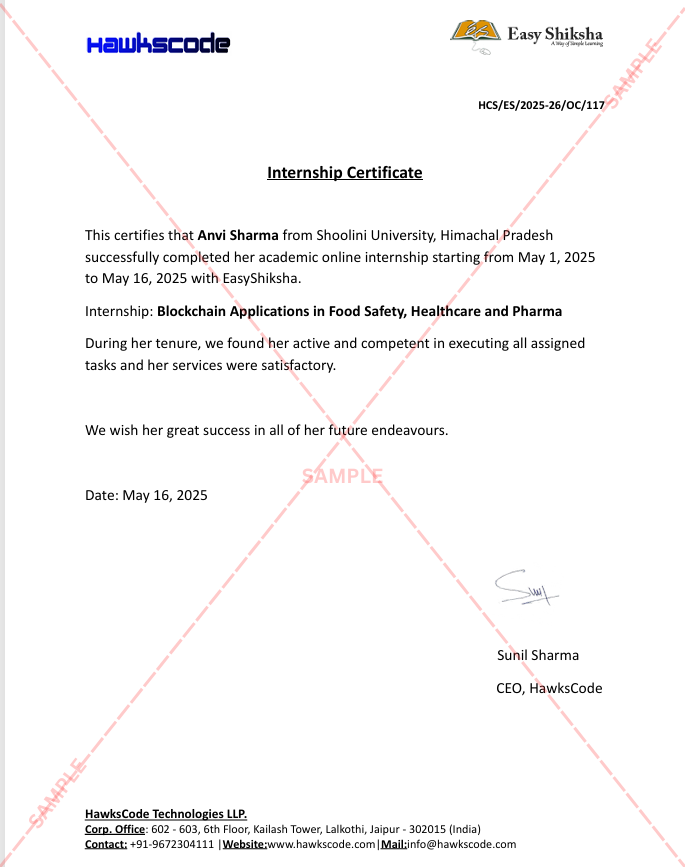
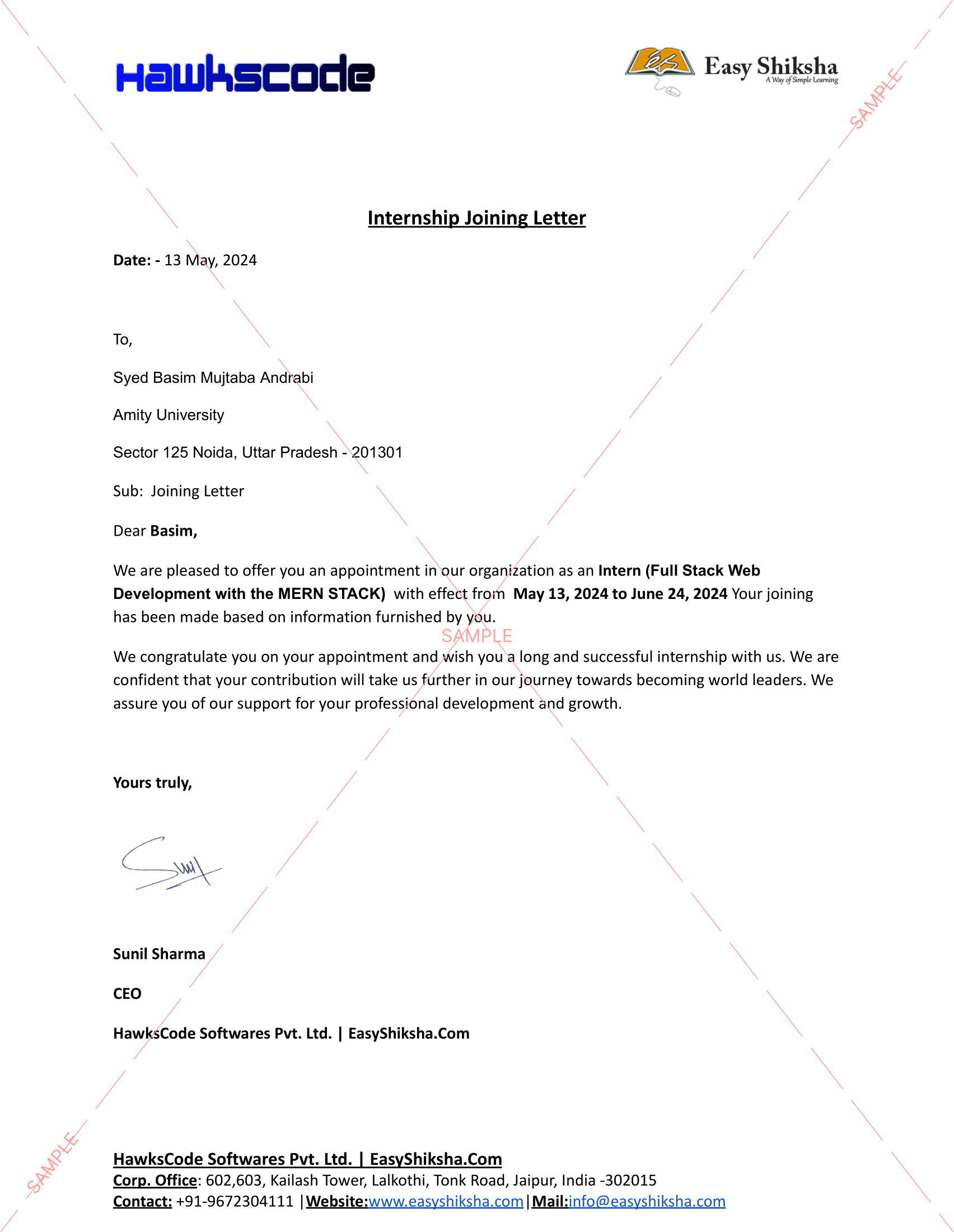
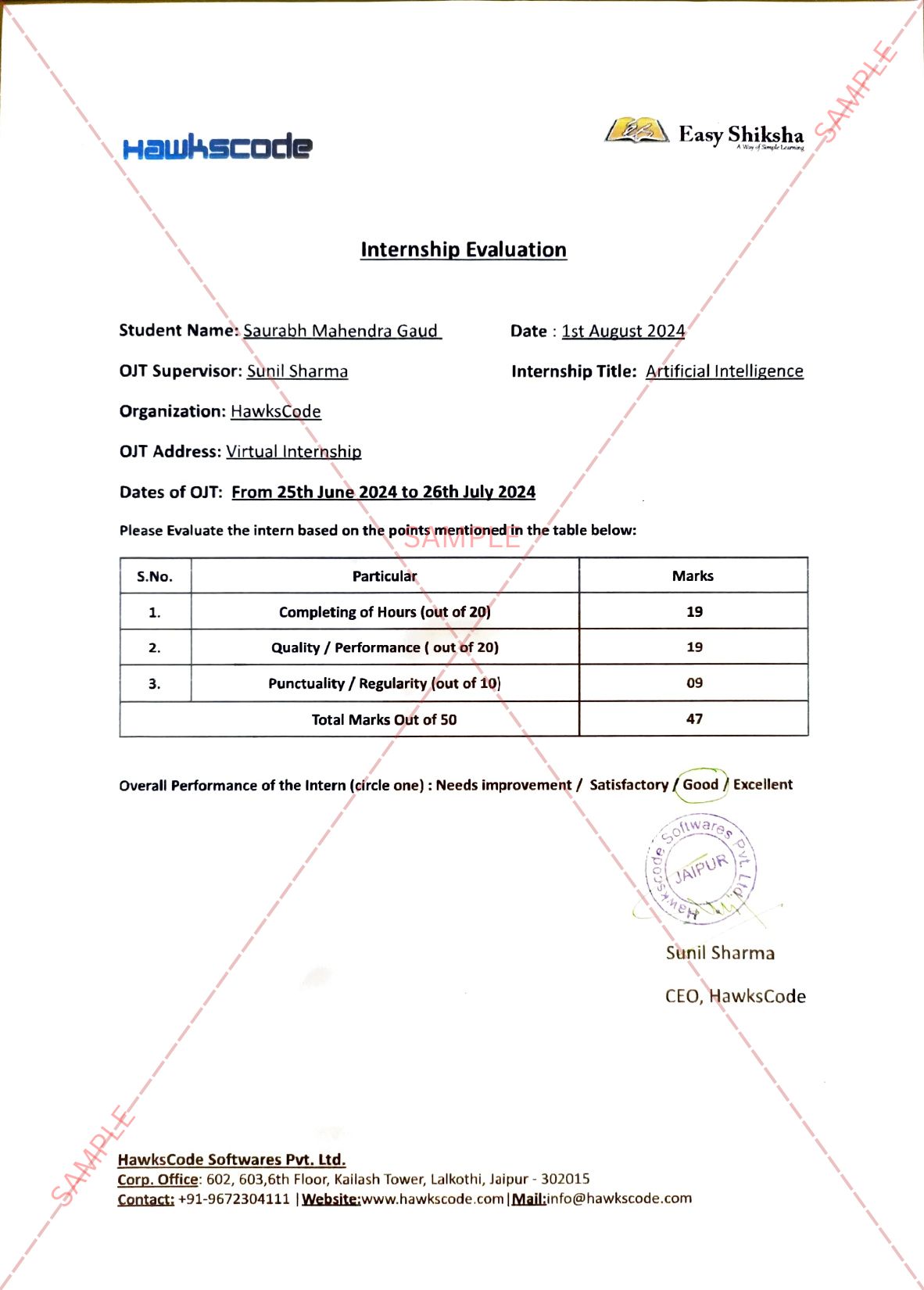
Internship Students Testimonials

Relevant Courses

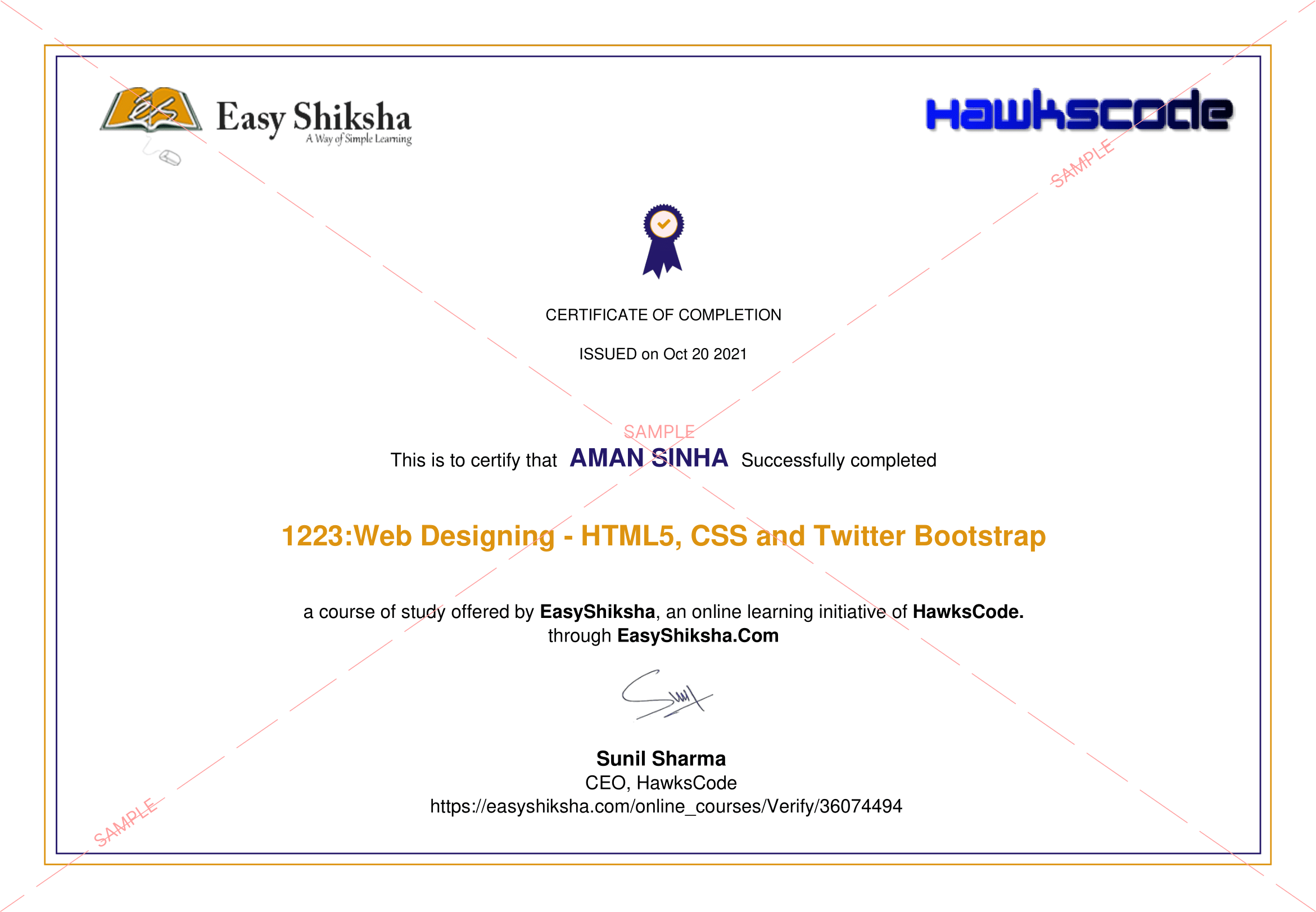
easyshiksha badges
Frequently Asked Questions

Q. Is the course 100% online? Does it require any offline classes too?

The following course is fully online, and hence there is no need for any physical classroom session. The lectures and assignments can be accessed anytime and anywhere through a smart web or mobile device.


Q. When can I start the course?

Anyone can choose a preferred course and start immediately without any delay.

Q. What are the course and session timings?

As this is a purely online course program, you can choose to learn at any time of the day and for as much time as you want. Though we follow a well-established structure and schedule, we recommend a routine for you as well. But it finally depends on you, as you have to learn.

Q. What will happen when my course is over?

If you have completed the course, you would be able to have lifetime access to it for future reference too.

Q. Can I download the notes and study material?

Yes, you can access and download the content of the course for the duration. And even have lifetime access to it for any further reference.

Q. What software/tools would be needed for the course and how can I get them?

All the software/tools that you need for the course would be shared with you during the training as and when you need them.

Q. Do I get the certificate in a hard copy?

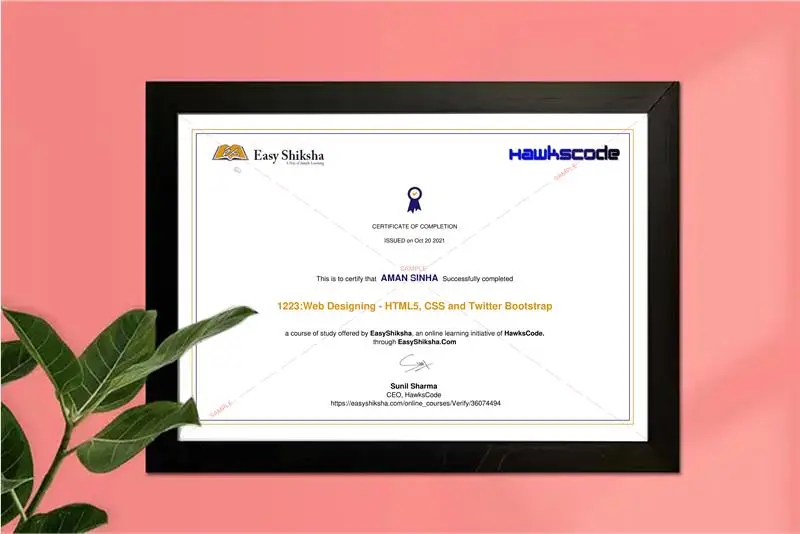
Yes. A hard copy of the certificate will be issued and sent to the registered address via post. In addition, a soft copy of the certificate will also be provided, which can be downloaded for digital use.

Q. Iโ€™m unable to make a payment. What to do now?

You can try to make the payment through a different card or account (maybe a friend or family). If the problem persists, email us at info@easyshiksha.com

Q. The payment got deducted, but the updated transaction status is showing โ€œfailedโ€. What to do now?

Due to some technical faults, this can happen. In such a case the amount deducted will be transferred to the bank account in the next 7-10 working days. Normally the bank takes this much time to credit the amount back into your account.

Q. The payment was successful but it still shows โ€˜Buy Nowโ€™ or not showing any videos on my dashboard? What should I do?

At times, there may be a slight delay in your payment reflecting on your EasyShiksha dashboard. However, if the problem is taking longer than 30 minutes, please let us know by writing to us at info@easyshiksha.com from your registered email id, and attach the screenshot of the payment receipt or transaction history. Soon after verification from the backend, we will update the payment status.

Q. What is the refund policy?

If you have enrolled, and are facing any technical problem then you can request a refund. But once the certificate has been generated, we shall not refund that.

Q. Can I just enrol in a single course?

Yes! You surely can. To begin this, just click the course of your interest and fill in the details to enrol. You are ready to learn, once the payment is made. For the same, you earn a certificate too.

Q. My questions are not listed above. I need further help.

Please contact us at: info@easyshiksha.com

Experience the Speed: Now Available on Mobile!

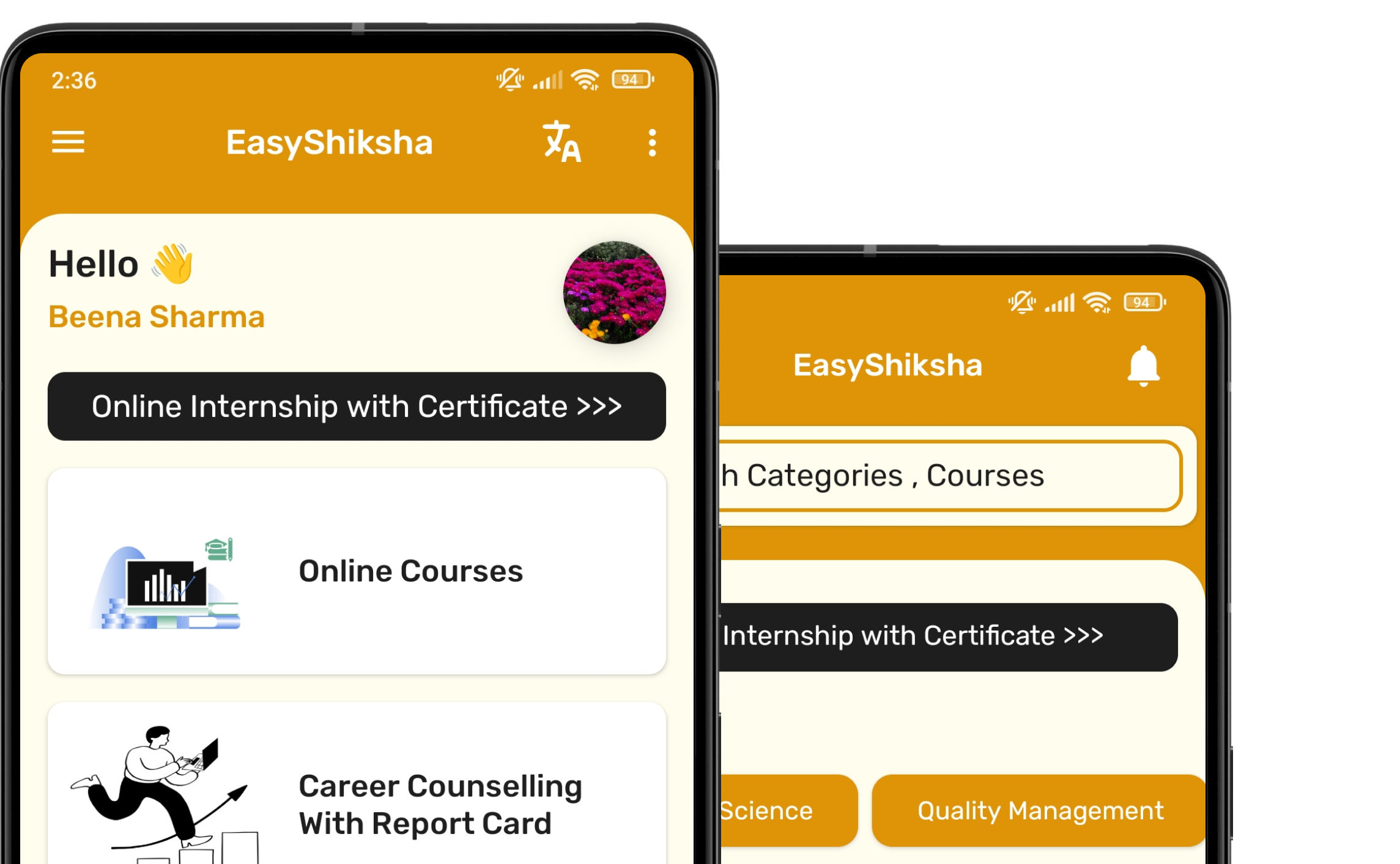
Download EasyShiksha Mobile Apps from Android Play Store, Apple App Store, Amazon App Store, and Jio STB.

Curious to learn more about EasyShiksha's services or need assistance?

Our team is always here to collaborate and address all your doubts.

Message should be at least 50 characters long.

Whatsapp Email Support