Code copied!

Simulink Embedded Coder for Automatic C Code Generation

#1 Most Popular Online Course & Internship in Computer Science You can enroll today & get certified from EasyShiksha & HawksCode.

Simulink Embedded Coder for Automatic C Code Generation Description

This course is designed to teach students how to use Simulink Embedded Coder to automatically generate C code from Simulink models. Students will learn how to configure the code generator, specify target hardware, and generate executable code. They will also learn how to debug and optimize embedded applications.

Understanding how Embedded Coder works under the hood, how to troubleshoot and optimize generated code Embedded Coder, and Embedded System prototyping tools allows someone to understand its impact on subsystems and topologies during coding. You can learn how to optimize the generated code as necessary to preserve the efficiency of the Embedded System.

Explore different aspects of code generation such as target hardware, compilation settings, and debugging. Embedded Coder generates C and C++ code optimized for embedded systems by extending the capabilities offered by MATLAB coder in Simulink coder. The generated code is ANSI and ISO C compliant, so it can run on virtually any fixed or floating-point device and is particularly well-suited for applications that need to minimize memory usage or maximize speed. You can replace the default code output with target-specific optimizations and customizations using code replacement libraries.

What Will You Learn in This Course?

- How to use Embedded Coder in MATLAB Simulink to generate C code for your embedded target device.
- How to start a new project and deal with STM32CubeMX.
- How to create a model in MATLAB Simulink.
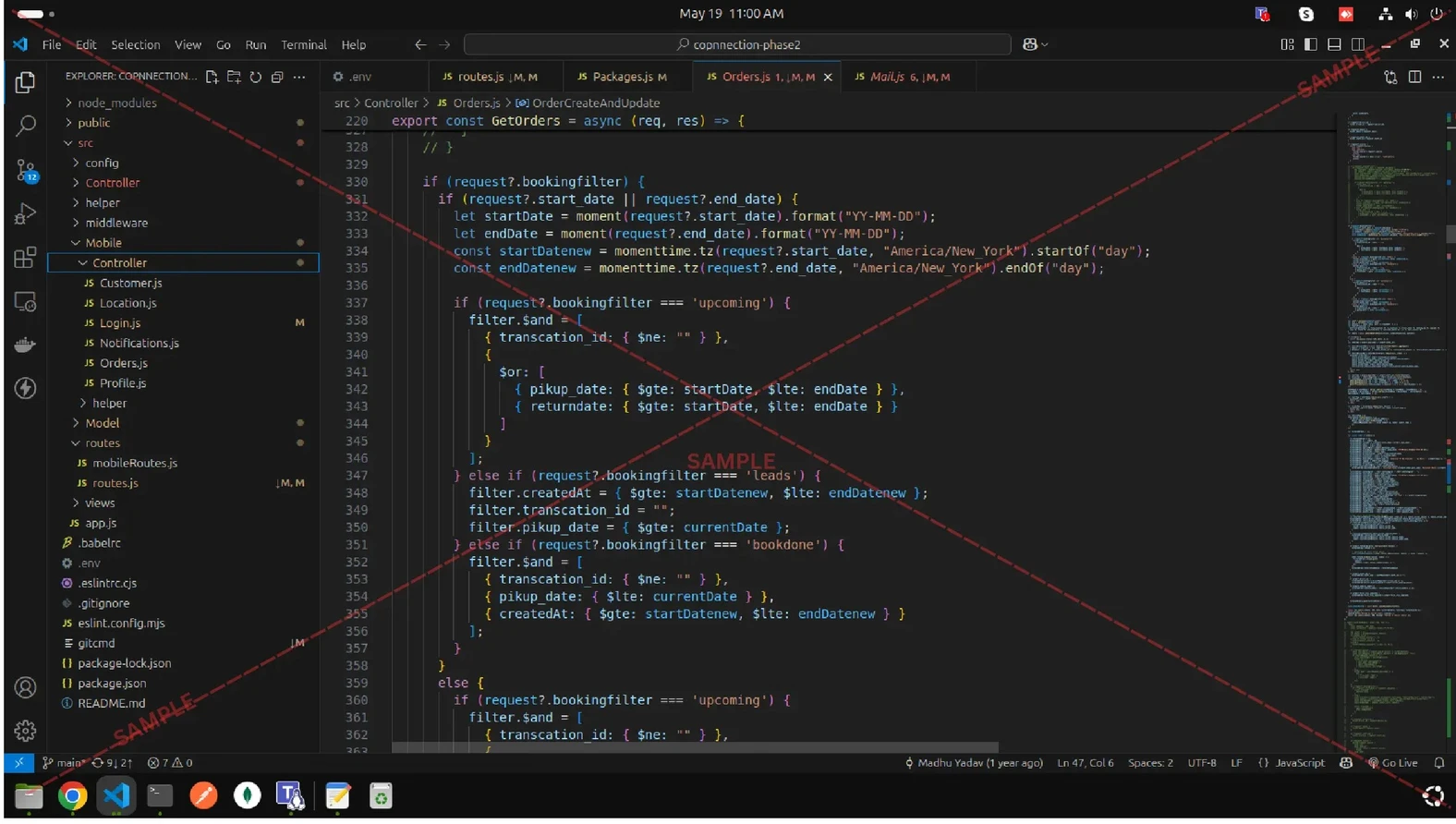
- How to automatically generate C code from a model.
- How to use Simulink to create an embedded system that can be used in a project.
- Learn to configure for code generation.
- Learn optimizing and packaging code.
- Learn what Simulink is.
- Learn about MATLAB.
- Learn what an Embedded Coder is.
- Learn how to generate code for your MATLAB files and functions.
- Learn to select your processor and code generation output.

Supported Hardware:

- STMicroelectronics
- Analog Devices®
- ARM
- AUTOSAR
- BeagleBoard
- Intel
- Dronecode
- Texas Instruments
- Wind River
- Xilinx

Course Benefits:

Code Commenting Made Easy: As any experienced programmer knows, commenting on code is essential for two main reasons. First, it allows other developers (or yourself, when you return to old code) to more easily understand the purpose of various sections of code. Second, comments can act as documentation for how a system is supposed to work. Comments can also help with debugging by allowing you to insert print statements in key places in your code that will help you track down errors.

Generate Powerful Code Automatically: Simulink Embedded Coder automatically generates consistent, readable, and portable C/C++ code from Simulink diagrams, Stateflow charts, and MATLAB functions. You can optimize generated code for improved performance and minimize memory footprint with just a few clicks. The software also provides tools for commenting, tracing, and documenting code so that you can more easily share and maintain your designs.

Traceability and Optimization: Commenting, tracing, and documenting code is important for creating readable and maintainable code. Simulink Embedded Coder can help to ensure that your code is well-documented and easy to follow. In addition, Simulink Embedded Coder can optimize your code for performance, making it more efficient.

Course Outline:

- Selecting Targets
- Working with Custom Data
- Optimizing and Packaging Code
- Commenting, Tracing, and Documenting Code
- Executing and Verifying Code
- Automate your embedded software development process with Simulink and Coder.


What You Need For This Course & Internship?

  • Access to Smart Phone / Computer
  • Good Internet Speed (Wifi/3G/4G)
  • Good Quality Earphones / Speakers
  • Basic Understanding of English
  • Dedication & Confidence to clear any exam

Internship Students Testimonials

Relevant Courses

easyshiksha badges
Frequently Asked Questions

Q. Is the course 100% online? Does it require any offline classes too?

The following course is fully online, and hence there is no need for any physical classroom session. The lectures and assignments can be accessed anytime and anywhere through a smart web or mobile device.

Q. When can I start the course?

Anyone can choose a preferred course and start immediately without any delay.

Q. What are the course and session timings?

As this is a purely online course program, you can choose to learn at any time of the day and for as much time as you want. Though we follow a well-established structure and schedule, we recommend a routine for you as well. But it finally depends on you, as you have to learn.
Q. What will happen when my course is over?

If you have completed the course, you would be able to have lifetime access to it for future reference too.

Q. Can I download the notes and study material?

Yes, you can access and download the content of the course for the duration. And even have lifetime access to it for any further reference.

Q. What software/tools would be needed for the course and how can I get them?

All the software/tools that you need for the course would be shared with you during the training as and when you need them.

Q. Do I get the certificate in a hard copy?

Yes. A hard copy of the certificate will be issued and sent to the registered address via post. In addition, a soft copy of the certificate will also be provided, which can be downloaded for digital use.

Q. Iโ€™m unable to make a payment. What to do now?

You can try to make the payment through a different card or account (maybe a friend or family). If the problem persists, email us at info@easyshiksha.com

Q. The payment got deducted, but the updated transaction status is showing โ€œfailedโ€. What to do now?

Due to some technical faults, this can happen. In such a case the amount deducted will be transferred to the bank account in the next 7-10 working days. Normally the bank takes this much time to credit the amount back into your account.

Q. The payment was successful but it still shows โ€˜Buy Nowโ€™ or not showing any videos on my dashboard? What should I do?

At times, there may be a slight delay in your payment reflecting on your EasyShiksha dashboard. However, if the problem is taking longer than 30 minutes, please let us know by writing to us at info@easyshiksha.com from your registered email id, and attach the screenshot of the payment receipt or transaction history. Soon after verification from the backend, we will update the payment status.

Q. What is the refund policy?

If you have enrolled, and are facing any technical problem then you can request a refund. But once the certificate has been generated, we shall not refund that.

Q. Can I just enrol in a single course?

Yes! You surely can. To begin this, just click the course of your interest and fill in the details to enrol. You are ready to learn, once the payment is made. For the same, you earn a certificate too.

Q. My questions are not listed above. I need further help.

Please contact us at: info@easyshiksha.com

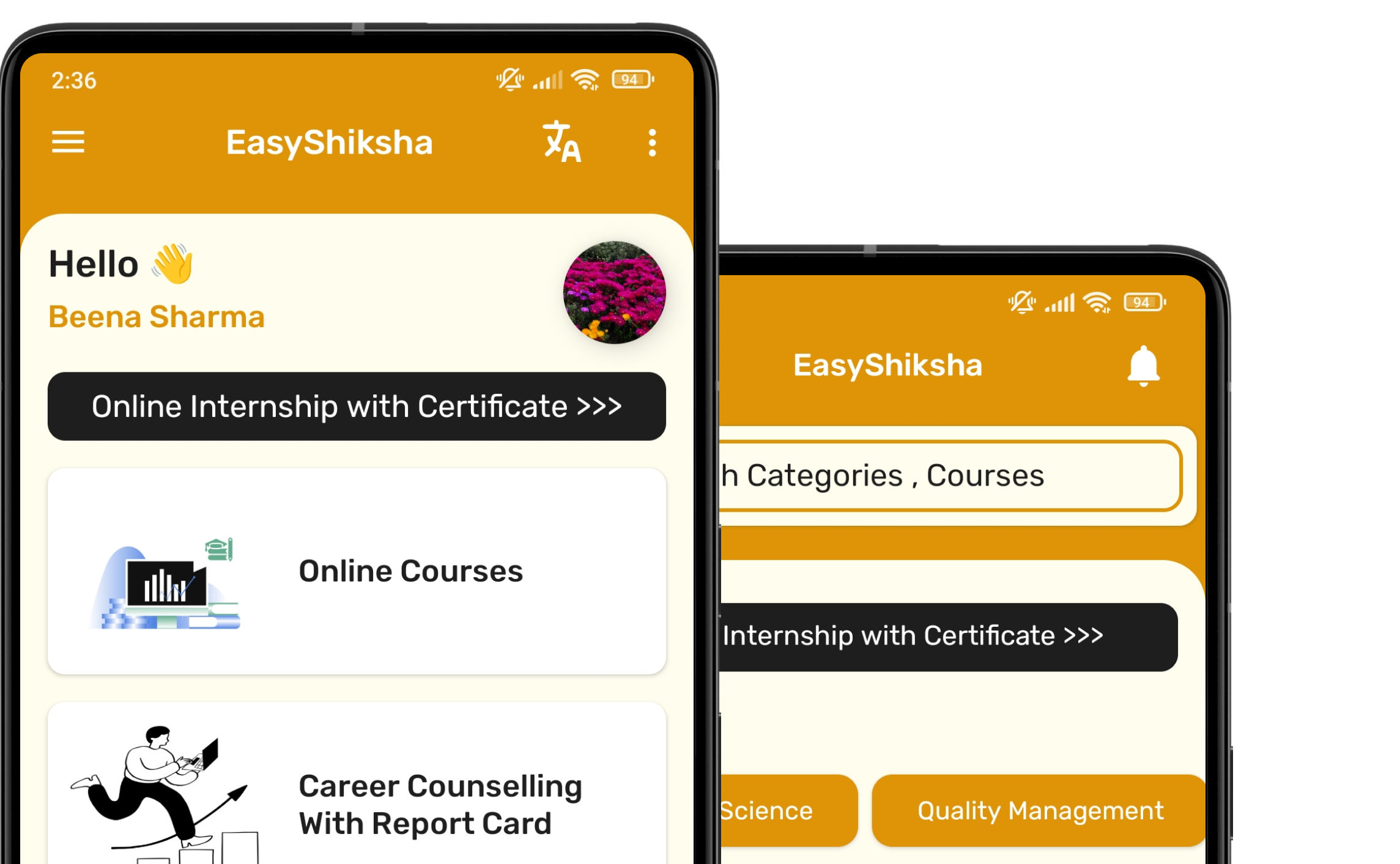
Experience the Speed: Now Available on Mobile!

Download EasyShiksha Mobile Apps from Android Play Store, Apple App Store, Amazon App Store, and Jio STB.

Curious to learn more about EasyShiksha's services or need assistance?

Our team is always here to collaborate and address all your doubts.

Message should be at least 50 characters long.

Whatsapp Email Support