






Tips for Presentation Skills
Master presentation skills to engage audiences confidently using tone, body language, visuals, and storytelling for lasting impact.
#1 Most Popular Online Course & Internship in Literature You can enroll today & get certified from EasyShiksha & HawksCode.
 Build real-world projects
Internship with certificate
Resume-ready experience
Beginner to advanced
Lifetime access
Interview prep included
Build real-world projects
Internship with certificate
Resume-ready experience
Beginner to advanced
Lifetime access
Interview prep included
 Updated September 14, 2026
Join 5,00,000+ students already enrolled worldwide
No risk — 30-day full refund guarantee
Start instantly after payment — access in seconds
Certificate + Internship Joining Letter included
Updated September 14, 2026
Join 5,00,000+ students already enrolled worldwide
No risk — 30-day full refund guarantee
Start instantly after payment — access in seconds
Certificate + Internship Joining Letter included

 Free Preview
 8 On-demand Videos
 Internship Joining Letter
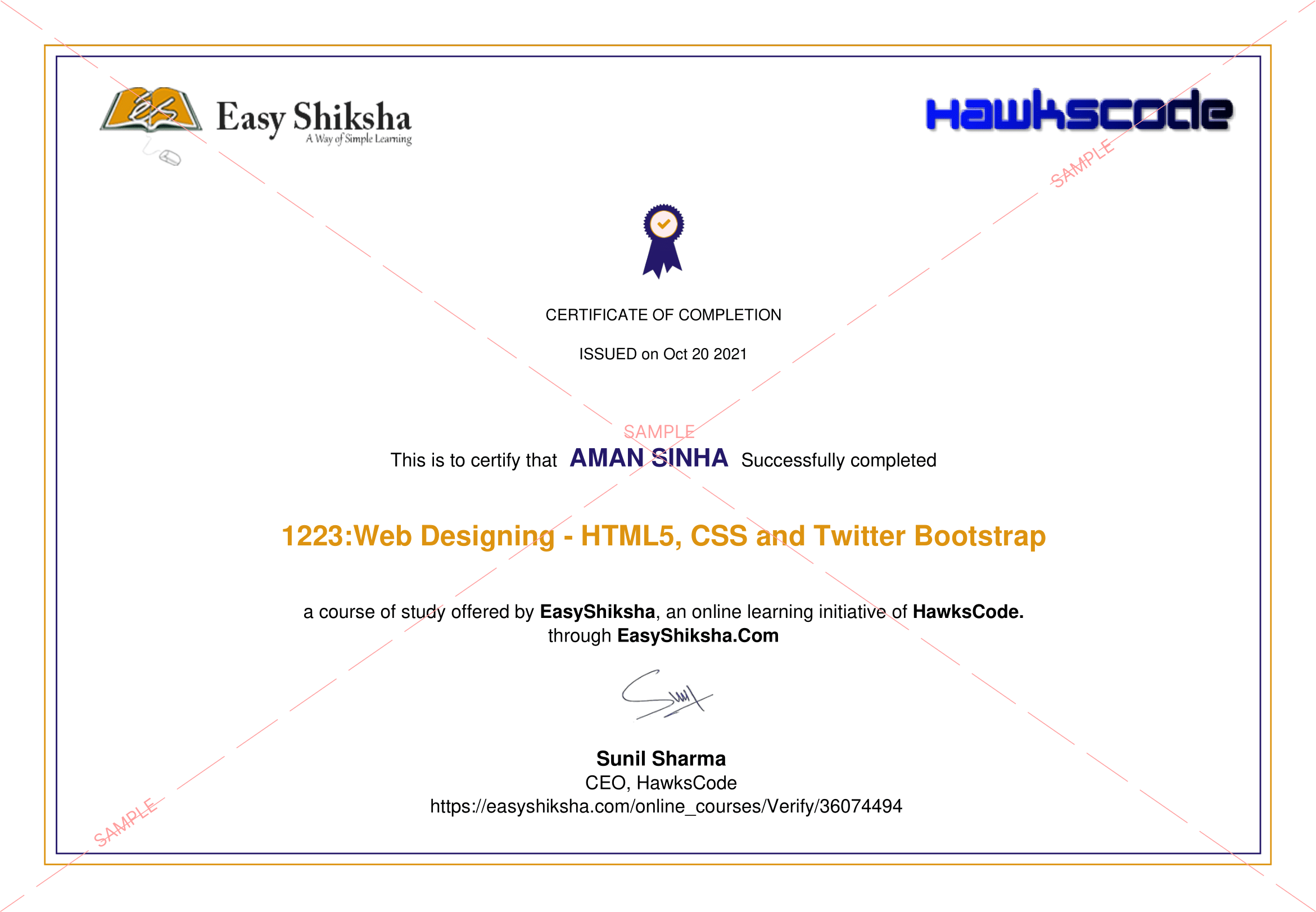
 2 Certificates (Course + Internship)
 Lifetime Access
 1 Quiz + Assignments
 Mobile & Desktop Access




Why This Course and Internship Stands Out
See exactly what separates EasyShiksha students from everyone else
 Watching scattered YouTube
videos with no structure
No certificate — nothing to show
employers
No internship experience on
resume
Wasting months without clear
direction
Struggling to stand out in job
applications
No proof of practical skills
Structured, beginner-to-advanced
learning path
Verified certificate — shareable
on LinkedIn
Real internship offer letter for
your resume
Go from zero to job-ready in one
programme
Resume-ready experience before
graduation
Practical projects you can show
any recruiter
Watching scattered YouTube
videos with no structure
No certificate — nothing to show
employers
No internship experience on
resume
Wasting months without clear
direction
Struggling to stand out in job
applications
No proof of practical skills
Structured, beginner-to-advanced
learning path
Verified certificate — shareable
on LinkedIn
Real internship offer letter for
your resume
Go from zero to job-ready in one
programme
Resume-ready experience before
graduation
Practical projects you can show
any recruiter
Internship Opportunity Included With This Course
"This is not just a course — it's real career experience. Walk away with documents that prove your skills to any employer."




This Course is Perfect For
Whether you're starting from scratch or switching careers — this course is designed with your success in mind.








- What are the various tips to improve presentation skills?
- To create an effective presentation, we should understand our audience. Why?
- How can we use body language and voice effectively during the presentation?
- How and why should we vary our tone and pace during the presentation?
- What purpose is served if we use stories and anecdotes in our presentation?
- Why should we use humor in presentation?
- Why we should not use complex language during the presentation?
- What should we do if we do not know the answer to the question asked by the audience during the presentation?
- We should use active or passive voice during presentation. Comment.
- What is the meaning of rhetorical question? Why is it used during presentation?
- How can we deal with hecklers and negative feedback during presentation?
- As a presenter, we should display active listening during presentation. Why?
- How to handle difficult questions and challenges from our audience during our presentation?
- Why should we thank the audience for their questions and challenges. Why?
- Why should we start our presentation with a strong opening?
- We should use a consistent design throughout our presentation. Comment.
- Why should we use transitions in our presentation?
- We should end our presentation with a strong closing. Why?
- How should we do the practice of delivering presentation?
- What are those points on which we can seek feedback from our instructor on our presentation?
- What is the importance of feedback in the presentation process?
- How can we prepare ourselves for potential distractions during the presentation?
- Which type of visuals should be used for younger and older audience?
- Why should we not use low quality visuals in presentation?
- We should avoid too many visuals during presentation. Why?
- We should use appropriate font size in our presentation. Comment.
- What are the various tips to overcome nervousness and anxiety in our presentation?
- What is the benefit of positive self-talk?

 Missing this = losing the internship credential Missing this = losing your early-access advantage Missing this = falling behind candidates who did enroll



.svg?v1)
 Chat with us first →
 UPI
UPI
 Wallets
 Debit/ Credit card
 NetBanking
 EMIs
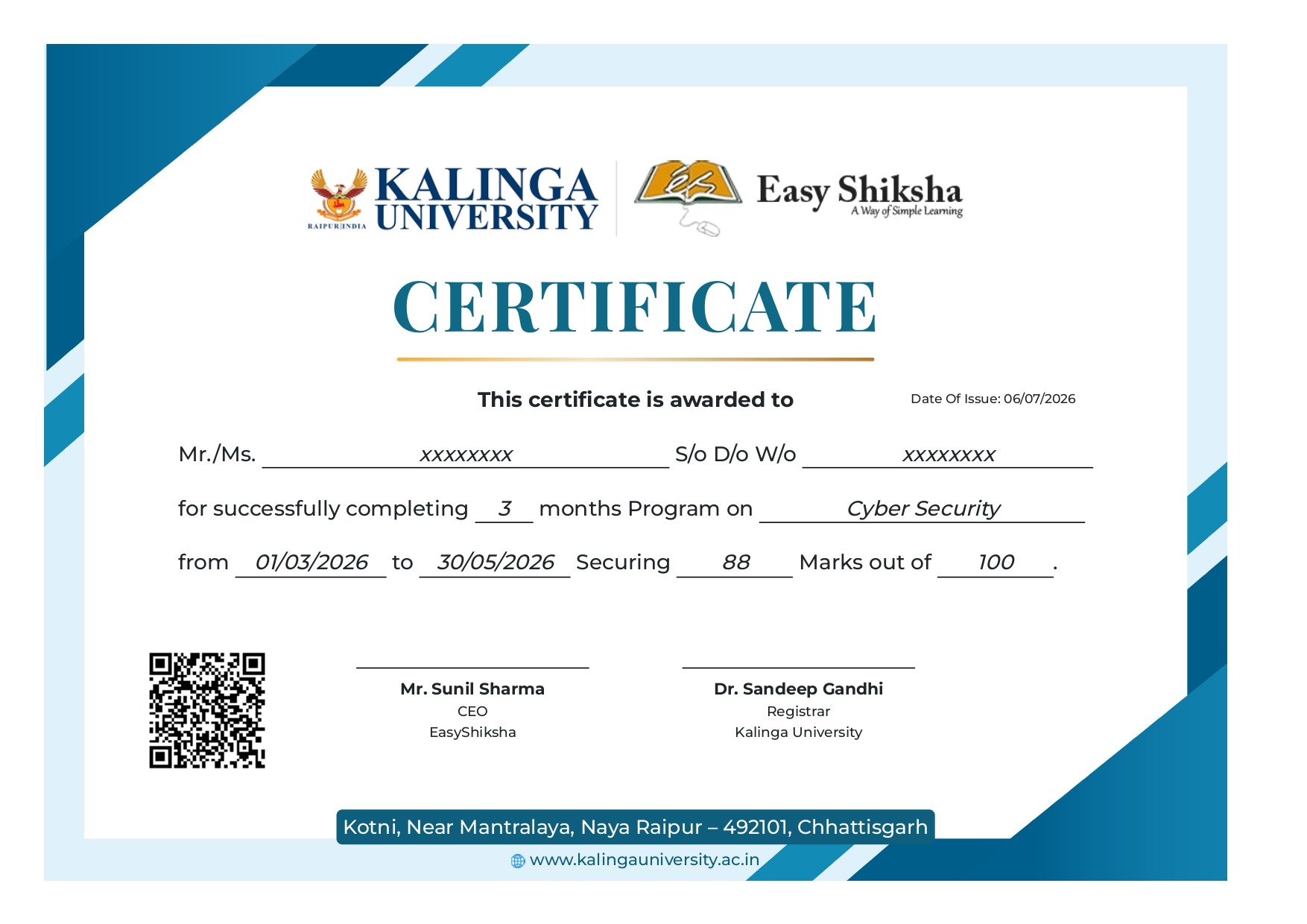
8 On-demand Videos Course Completion Certificate
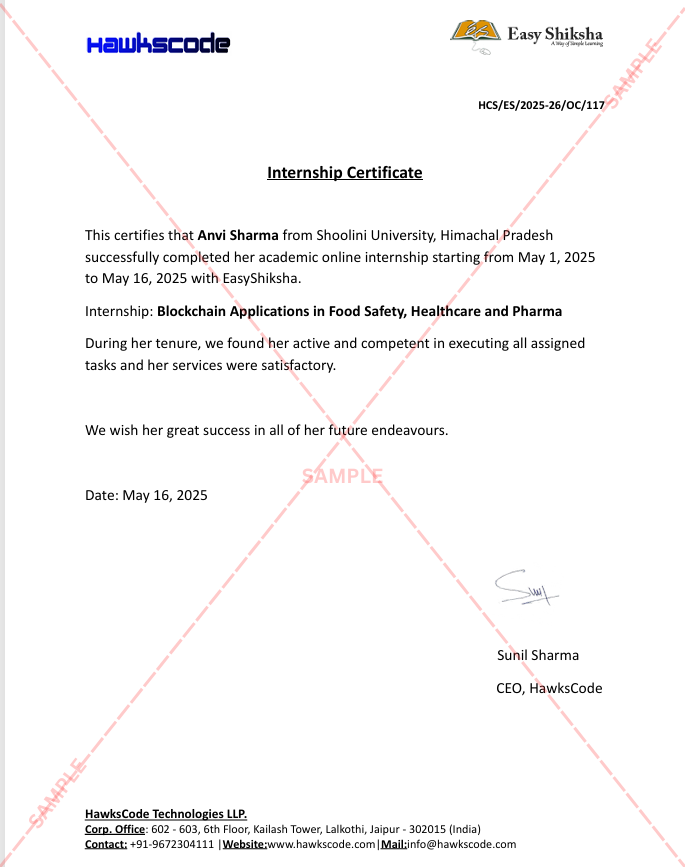
Internship Certificate
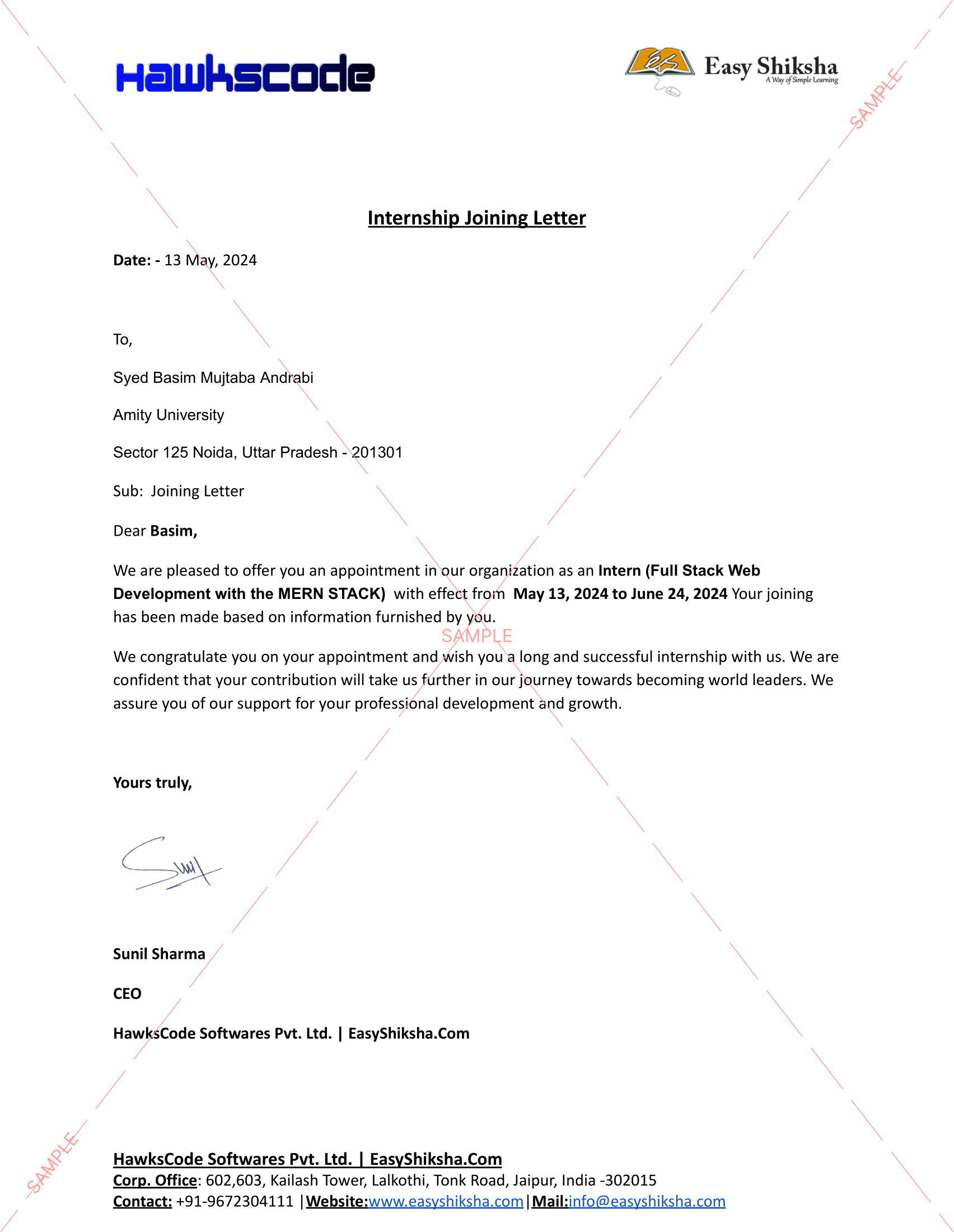
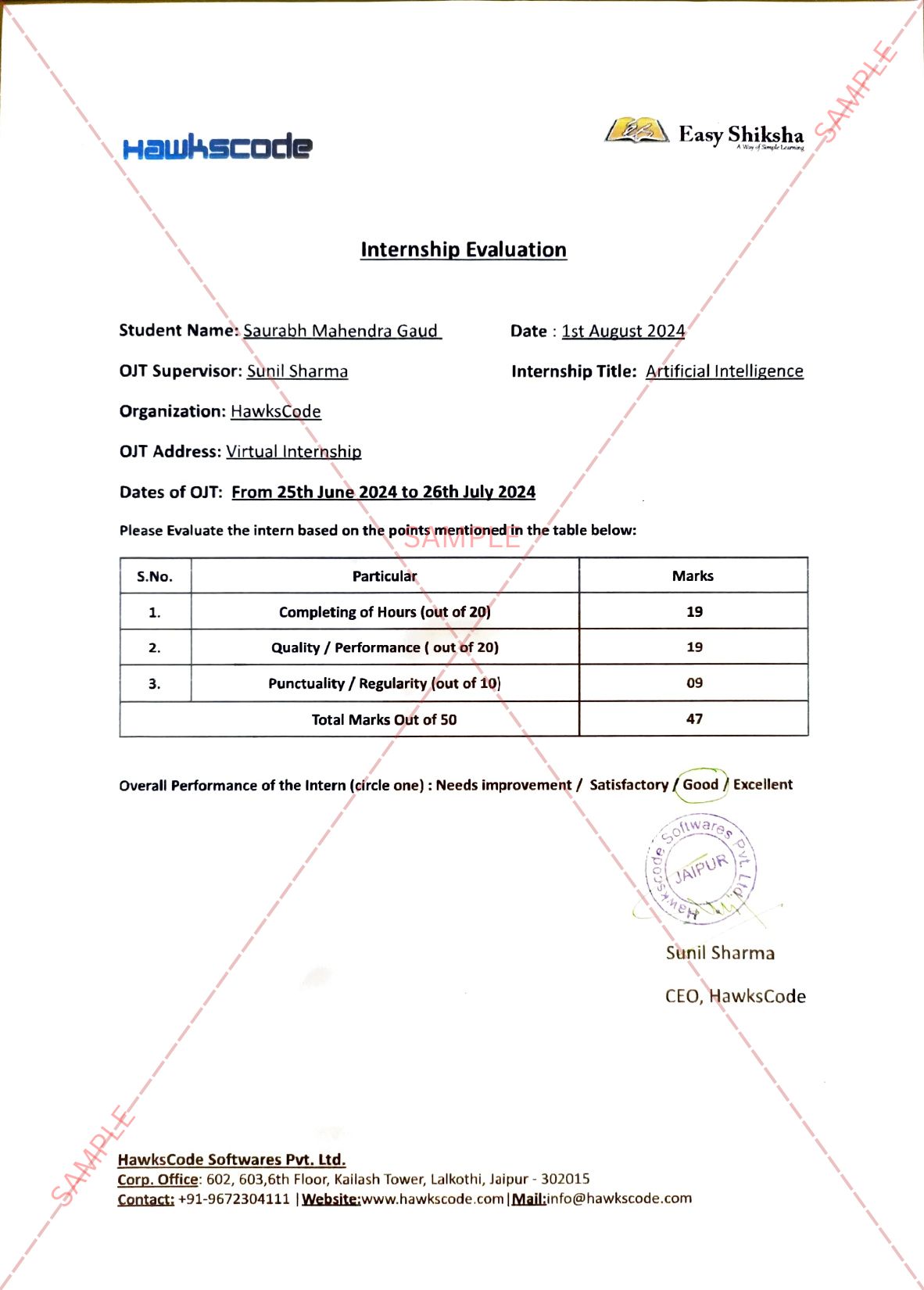
Internship Joining/Offer Letter
Letter of Appreciation (LOA)
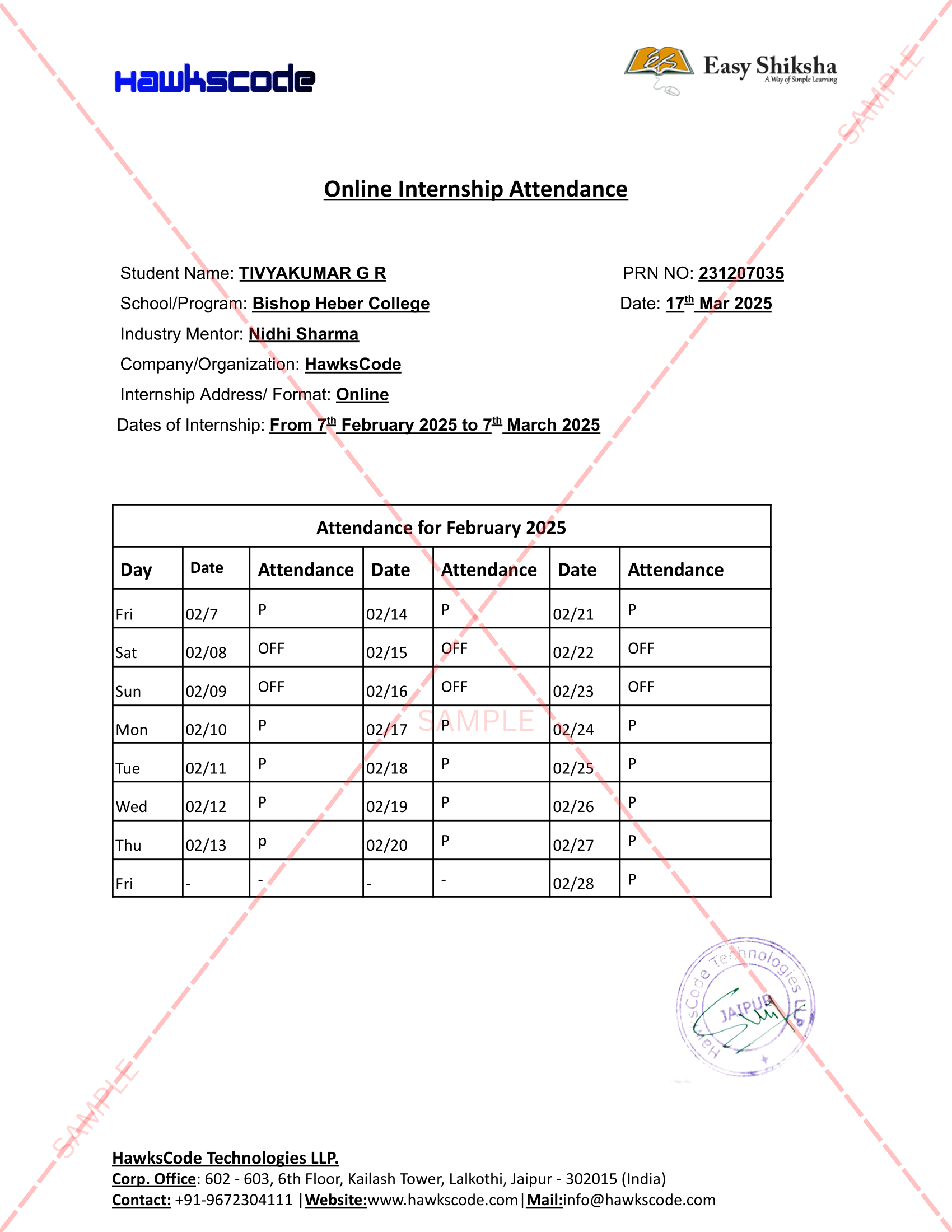
Internship Attendance Report
Internship Evaluation Report
Internship Certificate Hard Copy
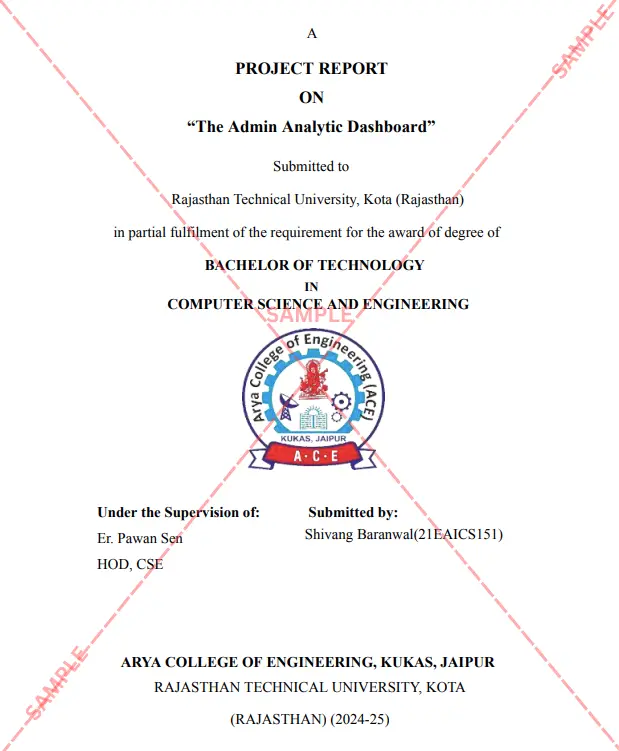
Project Report Assitance
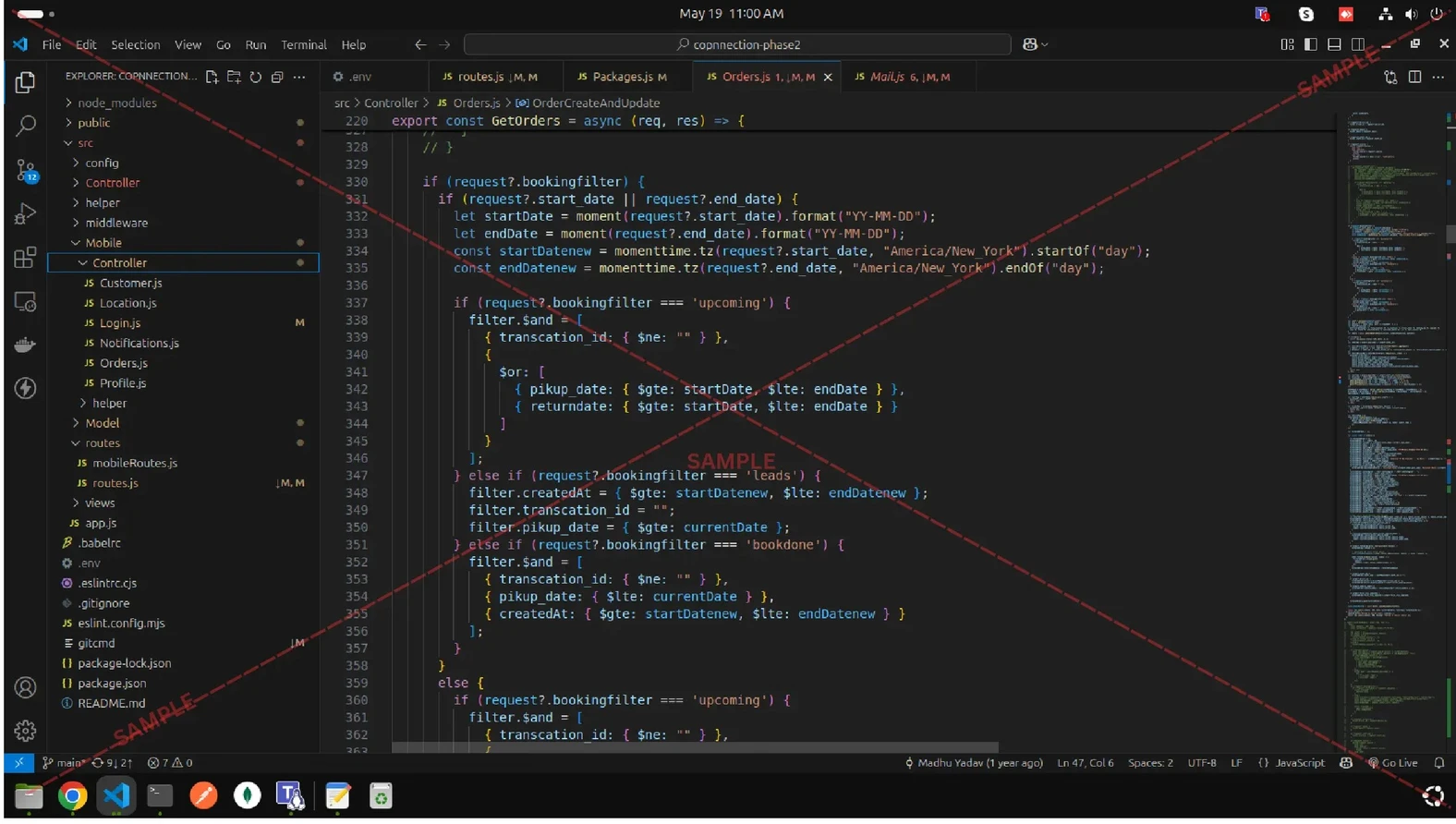
Internship Project Assitance
1:1 Live Mentor Call
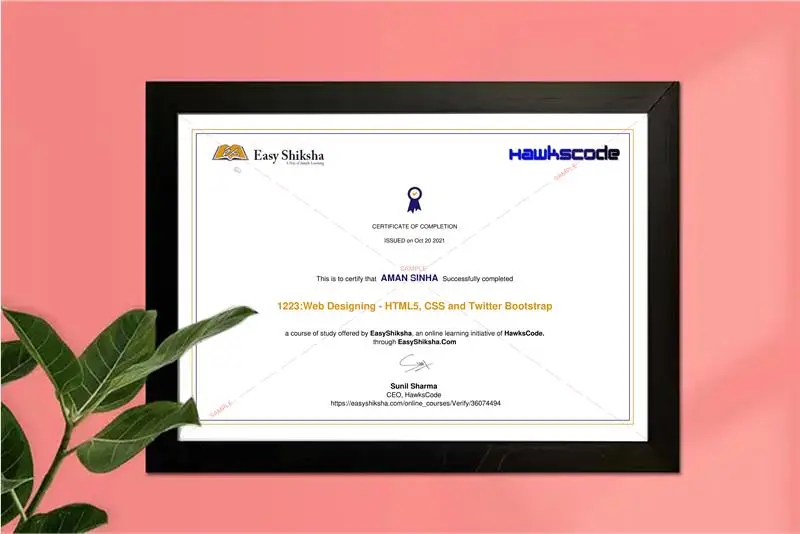
Course Certificate in Elegant Wooden Frame
2 Certificates (Course + Internship) Lifetime Access Projects & Assignments 1 Quiz + Assignments
EMIs
8 On-demand Videos Course Completion Certificate
Internship Certificate
Internship Joining/Offer Letter
Letter of Appreciation (LOA)
Internship Attendance Report
Internship Evaluation Report
Internship Certificate Hard Copy
Project Report Assitance
Internship Project Assitance
1:1 Live Mentor Call
Course Certificate in Elegant Wooden Frame
2 Certificates (Course + Internship) Lifetime Access Projects & Assignments 1 Quiz + Assignments
Why Start Now?
The Opportunity Won’t Wait.
Every day you delay is a missed opportunity to grow your skills. Learners who start today gain the advantage — whether it's building skills, improving careers, or unlocking new opportunities.
Still Thinking?
Here's everything that makes this a no-brainer:
No prior experience needed — start from absolute zero Beginner friendly — explained step by step Risk-free — 30-day full refund guarantee One-time payment — access forever Student-friendly pricing — see details at checkout Real internship certificate includedWhat Happens After You Enroll?
From payment to certificate — here's exactly what to expect
 Secure Payment
 Instant Access
30-Day Refund
2 Certificates
Instant Access
30-Day Refund
2 Certificates
Imagine After Completing This Course
Picture yourself 30 days from now — with skills, experience, and credentials that open real doors.




 Includes Internship