






Mastering macOS: Design, Security, Workflow & Ecosystem Guide
Master macOS to optimize workflows, secure systems, and lead enterprise or creative projects with expert platform strategy and hands-on expertise.
#1 Most Popular Online Course & Internship in Electronics You can enroll today & get certified from EasyShiksha & HawksCode.
 Build real-world projects
Internship with certificate
Resume-ready experience
Beginner to advanced
Lifetime access
Interview prep included
Build real-world projects
Internship with certificate
Resume-ready experience
Beginner to advanced
Lifetime access
Interview prep included
 Updated October 19, 2026
Join 5,00,000+ students already enrolled worldwide
No risk — 30-day full refund guarantee
Start instantly after payment — access in seconds
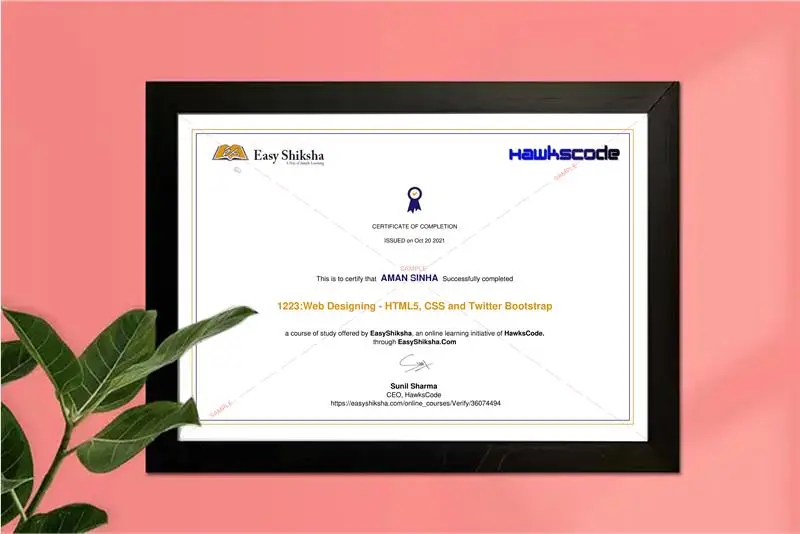
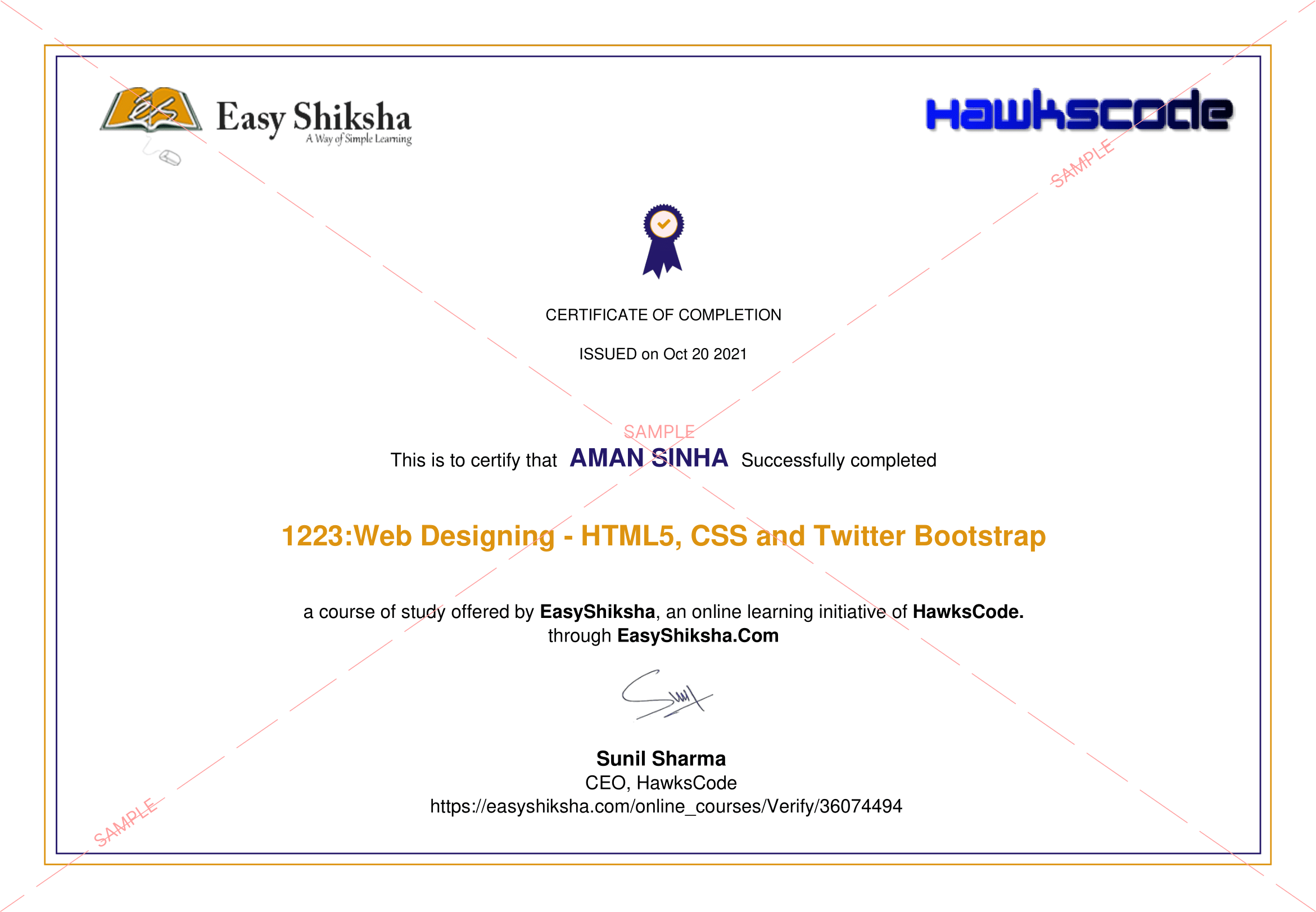
Certificate + Internship Joining Letter included
Updated October 19, 2026
Join 5,00,000+ students already enrolled worldwide
No risk — 30-day full refund guarantee
Start instantly after payment — access in seconds
Certificate + Internship Joining Letter included

 Free Preview
 101 On-demand Videos
 Internship Joining Letter
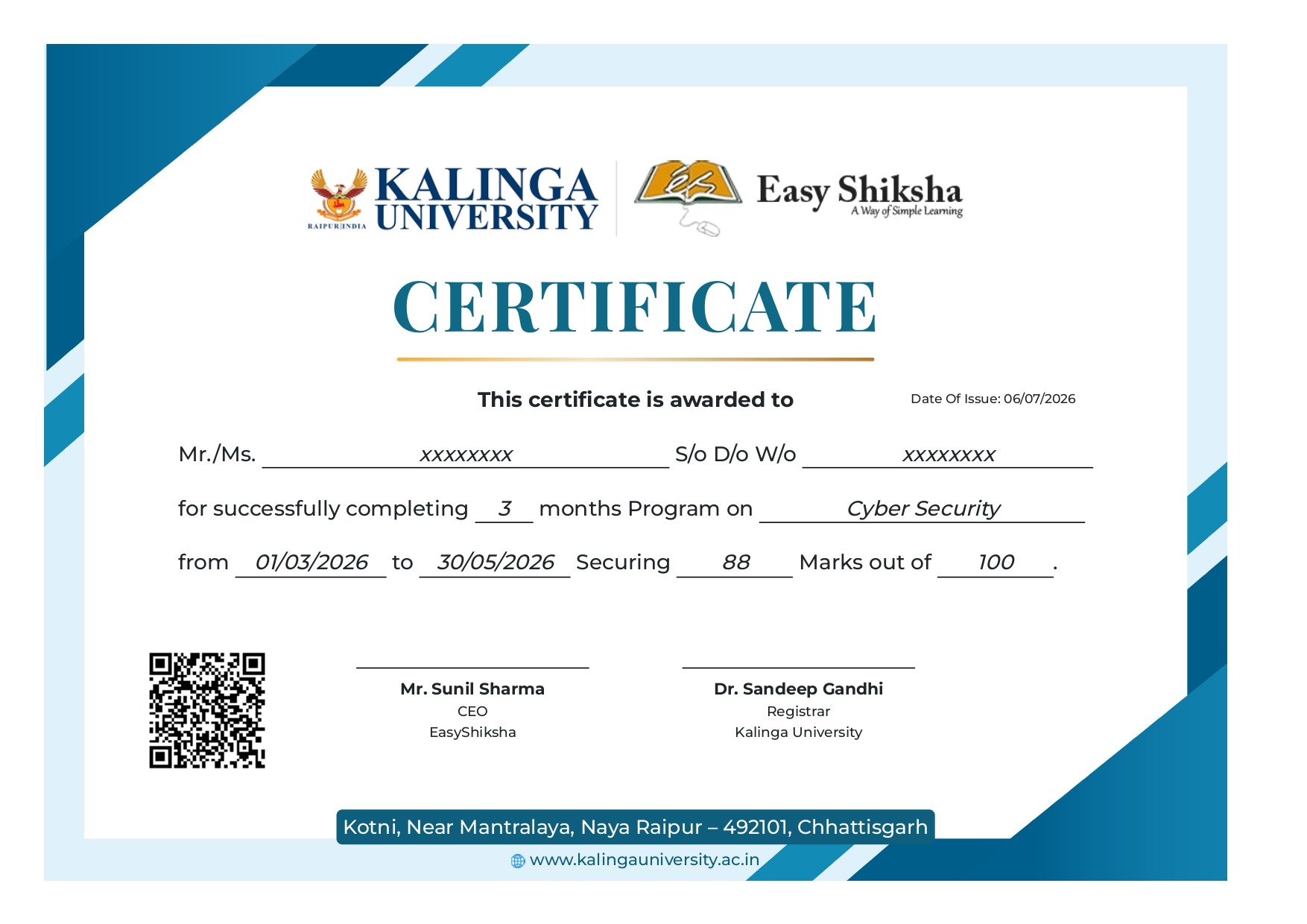
 2 Certificates (Course + Internship)
 Lifetime Access
 1 Quiz + Assignments
 Mobile & Desktop Access




Why This Course and Internship Stands Out
See exactly what separates EasyShiksha students from everyone else
 Watching scattered YouTube
videos with no structure
No certificate — nothing to show
employers
No internship experience on
resume
Wasting months without clear
direction
Struggling to stand out in job
applications
No proof of practical skills
Structured, beginner-to-advanced
learning path
Verified certificate — shareable
on LinkedIn
Real internship offer letter for
your resume
Go from zero to job-ready in one
programme
Resume-ready experience before
graduation
Practical projects you can show
any recruiter
Watching scattered YouTube
videos with no structure
No certificate — nothing to show
employers
No internship experience on
resume
Wasting months without clear
direction
Struggling to stand out in job
applications
No proof of practical skills
Structured, beginner-to-advanced
learning path
Verified certificate — shareable
on LinkedIn
Real internship offer letter for
your resume
Go from zero to job-ready in one
programme
Resume-ready experience before
graduation
Practical projects you can show
any recruiter
Internship Opportunity Included With This Course
"This is not just a course — it's real career experience. Walk away with documents that prove your skills to any employer."




This Course is Perfect For
Whether you're starting from scratch or switching careers — this course is designed with your success in mind.







This course uses elements of Artificial IntelligenceAre you ready to reimagine your mastery over desktop computing and become an expert in the powerful world of macOS? As enterprises, creatives, and educators worldwide increasingly turn to Apple’s platform, understanding the deep design philosophies and advanced capabilities of macOS is not just an advantage—it’s a necessity. Research shows organizations adopting best practices in platform integration see productivity increases of 25% or more, and individuals who understand both the history and nuances of systems like macOS become leaders in technology-driven fields.
Our team brings together years of hands-on industry experience, research, and involvement in Apple’s ecosystem evolution. Whether your aspirations lie in advanced technical roles, organizational IT leadership, creative production, education, or modern enterprise management, this comprehensive course empowers you to command macOS as both a powerful tool and a strategic platform.
Why Study macOS in Depth, Right Now?
The macOS platform has transformed how billions work, create, collaborate, and innovate. Its unique blend of security, design, accessibility, and seamless hardware integration has given rise to industry shifts—from studio production workflows to enterprise deployments and global-scale collaboration. As the digital landscape constantly evolves, mastering the underlying philosophies and architecture of macOS equips you to stay ahead, adapt quickly, and leverage technology for lasting impact.
What Sets This Course Apart?
We don’t just teach the “how”—we guide you through the “why” behind macOS: the historical threads, the design intentions, the real-world challenges, and the lived experiences that shape your daily interactions and future projects. Through a blend of rigorous analysis, interactive deep-dives, hands-on projects, and curated case studies, you’ll unlock a rare behind-the-scenes perspective often reserved for platform engineers and leading tech strategists.
From exploring the influence of NeXTstep on macOS, through analyzing AI/ML emergence and anticipating cross-platform futures, to practical strategies for migration and deployment, you’ll develop robust, portfolio-ready expertise.
Your Journey Through the macOS Platform Ecosystem
*1. Framing the Past to Empower Your Future*:
Your journey begins with a lens on the early history of Apple’s operating systems—the seeds of innovation sown long before macOS became a household name. You’ll retrace the pivotal role of NeXTstep in setting the architectural and philosophical bedrock for macOS. Using real case studies, analyze how major generational shifts, like the transition to macOS X and Apple Silicon, catalyzed change across the creative industries and redefined industry standards.
*2. The Heart of macOS Identity — Design Philosophy*:
Understand why macOS remains beloved across user groups. Explore how Apple finds equilibrium between simplicity and power, creating interfaces that are instantly intuitive yet deliver deep professional control. We unpack security-centric design, performance principles, platform consistency, and inclusivity—demonstrating how these philosophies drive loyalty, creativity, and accessible user experiences for global, cross-profession audiences.
*3. Under the Hood — Architectural Mastery*:
Go beyond surface-level engagement. Grasp macOS’s layered architecture, kernel-to-user interface pathways, and robust memory and process management that guarantee stability and security. Discover the evolution of the file system, the seamless integration of advanced graphics and audio subsystems, and practical architectural considerations tailored to professional workflows—the knowledge every IT leader, developer, and power user must possess.
*4. Security and Privacy — A New Standard*:
Dive into Apple’s world-renowned security posture. Analyze system integrity, sandboxing, and privacy-first design choices that set benchmarks for the industry. Discover how biometric integration and hardware-based security like the Secure Enclave protect users and organizations, illustrated through reflections and strategies adopted by leading enterprises.
*5. High Performance, Low Footprint — System Optimization*:
Delve into groundbreaking macOS performance innovations. Learn how resource scheduling, energy optimization, and hardware-aware programming ensure battery longevity, thermal reliability, and high throughput across devices—from MacBook Airs in classrooms to Mac Pros in rendering farms. Through enterprise case studies, see how performance is optimized in resource-constrained global deployments.
*6. Human-Centered Computing — Multi-User and Accessibility*:
macOS has set the bar for inclusive, multi-user, and accessible computing. This module explores the philosophy and technical underpinning of personalization (without compromising privacy), industry-leading assistive technologies, and universal access features. You’ll review hands-on tools for integrating accessibility into workflows, and master techniques for designing and supporting diverse user bases.
*7. Interface Excellence — Interaction and Visual Language*:
Investigate the user interface paradigms that make macOS both elegant and functional. Examine gesture-driven navigation, customization capabilities, and the tension between personalization and platform uniformity. With each major OS release, learn how consistency is maintained—and why interface choices matter, especially in high-stakes creative projects.
*8. Seamless Professional Workflows*:
Unlock skills that supercharge productivity. Learn how inter-application communication and services are engineered for rapid handoffs and cross-device collaboration. Get practical with drag-and-drop functionality, sharing frameworks, and shortcut mechanisms that empower professionals in multimedia studios, research labs, and enterprise project teams. A workflow analysis project solidifies your expertise for portfolio demonstrations.
*9. Industry Focus — Creative, Scientific, Educational, and Enterprise Use*:
Explore how macOS underpins creative content creation, advanced scientific research, modern classrooms, and enterprise operations. Real-world success stories and practical scenarios bring to life how simplicity, security, and robust hardware support diverse, demanding industry needs, helping you position yourself as a cross-sector digital leader.
*10. Hardware Synergy — Beyond the Desktop*:
You’ll unlock the technical brilliance and business strategy behind Apple’s holistic hardware-software integration. Explore everything from system design philosophy to peripheral support and emerging device paradigms. Through a deep-dive case analysis of music production studios, understand why this synergy translates into reliability, innovation, and competitive advantage.
*11. The macOS Ecosystem — More Than a System*:
Step into the future of device synergy. Learn to orchestrate seamless transitions across Mac, iPhone, iPad, and wearables, empowering users and teams for peak productivity. Discover how iCloud, messaging, and digital identity work together for a unified experience, using a real distributed team as a case study in cross-device, cross-location collaboration.
*12. Empowering Developers and Innovators*:
Get hands-on with the full developer ecosystem—from app creation and open-source engagement to navigating the App Store’s rigorous quality, security, and business architecture. Unlock critical knowledge about application signing, gatekeeping, and trust, showcased through inspiring stories of developers who scale and succeed in the macOS world.
*13. Customization and End-User Empowerment*:
macOS is not one-size-fits-all. You’ll gain expertise in unlocking and configuring both default experiences and advanced options, walking the balance between accessibility and complexity. Review third-party tool frameworks, and study customization in professional design environments, giving you the skills to tailor macOS for any user or organization.
*14. Usability and Transition Management*:
Master onboarding, cognitive load reduction, and transition strategies for macOS adoption—crucial for trainers, IT teams, and managers. You’ll assess design strategies through user testing and feedback loops, and use training resources to lead smooth migrations from other platforms.
*15. Scaling Up — Enterprise and Education at Scale*:
Navigate the challenges and opportunities of enterprise security, device management, and integration with non-Apple infrastructure. Analyze case studies in education policy and large-scale organizational migration, discovering optimal deployment and ongoing management strategies in any environment.
*16. Platform Evolution and Long-Term Strategy*:
Examine the philosophy guiding Apple’s update delivery, their balance of innovation and stability, and the lifecycle planning needed for organizations and individuals. Learn how user feedback, backward compatibility, and the pace of major releases inform decision-making and risk analysis.
*17. The Global macOS Landscape*:
macOS is a global player. Learn how localization and cultural adaptation drive user adoption, and how Apple navigates regulatory challenges around data sovereignty and security compliance. With our expertise, you’ll analyze global collaboration strategies, inclusive design approaches, and privacy/legal frameworks from an enterprise perspective.
*18. Competitive Analysis and Strategic Decisions*:
Gain the comparative insight needed for strategic platform adoption. See how macOS fares against competitors in various industries, analyze the total cost of ownership, and build a forward-looking tech stack roadmap. Manager interviews and real-world analysis equip you to make or advise on high-impact organizational technological shifts.
*19. Looking Forward — The Future of macOS*:
Anticipate emerging challenges by exploring next-generation system design, AI and machine learning trends, and the increasing importance of environmental sustainability in Apple’s direction. Develop the habits and mindset for lifelong technological adoption and agility.
*20. Reflection, Integration, and Professional Growth*:
In closing, synthesize design and user experience philosophies across the platform. Review user journeys, workflow integrations, and ecosystem implications for all stakeholders. Final projects, best practices, and resource pathways empower you to extend your expertise far beyond the course and contribute meaningfully to teams, organizations, and communities.
Active Learning for Real-World Impact
Throughout the course, theory meets practice:
- Interactive Quizzes and Critical Reflection: Reinforce understanding at each major milestone.
- Portfolio-Building Projects: Examples include designing a professional workflow integration, leading a simulated organization-wide migration, and presenting a case analysis of macOS security implementation in enterprise.
- Curated Case Studies: Real success stories contextualizing course themes in industries from creative agencies to global consultancy.
- Applied Assessments: Preparing you for both technical interviews and executive discussions.
Who Will Benefit Most?
This course is meticulously crafted for IT professionals, digital creators, system administrators, enterprise strategists, educators, and consultants seeking to position themselves at the forefront of platform strategy, digital productivity, and system optimization. Whether you’re migrating teams, designing apps, leading complex creative projects, or researching future technology adoption, you’ll gain a depth of insight few courses can deliver.
Your Next Step: Become a Leader in Platform Strategy and Digital Enablement
Don’t settle for superficial understanding. Immerse yourself in the ideas, techniques, and philosophies that make macOS a defining force in modern computing. With our guidance, you’ll not only understand how and why macOS works the way it does—but also become equipped to shape the future of digital work, creativity, and innovation.
Join us and unlock the full spectrum of macOS—history, architecture, security, productivity, and forward-looking expertise—for your portfolio, your teams, and your career.
 Unlock 99 More Lessons + Internship Access

 Missing this = losing the internship credential Missing this = losing your early-access advantage Missing this = falling behind candidates who did enroll



.svg?v1)
 Chat with us first →
 UPI
UPI
 Wallets
 Debit/ Credit card
 NetBanking
 EMIs
101 On-demand Videos Course Completion Certificate
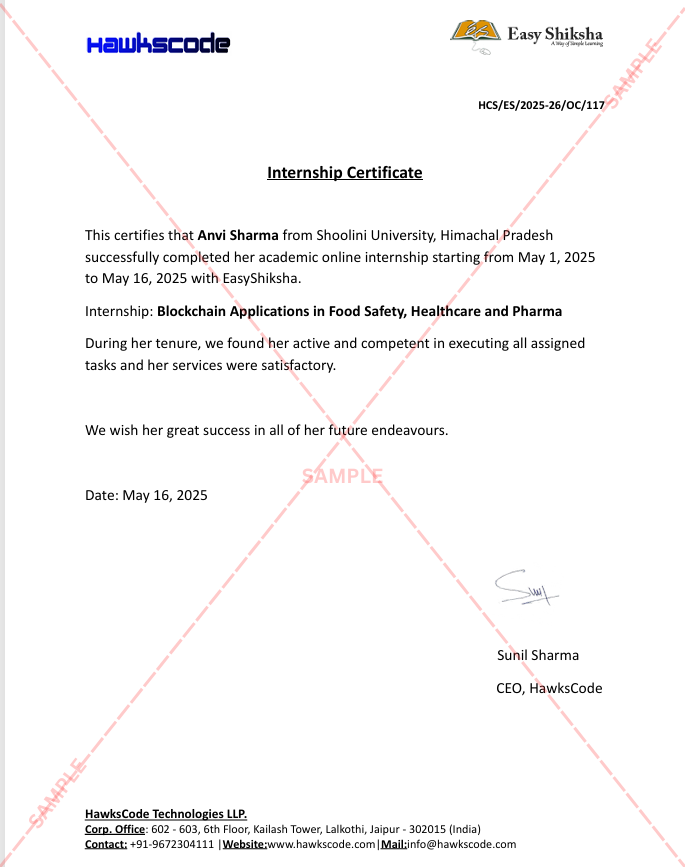
Internship Certificate
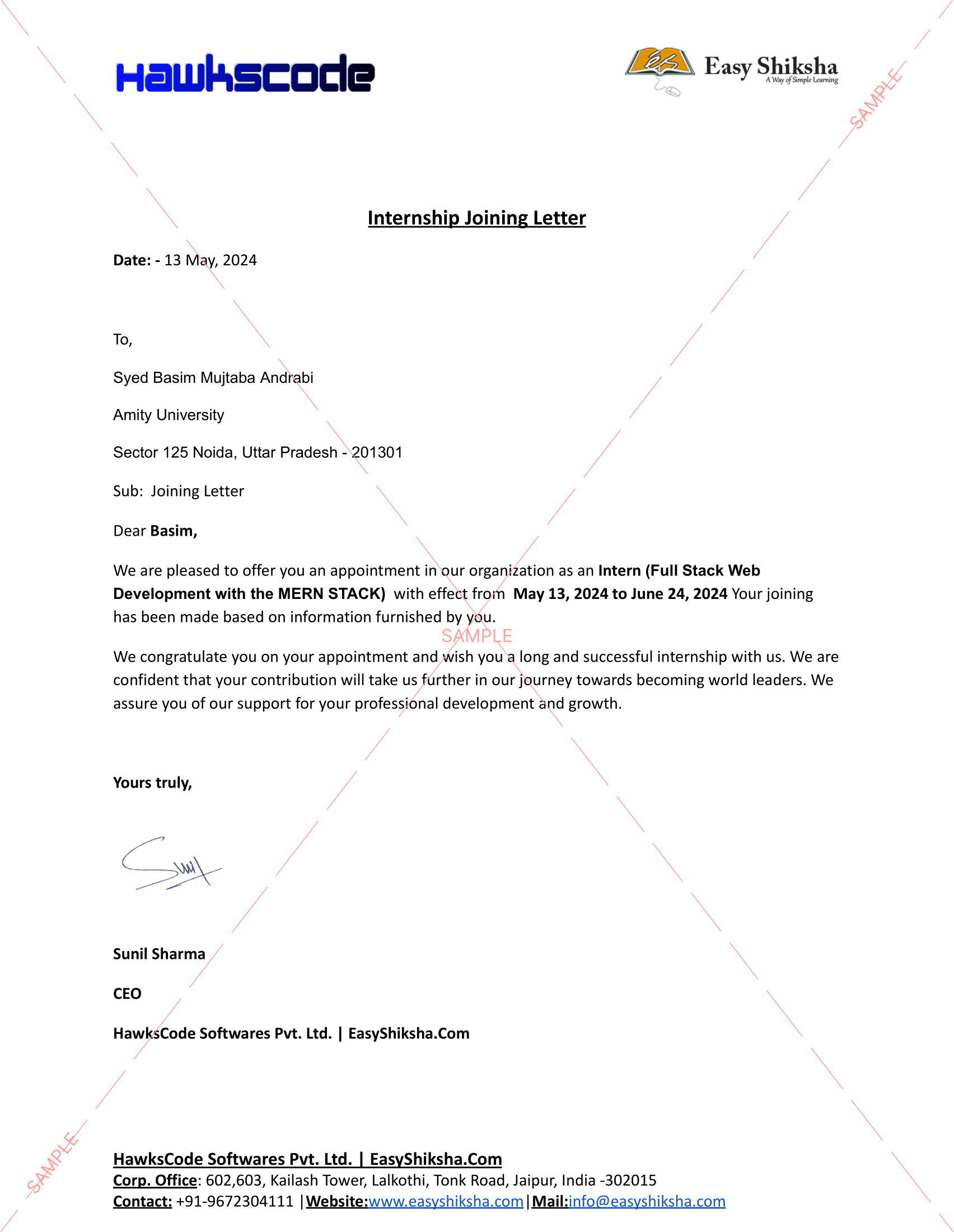
Internship Joining/Offer Letter
Letter of Appreciation (LOA)
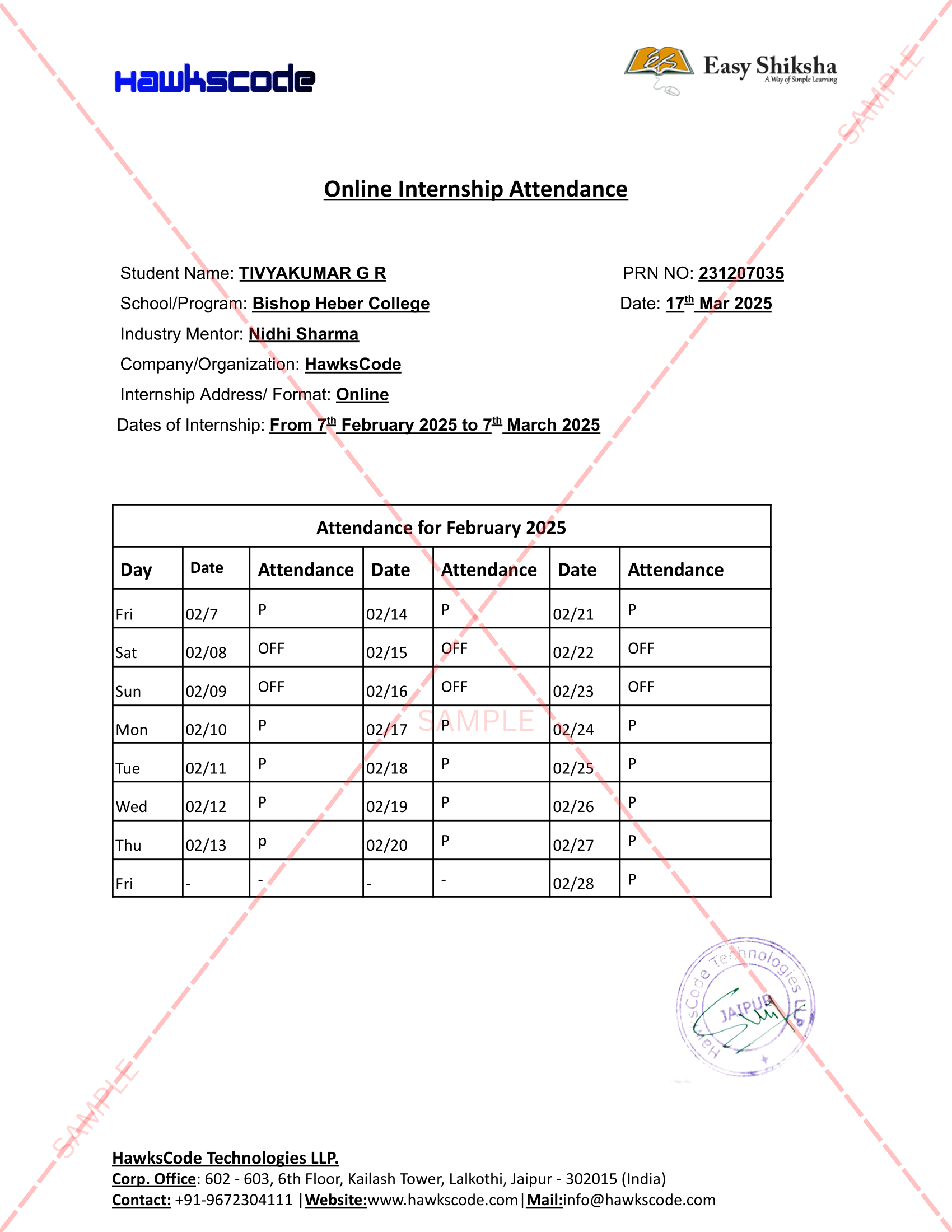
Internship Attendance Report
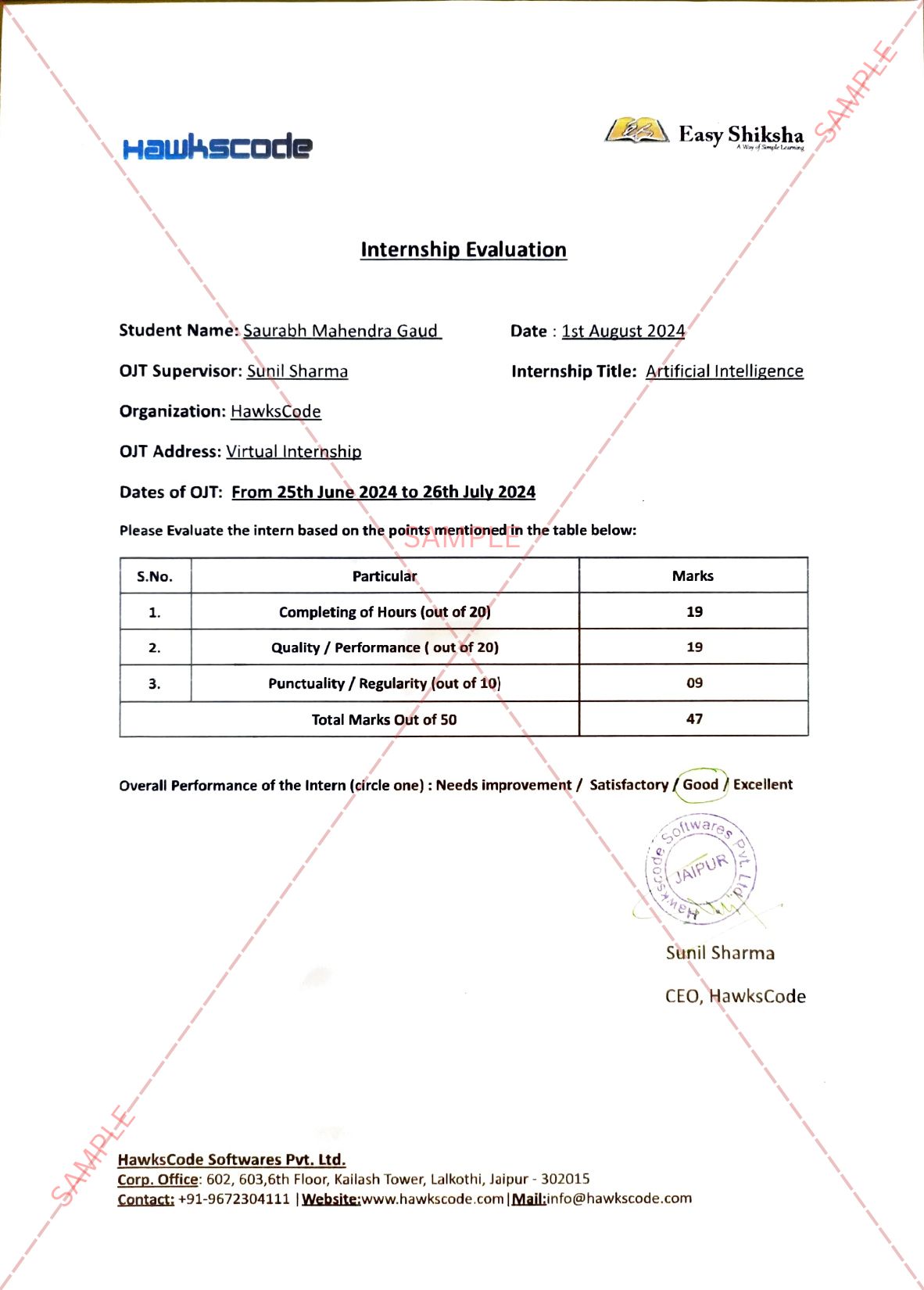
Internship Evaluation Report
Internship Certificate Hard Copy
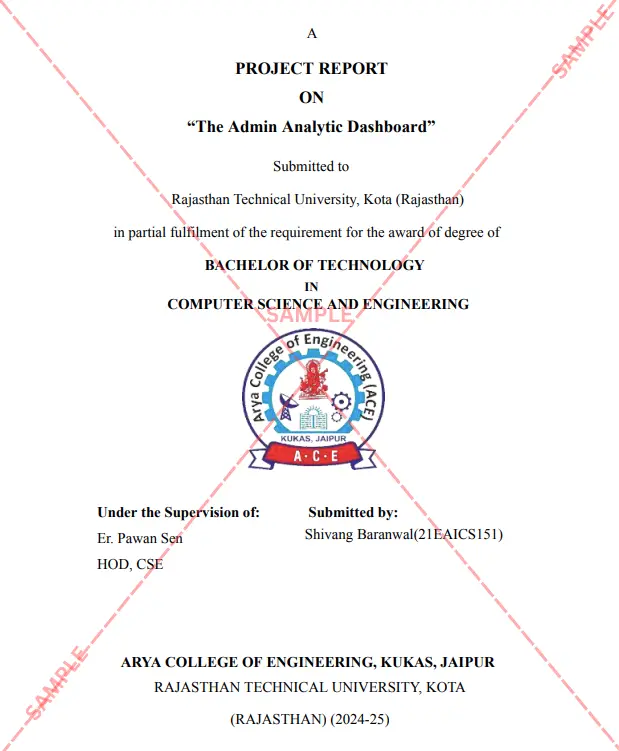
Project Report Assitance
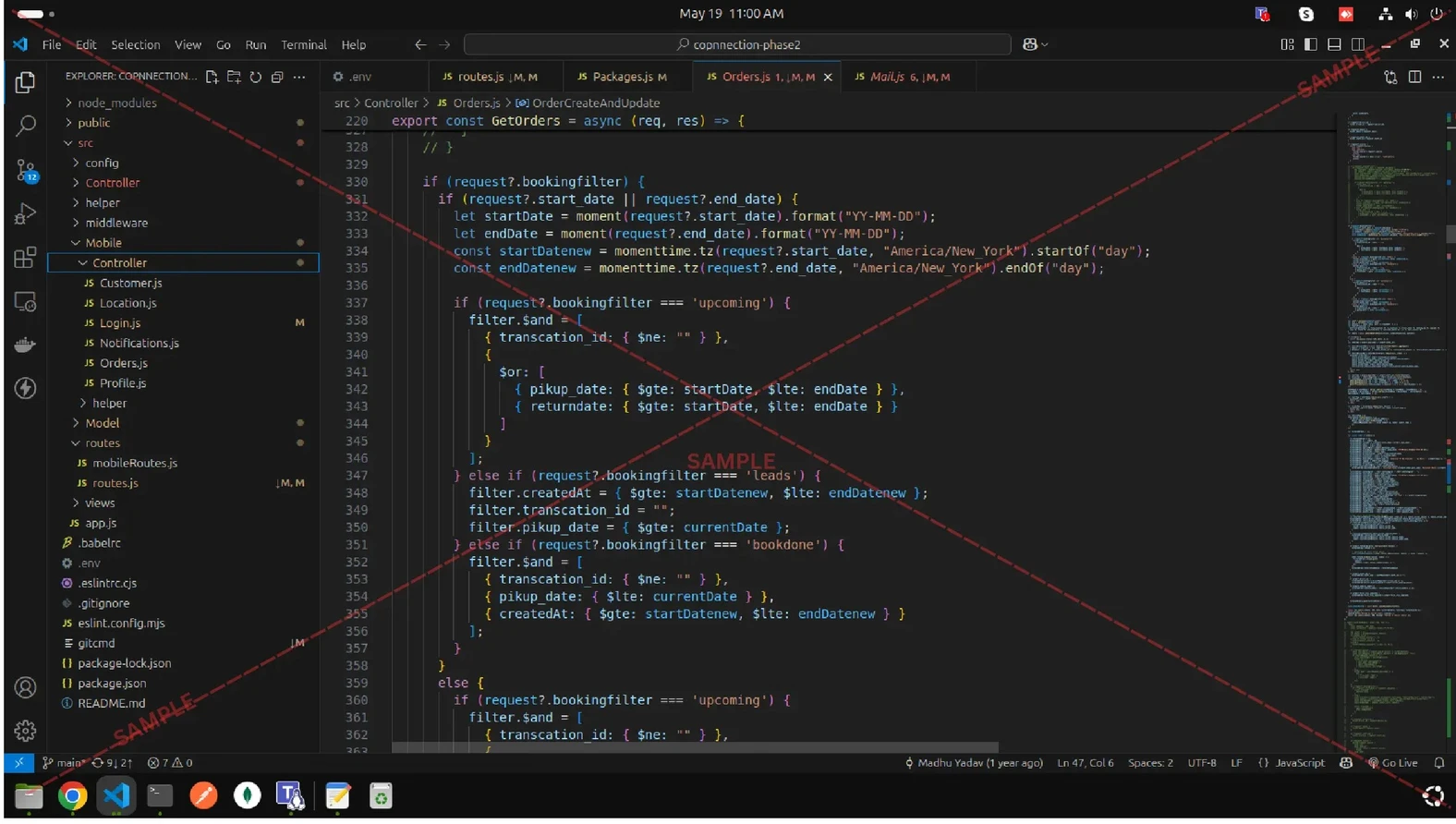
Internship Project Assitance
1:1 Live Mentor Call
Course Certificate in Elegant Wooden Frame
2 Certificates (Course + Internship) Lifetime Access Projects & Assignments 1 Quiz + Assignments
EMIs
101 On-demand Videos Course Completion Certificate
Internship Certificate
Internship Joining/Offer Letter
Letter of Appreciation (LOA)
Internship Attendance Report
Internship Evaluation Report
Internship Certificate Hard Copy
Project Report Assitance
Internship Project Assitance
1:1 Live Mentor Call
Course Certificate in Elegant Wooden Frame
2 Certificates (Course + Internship) Lifetime Access Projects & Assignments 1 Quiz + Assignments
Why Start Now?
The Opportunity Won’t Wait.
Every day you delay is a missed opportunity to grow your skills. Learners who start today gain the advantage — whether it's building skills, improving careers, or unlocking new opportunities.
Still Thinking?
Here's everything that makes this a no-brainer:
No prior experience needed — start from absolute zero Beginner friendly — explained step by step Risk-free — 30-day full refund guarantee One-time payment — access forever Student-friendly pricing — see details at checkout Real internship certificate includedWhat Happens After You Enroll?
From payment to certificate — here's exactly what to expect
 Secure Payment
 Instant Access
30-Day Refund
2 Certificates
Instant Access
30-Day Refund
2 Certificates
Imagine After Completing This Course
Picture yourself 30 days from now — with skills, experience, and credentials that open real doors.




 Includes Internship