


Join thousands of students achieving their dreams with expert-led courses.
Join free and unlock everything on EasyShiksha.
Takes less than 3 seconds — no password needed
Please enter a valid email address.
Checking your email…
Almost done — just verify your number so we can send course updates and certificates.
Used only for verification & updates
Incorrect OTP. Please try again.
Takes less than 10 seconds
Please select your country.
Please select your state.

Best Android emulators for PC and Mac of 2020
If you’re looking to run Android on your Windows PC, there’s no shortage of emulators available today. For those who are wondering, there are numerous reasons why you might want to use an Android emulator on your Windows PC. For instance, Android developers can debug their apps right onto their desktop, gamers can enjoy Android-specific games on a larger screen and the list goes on. So, now that you see the various benefits of using Android emulators, it might be tempting to try one. Android phones are useful, portable, and creative but when it comes to regular use or long hours of use at a time, it cannot match computers. Here, the Emulator comes into the picture as it allows us to create a bridge between the user’s Android device and the computer's strong resources. It helps in reducing the lags of Android games, allows users to get access to computer controls, and mainly allows the users to use all their smartphone features on the computer and a much bigger screen. Best Android emulators for PC.
BlueStacks
Best Android emulator for PC, and it's hardly surprising given its quality and reliability. BlueStacks has been designed with ease of use in mind, and looks and feels just like Android on a tablet or smartphone. There are free and paid-for versions available. The free one includes some ads and the occasional sponsored app, but these are pretty discreet. BlueStacks is primarily about games and the interface is essentially a front end for downloading and installing them, but it's also possible to visit the Google Play Store and search for other apps. If you want to add apps and games from other sources, you have the option of using standalone APK files. Performance is decent assuming your hardware is reasonably powerful, making this a great way to bring Android to the big screen.
Nox
Like BlueStacks App Player, Nox is a fast, slick Android emulator for PC and Mac. If you're planning to use Nox for gaming, you'll be pleased to learn that you can use your favorite gamepad, and you have the option of mapping keys or buttons to perform various Android gestures. Nox gives you a stock version of Android, and while it's designed with gamers in mind, you can install other apps from the Google Play Store too. Nox is completely free, but it includes a number of great extras accessible from a vertical toolbar on the right-hand side of the window. Here you'll find screenshot and video recording shortcut, a link to a macro record, and the option to install software from APKs obtained from outside of Google Play.
GameLoop
GameLoop is another Android emulator that is primarily for use as a gaming platform. Among its most popular titles includes Call of Duty: Mobile and PUBG Mobile, with Tencent previously declaring it to be the official emulator for their COD games.There are other titles, of course, with other major titles such as Fortnite and Grand Theft Auto V available to play through the emulator, along with a host of other games. However, like Bluestack this is really the purpose of GameLoop - the title gives it away - so if you're looking to use mobile apps for business and office then this probably isn't the platform for you. However, if you're looking for easy access to major Android games on your desktop then GameLoop serves as a fine emulator.
I hope you like this blog, Best Android emulators for PC. To learn more visit HawksCode and Easyshiksha.
More News Click Here
New Courses
Opamp Projects: Design & Simulate Operational Amplifier Based Projects on Proteus & LTSpice Software
Biomedical Project: Design Digital Thermometer with Atmega32, Arduino & LM35 Temperature Sensor
Fusion 360 Learn CAD and Earn Money Online
Analog Electronic Lab Based Course on MOSFETs using MULTISIM








Discover thousands of colleges and courses, enhance skills with online courses and internships, explore career alternatives, and stay updated with the latest educational news..

Gain high-quality, filtered student leads, prominent homepage ads, top search ranking, and a separate website. Let us actively enhance your brand awareness.
Download EasyShiksha Mobile Apps from Android Play Store, Apple App Store, Amazon App Store, and Jio STB.
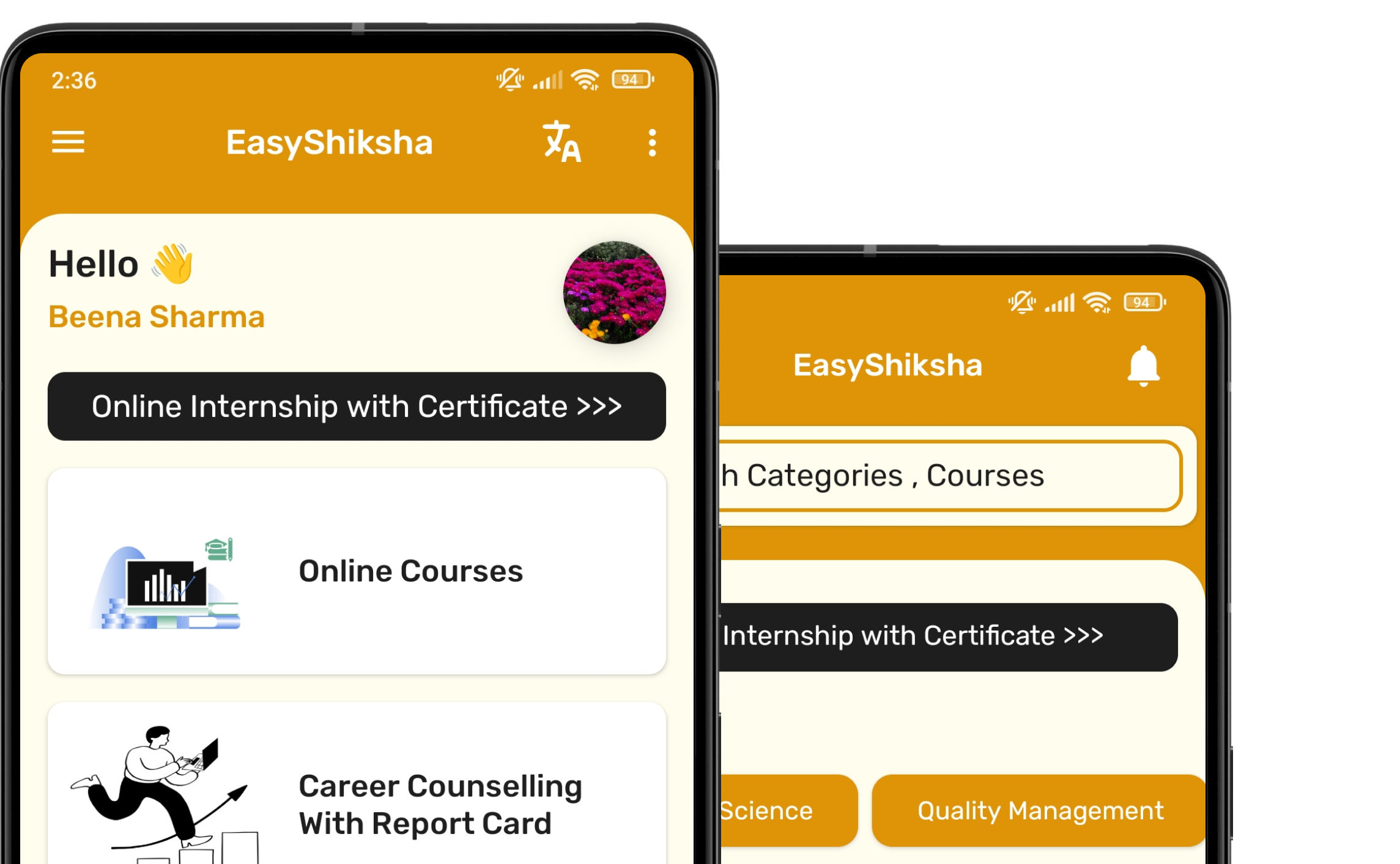


1 million+ learned on the EasyShiksha App
Trusted by Standards & Global Compliance Frameworks





Built under internationally recognized standards for quality, information security, educational excellence and business continuity.
ISO 9001:2015 | ISO/IEC 27001:2022 | ISO 21001:2018 | ISO 22301:2019 | DPIIT Recognized Startup | MSME Registered