UI/UX Design Internship Online with Certificate | Motion Design | EasyShiksha
Enroll in UI/UX Design Internship โ€” 83 Lessons + Motion Design + Dual Certificate! 11,200+ students enrolled  |  Course certificate + Internship certificate
Enroll Now
UI/UX Internship After Effects 3D Design 83 Lessons

UI/UX Design
Internship Online โ€”
Motion Design & Animation

EasyShiksha's UI/UX design internship gives you 83 lessons of Adobe After Effects โ€” animation, 3D design, masking, camera rigs, lighting & motion UI โ€” plus a real internship experience and two recognized certificates: course completion + internship.

No prior After Effects or design experience needed
Animation, graph editor, 3D scenes & camera rigs
Hands-on Creepy Logo project โ€” 7 dedicated lessons
Two certificates: course completion + internship
Render Complete!Arjun's UI animation โ€” Creepy Logo composited
UI/UX Design Studio โ€” After Effects
83Lessons
7Modules
4.8โ˜…Rating
2Certs
Skills Covered in This UI/UX Internship
Animation Graph Editor Masking 3D Design
Lighting Motion Blur Camera Rigs
AE Keyframe Timeline โ€” Live Preview
UI Layer
3D Camera
Motion Path
Lighting
AE Interface & Animation14 lessons ยท fundamentals
Graph Editor10 lessons ยท easing
Masking & Logo Project13 lessons ยท hands-on
3D Camera & Rigs17 lessons ยท spatial
2 Certificates Earned!UI/UX design course cert + internship cert

UI/UX Design Internship Certificate Recognized & Accepted By

UniversitiesCredit Accepted
Creative EmployersGlobally Valued
Govt. BodiesRecognized
LinkedInShare-Ready
WorldwideRecognized
Dual Certificate Advantage

One UI/UX Internship. Two Certificates. Real Design Career Impact.

EasyShiksha's UI/UX design internship gives you two globally recognized certificates from a single enrollment โ€” a course completion certificate AND a separate internship certificate โ€” opening doors to design roles that a portfolio alone cannot.

Certificate 1

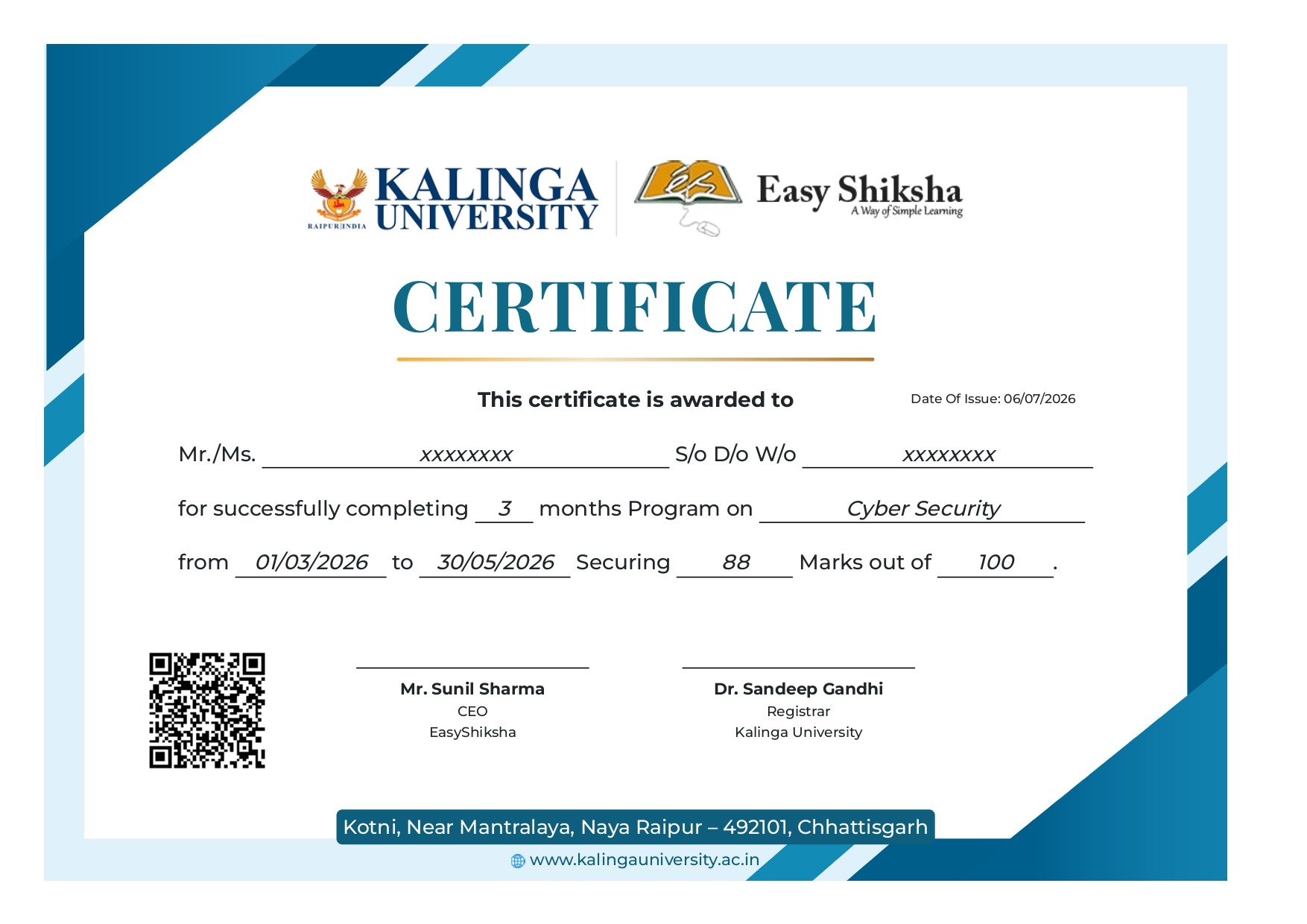
UI/UX Design Course Completion Certificate

Awarded on completing all 83 lessons of the After Effects beginner to advanced curriculum โ€” demonstrating technical motion design and UI animation skills including 3D design, camera rigs, masking, lighting, and motion blur.

Covers 83 lessons โ€” animation, graph editor, 3D, masking, lighting & motion blur
Globally recognized โ€” verifiable by creative employers and clients online
LinkedIn-ready under Licences & Certifications with a verifiable ID
Certificate 2

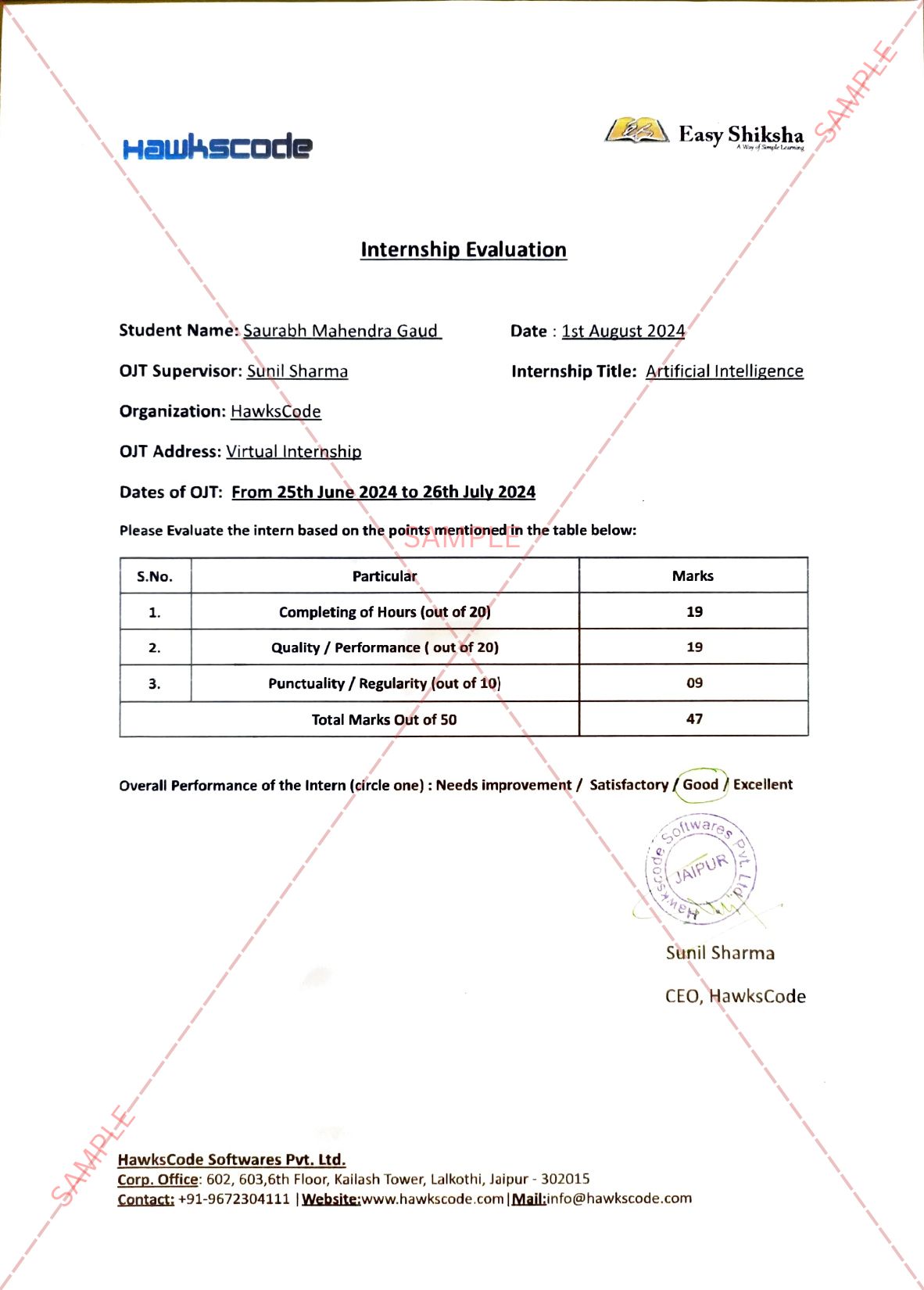
UI/UX Design Internship Certificate

Awarded for your real UI/UX design internship experience โ€” confirming practical motion design and animation work in a professional context. Design employers and agencies specifically look for this practical experience credential.

Confirms real UI/UX design internship work experience
Add to LinkedIn Work Experience โ€” visible to design recruiters
Globally recognized โ€” unique verifiable ID authenticated by employers
11,200+

Students Enrolled

2

Certificates Earned

83

Video Lessons

4.8/5

Average Rating

7 Design Modules

UI/UX & Motion Design โ€” Beginner to Advanced

From the After Effects interface and animation fundamentals through the graph editor, motion sketch, layers, masking, the hands-on Creepy Logo project, 3D camera rigs, lighting, and text animation โ€” a complete motion UI design curriculum.

Module 01

AE Interface & Animation Fundamentals

Introduction, preferences, tools panel, project panel, compositions, timeline, basic animation, keyframes, Bezier handles, editing motion paths, opacity, scaling, animating scale, rotation, anchor points, and transform hotkeys โ€” 14 lessons.

Module 02

Graph Editor & Motion Control

Auto keyframe mode, keyframe velocity, Easy Ease, smoothing animation, graph editor intro, working with the graph editor, value graph, speed graph, position values, hold keyframes, roving keyframes โ€” 10 lessons covering professional easing.

Module 03

Motion Sketch & Advanced Keyframes

Motion sketch, smoothing motion sketches, auto orient, wiggler, time reverse keyframes, and exponential scale โ€” 6 lessons covering the advanced motion toolkit that separates professional UI animators from beginners.

Module 04

Layers, Blending Modes & 3D Setup

Layers panel, layer markers, trimming and editing layers, sequencing layers, blending modes (2 lessons), setting up a 3D scene (2 lessons) โ€” 8 lessons covering the compositing foundation for professional UI/UX motion design work.

Module 05

Masking, Shapes & Creepy Logo Project

Masking and shapes, pen tool masks, animating masks, free transform mask, mask properties, mask blending modes โ€” then the complete Creepy Logo hands-on project across 7 dedicated lessons โ€” 13 lessons total.

Module 06

3D Camera Views, Rigs & Animation

3D camera views, camera tools and custom views, 3D axis modes, 3D motion paths, 3D text, comp preview, effects and precomps, adjustment layers, intro to 3D camera, switching cameras (2 lessons), animating the camera, auto orient in 3D, camera rigs (2 lessons), advanced camera properties โ€” 17 lessons.

Module 07

Lighting, Text Animation & Motion Blur

Introduction to lighting, spotlights, point lights, parallel lights, advanced light options (2 lessons), introduction to text, creating and editing paragraphs, editing Photoshop text layers, motion blur (2 lessons), forcing motion blur, and a final quiz โ€” 13 lessons completing the professional motion design toolkit.

Full Curriculum

UI/UX Design Internship โ€” 83 Lessons

Complete motion design curriculum โ€” from AE Introduction to motion blur and the final quiz. 2 free preview lessons โ€” unlock 81 more lessons plus the real internship experience with enrollment.

83 Lessons
Real Internship
Dual Certificate
3D & Camera Rigs
Lifetime Access
Free Preview Lessons โ€” 2 Lessons Included
1Ae | Introduction
Free
2Ae | Preferences Overview
Free
Free Preview Ends Here

Unlock 81 More Lessons + Internship Access

Full course + real internship experience โ€” affordable one-time access
Go to Class Room
Module 1 โ€” AE Interface & Animation Fundamentals
3Ae | Tools Panel
4Ae | Project Panel and Importing Footage
5Ae | Creating a New Composition
6Ae | Timeline Panel
7Ae | Basic Animation
8Ae | Keyframes and Bezier Handles
9Ae | Editing the Motion Path
10Ae | Editing Keyframes
11Ae | Opacity
12Ae | Scaling
13Ae | Animating Scale
14Ae | Rotation
15Ae | Anchor Points
16Ae | Transform Hotkey Overview
Module 2 โ€” Graph Editor & Motion Control
17Ae | Auto Keyframe Mode
18Ae | Keyframe Velocity and Easy Ease
19Ae | Smoothing Out the Animation
20Ae | Intro to Graph Editor
21Ae | Working with the Graph Editor
22Ae | Value Graph
23Ae | Speed Graph
24Ae | Position Value in the Graph Editor
25Ae | Hold Keyframes
26Ae | Roving Keyframes
Module 3 โ€” Motion Sketch & Advanced Keyframe Tools
27Ae | Motion Sketch
28Ae | Smoothing Out the Motion Sketches
29Ae | Auto Orient
30Ae | Wiggler
31Ae | Time Reverse Keyframes
32Ae | Exponential Scale
Module 4 โ€” Layers, Blending Modes & 3D Scene Setup
33Ae | Explaining the Layers Panel
34Ae | Layer Markers
35Ae | Trimming and Editing Layers
36Ae | Sequencing Layers
37Ae | Blending Modes part 1
38Ae | Blending Modes part 2
39Ae | Setting up a 3D Scene part 1
40Ae | Setting up a 3D Scene part 2
Module 5 โ€” Masking, Shapes & Creepy Logo Project
41Ae | Masking and Shapes
42Ae | Masking with Pen Tools
43Ae | Selecting Mask Points and Animating Masks
44Ae | Free Transform Mask
45Ae | Mask Properties
46Ae | Mask Blending Modes
47Ae | Creepy Logo part 1
48Ae | Creepy Logo part 2
49Ae | Creepy Logo part 3
50Ae | Creepy Logo part 4
51Ae | Creepy Logo part 5
52Ae | Creepy Logo part 6
53Ae | Creepy Logo part 7
Module 6 โ€” 3D Camera Views, Rigs & Animation
54Ae | 3D Camera Views
55Ae | Camera Tools and Custom Views
56Ae | 3D Axis Modes
57Ae | Working with 3D Motion Paths
58Ae | Creating 3D Text
59Ae | Comp Preview Menu part 1
60Ae | Comp Preview Menu part 2
61Ae | Using Effect and Precomps
62Ae | Adjustment Layer Problems
63Ae | Intro to 3D Camera
64Ae | Switching Between Cameras part 1
65Ae | Switching Between Cameras part 2
66Ae | Animating the Camera
67Ae | Auto Orient in 3D Space
68Ae | Camera Rigs part 1
69Ae | Camera Rigs part 2
70Ae | Advanced Camera Properties
Module 7 โ€” Lighting, Text Animation & Motion Blur
71Ae | Introduction to Lighting
72Ae | Spotlights
73Ae | Point Lights
74Ae | Intro to Parallel Lights
75Ae | Advanced Light Options part 1
76Ae | Advanced Light Options part 2
77Ae | Introduction to Text
78Ae | Creating and Editing Paragraph
79Ae | Edit Text Layers Imported from Photoshop
80Ae | Adding Motion Blur part 1
81Ae | Adding Motion Blur part 2
82Ae | Forcing Motion Blur
83Quiz โ€” Final Assessment
Ready to start your UI/UX Design Internship โ€” 83 lessons + motion design + dual certificate?

One enrollment โ€” complete all 83 lessons, earn two recognized certificates, launch your design career.

Enroll in UI/UX Design Internship
Your UI/UX Design Dual Certificate

Two Design Certificates. One Enrollment. Maximum Career Impact.

EasyShiksha's UI/UX design internship gives you two separate, globally recognized certificates โ€” a course completion certificate AND a distinct design internship certificate โ€” from a single enrollment. Both are verifiable, LinkedIn-ready, and accepted by design employers, creative agencies, and universities worldwide.

UI/UX Design Course Completion CertificateConfirms technical motion design skills โ€” 83 lessons across AE interface, animation, graph editor, 3D, masking, camera rigs, lighting & motion blur
UI/UX Design Internship CertificateConfirms real design internship experience โ€” what creative employers and agencies look for beyond a portfolio and course certificate
Both Globally Recognized & VerifiableUnique verifiable IDs โ€” authenticated instantly by employers and clients with a live verification link
LinkedIn Course + Work ExperienceAdd design course certificate under Licences & Certifications and internship certificate under Work Experience
Enroll & Earn UI/UX Dual Certificate

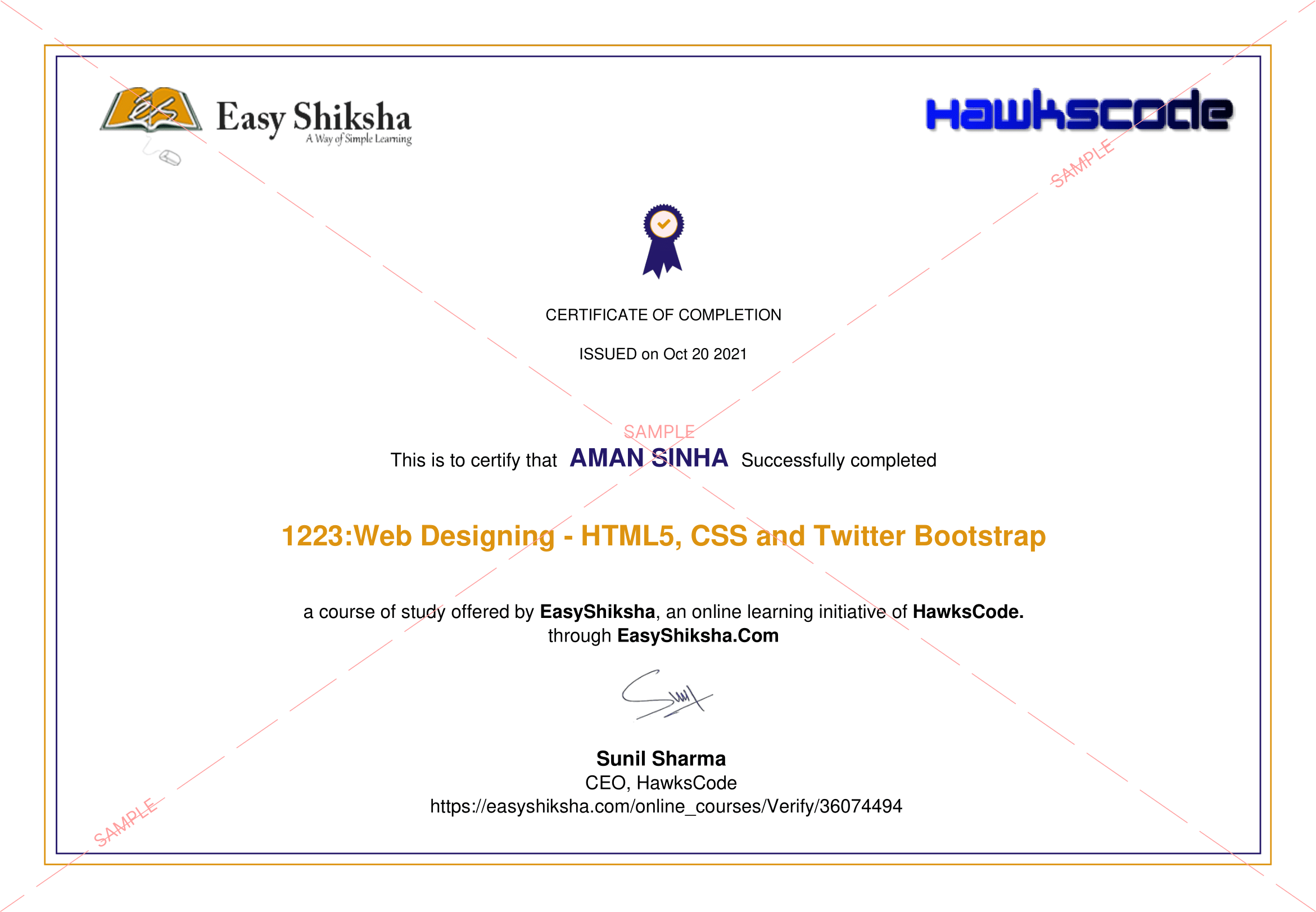
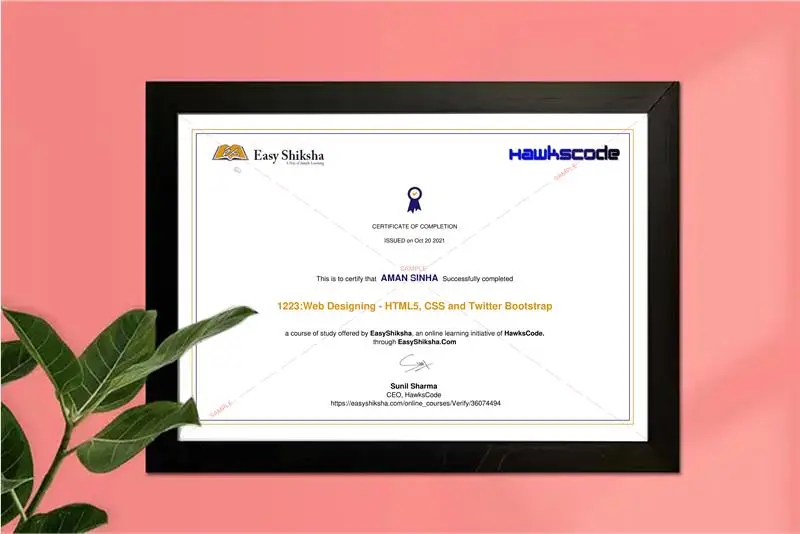
Click to Preview Sample Certificates

UI/UX Design Course Certificate Sample
View Full Size
 Course Certificate
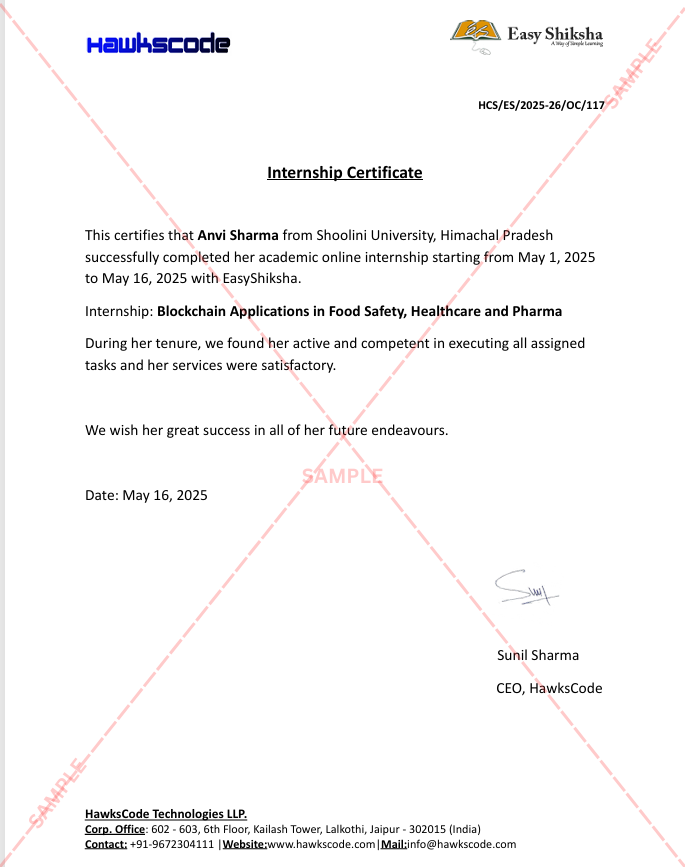
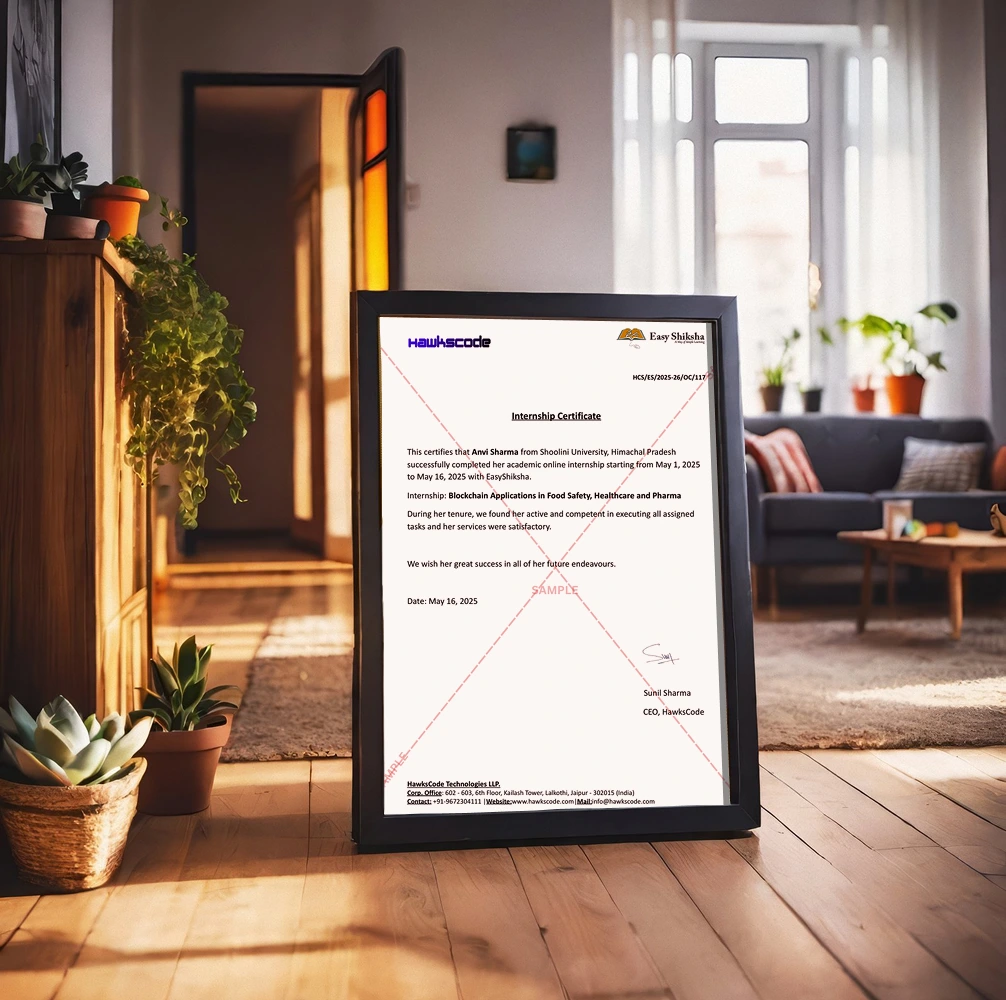
UI/UX Design Internship Certificate Sample
View Full Size
 Internship Certificate

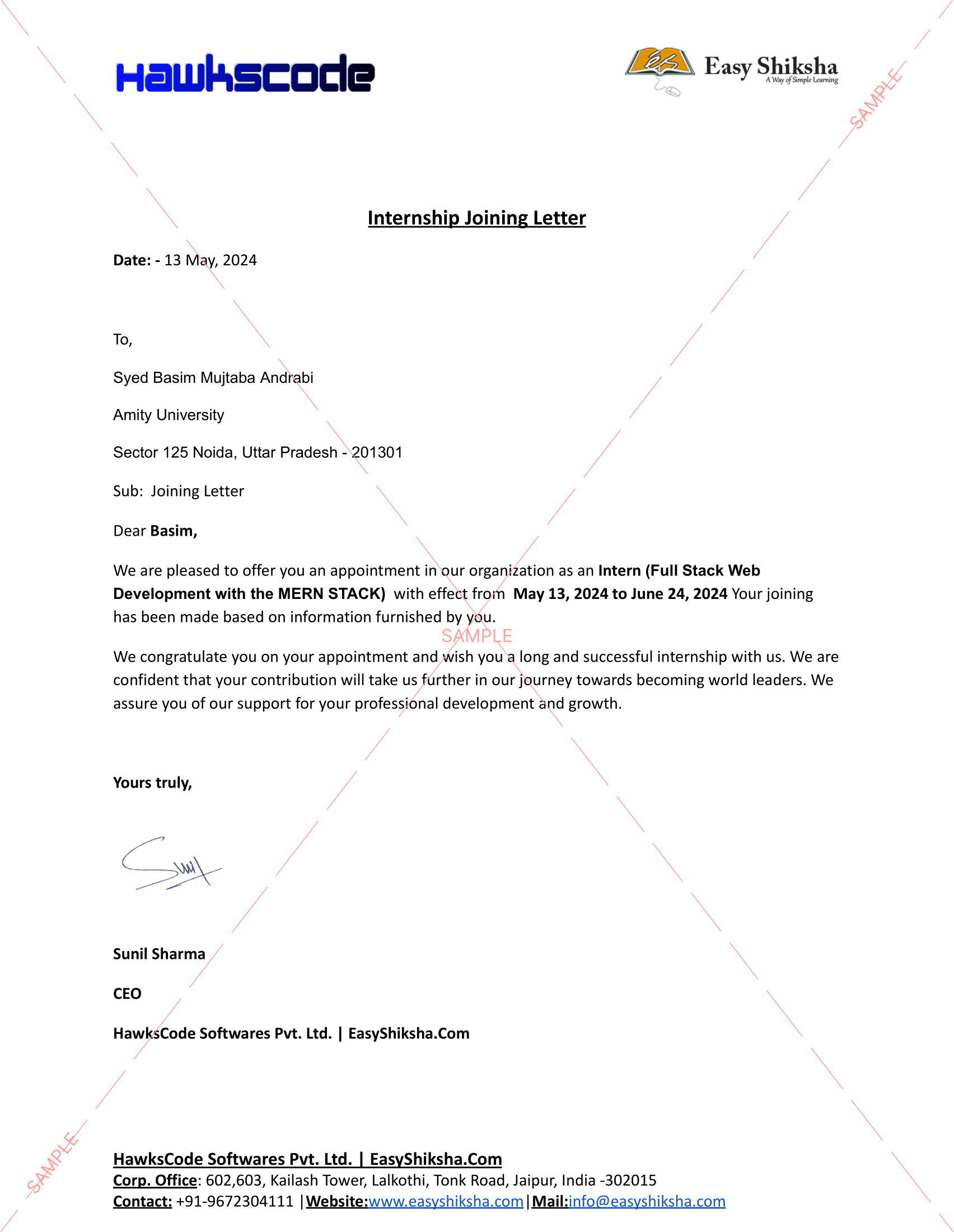
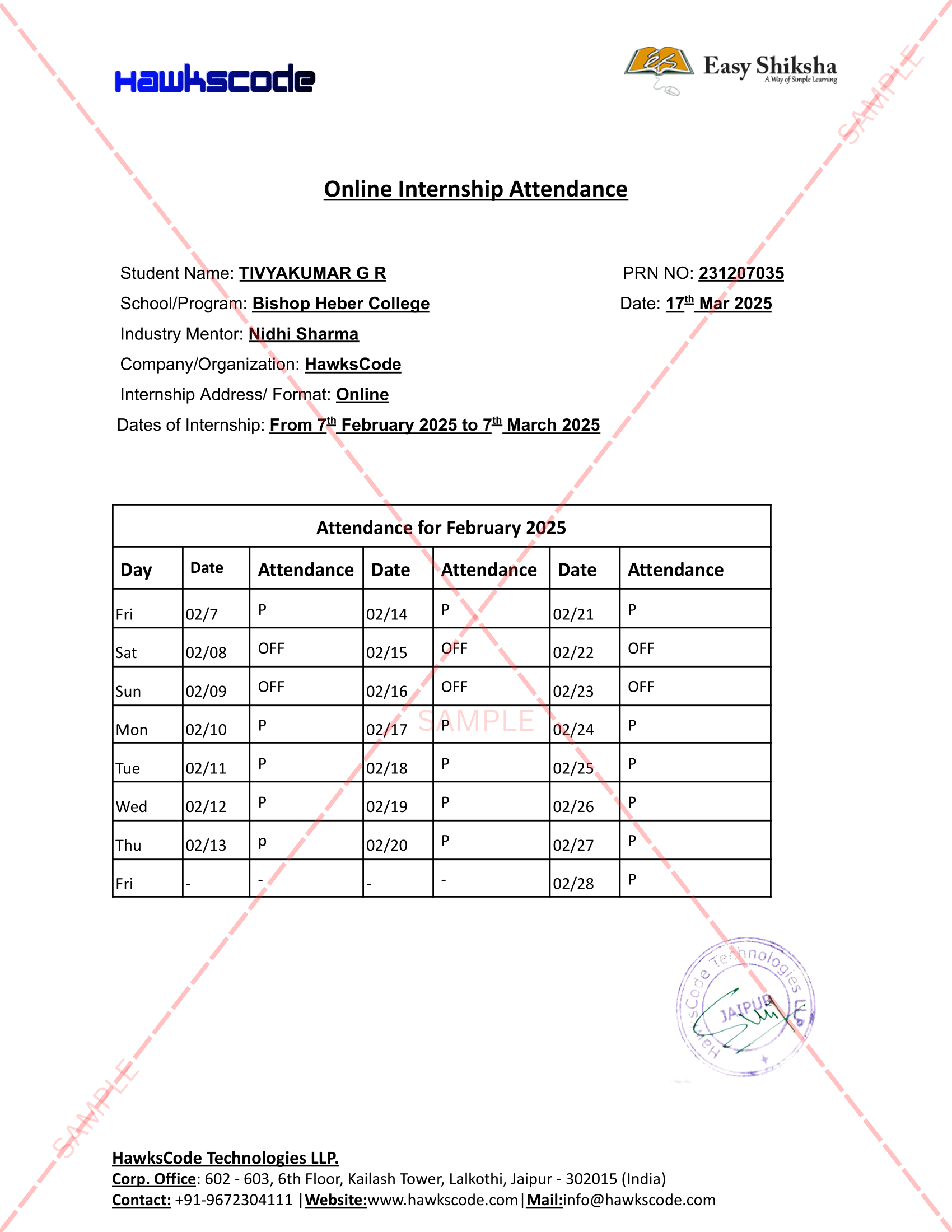
Samples for illustration. Your name & internship details appear on the actual certificates.

UI/UX Internship Student Reviews

What UI/UX Design Internship Students Are Saying

Real reviews from design students and professionals who completed EasyShiksha's UI/UX design internship program.

Design Certified

The graph editor module alone is worth more than any After Effects course I've tried online. Before this, my animations looked robotic and stiff โ€” now I understand exactly how to control timing and easing. The Creepy Logo project across 7 lessons gave me a real portfolio piece I could show clients. The internship certificate was the critical differentiator when applying for my first design role!

A

Arjun Mehta

Graphic Designer โ†’ UI/UX Animator (Bangalore)

Design Certified

The 3D camera and camera rigs module is genuinely outstanding โ€” I had no idea After Effects could do this kind of cinematic 3D work. The lighting section (spotlights, point lights, parallel lights) turned my compositions completely cinematic. As a UI designer wanting to add motion to my skill set, this internship was exactly what I needed โ€” two certificates for my LinkedIn profile!

S

Sneha Patel

UI Designer โ†’ Motion Designer (Hyderabad)

Design Certified

I started with literally zero After Effects experience. The beginner-to-advanced structure is exactly what it promises โ€” I never felt lost because each lesson builds perfectly on the last. The masking and shapes module plus the motion blur section gave me skills I immediately applied to client animations. The dual internship certificate made my portfolio site look significantly more professional!

P

Priya Sharma

BA Design โ†’ Freelance UI/UX Animator (Mumbai)

UI/UX Design Internship FAQs

Frequently Asked Questions

Everything you need to know about EasyShiksha's online UI/UX design internship program.

What is the EasyShiksha UI/UX Design Internship?
EasyShiksha's UI/UX design internship is an online program combining 83 lessons of Adobe After Effects and motion design training with a real internship experience โ€” all in one enrollment. You learn animation, keyframes, Bezier handles, the graph editor, motion sketch, layers, blending modes, 3D scenes, masking, the Creepy Logo project (7 lessons), 3D camera rigs, lighting, text animation, and motion blur โ€” then earn two certificates: a course completion certificate and a separate internship certificate.
What certificates do I get from the UI/UX Design Internship?
EasyShiksha's UI/UX design internship gives you two separate certificates: (1) a course completion certificate confirming your After Effects and motion design skills across 83 lessons and 7 modules, and (2) an internship certificate confirming real UI/UX design internship work experience. Both are globally recognized, verifiable online, and shareable on LinkedIn โ€” course certificate under Licences & Certifications and internship certificate under Work Experience.
Is this UI/UX Design Internship suitable for beginners?
Yes. EasyShiksha's UI/UX design internship is explicitly designed as a beginner to advanced program โ€” the two free preview lessons are "Ae|Introduction" and "Ae|Preferences Overview." The curriculum starts from the AE interface and builds progressively through animation, the graph editor, 3D, camera rigs, and lighting. No prior After Effects or design experience is required.
Does the internship include a hands-on design project?
Yes. EasyShiksha's UI/UX design internship includes the complete Creepy Logo animation project across 7 dedicated lessons โ€” one of the most comprehensive real-world project exercises in any motion design internship. The project applies masking, shapes, animation, compositing, and the full After Effects toolset in a real creative context, giving you a genuine portfolio piece.
Does the UI/UX Design Internship cover 3D and camera work?
Yes. EasyShiksha's UI/UX design internship includes a comprehensive 17-lesson 3D and camera module covering 3D camera views, camera tools, 3D axis modes, 3D motion paths, 3D text, effects and precomps, intro to 3D camera, switching between cameras (2 lessons), animating the camera, auto orient in 3D space, camera rigs (2 dedicated lessons), and advanced camera properties.
What jobs can I get after the UI/UX Design Internship?
Completing EasyShiksha's UI/UX design internship online qualifies you for roles including UI/UX Animator, Motion Designer, Motion Graphics Artist, Video Editor with animation skills, Brand Designer, Social Media Content Creator, Broadcast Designer, Visual Effects Artist, and Freelance Motion Design Consultant โ€” as well as freelance design work for brands, agencies, and creators.
How is a UI/UX design internship different from a UI/UX design course?
A UI/UX design internship at EasyShiksha includes both the 83-lesson After Effects curriculum AND a real internship experience โ€” giving you a course completion certificate AND a separate internship certificate. The internship certificate demonstrates practical design work experience, which creative employers and design agencies look for when evaluating candidates alongside their portfolio.
Is the UI/UX Design Internship suitable for freshers?
Yes. EasyShiksha's online UI/UX design internship is ideal for freshers, design students, graphic designers wanting to add motion skills, and professionals with no prior After Effects experience. The self-paced structure with lifetime access makes it equally accessible for final-year students and working professionals.

Why Do a UI/UX Design Internship Online in

UI/UX design is one of the fastest-growing creative disciplines globally โ€” and in , motion design has become an essential component of every digital product, app, website, and brand experience. Users expect animated interfaces, smooth transitions, motion graphics, and dynamic content. The demand for UI/UX designers who can also animate โ€” who can work in After Effects, build 3D scenes, and create cinematic motion โ€” is growing significantly faster than the supply of qualified designers. An online UI/UX design internship combining motion design training with verified work experience is one of the most effective ways to enter this field.

Why EasyShiksha's UI/UX Design Internship Stands Out

EasyShiksha's UI/UX design internship online uses the After Effects Beginner to Advanced curriculum โ€” 83 lessons organized into 7 modules that cover the complete motion design toolkit. What makes it uniquely valuable for UI/UX designers is the breadth: from the fundamental animation principles that underpin all motion design (keyframes, Bezier handles, graph editor) through advanced techniques (3D camera rigs, cinematic lighting, motion blur) that most online design courses never reach. The hands-on Creepy Logo project across 7 lessons gives you a real portfolio piece. The dual certificate โ€” course completion plus internship experience โ€” gives you the credibility to apply for design roles at agencies, studios, and tech companies where motion design skills are in demand.

Who Should Apply for This UI/UX Design Internship?

This online UI/UX design internship is ideal for graphic designers wanting to add motion to their services, UI designers wanting to animate their own interface designs, video editors wanting to add visual effects and motion graphics, design students who want a portfolio-quality internship credential, freshers entering the creative industry, and anyone starting a freelance motion design career.

UI/UX Design Internship
Motion Design Internship
After Effects Internship
3D Design Internship
UI/UX Certificate Online
Design Internship for Freshers

With 11,200+ students enrolled, a 4.8/5 rating, and a globally recognized dual certificate, EasyShiksha's UI/UX design internship online is the trusted choice for creative learners worldwide who want to master motion design, build a professional animation portfolio, earn verified design credentials, and launch a career in one of the most exciting and in-demand creative fields. Enroll today and start animating.

// UI/UX Design Internship Online

Start Your UI/UX Design Internship โ€” 83 Lessons + Motion Design + Dual Certificate

Join 11,200+ students in EasyShiksha's UI/UX design internship. 83 lessons โ€” animation, graph editor, 3D camera rigs, masking, lighting & motion blur. Walk away with two recognized certificates.

// ANIMATION = covered  |  3D_CAMERA = included  |  CREEPY_LOGO = 7_lessons  |  CERTIFICATES = 2  |  FRESHERS = welcome

Experience the Speed: Now Available on Mobile!

Download EasyShiksha Mobile Apps from Android Play Store, Apple App Store, Amazon App Store, and Jio STB.

Curious to learn more about EasyShiksha's services or need assistance?

Our team is always here to collaborate and address all your doubts.

Message should be at least 50 characters long.

Whatsapp Email Support