




Join thousands of students achieving their dreams with expert-led courses.
Join free and unlock everything on EasyShiksha.
Takes less than 3 seconds — no password needed
Please enter a valid email address.
Checking your email…
Almost done — just verify your number so we can send course updates and certificates.
Used only for verification & updates
Incorrect OTP. Please try again.
Takes less than 10 seconds
Please select your country.
Please select your state.

5 Vital Time-Saving Salesforce Tools Every Admin should use.
There is so much in Salesforce that can be adapted and customized, whether it’s to add some new fields for your team to fill in or to make everyone’s life a bit easier by automating some processes. But these changes take time! And time is often a resource that is scarce in the world of Salesforce Developers and Admins. With so many tools out there, finding the perfect tool can be difficult. But the right one will not only make your life easier, it will also help you save time and avoid ending up with a tool that just adds more clutter to your org. These tools can help you manage how you release your customization, understand the impacts of your changes, and back up your data, all while increasing efficiency.
Project Management
Having a plan and the ability to monitor that plan is vital to being able to release your customizations to Salesforce. Project management tools should have a good way to build out all of your tasks and structure them properly. This tool should then have the ability to manage and visualize the progress of both your individual tasks and, subsequently, your project as a whole.
Beyond that, it’s not just project managers who will be using this tool, since developers and other team members are typically working on the project as well. So, a good UI and the ability to properly communicate and collaborate are key to a great Salesforce project management tool. These features greatly improve your efficiency on key projects–by making sure vital information is delivered on time and to the right people–and also reduce the time spent on tedious tasks.
Jira Software
Jira is a project management tool developed by Atlassian, which has also developed some other great tools, including Trello and Confluence. Jira is not specifically designed for Salesforce but fantastic for planning and tracking your projects. Creating a good plan may take a bit longer initially but will ultimately save vast amounts of time throughout your project, not only because you’ve worked out how to best utilize your team, but also due to the fact that you won’t have to spend nearly as much time managing the project.
Jira has been out for almost 20 years now, and while it’s concept of project management methodology is considered agile, it’s more in the vertical sense, which is great for smaller teams. Jira can also integrate with Salesforce and Panaya ForeSight for Salesforce, offering an amazing combination for safely releasing Salesforce customizations.
Our Favorite Feature:
Jira’s Roadmap gives a fantastic view of the timeline of your project, making it easy to visualize your progress and identify any tasks that need extra attention. The Roadmap is very user-friendly too, with options to toggle what detail your are viewing on your epics as well as the time frame within which you’d like to view them.
Backup Tool
There’s nothing worse than completing hours and hours of hard work and then suddenly losing it all with no chance of ever recovering it! And yet, your work is not the only thing that you risk losing when releasing changes to a live Salesforce system. The data and metadata are at risk of getting accidentally deleted as well.
Two tools can help prevent such mishaps.
GitHub is all about looking after your code and is primarily used by Salesforce devs to back up their code as they work. But GitHub also has a bunch of other great features, especially for collaborative team coding, that can be unlocked through other packages.
Our Favorite Feature: Code Review
With this feature, you and your team can post sections of code to be reviewed by other team members. Salesforce Tools Every Admin should use.
More News Click Here
New Courses
Opamp Projects: Design & Simulate Operational Amplifier Based Projects on Proteus & LTSpice Software
Biomedical Project: Design Digital Thermometer with Atmega32, Arduino & LM35 Temperature Sensor
Fusion 360 Learn CAD and Earn Money Online
Analog Electronic Lab Based Course on MOSFETs using MULTISIM








Discover thousands of colleges and courses, enhance skills with online courses and internships, explore career alternatives, and stay updated with the latest educational news..

Gain high-quality, filtered student leads, prominent homepage ads, top search ranking, and a separate website. Let us actively enhance your brand awareness.
Download EasyShiksha Mobile Apps from Android Play Store, Apple App Store, Amazon App Store, and Jio STB.
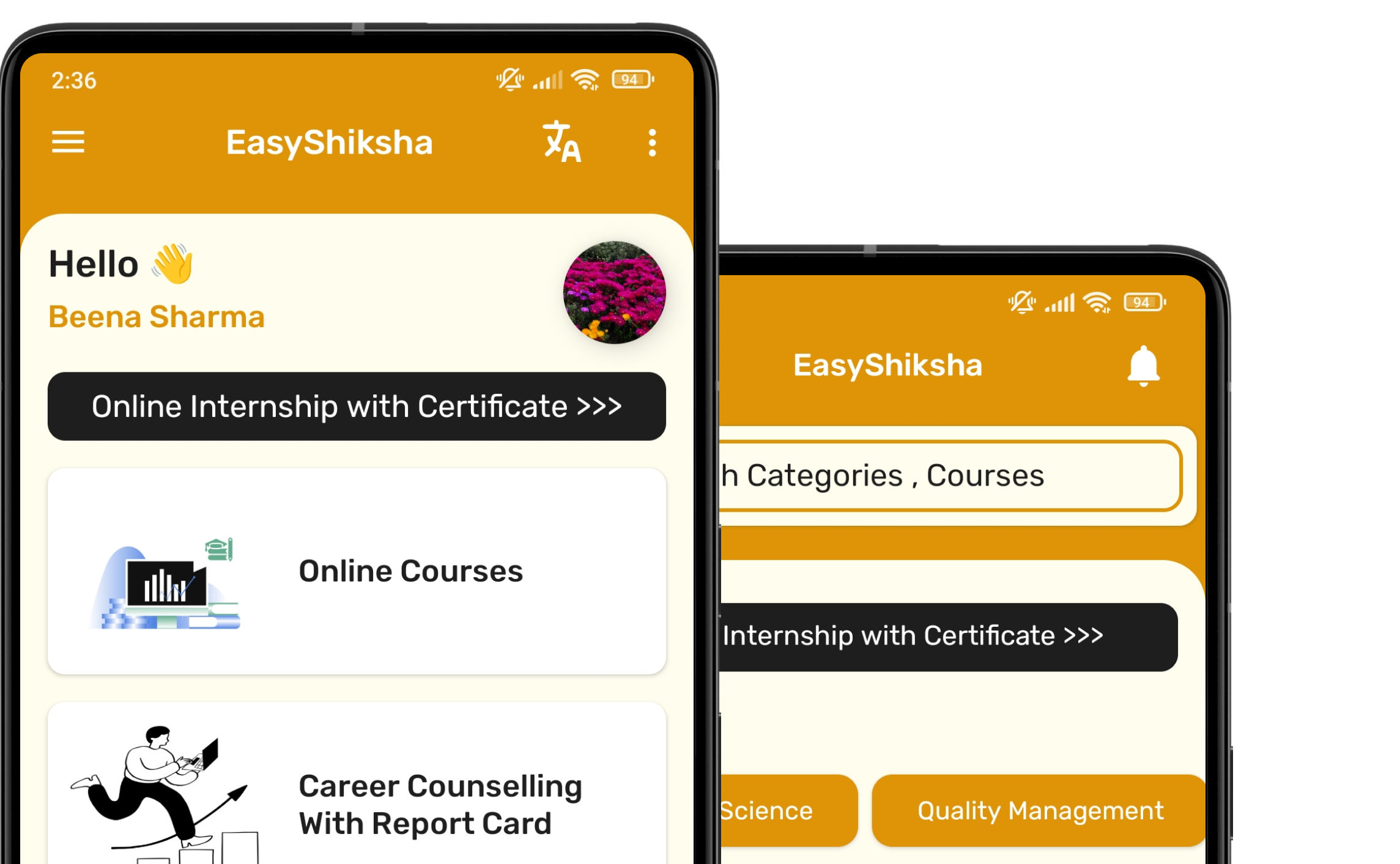


1 million+ learned on the EasyShiksha App
Trusted by Standards & Global Compliance Frameworks





Built under internationally recognized standards for quality, information security, educational excellence and business continuity.
ISO 9001:2015 | ISO/IEC 27001:2022 | ISO 21001:2018 | ISO 22301:2019 | DPIIT Recognized Startup | MSME Registered