

Code copied!
The Complete Microsoft SharePoint MasterClass Internship with Certificate 2026
โญ
4.9 Rating
534 Students Enrolled
96% Recommend This Course
50+ Enrolled This Week
30-Day Money-Back Guarantee
Trending Course for Students & Job Seekers in 2026
Best Seller  ยท Office Productivity

The Complete Microsoft SharePoint MasterClass

Master Microsoft SharePoint and Teams to create secure, collaborative sites, streamline workflows, and boost productivity across your organization.

#1 Most Popular Online Course & Internship in Office Productivity You can enroll today & get certified from EasyShiksha & HawksCode.

AICTE Approved Internship + Government Recognized Certificate
es-tickmark Build real-world projects
es-tickmark Internship with certificate
es-tickmark Resume-ready experience
es-tickmark Beginner to advanced
es-tickmark Lifetime access
es-tickmark Interview prep included
MT
โ€œGood course for beginners and job seekers with clear concepts and structured learning.โ€ โ€” Michael Turner
DL
โ€œClear explanations with useful internship experience included, making learning more practical.โ€ โ€” Daniel Lee
โญ 4.9 Rating
534 Students
es-tickmark Updated November 16, 2026
50+ enrolled this week
Affordable Program for Students & Job Seekers ยท Includes Course + Internship Access
Start learning immediately after enrollment โ€” no waiting
es-tickmark Join 5,00,000+ students already enrolled worldwide
es-tickmark No risk โ€” 30-day full refund guarantee
es-tickmark Start instantly after payment โ€” access in seconds
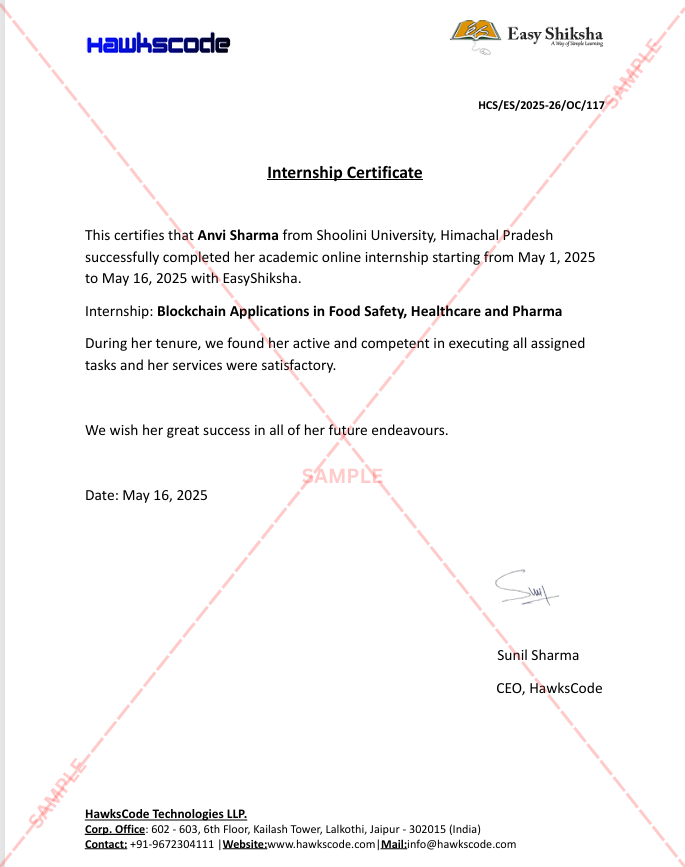
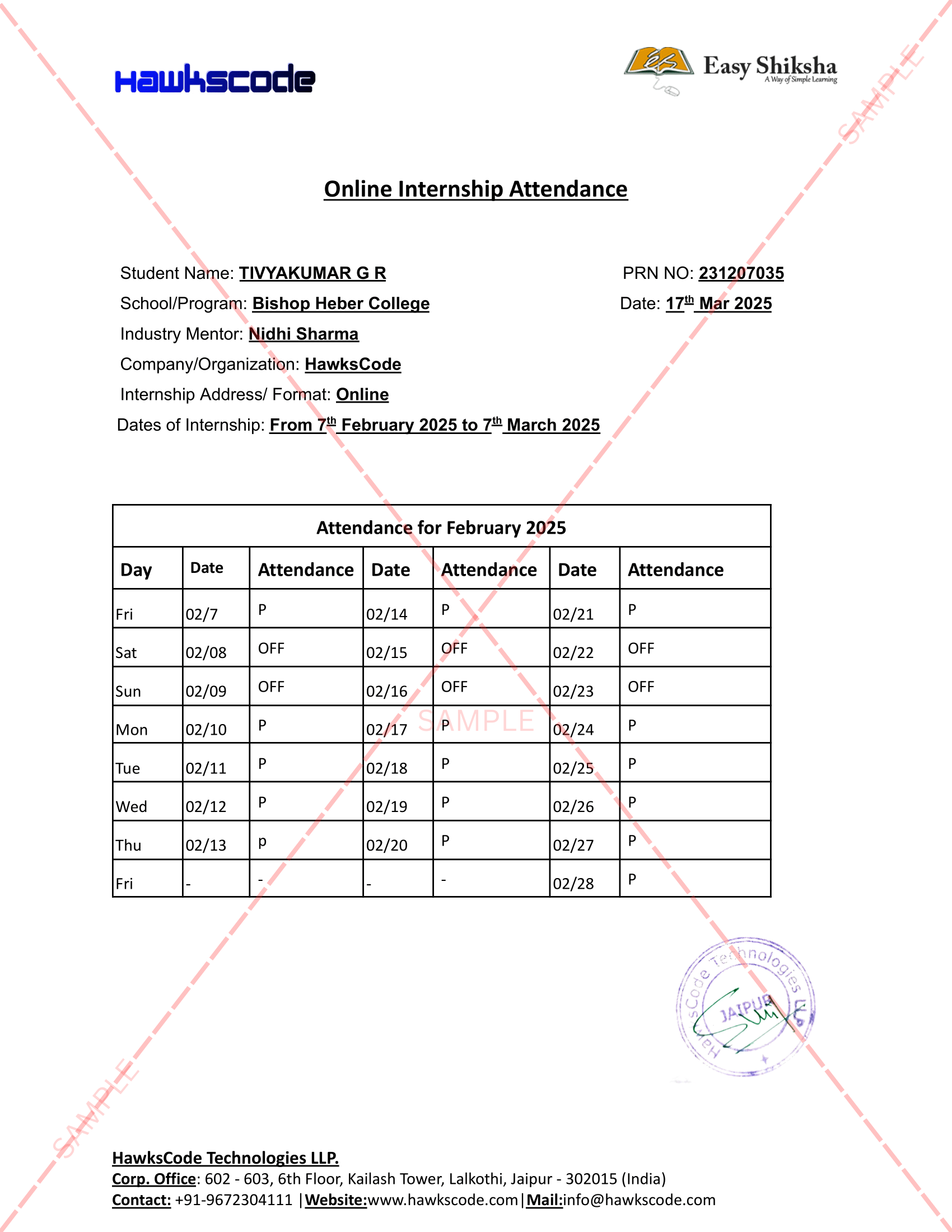
es-tickmark Certificate + Internship Joining Letter included
โœ” No hidden fees โœ” Transparent pricing โœ” Secure checkout
Start today โ€” see results in days, not months Join thousands building their careers Learn at your own pace, complete anytime
Not satisfied? Get a full refund โ€” no questions asked, within 30 days
course-thumb
On-Demand Videos Free Preview
Student-Friendly Pricing
Includes internship + certificates
Continue to Enrollment
Pricing shown on next step โ€” no hidden charges
30-day money-back guarantee
This course includes:
On-Demand Videos 105 On-demand Videos
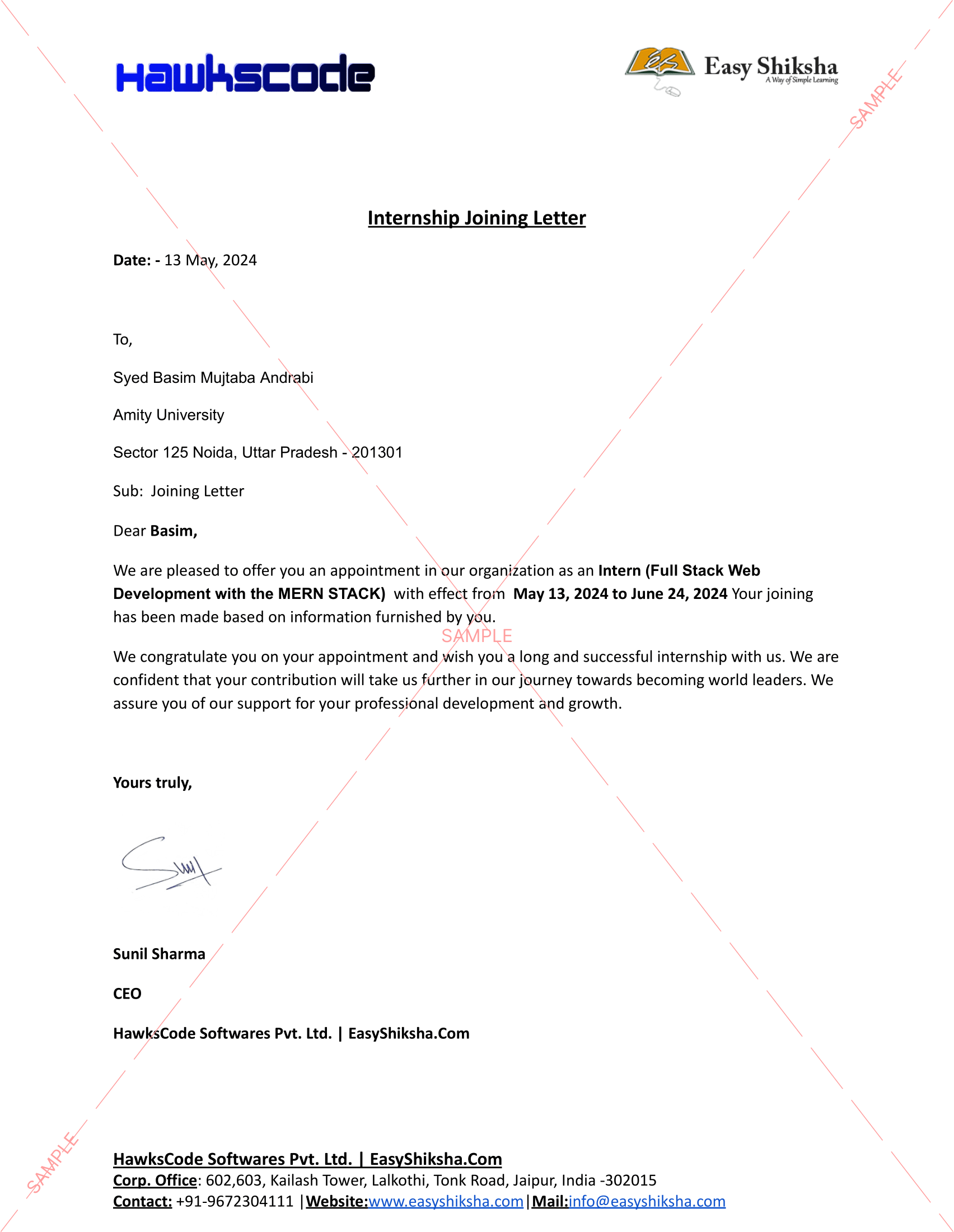
Internship Joining Letter Internship Joining Letter
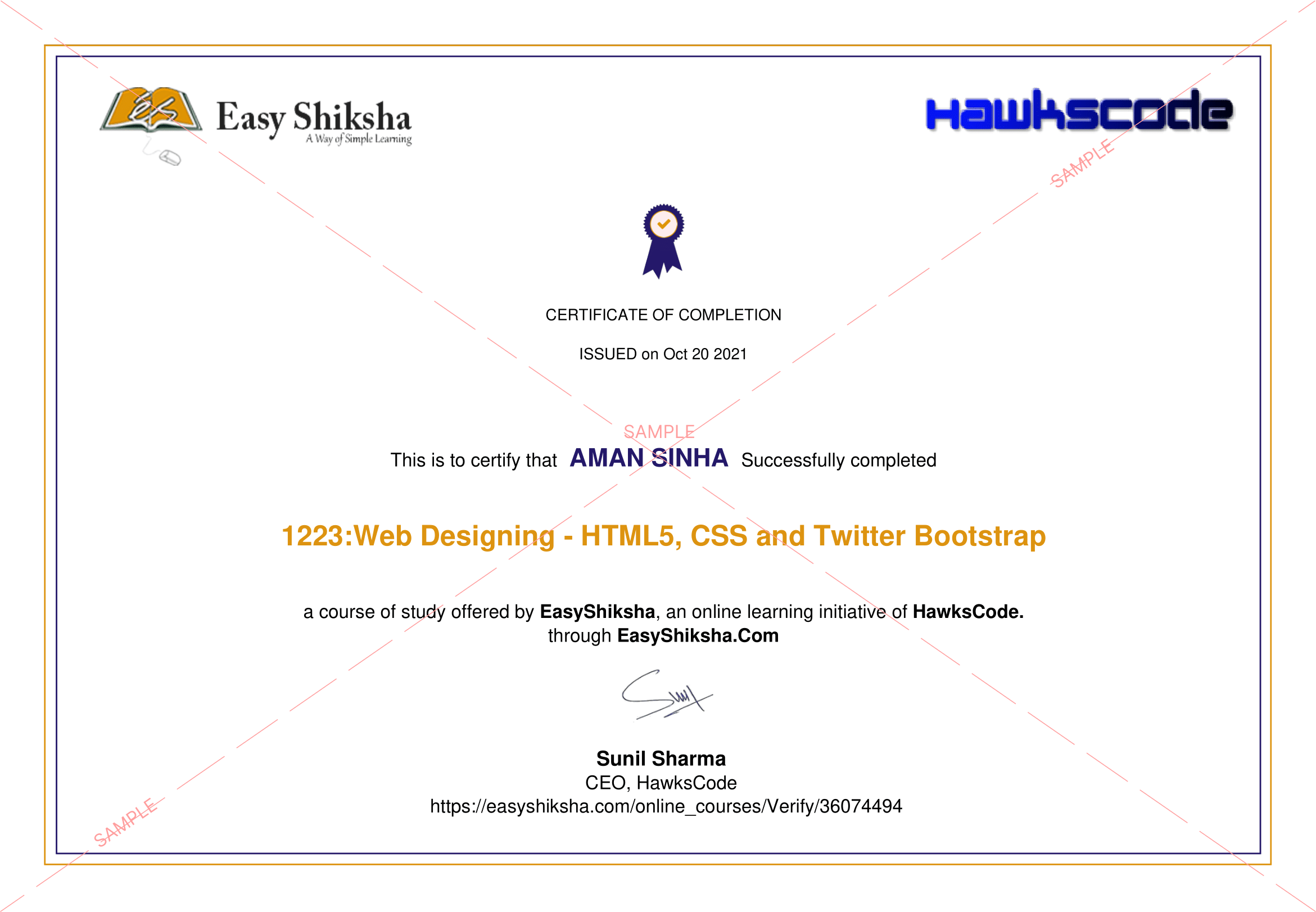
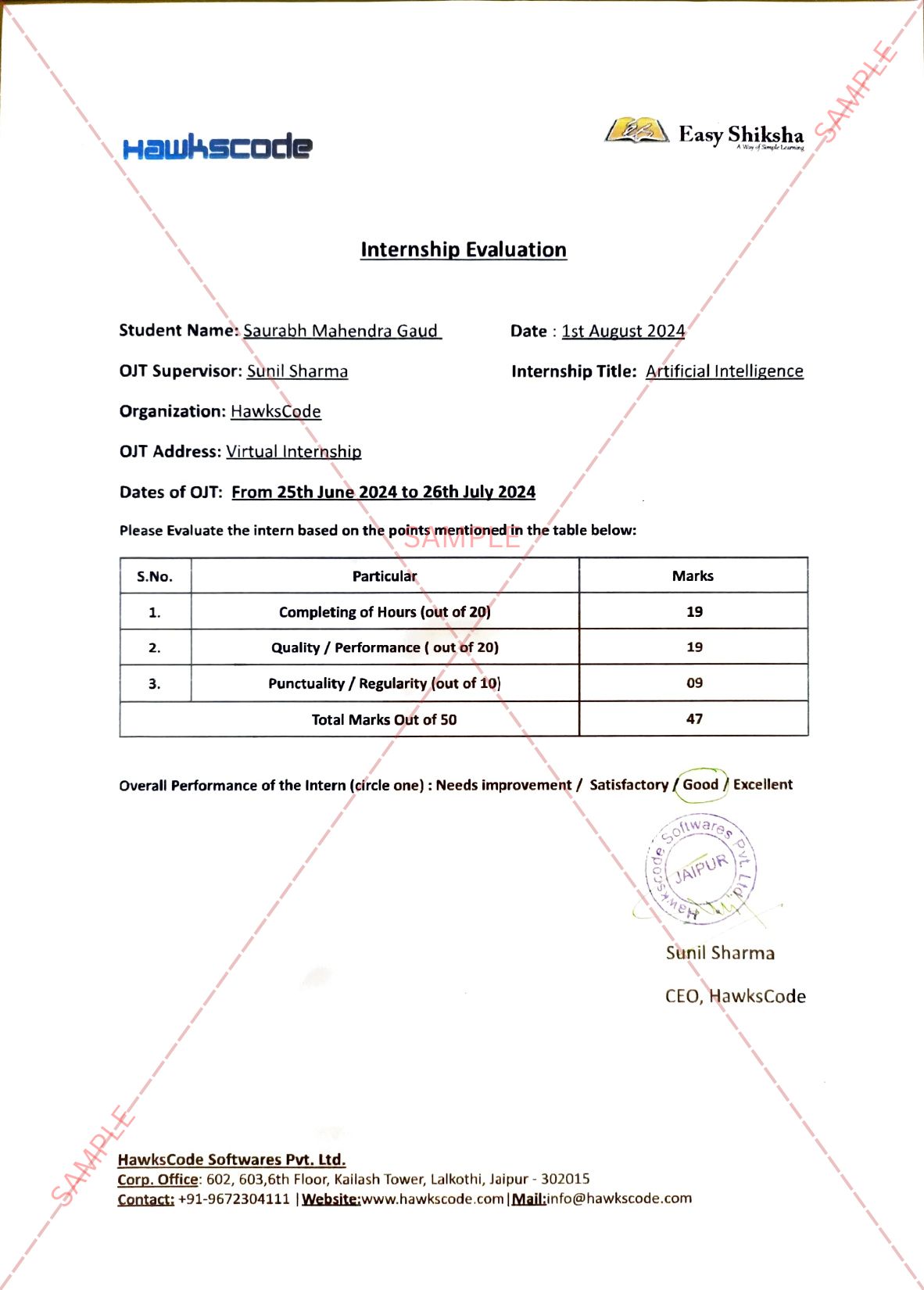
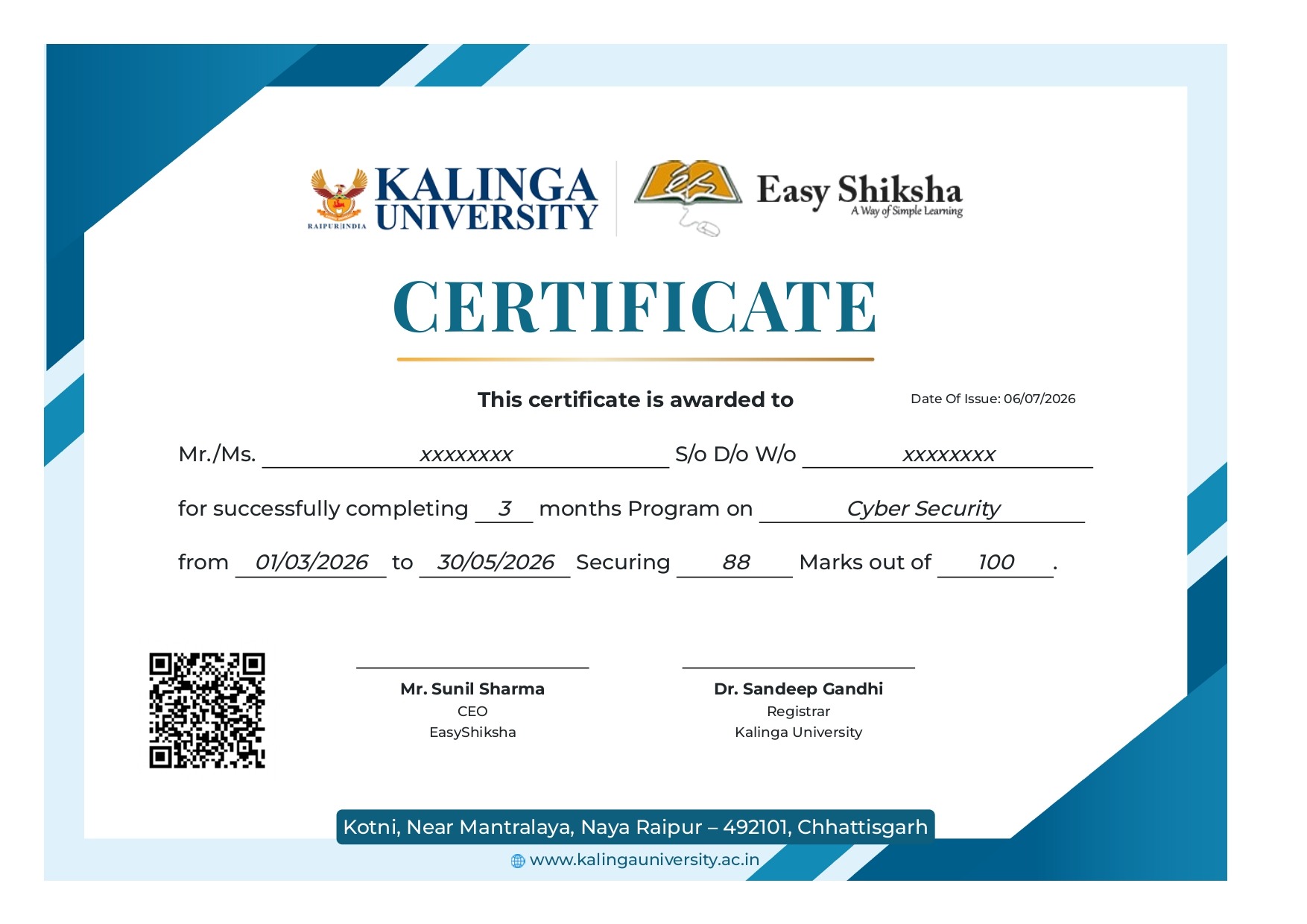
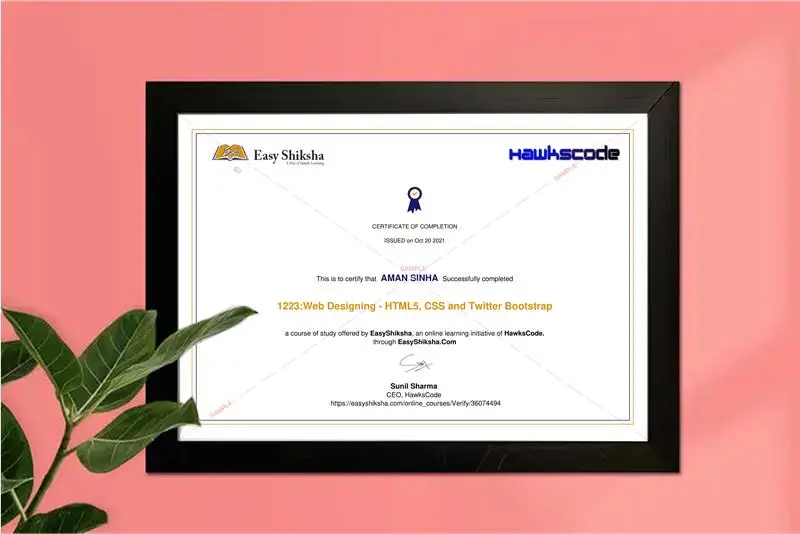
2 Certificates (Course + Internship) 2 Certificates (Course + Internship)
Lifetime Access Lifetime Access
2 Quizzes + Assignments 1 Quiz + Assignments
Mobile & Desktop Access Mobile & Desktop Access
Why 534+ Students Choose This Course & Internship
es-tickmark
Add Experience to Resume
Get an official internship credential that stands out to employers โ€” even as a fresher.
es-tickmark
Increase Job Chances
Stand out in campus placements and job applications with real, verifiable experience.
es-tickmark
Boost Salary Potential
Developers with certified skills and internship background command higher starting salaries.
es-tickmark
Start in 5 Minutes
Instant access after payment. No waiting, no shipping. Begin your career journey today.
Competitive Advantage

Why This Course and Internship Stands Out

See exactly what separates EasyShiksha students from everyone else

Without This Course
es-tickmark Watching scattered YouTube videos with no structure
es-tickmark No certificate โ€” nothing to show employers
es-tickmark No internship experience on resume
es-tickmark Wasting months without clear direction
es-tickmark Struggling to stand out in job applications
es-tickmark No proof of practical skills
vs
With EasyShiksha
es-tickmark Structured, beginner-to-advanced learning path
es-tickmark Verified certificate โ€” shareable on LinkedIn
es-tickmark Real internship offer letter for your resume
es-tickmark Go from zero to job-ready in one programme
es-tickmark Resume-ready experience before graduation
es-tickmark Practical projects you can show any recruiter
Continue to Enrollment
โœ” 30-day refund  โœ” Instant access  โœ”  Includes Internship
MOST VALUABLE BENEFIT
Get Real Experience โ€” Not Just Learning
Exclusive Career Benefit

Internship Opportunity Included With This Course

"This is not just a course โ€” it's real career experience. Walk away with documents that prove your skills to any employer."

Official Offer Letter
Internship Certificate
Real-World Experience
LinkedIn Shareable
Add to Resume
โœ” Instant ยท โœ” Official Offer Letter ยท โœ” 30-Day Refund
Use this internship as proof of experience in job interviews
Helps you stand out from hundreds of other candidates
Shareable on LinkedIn โ€” visible to recruiters instantly
es-tickmark
Internship Certificate
Verified credential for your portfolio
es-tickmark
Real Projects
Hands-on experience with live deliverables
es-tickmark
LinkedIn Badge
Share your achievement publicly with pride
Many students use this internship to showcase experience in job interviews โ€” even as freshers with no prior work history. It's a real differentiator that sets you apart from hundreds of other applicants.
Perfect Fit Check

This Course is Perfect For

Whether you're starting from scratch or switching careers โ€” this course is designed with your success in mind.

es-tickmark
College Students
Add a verified internship & certificate to your resume before graduation. Stand out in campus placements.
โœ“ Most Popular
es-tickmark
Complete Beginners
Zero experience? No problem. We start from absolute scratch and guide you step by step.
โœ“ Beginner Friendly
es-tickmark
Job Seekers
Get real internship experience + certificate to show employers proof of your practical skills.
โœ“ Career Boost
es-tickmark
Career Switchers
Transitioning to tech? Build portfolio-worthy projects and gain the credential that opens doors.
โœ“ Fast Track
What You'll Achieve After This Course
es-tickmark
Learn core SharePoint concepts for document management and collaboration
es-tickmark
Build and customize team sites and communication portals effectively
es-tickmark
Develop real-world workflows for approvals and business process automation
es-tickmark
Apply collaboration strategies to improve team productivity and communication
es-tickmark
Master SharePoint and Teams tools with Office 365 integrations
es-tickmark
Manage users permissions content and settings in practical scenarios
es-tickmark
Execute a capstone project creating a complete SharePoint collaboration system
es-tickmark
Gain job ready SharePoint skills with certificate for career growth
Why Students Choose This Course & Internship
es-tickmark
Beginner Friendly
No prior experience needed. We start from absolute zero and take you to job-ready.
es-tickmark
Practical Learning
Apply what you learn through guided exercises and real-world activities designed to build confidence.
Exclusive
es-tickmark
Internship Included
Official offer letter + internship certificate. Something most expensive courses don't give.
es-tickmark
Affordable Pricing
Premium content at a student-friendly price. Zero risk with 30-day money-back guarantee.
es-tickmark
Lifetime Access
Pay once, access forever. Revisit any lesson, any time, on any device โ€” no expiry.
es-tickmark
Interview Prep
Dedicated module with real JS interview questions asked in top company placements.
Course Description

The Complete Microsoft SharePoint MasterClass: SharePoint Online - SharePoint 2016 - SharePoint 2019 - Microsoft SharePoint 365

SharePoint is a web-based collaborative platform that integrates with Microsoft Office. Launched in 2001,[5] SharePoint is primarily sold as a document management and storage system, but the product is highly configurable and usage varies substantially among organizations. Microsoft states that SharePoint has 190 million users across 200,000 customer organizations. So it is very fortunate to learn it today.

Simple sharing and seamless collaboration: SharePoint empowers teamwork with dynamic and productive team sites for every project team, department, and division. Share files, data, news, and resources. Customize your site to streamline your team’s work. Collaborate effortlessly and securely with team members inside and outside your organization, across PCs, Macs, and mobile devices.

Engage and inform your organization: Build cohesion and inform your employees throughout your intranet. Drive organizational efficiency by sharing common resources and applications on home sites and portals. Tell your story with beautiful communication sites. And stay in the know with personalized, targeted news on the web and the SharePoint mobile apps.

Harness collective knowledge: You’re just a click away from what you are looking for, with powerful search and intelligent ways to discover information, expertise, and insights to inform decisions and guide action. SharePoint’s rich content management, along with valuable connections and conversations surfaced in Yammer, enables your organization to maximize the velocity of knowledge.

Transform business processes: Accelerate productivity by transforming processes—from simple tasks like notifications and approvals to complex operational workflows. With SharePoint lists and libraries, Microsoft Flow, and PowerApps, you can create rich digital experiences with forms, workflows, and custom apps for every device.

In this course, we also help you learn the essential Microsoft Teams as well. Microsoft Teams is a persistent chat-based collaboration platform complete with document sharing, online meetings, and many more extremely useful features for business communications. Having an excellent team space is key to being able to make creative decisions and communicate with one another. But don't worry this course will help you build a fast and complete skill over Microsoft Teams. That's why we call it The Complete Microsoft Teams MasterClass.

Microsoft Teams provides more ways to be a team. Microsoft has many features that we have to look at and learn these days. We have everything available in Microsoft Team. Chat - Share your opinion and your personality. Send gifs, stickers, and emojis in a group chat or one-to-one messages. Meet - Instantly go from group chat to video conference with the touch of a button. Teams of 2 or 10,000 can meet in one place, no matter how many places they’re in. Call - Make and receive calls with internal and external groups using Microsoft Teams Calling, Phone System, Calling Plan, or Direct Routing. Collaborate - Easily find, share, and edit files in real-time using familiar apps like Word, PowerPoint, and Excel in Teams. (Resource: Microsoft Teams website)

By taking this The Complete Microsoft SharePoint MasterClass you will be able to:

  • Full understanding of Microsoft SharePoint

  • Know Free Plans and Paid Plans

  • Create Microsoft Account for SharePoint use

  • Register your domain in Microsoft SharePoint

  • Manage Microsoft SharePoint Dashboard

  • Create Communication and team site in SharePoint

  • Inviting someone to your site in SharePoint

  • Manage the top bar menu of Microsoft SharePoint

  • Insert option in Microsoft SharePoint

  • Adding section, image, text, file viewer, link, embed, highlighted content, bingo map, call to action, hero, document library, media, content, list, page, quick link, and their features.

  • Targeting audience in Microsoft SharePoint

  • Work with discovery and collaboration tools in Microsoft SharePoint

  • Converse in Microsoft SharePoint

  • Manage events in Microsoft SharePoint

  • Manage Tab in Microsoft SharePoint

  • Create sub-site in Microsoft SharePoint

  • Clean Recycle Bin in Microsoft SharePoint

  • Share Broadcast website in Microsoft SharePoint

  • Understand and manage Admin center

  • Configure Microsoft Account Settings

  • Full understanding of Google Microsoft Teams

  • Sign up in Microsoft to use Microsoft Teams

  • Understand the difference between the free and paid plan of Microsoft Teams

  • Download Microsoft Teams App on Desktop and Phone

  • Become familiar with Microsoft Teams Interface

  • Manage your Microsoft Teams profile management

  • Start chatting with a participant in Microsoft Teams

  • Create Org, team, and channel on your team in Microsoft Teams

  • Manage Org, team, and channel on your team

  • Invite users to join Microsoft teams

  • Understand the core part of Microsoft Teams

  • Start and manage a meeting in Microsoft Teams

  • How to make a test call before starting a meeting

  • Lead effective meetings in Microsoft Teams with TJ tips and experience

  • Manage your saved messages

  • Manage chat in Microsoft Teams

  • Browse Activity history in Microsoft Teams

  • Manage calls in Microsoft Teams

  • Manage files in Microsoft Teams

  • Add your favorite cloud in Microsoft Teams

  • Set up your general settings in Microsoft Teams

  • Set up your privacy settings in Microsoft Teams

  • Manage the settings of your notification

  • Manage device settings to make them go write

  • Configure Calls and permission settings

  • Search anything in Microsoft Teams

  • Be familiar with Microsoft Office Apps (Word, Excel, and PowerPoint)

  • Connect YouTube videos in your Teams

  • Set up Trello, Wiki, Karma, Polla for better productivity

  • Create a powerful password for users for your teams


So don't hesitate anymore,

Join us now to make new experiences with Microsoft SharePoint today!


Course Content
Preview these lessons before enrolling โ€” 2 free lessons included
105 lessons
On-Demand Videos
You Can Master Microsoft SharePoint
FREE
On-Demand Videos
You Can Ask Me Anytime
FREE
๐Ÿ”“ Free Preview Ends Here
es-tickmark Unlock 103 More Lessons + Internship Access
Full course + real internship experience โ€” affordable one-time access
๐Ÿ”’
Your Facebook Support Group
๐Ÿ”’
Quick Win - Create Site in SharePoint
๐Ÿ”’
Quick Win - Creating and Adding User to SharePoint
๐Ÿ”’
Quick Win - Add Member to The SharePoint
๐Ÿ”’
What is SharePoint
๐Ÿ”’
Free Plans vs Paid Plans in Microsoft SharePoint
๐Ÿ”’
You Need a Microsoft Account For SharePoint
๐Ÿ”’
Registration of Domain in Microsoft SharePoint
๐Ÿ”’
Domain Configuration in Microsoft SharePoint
๐Ÿ”’
Microsoft SharePoint Dashboard and Admin Panel
๐Ÿ”’
Microsoft SharePoint Environment
๐Ÿ”’
Two Type Website in Microsoft SharePoint
๐Ÿ”’
Inviting Someone to Your Website in SharePoint
๐Ÿ”’
Login Process of Invited User at Microsoft Share Point
๐Ÿ”’
Share Point Website Environment
๐Ÿ”’
SharePoint Webiste Menu Bar
๐Ÿ”’
Team Site Creation in SharePoint
๐Ÿ”’
Menu Edit Options in SharePoint
๐Ÿ”’
Adding Section in Share Point Team Site
๐Ÿ”’
Insert Option in SharePoint
๐Ÿ”’
Inserting Image in Team Site Share Point
๐Ÿ”’
Inserting Text in Team Site Share Point
๐Ÿ”’
Inserting File Viewer in Share Point Team Site
๐Ÿ”’
Inserting A Link In SharePoint Team Site
๐Ÿ”’
How to embed In SharePoint Team Site
๐Ÿ”’
High Lighted Content in Share Point Team Site
๐Ÿ”’
Audience Targeting in SharePoint Team Site
๐Ÿ”’
How to insert Bingo Map In SharePoint Team Site
๐Ÿ”’
Adding Call to Action In SharePoint Team Site
๐Ÿ”’
Adding Hero in SharePoint Team Site
๐Ÿ”’
Text, Media and Content Tools in Share Point
๐Ÿ”’
Adding Document Library in Share Point Team Site
๐Ÿ”’
How to Add List in Share Point Team Site
๐Ÿ”’
Adding List Properties in Share Point Team Site
๐Ÿ”’
Page Properties in SharePoint Team Site
๐Ÿ”’
Quick Links adding in SharePoint Team Site
๐Ÿ”’
Discovery and Collaboration Tools
๐Ÿ”’
Discovery and Collaboration Tools (cont.)
๐Ÿ”’
Conversation in SharePoint Team Site
๐Ÿ”’
How to Add New Event in Share Point
๐Ÿ”’
Document Tab in Share Point Team Site
๐Ÿ”’
How to Insert List in SharePoint Team Site
๐Ÿ”’
Creating Page and Managing It on Share Point Site
๐Ÿ”’
Creating Document Library on SharePoint Team Site
๐Ÿ”’
Creating App in SharePoint Team Site
๐Ÿ”’
Creating Subsite in SharePoint
๐Ÿ”’
Recycle bin in Team site
๐Ÿ”’
Communication Site Creation
๐Ÿ”’
Communication Topics Site Creation
๐Ÿ”’
Admin Center in Share Point
๐Ÿ”’
Admin Center Menus
๐Ÿ”’
Admin Center Top Bar Menu
๐Ÿ”’
Admin Center of Microsoft SharePoint for Adding User
๐Ÿ”’
Account Overview in SharePoint Website
๐Ÿ”’
Security Info in Share Point Website
๐Ÿ”’
Account Settings in SharePoint (cont.)
๐Ÿ”’
Office Account in SharePoint
๐Ÿ”’
What is Microsoft Teams
๐Ÿ”’
Microsoft Teams and Price
๐Ÿ”’
Microsoft Team only needs Microsoft Accounts
๐Ÿ”’
Microsoft Downloads
๐Ÿ”’
Microsoft Team Desktop App Installation and Sign in
๐Ÿ”’
Microsoft Teams Environments
๐Ÿ”’
Microsoft Teams Profile Management
๐Ÿ”’
Microsoft Team Mobile App Installation
๐Ÿ”’
Create a Team in Microsoft Teams
๐Ÿ”’
Invitation to the Microsoft teams
๐Ÿ”’
Management of the ORG
๐Ÿ”’
The Core Part of Microsoft Teams, Team (part 1)
๐Ÿ”’
The Core Part of Microsoft Teams, Team (part 2)
๐Ÿ”’
Channel settings and options (part 1)
๐Ÿ”’
Channel settings and options (Part 2)
๐Ÿ”’
Chat in Microsoft Teams
๐Ÿ”’
Activity in Microsoft Team
๐Ÿ”’
Meeting In Microsoft Teams
๐Ÿ”’
Calls In Microsoft Team
๐Ÿ”’
Files in Microsoft Teams
๐Ÿ”’
Adding Cloud in Files of Microsoft Teams
๐Ÿ”’
General settings of Microsoft Teams
๐Ÿ”’
Privacy Settings in Microsoft Teams
๐Ÿ”’
Notification Settings in Microsoft Teams
๐Ÿ”’
Devices Settings in Microsoft Teams
๐Ÿ”’
Permissions Settings in Microsoft Teams
๐Ÿ”’
Calls Settings in Microsoft Teams
๐Ÿ”’
Search Options
๐Ÿ”’
General Channel of Microsoft Teams
๐Ÿ”’
Microsoft Word Tab in Microsoft Teams
๐Ÿ”’
Microsoft Excel Tab in Microsoft Teams
๐Ÿ”’
Microsoft PowerPoint Tab in Microsoft Teams
๐Ÿ”’
YouTube in Microsoft Teams
๐Ÿ”’
Extra App Tab in Microsoft Teams
๐Ÿ”’
Apps Explorations
๐Ÿ”’
Trello Sing in at Microsoft Teams
๐Ÿ”’
Trello Environment and Functions
๐Ÿ”’
Wiki
๐Ÿ”’
OneNote
๐Ÿ”’
Polly
๐Ÿ”’
Karma
๐Ÿ”’
Request Lecture Any Time
๐Ÿ”’
Microsoft Teams Mobile Version Sign in
๐Ÿ”’
Microsoft Teams Homepage Mobile App
๐Ÿ”’
Microsoft Teams Settings Mobile App
๐Ÿ”’
Quiz
Everything You Get
One-time payment. Everything included. No hidden fees.
On-Demand Videos
Full Course Access
105 on-demand video lessons โ€” watch anytime, any device
internhsip2
Official Internship
Real internship offer letter accepted by recruiters
Certificates
2 Certificates
Course completion + internship certificate
Lifetime_Access
Lifetime Access
Including all future updates at no extra cost
project
Projects & Assignments
Real-world skills to build your portfolio
es-interview2
Interview Prep Materials
Top interview questions with model answers
Your Journey After Enrollment
1
Step 1
Start Learning Instantly
Get instant access to your course. Begin with fundamentals and structured lessons designed for beginners.
2
Step 2
Build Strong Concepts
Learn core concepts with easy explanations and practical examples step-by-step.
3
Step 3
Apply Your Skills
Work on real-world tasks and projects to gain hands-on experience.
โœ“
Step 4
Get Certified + Internship
Receive your certificate and internship experience to showcase on your resume and LinkedIn.
Instant access after payment
Don't Miss Out โ€” This Has Real Consequences
Every day you delay is a day without internship experience on your resume. Your competition is already enrolling.
es-tickmark Missing this = losing the internship credential
es-tickmark Missing this = losing your early-access advantage
es-tickmark Missing this = falling behind candidates who did enroll
What Exactly Do You Get?
Everything Included โ€” Crystal Clear
No hidden fees. No confusion. Here's exactly what you unlock.
On-Demand Videos
Full Course Access
105 structured video lessons, available instantly after payment, forever
internhsip2
Real Internship Experience
Official offer letter + internship programme you can add to your resume today
Certificates
2 Verified Certificates
Course Completion Certificate + Internship Certificate โ€” both shareable on LinkedIn
es-tickmark
Lifetime Access
Pay once, access forever. All future updates included at no extra cost
es-tickmark
Concept Reinforcement
Understand topics with guided learning
es-tickmark
30-Day Money-Back Guarantee
Zero risk. Full refund within 30 days if you're not 100% satisfied
Everything listed above โ€” in one student-friendly package
Still Not Sure?
We've got answers to your concerns
No judgement. These are the most common doubts students have โ€” and why they don't matter.
es-tickmark
"I have zero prior experience"
This course starts from absolute zero. Thousands of beginners have completed it.
es-tickmark
"Will this work for a student?"
This is built specifically for students. The internship gives you the resume boost you need before graduation or first job applications.
es-tickmark
"I don't have much time"
Lifetime access means you go at your own pace โ€” 30 minutes a day is enough. No deadlines, no pressure, no expiry.
es-tickmark
"What if I need help?"
Support is available. Reach out via our help centre and get guidance. You're never stuck alone in this programme.
Chat with us Chat with us first โ†’
Frequently Asked Questions
Is the course 100% online? Does it require any offline classes too? +
The following course is fully online, and hence there is no need for any physical classroom session. The lectures and assignments can be accessed anytime and anywhere through a smart web or mobile device.
When can I start the course? +
Anyone can choose a preferred course and start immediately without any delay.
What are the course and session timings? +
As this is a purely online course program, you can choose to learn at any time of the day and for as much time as you want. Though we follow a well-established structure and schedule, we recommend a routine for you as well. But it finally depends on you, as you have to learn.
What will happen when my course is over? +
If you have completed the course, you would be able to have lifetime access to it for future reference too.
Can I download the notes and study material? +
Yes, you can access and download the content of the course for the duration. And even have lifetime access to it for any further reference.
What software/tools would be needed for the course and how can I get them? +
All the software/tools that you need for the course would be shared with you during the training as and when you need them.
Do I get the certificate in a hard copy? +
Yes. A hard copy of the certificate will be issued and sent to the registered address via post. In addition, a soft copy of the certificate will also be provided, which can be downloaded for digital use.
Iโ€™m unable to make a payment. What to do now? +
You can try to make the payment through a different card or account (maybe a friend or family). If the problem persists, email us at info@easyshiksha.com
The payment got deducted, but the updated transaction status is showing โ€œfailedโ€. What to do now? +
Due to some technical faults, this can happen. In such a case the amount deducted will be transferred to the bank account in the next 7-10 working days. Normally the bank takes this much time to credit the amount back into your account.
The payment was successful but it still shows โ€˜Buy Nowโ€™ or not showing any videos on my dashboard? What should I do? +
At times, there may be a slight delay in your payment reflecting on your EasyShiksha dashboard. However, if the problem is taking longer than 30 minutes, please let us know by writing to us at info@easyshiksha.com from your registered email id, and attach the screenshot of the payment receipt or transaction history. Soon after verification from the backend, we will update the payment status.
What is the refund policy? +
If you have enrolled, and are facing any technical problem then you can request a refund. But once the certificate has been generated, we shall not refund that.
Can I just enrol in a single course? +
Yes! You surely can. To begin this, just click the course of your interest and fill in the details to enrol. You are ready to learn, once the payment is made. For the same, you earn a certificate too.
My questions are not listed above. I need further help. +
Please contact us at: info@easyshiksha.com
Don't Wait โ€” Act Now

Why Start Now?
The Opportunity Wonโ€™t Wait.

Every day you delay is a missed opportunity to grow your skills. Learners who start today gain the advantage โ€” whether it's building skills, improving careers, or unlocking new opportunities.

High Competition in Every Field
Thousands of learners are upgrading their skills daily. Those with practical knowledge and certification stand out faster.
Skills Are in High Demand
Industries are evolving rapidly. Learning relevant skills today opens doors to better opportunities tomorrow.
Early Learners Get the Advantage
Starting early helps you gain experience, confidence, and a strong edge over others.
Limited-Time Access Benefits
This offer is available for a limited time. Secure your access and start learning before the opportunity closes.
Start today โ€” see results in days, not months
3M+ Learners Worldwide
Actively learning new skills online
85%+ Learners Prefer Certified Courses
Certification boosts credibility
5,00,000+ Students Enrolled
Across our programs
4.9โ˜… Average Rating
From verified learners
96% Recommend Our Courses
Trusted by students
Flexible Learning
Learn anytime, anywhere

Still Thinking?

Here's everything that makes this a no-brainer:

es-No prior experience needed No prior experience needed โ€” start from absolute zero
es-Beginner Beginner friendly โ€” explained step by step
es-Risk-free โ€” Risk-free โ€” 30-day full refund guarantee
es-One-time paymen One-time payment โ€” access forever
es-student-friendly prici Student-friendly pricing โ€” see details at checkout
es-Real internship Real internship certificate included
Continue to Enrollment
Pricing shown on next step โ€” no hidden charges
โœ” No hidden fees โœ” Transparent pricing โœ” Secure checkout
Limited Time Discount
Limited spots available โ€” secure your access today
Offer ends when timer hits zero
Limited enrollments this week
Limited seats available each week
Student Program
Course + Internship + Certificates
02 Hours
14 Mins
36 Secs
Your Journey Starts Here

What Happens After You Enroll?

From payment to certificate โ€” here's exactly what to expect

1
Get Instant Access
Immediately after payment, your course dashboard unlocks. No waiting, no shipping โ€” start in seconds.
Within 60 seconds
2
Start Learning
Watch 11 structured video lessons, complete hands-on assignments, and build a real deployable project.
At your own pace
3
Complete Internship
Receive your official offer letter, complete the internship module, and unlock real-world experience for your resume.
Within the program
4
Receive Your Certificates
Download two verified certificates โ€” Course Completion + Internship. Share on LinkedIn and add to your resume today.
After completion
Continue to Enrollment
Secure Payment Secure Payment Instant Access Instant Access 30-Day Refund 30-Day Refund 2 Certificates 2 Certificates
โœจ Your Future Self

Imagine After Completing This Course

Picture yourself 30 days from now โ€” with skills, experience, and credentials that open real doors.

You Gain Practical Skills
Learn step-by-step and build real understanding you can apply in real situations.
You Can Apply for Jobs
Walk into interviews with certified skills, a portfolio project, and an internship credential. You'll stand out immediately.
You Have Internship Experience
Show a real offer letter and internship certificate โ€” proof of experience that most freshers simply don't have.
Your LinkedIn Stands Out
Two shareable certificates on your profile โ€” recruiters and hiring managers notice verified credentials instantly.
You Build Real Confidence
Move from confusion to clarity by actually learning and applying new concepts.
Your Career Trajectory Changes
From feeling behind to being ahead. One smart decision today can change the trajectory of your entire career.
Start building this future today Affordable one-time access ยท 30-day full refund guaranteed
Continue to Enrollment
ML
ZG
PK
SR
+
Join 5,00,000+ learners already building their careers with EasyShiksha
๐ŸŸข Active Community
- Learn at your own pace โ€” complete anytime, lifetime access
Why 5,00,000+ students made the right choice
Career Benefit Student-Friendly Price High Value Zero Risk Urgency Today 5,00,000+ Students
30-Day Money-Back Guarantee
Full refund if you're not satisfied, no questions asked.
Secure Payment
Secure Payment
256-bit SSL encryption. Your payment is fully protected.
Instant Access
Instant Access
Start learning immediately after purchase. No waiting.
Verified Certificate
Industry-recognized certificate shareable on LinkedIn & resume.
Whatsapp Email Support

Experience the Speed: Now Available on Mobile!

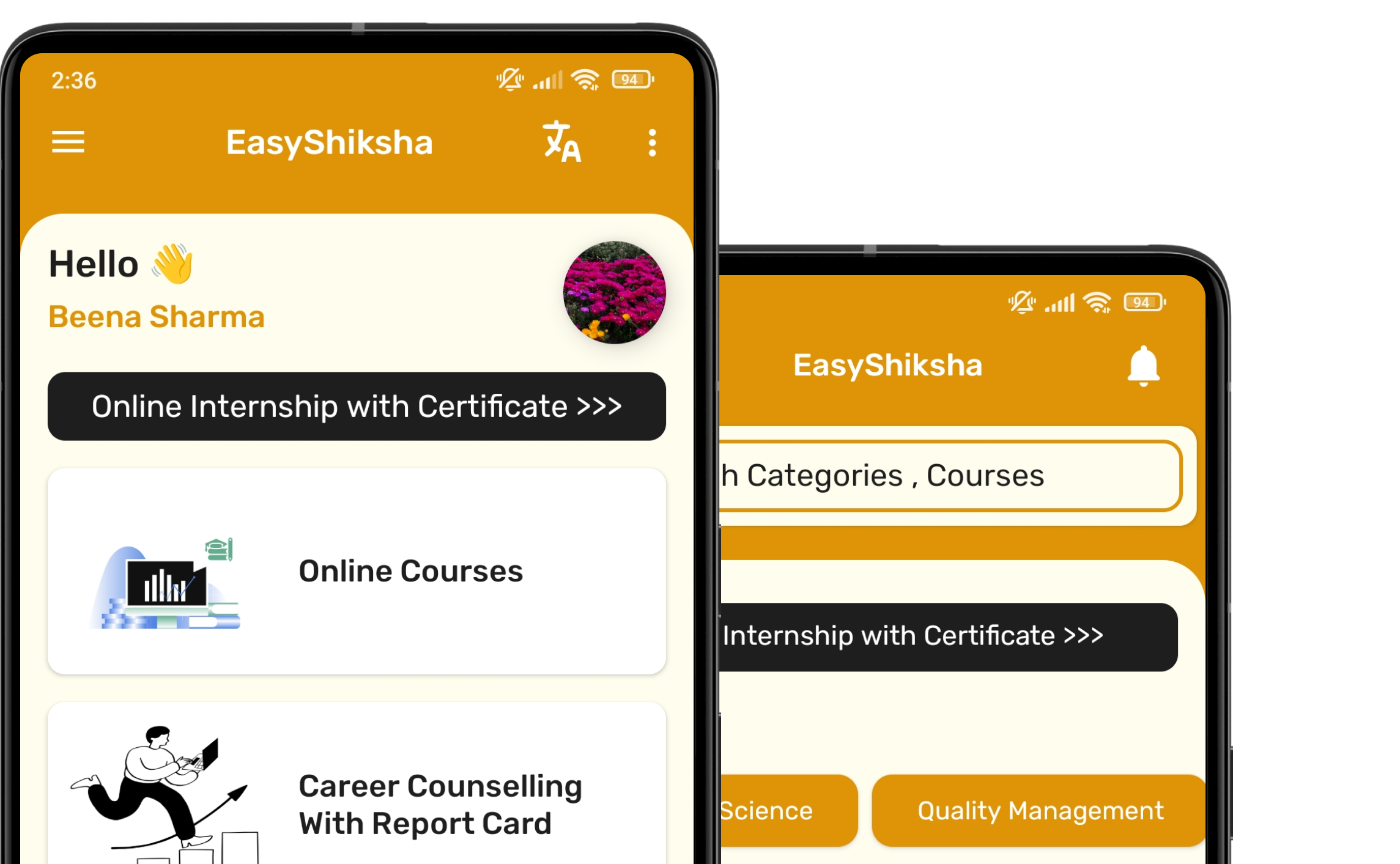
Download EasyShiksha Mobile Apps from Android Play Store, Apple App Store, Amazon App Store, and Jio STB.

Curious to learn more about EasyShiksha's services or need assistance?

Our team is always here to collaborate and address all your doubts.

Message should be at least 50 characters long.