






Mastering SharePoint: Enterprise Collaboration, Governance & Digital Work
Master SharePoint to design, govern, and optimize enterprise collaboration, boosting productivity, compliance, and digital transformation impact.
#1 Most Popular Online Course & Internship in Business and Management You can enroll today & get certified from EasyShiksha & HawksCode.
 Build real-world projects
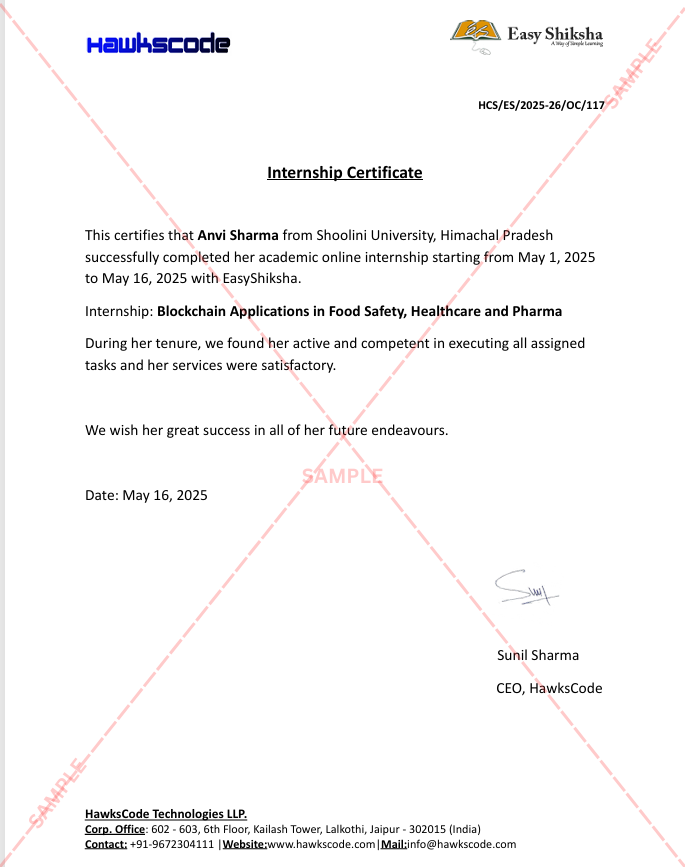
Internship with certificate
Resume-ready experience
Beginner to advanced
Lifetime access
Interview prep included
Build real-world projects
Internship with certificate
Resume-ready experience
Beginner to advanced
Lifetime access
Interview prep included
 Updated September 07, 2026
Join 5,00,000+ students already enrolled worldwide
No risk — 30-day full refund guarantee
Start instantly after payment — access in seconds
Certificate + Internship Joining Letter included
Updated September 07, 2026
Join 5,00,000+ students already enrolled worldwide
No risk — 30-day full refund guarantee
Start instantly after payment — access in seconds
Certificate + Internship Joining Letter included

 Free Preview
 94 On-demand Videos
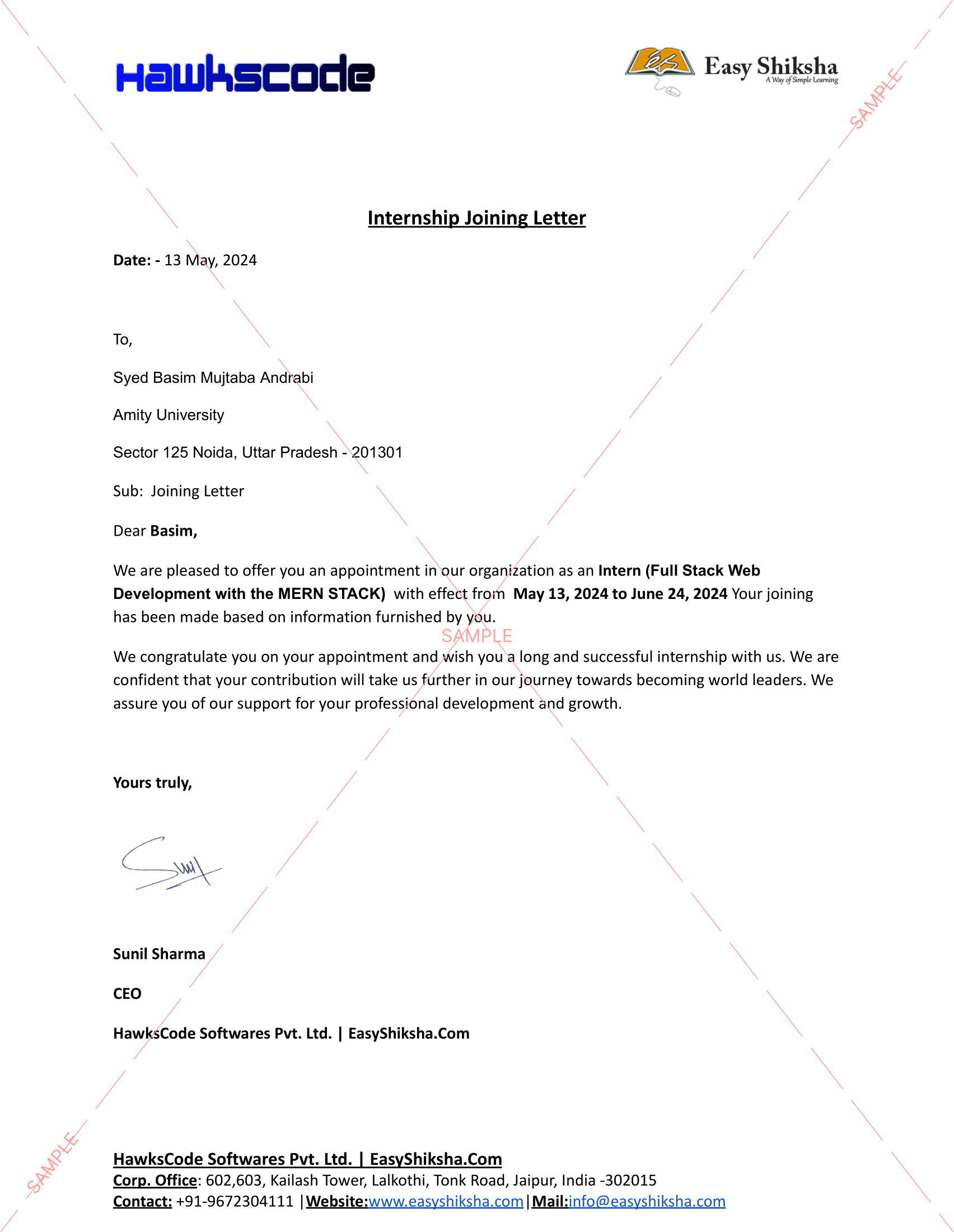
 Internship Joining Letter
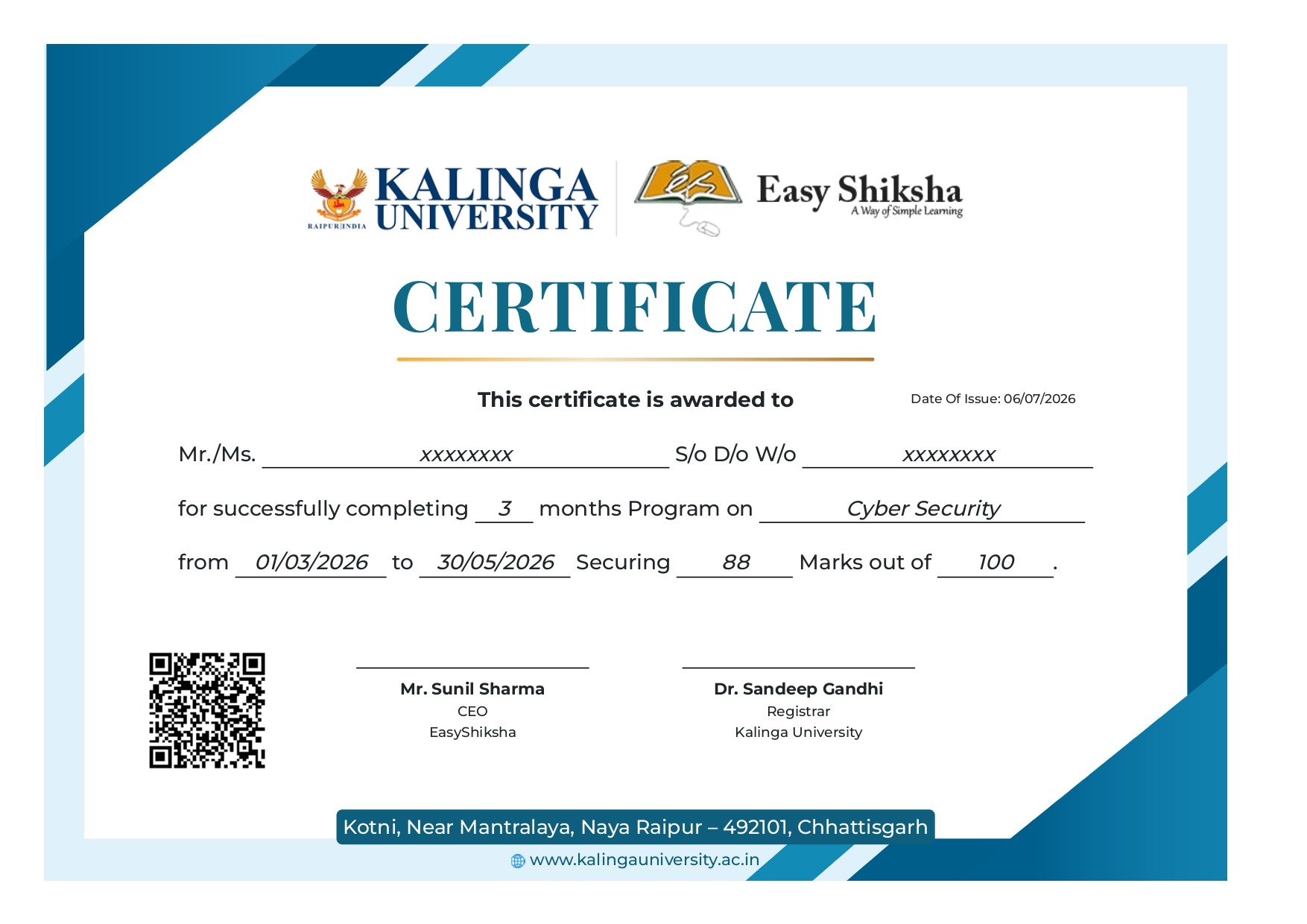
 2 Certificates (Course + Internship)
 Lifetime Access
 1 Quiz + Assignments
 Mobile & Desktop Access



Why This Course and Internship Stands Out
See exactly what separates EasyShiksha students from everyone else
 Watching scattered YouTube
videos with no structure
No certificate — nothing to show
employers
No internship experience on
resume
Wasting months without clear
direction
Struggling to stand out in job
applications
No proof of practical skills
Structured, beginner-to-advanced
learning path
Verified certificate — shareable
on LinkedIn
Real internship offer letter for
your resume
Go from zero to job-ready in one
programme
Resume-ready experience before
graduation
Practical projects you can show
any recruiter
Watching scattered YouTube
videos with no structure
No certificate — nothing to show
employers
No internship experience on
resume
Wasting months without clear
direction
Struggling to stand out in job
applications
No proof of practical skills
Structured, beginner-to-advanced
learning path
Verified certificate — shareable
on LinkedIn
Real internship offer letter for
your resume
Go from zero to job-ready in one
programme
Resume-ready experience before
graduation
Practical projects you can show
any recruiter
Internship Opportunity Included With This Course
"This is not just a course — it's real career experience. Walk away with documents that prove your skills to any employer."


This Course is Perfect For
Whether you're starting from scratch or switching careers — this course is designed with your success in mind.







This course uses elements of Artificial IntelligenceAre you ready to shape the future of digital teamwork, unlock the full potential of enterprise collaboration, and become a sought-after expert in SharePoint-driven productivity? In today’s fast-evolving business landscape, 85% of organizations rely on digital platforms, but only a fraction achieve seamless collaboration, robust knowledge management, and genuine innovation. The difference? Professionals who understand not just the tools, but the entire ecosystem—collaboration architectures, governance strategies, and the human factors that drive success.
Our comprehensive course, *Mastering Enterprise Collaboration and Information Management with SharePoint*, is your opportunity to join that top tier. Guided by our team of experienced practitioners, you’ll transform your understanding of digital workplaces and learn to architect, manage, and optimize collaborative environments powered by SharePoint and the broader Microsoft ecosystem. This is more than “just” a technology class—it’s an immersive blueprint for driving transformational change within organizations, elevating your expertise, and future-proofing your career.
Why This Course and Why Now?
Global workforce trends, accelerated by the need for hybrid and remote work, have made digital collaboration capabilities business-critical. Executives and teams alike struggle not only with getting the most out of their platforms, but also with overcoming knowledge silos, security concerns, and adoption roadblocks that can derail costly investments. The result? Companies either thrive through empowered teamwork, or struggle in a maze of fragmented tools and unclear processes.
With organizations migrating in record numbers to cloud-based collaboration suites like SharePoint—and with information compliance, security, and productivity demands only rising—there’s never been a more important time to learn how to design, govern, and lead in the digital workplace. Our course bridges the gap between technical know-how and strategic impact, equipping you with essential frameworks, hands-on projects, and real-world case studies from leading industries such as finance, healthcare, government, education, and technology.
What Awaits on Your Learning Journey
From your first click, you’ll discover that this experience is unlike any other. We immerse you in the foundational ideas shaping modern digital collaboration before diving deep into SharePoint’s role at the heart of the contemporary workplace. Our journey is staged carefully: you’ll gain context and historical perspective, then focus on architecture, real-world adoption, automation, knowledge management, governance, and advanced integration.
A 360-Degree Exploration of the Digital Workplace
* You’ll begin by unraveling the evolution of collaborative technologies, learning how enterprise platforms have revolutionized teamwork, knowledge sharing, and productivity. Discover core principles that distinguish highly effective work environments, and analyze case studies of both struggles and success.
* Transition smoothly to SharePoint itself—what makes it central to organizational strategy, how its capabilities compare to other solutions, and why it is trusted across industries for content management, project coordination, and scalable collaboration.
* Dig into the technical and functional architecture of SharePoint: sites, libraries, lists, the hierarchy of teams and groups, and organization of knowledge using metadata and content types. We bridge theory and practice, providing you with scenario-driven planning exercises designed to map to complex, real-world project needs.
* Through hands-on projects, you’ll architect team and departmental workspaces, design scalable site structures, and leverage communication hubs for enterprise-wide updates. You’ll witness the transformative power of architecture via real-life examples where disconnected teams became high-performing, digitally enabled units.
* Document management is a pillar of knowledge work—master lifecycle workflows, versioning, co-authoring, governance of compliance materials, and the subtle art of balancing structure with flexibility. Tackle practical challenges with best-practice toolkits and current industry examples.
* Shift gears to explore business process automation and workflow design within SharePoint. From onboarding automation to approval chains and compliance workflows, learn how to replace manual bottlenecks with efficient, auditable digital processes. See the true ROI of automation through impactful case stories.
* Immerse yourself in information governance, tackling everything from retention policies and security models to compliance drivers and permission strategies. You’ll assess organizational risks and design governance frameworks capable of protecting assets—and reputations—at scale.
* Dive even deeper into the mechanics of access control, risk mitigation, and guest collaboration. Develop the critical skills needed to maintain confidentiality in client-facing and cross-organizational initiatives, always balancing productivity with security.
* Master enterprise lifecycle management for documents and knowledge assets, ensuring that information remains accessible, protected, and compliant from creation to archiving and eventual disposition. Real-life restructuring case studies will illustrate best practices for managing transitions and preventing knowledge loss.
* Explore the high-stakes world of compliance, auditing, and legal holds. Through interactive scenarios, gain practical readiness for audits, e-discovery, and regulatory investigations, developing the discipline needed to keep your organization compliant without sacrificing agility.
* Integration is at the heart of modern work—and you’ll learn to orchestrate SharePoint alongside Microsoft Teams, Planner, To-Do, Outlook, and other essential tools. Projects focused on comprehensive integration demonstrate how the whole can far exceed the sum of its parts, accelerating project delivery and knowledge flow.
* Position yourself as a change-maker in digital transformation initiatives, leveraging SharePoint not just as a solution, but as a driver of new mindsets, cultural shifts, and ways of working. We’ll uncover proven frameworks for technology adoption, organizational alignment, and success measurement.
* Knowledge management is reimagined for the 21st century: you’ll capture, transfer, and retain expertise across shifting teams, preventing knowledge loss and building collaboration networks like Communities of Practice—all powered by SharePoint’s platform capabilities.
* You’ll confront and overcome the people challenges that often derail even the best-intentioned technology rollouts. Build your toolkit with strategies for training, champion engagement, communication planning, and continuous improvement based on adoption metrics and user feedback.
* We’ll give you the tools to measure what matters, going beyond generic statistics to real collaboration outcomes, productivity metrics, and actionable dashboards. You’ll learn to make the case for your initiatives to leadership, showing measurable ROI and using data-driven insights for ongoing optimization.
* For advanced learners, we tackle emerging information governance challenges—delegated administration, multi-tenant complexity, ethical considerations, and cutting-edge security tactics. Analyze lessons from real breaches and learn to turn governance into a pro-active organizational advantage.
* Modern collaboration knows no boundaries. You’ll strategize how to set up secure external partnerships, manage sensitive cross-organization projects, and balance the needs of clients with your own security and compliance stance. Our supplier collaboration case study demonstrates the potential impact on business expansion.
* Finally, we look to the future: seamless integration of AI, automation, mobile, and omnichannel experiences. Prepare yourself to ride the next wave of digital workplace evolution—and even help to shape it, with the latest insights into productivity and governance innovation.
Real-World Relevance and Student Outcomes
Throughout, our approach emphasizes direct application and portfolio-ready outcomes. Each section integrates mini-projects and scenario-based assessments so you don’t just learn about concepts—you practice building and implementing them. By the end of the course, you’ll have:
- Designed and delivered SharePoint site architectures for project, departmental, and enterprise contexts.
- Authored governance plans and policy documents tailored to industry-specific compliance challenges.
- Developed workflows and automations to streamline real business processes.
- Crafted adoption blueprints and change management strategies for organizational rollouts.
- Built a professional portfolio demonstrating your mastery of collaboration, information management, digital workplace transformation, and enterprise security.
Our content is meticulously curated and updated by a team who has delivered successful enterprise SharePoint and Microsoft 365 solutions across multiple sectors. We blend technical depth, strategic context, interactive learning, and case-driven insight you won’t find in generic video tutorials or “how-to” guides.
What Sets This Course Apart
- Breadth and Depth : Unlike narrowly-focused courses, we give you both the “why” and “how,” across the full lifecycle—from collaboration design and document management to role-based security, compliance, integration, and digital transformation.
- Industry-Led Case Studies : See how real organizations in healthcare, finance, government, education, and technology overcame collaboration challenges, managed risk, and drove innovation with SharePoint.
- Actionable Projects : Every learner leaves with a portfolio of deliverables, templates, and strategic analyses ready to apply or showcase in your next role, projects, or business pitch.
- Skills That Scale : Whether your organization is 50 or 50,000, our frameworks, tools, and best practices are scalable, robust, and proven in the real world.
- Forward-Looking Guidance : Future-proof your expertise with advanced modules on AI, content automation, security trends, and the evolving digital workplace landscape.
- Community and Support : Connect with like-minded professionals, share insights, and get expert feedback as you progress through the course.
Unlock Your Potential—Transform Your Organization
If you’re striving to become a catalyst for collaboration, drive digital transformation, or simply master SharePoint for maximum career impact, this course is your gateway. By enrolling, you invest in not just your skills, but your influence and your organization’s future. Whether you’re an IT leader, knowledge manager, business analyst, consultant, or aspiring digital workplace architect, you’ll finish ready to lead projects, influence decision-makers, and make measurable impact.
Seize this opportunity to develop in-demand SharePoint and enterprise collaboration expertise. Join our team on this transformative journey—and help build the connected, secure, and innovative workplaces of tomorrow. Enroll today and accelerate your path to becoming a digital collaboration leader!
 Unlock 92 More Lessons + Internship Access

 Missing this = losing the internship credential Missing this = losing your early-access advantage Missing this = falling behind candidates who did enroll


.svg?v1)
 Chat with us first →
 UPI
UPI
 Wallets
 Debit/ Credit card
 NetBanking
 EMIs
94 On-demand Videos Course Completion Certificate
Internship Certificate
Internship Joining/Offer Letter
Letter of Appreciation (LOA)
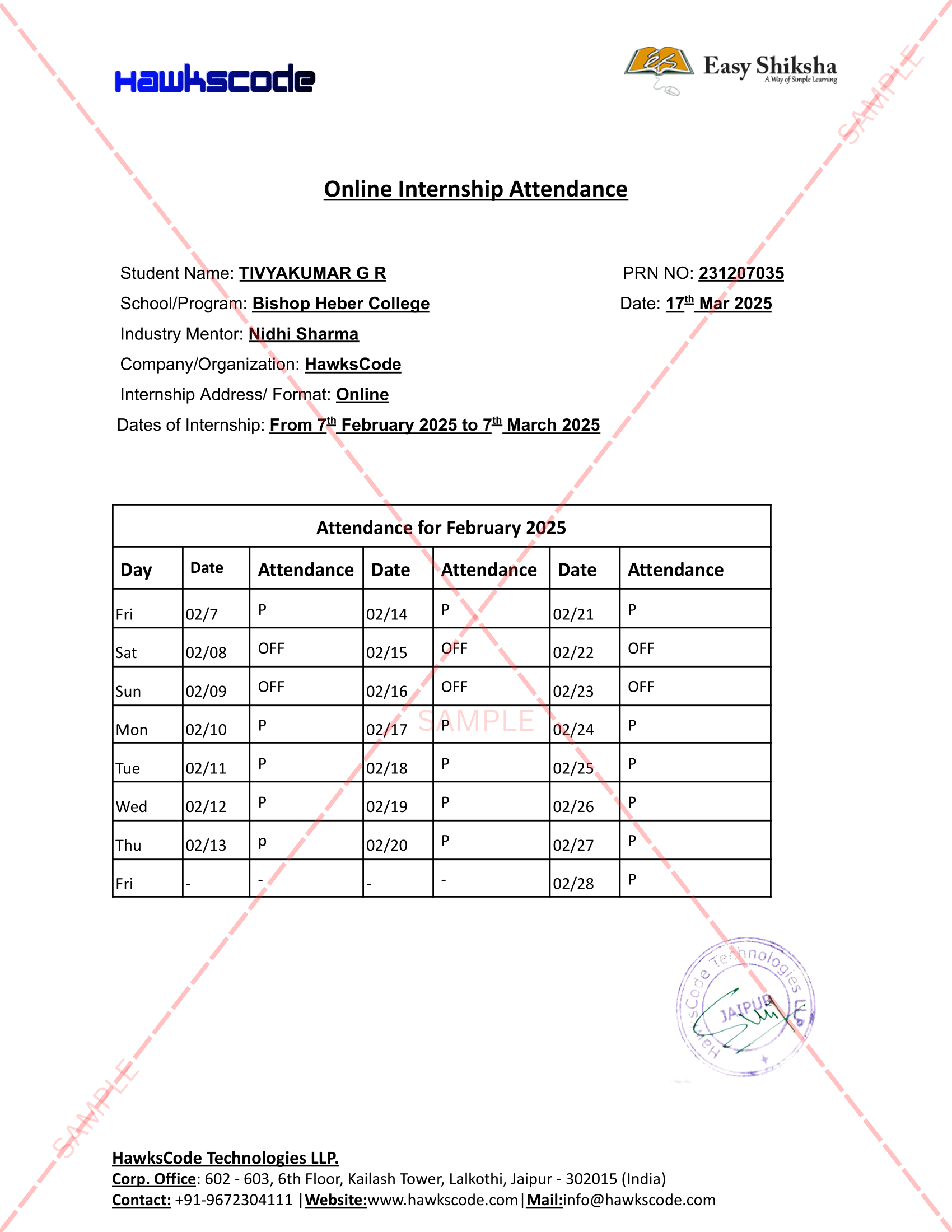
Internship Attendance Report
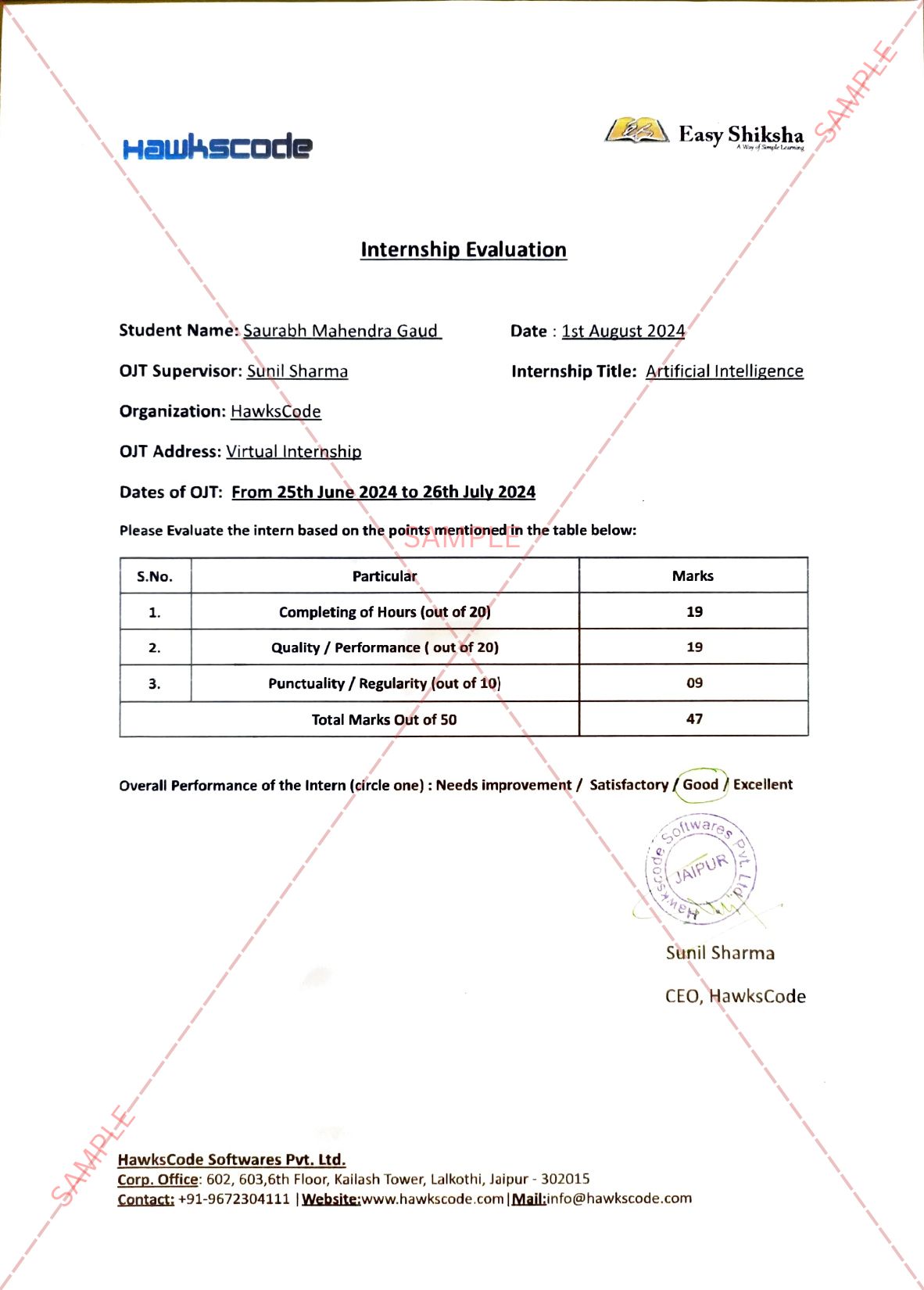
Internship Evaluation Report
Internship Certificate Hard Copy
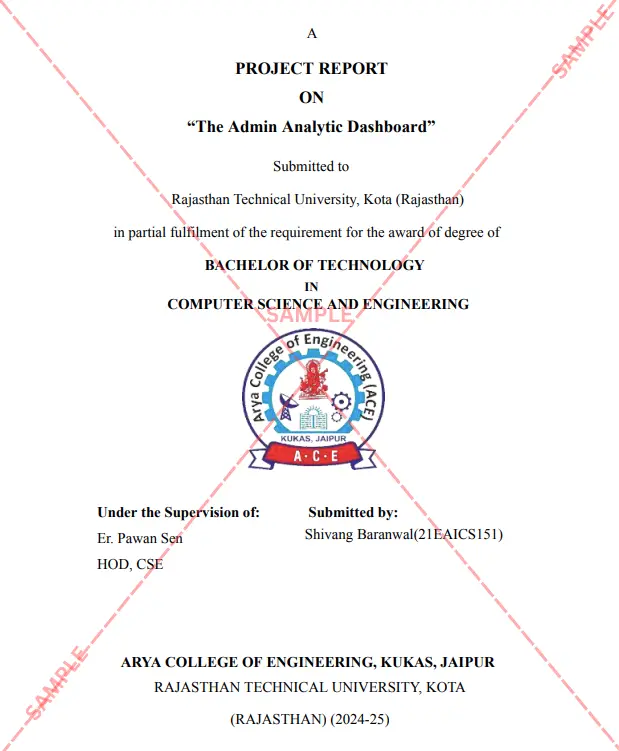
Project Report Assitance
Internship Project Assitance
1:1 Live Mentor Call
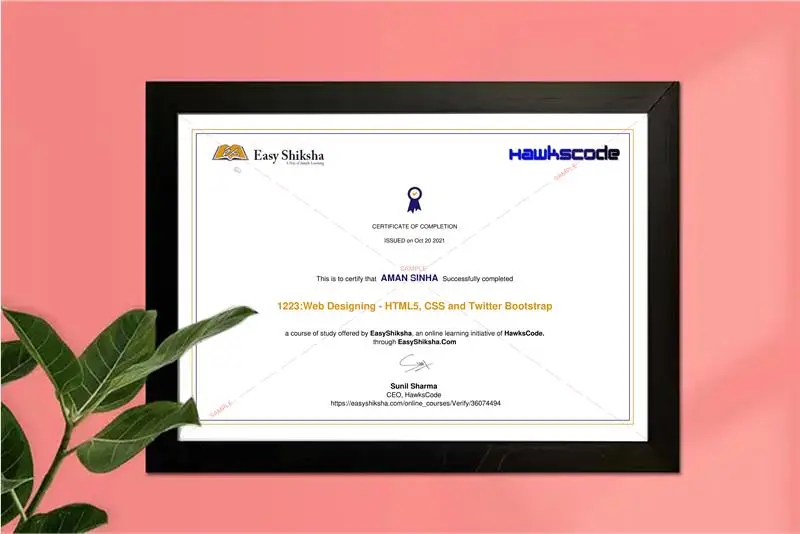
Course Certificate in Elegant Wooden Frame
2 Certificates (Course + Internship) Lifetime Access Projects & Assignments 1 Quiz + Assignments
EMIs
94 On-demand Videos Course Completion Certificate
Internship Certificate
Internship Joining/Offer Letter
Letter of Appreciation (LOA)
Internship Attendance Report
Internship Evaluation Report
Internship Certificate Hard Copy
Project Report Assitance
Internship Project Assitance
1:1 Live Mentor Call
Course Certificate in Elegant Wooden Frame
2 Certificates (Course + Internship) Lifetime Access Projects & Assignments 1 Quiz + Assignments
Why Start Now?
The Opportunity Won’t Wait.
Every day you delay is a missed opportunity to grow your skills. Learners who start today gain the advantage — whether it's building skills, improving careers, or unlocking new opportunities.
Still Thinking?
Here's everything that makes this a no-brainer:
No prior experience needed — start from absolute zero Beginner friendly — explained step by step Risk-free — 30-day full refund guarantee One-time payment — access forever Student-friendly pricing — see details at checkout Real internship certificate includedWhat Happens After You Enroll?
From payment to certificate — here's exactly what to expect
 Secure Payment
 Instant Access
30-Day Refund
2 Certificates
Instant Access
30-Day Refund
2 Certificates
Imagine After Completing This Course
Picture yourself 30 days from now — with skills, experience, and credentials that open real doors.



 Includes Internship