


Join thousands of students achieving their dreams with expert-led courses.
Join free and unlock everything on EasyShiksha.
Takes less than 3 seconds — no password needed
Please enter a valid email address.
Checking your email…
Almost done — just verify your number so we can send course updates and certificates.
Used only for verification & updates
Incorrect OTP. Please try again.
Takes less than 10 seconds
Please select your country.
Please select your state.
Tools
The Smart Time Table Builder is an intelligent study schedule generator that uses priority-based algorithms to create personalized daily and weekly timetables. By analyzing subject priority, difficulty levels, exam dates, and preferred study durations, it automatically distributes study sessions with scientifically-timed breaks using Pomodoro or custom patterns. With advanced features like Google Calendar integration, beautiful PDF exports, live session tracking, and a visual calendar to save schedules for specific dates, it transforms chaotic study planning into a structured, balanced routine that maximizes productivity while preventing burnout.
Access Smart Time Table BuilderThis tool eliminates study planning stress by automatically generating optimized timetables based on your available time, subject priorities, and exam deadlines, giving you complete control through drag-and-drop reordering, editable sessions, real-time validation, live timers, analytics dashboards, and seamless export to Google Calendar or professional PDF reports.
Automatically distributes study time based on subject priority (high/medium/low), difficulty level (1-5), and exam proximity—ensuring critical subjects get more slots while maintaining variety to prevent monotony.
Create focused single-day timetables with live session tracking or comprehensive 7-day weekly schedules with individual day customization—perfect for short-term exam prep or long-term semester planning.
Choose scientifically-proven Pomodoro technique (50-min study + 10-min breaks) or customize session/break durations to match your focus capacity, with automatic validation to fit your available study hours.
Add entire timetables (daily or weekly) directly to Google Calendar with one click, or download beautifully formatted PDF reports with color-coded priorities, subject distribution charts, and session details for offline use.
Save timetables to specific dates on a visual monthly calendar, view saved schedules with color indicators (orange=today, green=daily, blue=weekly), and edit any session by clicking to swap subjects instantly.
Track your current study session with a real-time countdown timer and progress bar, then analyze productivity with detailed statistics showing total study hours, subject distribution percentages, break time, and overall efficiency scores.








Discover thousands of colleges and courses, enhance skills with online courses and internships, explore career alternatives, and stay updated with the latest educational news..

Gain high-quality, filtered student leads, prominent homepage ads, top search ranking, and a separate website. Let us actively enhance your brand awareness.
Download EasyShiksha Mobile Apps from Android Play Store, Apple App Store, Amazon App Store, and Jio STB.
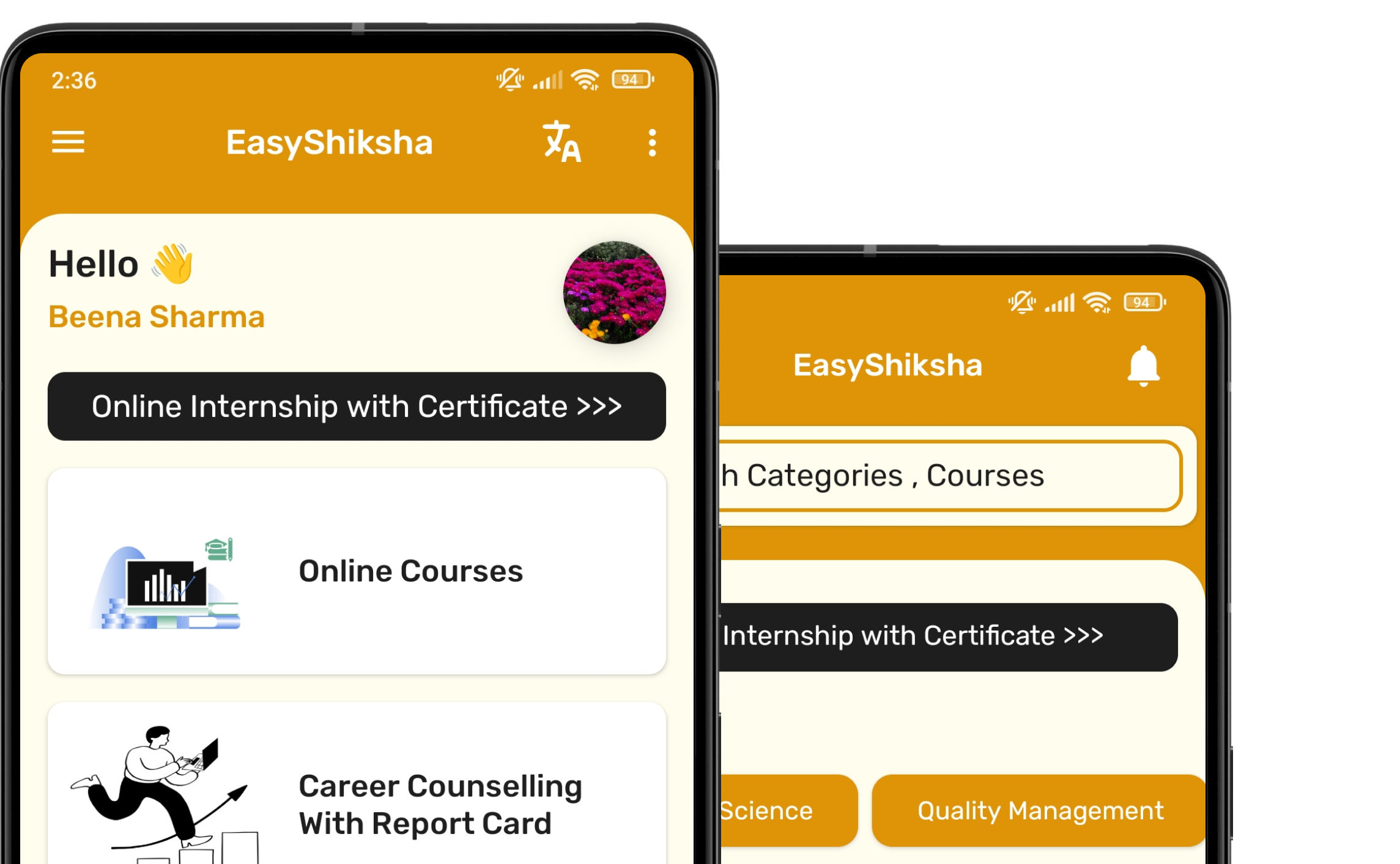


1 million+ learned on the EasyShiksha App
Trusted by Standards & Global Compliance Frameworks





Built under internationally recognized standards for quality, information security, educational excellence and business continuity.
ISO 9001:2015 | ISO/IEC 27001:2022 | ISO 21001:2018 | ISO 22301:2019 | DPIIT Recognized Startup | MSME Registered