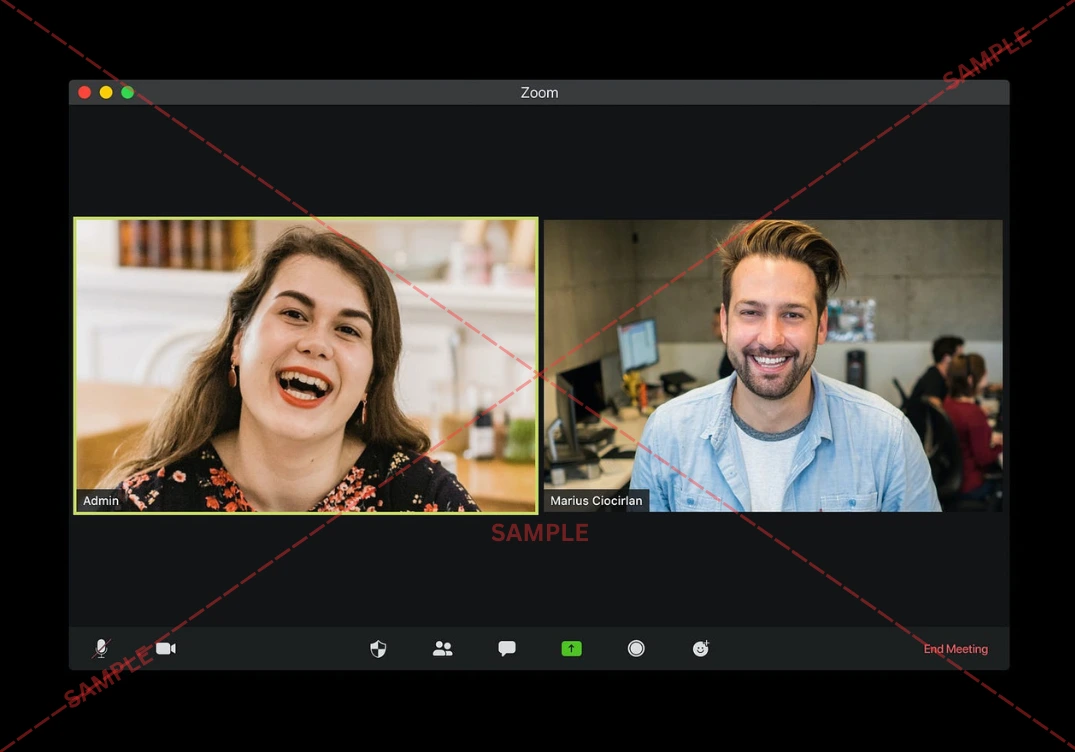



Join thousands of students achieving their dreams with expert-led courses.
Join free and unlock everything on EasyShiksha.
Takes less than 3 seconds — no password needed
Please enter a valid email address.
Checking your email…
Almost done — just verify your number so we can send course updates and certificates.
Used only for verification & updates
Incorrect OTP. Please try again.
Takes less than 10 seconds
Please select your country.
Please select your state.
Tools
The Concept Mapping Tool is a visual learning platform that helps students and professionals organize complex information into clear, structured knowledge maps. By creating interconnected node-based diagrams that show relationships between ideas, topics, subtopics, and concepts, it transforms abstract or overwhelming subject matter into a visual format that the brain finds easier to process, understand, and recall. Whether you are summarizing a chapter, planning a research project, structuring an essay, or preparing for an exam, this tool helps you see the bigger picture while keeping track of every important detail.
Access Concept Mapping ToolLinear notes fail to capture how ideas actually relate to each other. Concept maps mirror the way the human brain naturally organizes information—through connections and associations. This tool makes building those connections fast and intuitive, giving you a dynamic visual study aid that is far more effective for deep understanding than traditional note-taking. From brainstorming to final revision, it keeps your thinking organized, structured, and exam-ready.
Intuitively create, move, resize, and connect concept nodes using a simple drag-and-drop interface—no design skills required to build professional-quality knowledge maps.
Draw directional or bidirectional links between any two concepts and add custom relationship labels to precisely describe how ideas connect to each other.
Structure your maps with clear parent-child hierarchies, grouping main topics, subtopics, and supporting details into logical layers for easy navigation.
Assign distinct colors to different subjects, categories, or importance levels, making it visually simple to distinguish between related clusters of information at a glance.
Share your concept maps with classmates, study groups, or teachers through a shareable link, enabling collaborative review and group-based knowledge building.
Save multiple concept maps organized by subject or chapter in your personal library, accessible anytime for quick revision or continued expansion.
Export any concept map as a high-resolution PDF or image file for printing, embedding in notes, or sharing as a visual study guide with peers and mentors.








Discover thousands of colleges and courses, enhance skills with online courses and internships, explore career alternatives, and stay updated with the latest educational news..

Gain high-quality, filtered student leads, prominent homepage ads, top search ranking, and a separate website. Let us actively enhance your brand awareness.
Download EasyShiksha Mobile Apps from Android Play Store, Apple App Store, Amazon App Store, and Jio STB.
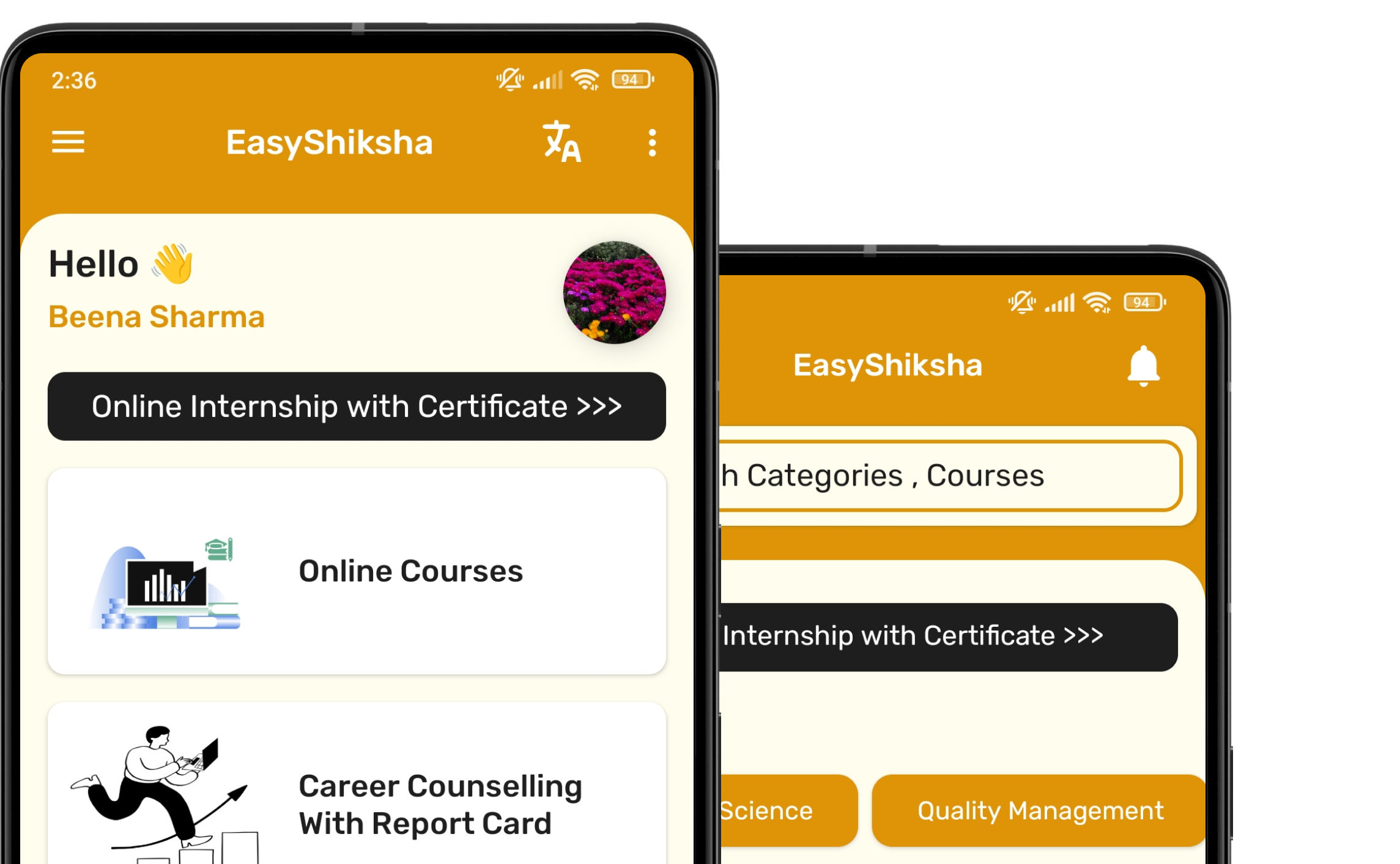


1 million+ learned on the EasyShiksha App
Trusted by Standards & Global Compliance Frameworks





Built under internationally recognized standards for quality, information security, educational excellence and business continuity.
ISO 9001:2015 | ISO/IEC 27001:2022 | ISO 21001:2018 | ISO 22301:2019 | DPIIT Recognized Startup | MSME Registered