


Join thousands of students achieving their dreams with expert-led courses.
Join free and unlock everything on EasyShiksha.
Takes less than 3 seconds — no password needed
Please enter a valid email address.
Checking your email…
Almost done — just verify your number so we can send course updates and certificates.
Used only for verification & updates
Incorrect OTP. Please try again.
Takes less than 10 seconds
Please select your country.
Please select your state.
Calculate Goods and Services Tax
With the GST calculator, you can calculate the tax amount in three simple steps. The tool provides you with three fields that have to be filled, and it calculates GST automatically based on what you fill in.
If the price you've entered is inclusive of tax, the tool automatically calculates, and displays the original price of the goods or service after subtracting the GST.
If the price you've entered is exclusive of tax, the tool automatically calculates, and displays the gross price after adding the GST.
Here's the formula you'll need to calculate GST:
Here's an example to illustrate this, if your product is in the 18% GST slab:
| Description | Amount |
|---|---|
| Original cost of goods | ₹1,00,000 |
| GST at 18% | ₹18,000 |
| Cost of goods sold | ₹1,18,000 |








Discover thousands of colleges and courses, enhance skills with online courses and internships, explore career alternatives, and stay updated with the latest educational news..

Gain high-quality, filtered student leads, prominent homepage ads, top search ranking, and a separate website. Let us actively enhance your brand awareness.
Download EasyShiksha Mobile Apps from Android Play Store, Apple App Store, Amazon App Store, and Jio STB.
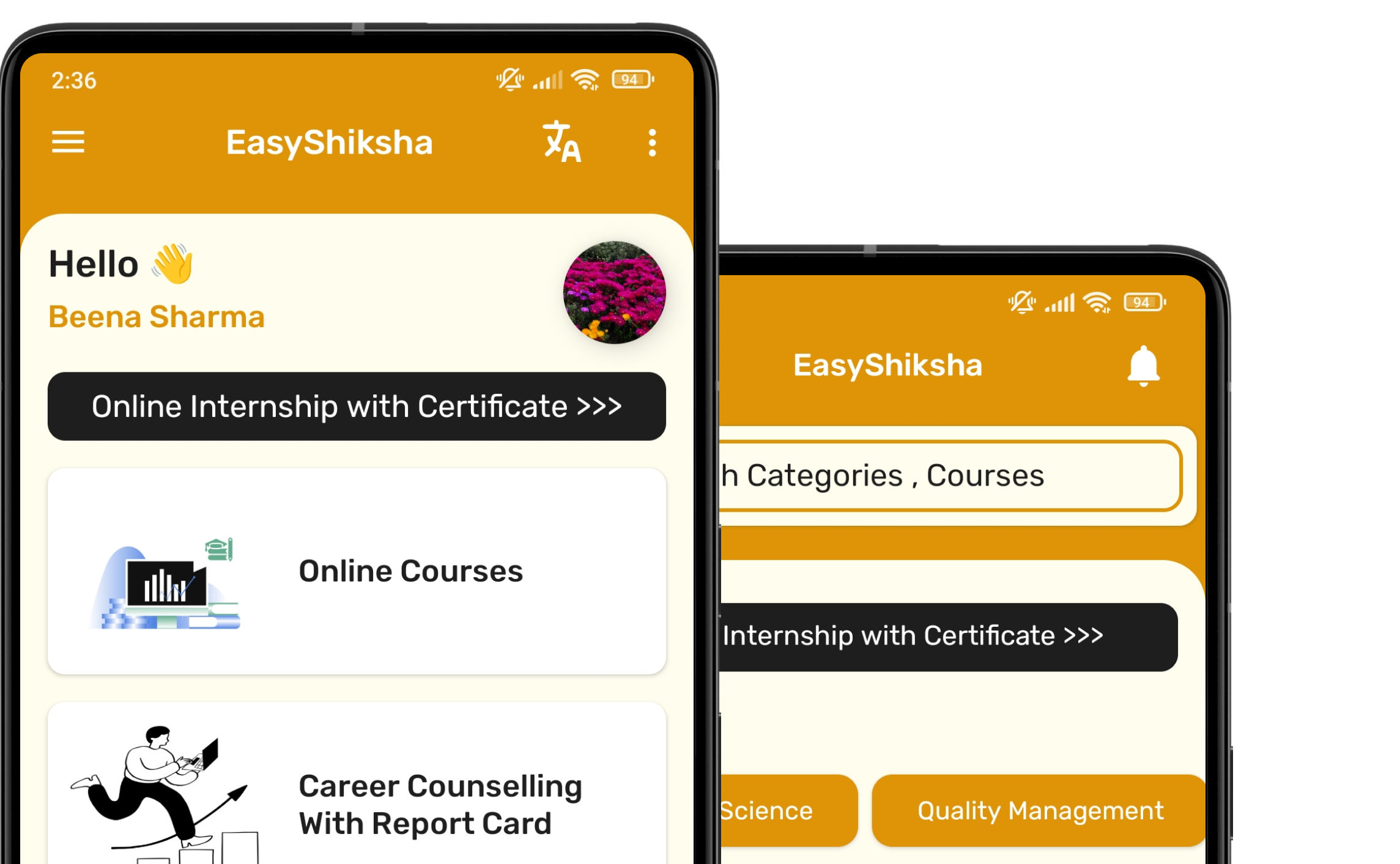


1 million+ learned on the EasyShiksha App
Trusted by Standards & Global Compliance Frameworks





Built under internationally recognized standards for quality, information security, educational excellence and business continuity.
ISO 9001:2015 | ISO/IEC 27001:2022 | ISO 21001:2018 | ISO 22301:2019 | DPIIT Recognized Startup | MSME Registered