





PCB Design Master PCB Design using Ultiboard and Multisim
Design production-ready PCBs with Multisim and Ultiboard, from schematics to Gerber files, reducing errors, cost, and turnaround time.
#1 Most Popular Online Course & Internship in Hardware You can enroll today & get certified from EasyShiksha & HawksCode.
 Build real-world projects
Internship with certificate
Resume-ready experience
Beginner to advanced
Lifetime access
Interview prep included
Build real-world projects
Internship with certificate
Resume-ready experience
Beginner to advanced
Lifetime access
Interview prep included
 Updated October 12, 2026
Join 5,00,000+ students already enrolled worldwide
No risk — 30-day full refund guarantee
Start instantly after payment — access in seconds
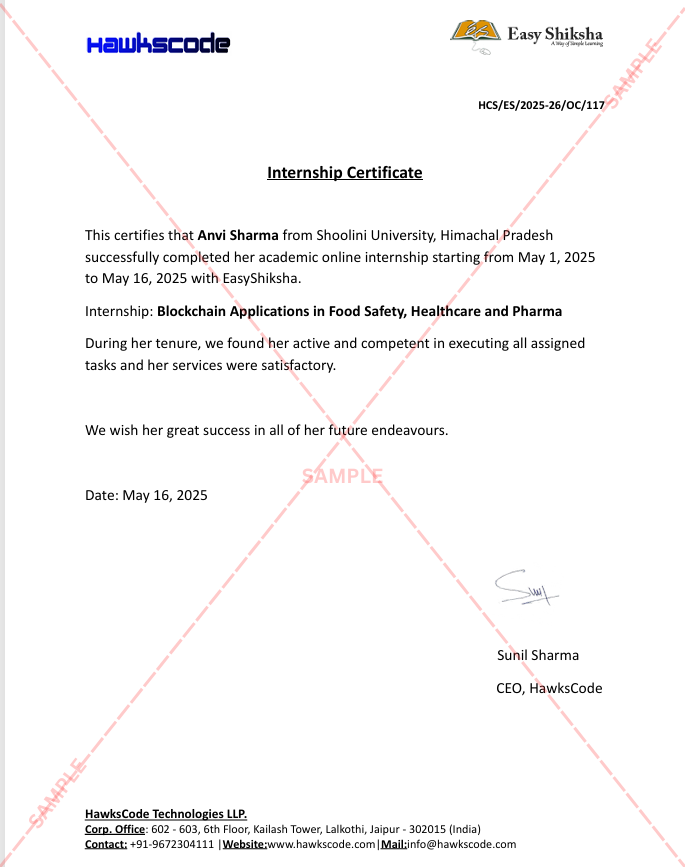
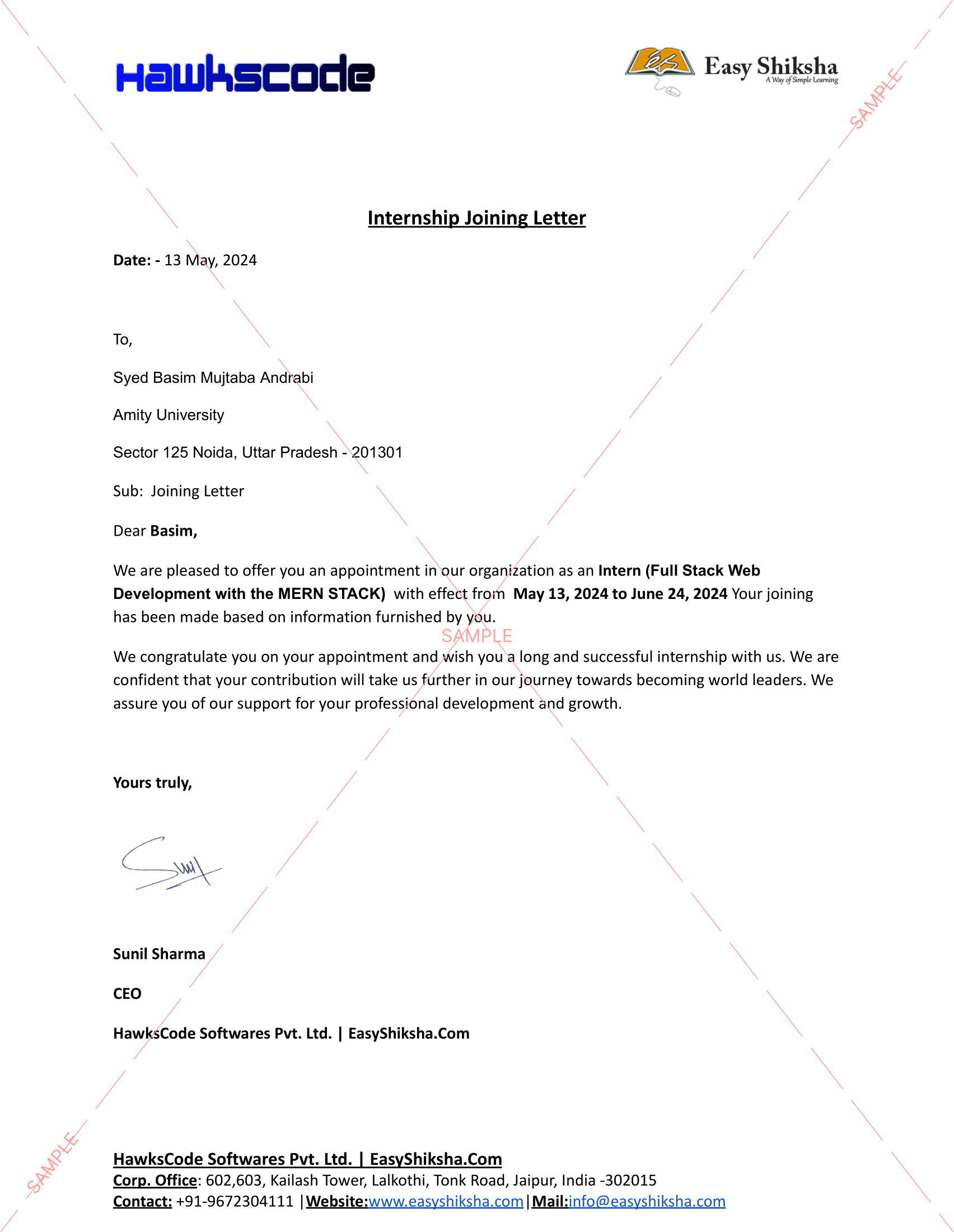
Certificate + Internship Joining Letter included
Updated October 12, 2026
Join 5,00,000+ students already enrolled worldwide
No risk — 30-day full refund guarantee
Start instantly after payment — access in seconds
Certificate + Internship Joining Letter included

 Free Preview
 15 On-demand Videos
 Internship Joining Letter
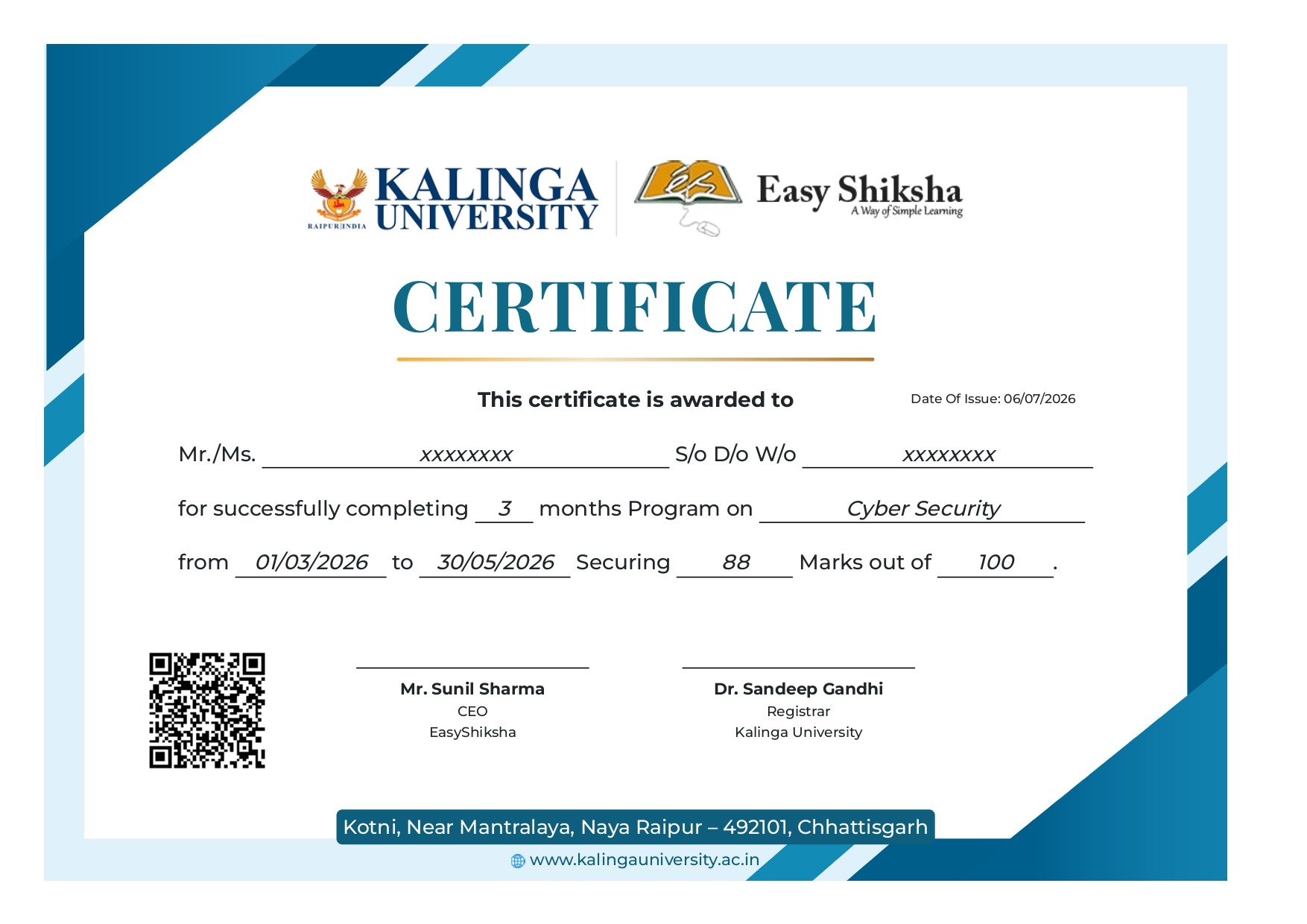
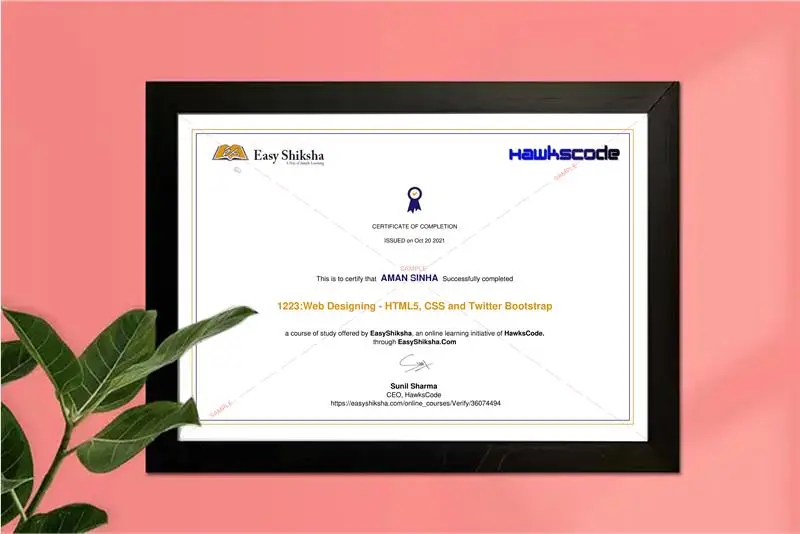
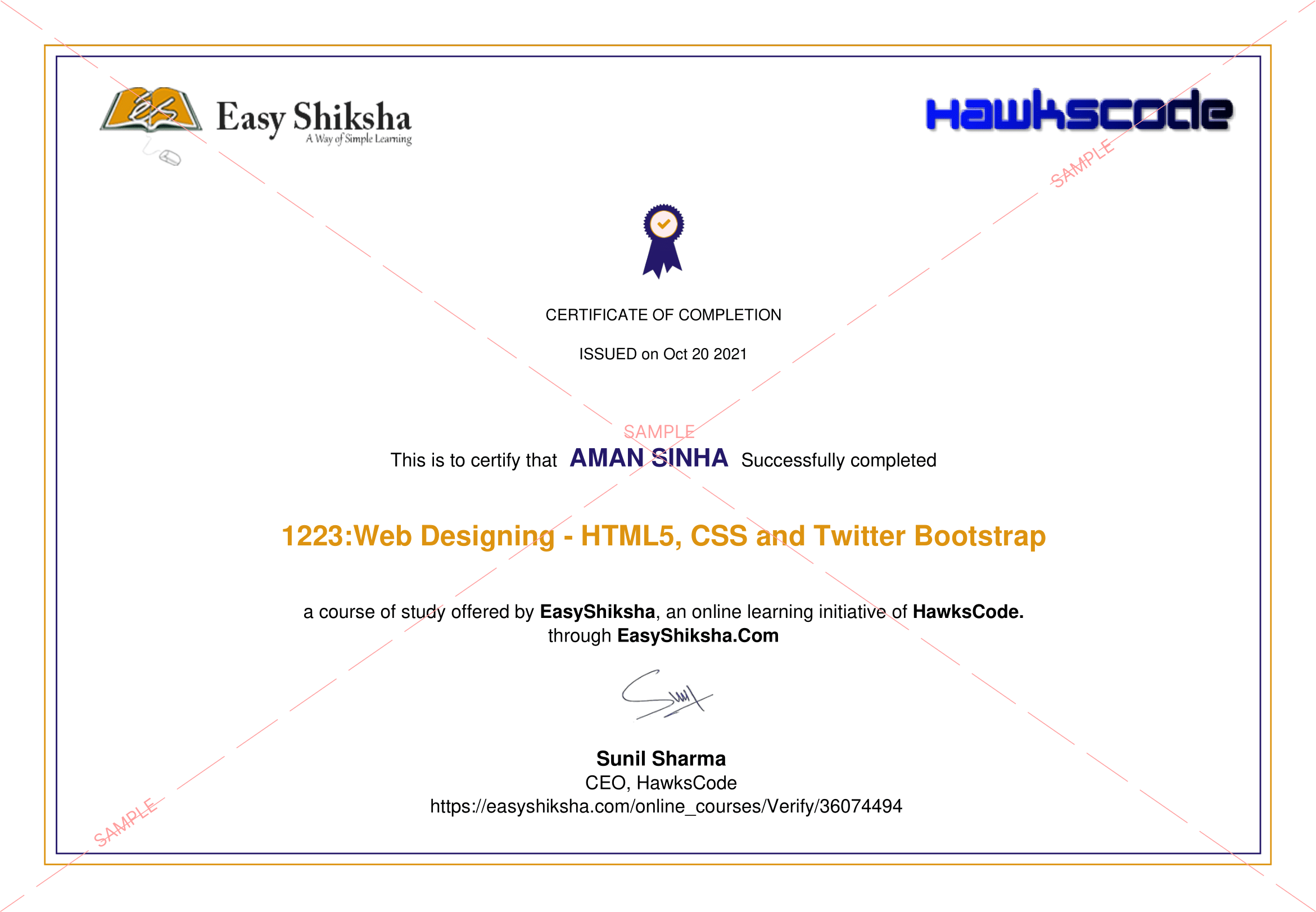
 2 Certificates (Course + Internship)
 Lifetime Access
 1 Quiz + Assignments
 Mobile & Desktop Access




Why This Course and Internship Stands Out
See exactly what separates EasyShiksha students from everyone else
 Watching scattered YouTube
videos with no structure
No certificate — nothing to show
employers
No internship experience on
resume
Wasting months without clear
direction
Struggling to stand out in job
applications
No proof of practical skills
Structured, beginner-to-advanced
learning path
Verified certificate — shareable
on LinkedIn
Real internship offer letter for
your resume
Go from zero to job-ready in one
programme
Resume-ready experience before
graduation
Practical projects you can show
any recruiter
Watching scattered YouTube
videos with no structure
No certificate — nothing to show
employers
No internship experience on
resume
Wasting months without clear
direction
Struggling to stand out in job
applications
No proof of practical skills
Structured, beginner-to-advanced
learning path
Verified certificate — shareable
on LinkedIn
Real internship offer letter for
your resume
Go from zero to job-ready in one
programme
Resume-ready experience before
graduation
Practical projects you can show
any recruiter
Internship Opportunity Included With This Course
"This is not just a course — it's real career experience. Walk away with documents that prove your skills to any employer."



This Course is Perfect For
Whether you're starting from scratch or switching careers — this course is designed with your success in mind.








Ultiboard is printed circuit board design and layout software that integrates seamlessly with Multisim to accelerate PCB prototype development.
The creation of electronic circuits has been around for a long time now, and like any design, modeling is essential for the manufacturing of the end product. PCB layouts and other circuit designs need to be precise, accurate, and flawless for the manufacturer to create an effective and efficient final product. Speed is similarly essential in designing schematics at the end of the day. Your business needs to make a profit.
Why you should take this course?
- The process of designing a PCB is made easier with Ultiboard because the software automates a lot of it for you.
- As a result, you can create a more robust and easy-to-read board layout by using the Multisim components that are embedded in Ultiboard.
- One benefit of the integration between Multisim and Ultiboard is that it allows you to work on both at the same time, which saves time.
- These two tools help you identify potential issues before they become real problems, saving money and time.
- You also save money by knowing how much material to order before starting the design process because Ultiboard helps calculate this for you.
This course aims to provide a comprehensive and detailed explanation from how to download Ultiboard, create a circuit, and maneuver around the platform, to the exportation of the design for manufacturing. We hope that this will be beneficial.
Welcome to this course.
What is this course about:
In this course, you will learn from start to finish, from zero to production-ready on how to design a Printed Circuit Board. It will help you to improve your PCB design skills, which will help you to get started freelancing or to get a job in PCB design with Multisim and Ultiboard since they're the most used PCB design tools.
What you will learn in This Course:
- Get started PCB design using Multisim and Ultiboard.
- Download and install Multisim and Ultiboard.
- Create Arduino UNO Shield, PIC Microcontroller Breakout, and other Schematics in Multisim and Ultiboard.
- Wire components in Schematic view.
- Transfer schematic into PCB.
- Place components on board.
- Create a multilayer board.
- Route layers and place components on board.
- Autoroute to save time.
- Eliminate design errors.
- Create Gerber files for your manufacturer.
Ultiboard is mainly used for its benefits:
- Easy to use and efficient PCB layout program.
- Optimum control and management of the environment.
- Transfer of simple schematics to PCB.
- File Standardization - You can export your design file in one format such as DXF or Gerber to another format that is required for standardization purposes.
NI Ultiboard, or formerly ULTIboard, is an electronic Printed Circuit Board Layout program that is part of a suite of circuit design programs, along with NI Multisim. One of its major features is the Real-Time Design Rule Check, a feature that was only offered on expensive workstations in the days when it was introduced. Ultiboard includes a 3D PCB viewing mode, as well as integrated import and export features to the Schematic Capture and Simulation software in the suite, Multisim.
Ultiboard software offers efficient PCB design layout and routing with a customizable environment. You can use its flexible tools to place parts and copper with manual precision to define critical board elements. With its automated functionality, you can quickly complete a design. The advanced spreadsheet view, toolbox, and design wizards help you easily manage, control, and define any board layout. Seamless integration with Multisim software provides a simple schematic transfer to PCB, and forward and backward annotation ensures design iteration management. You can easily export industry-standard file formats such as Gerber and DXF to complete the design flow from schematic to layout.
What you will learn
- Get started PCB design using Multisim and Ultiboard.
- Download and install Multisim and Ultiboard.
- Create Arduino UNO Shield, PIC Microcontroller Breakout, and other Schematics in Multisim and Ultiboard.
- Wire components in Schematic view.
- Transfer schematic into PCB.
- Place components on board.
- Create a multilayer board.
- Route layers and place components on board.
- Autoroute to save time.
- Eliminate design errors.
- Create Gerber files for your manufacturer.
 Unlock 13 More Lessons + Internship Access

 Missing this = losing the internship credential Missing this = losing your early-access advantage Missing this = falling behind candidates who did enroll



.svg?v1)
 Chat with us first →
 UPI
UPI
 Wallets
 Debit/ Credit card
 NetBanking
 EMIs
15 On-demand Videos Course Completion Certificate
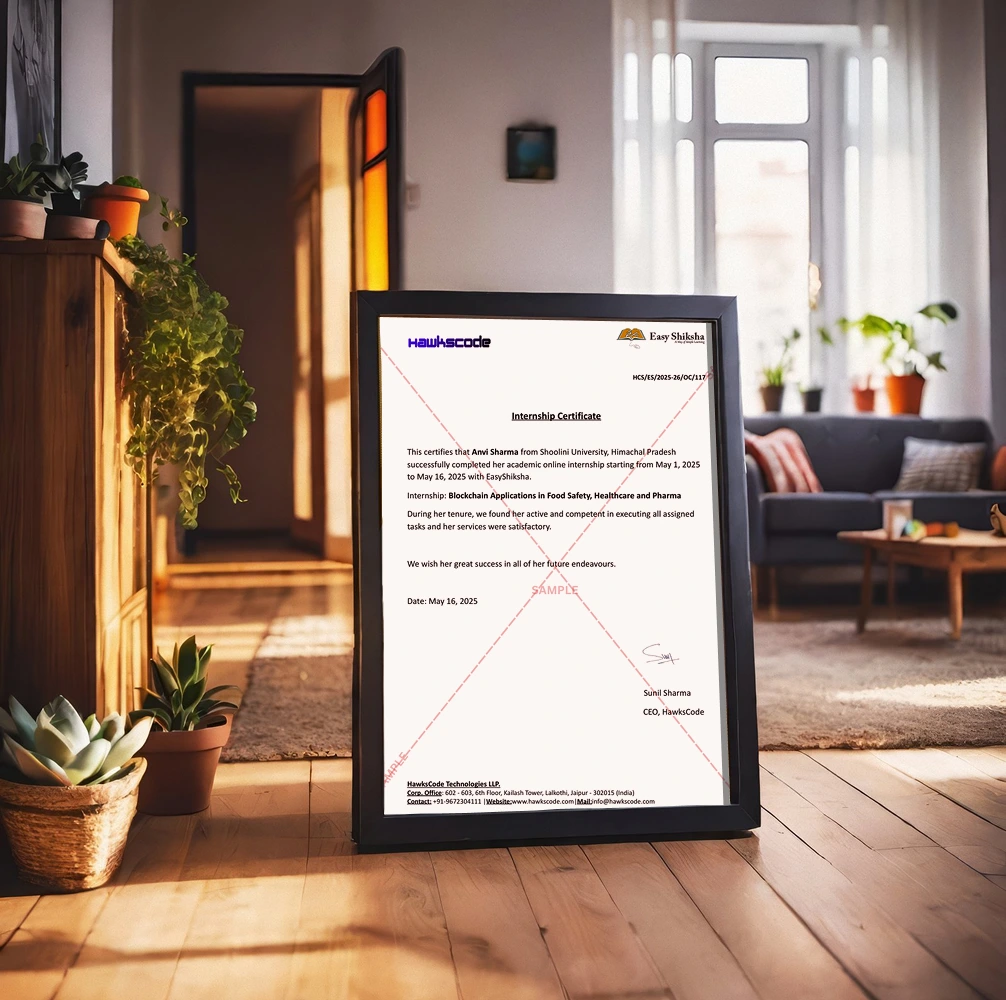
Internship Certificate
Internship Joining/Offer Letter
Letter of Appreciation (LOA)
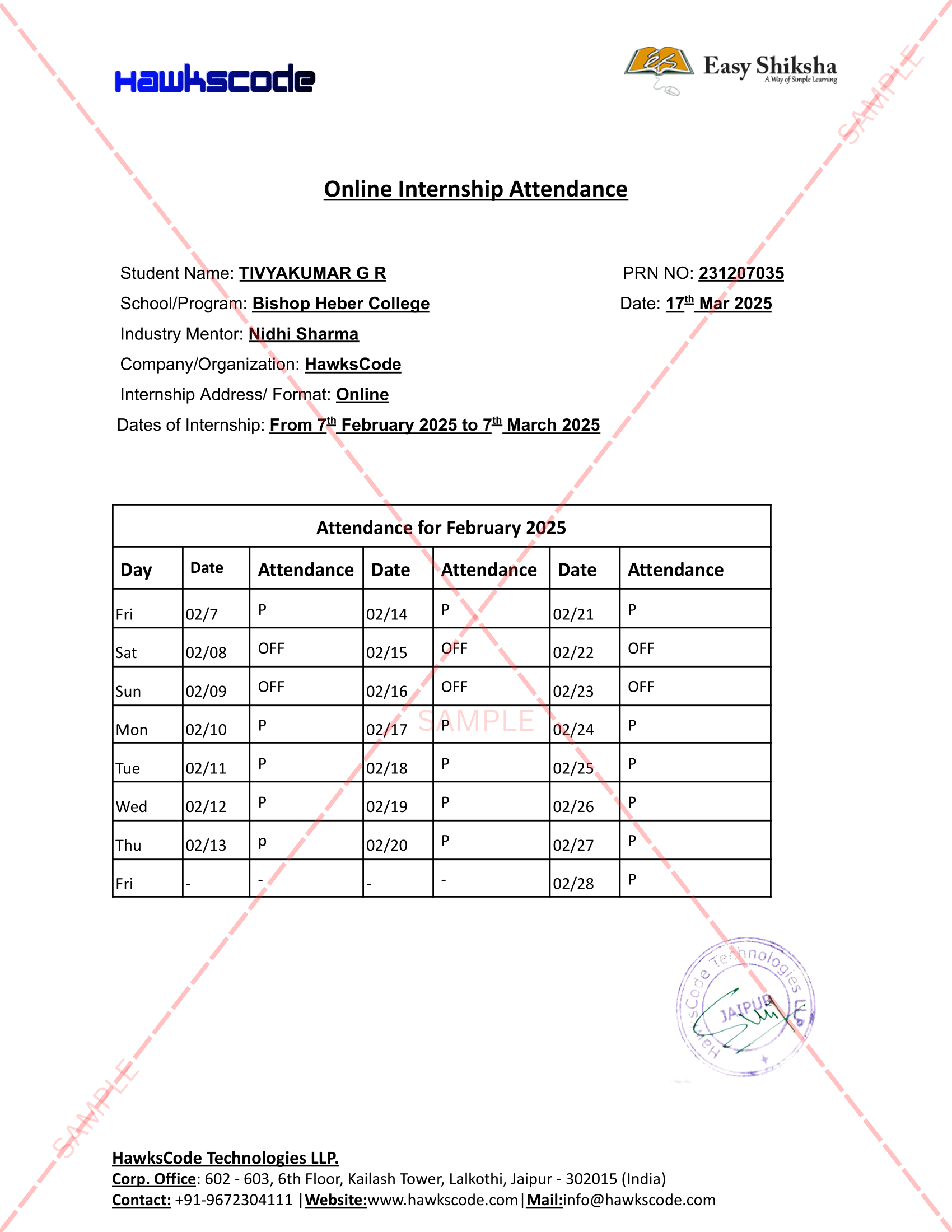
Internship Attendance Report
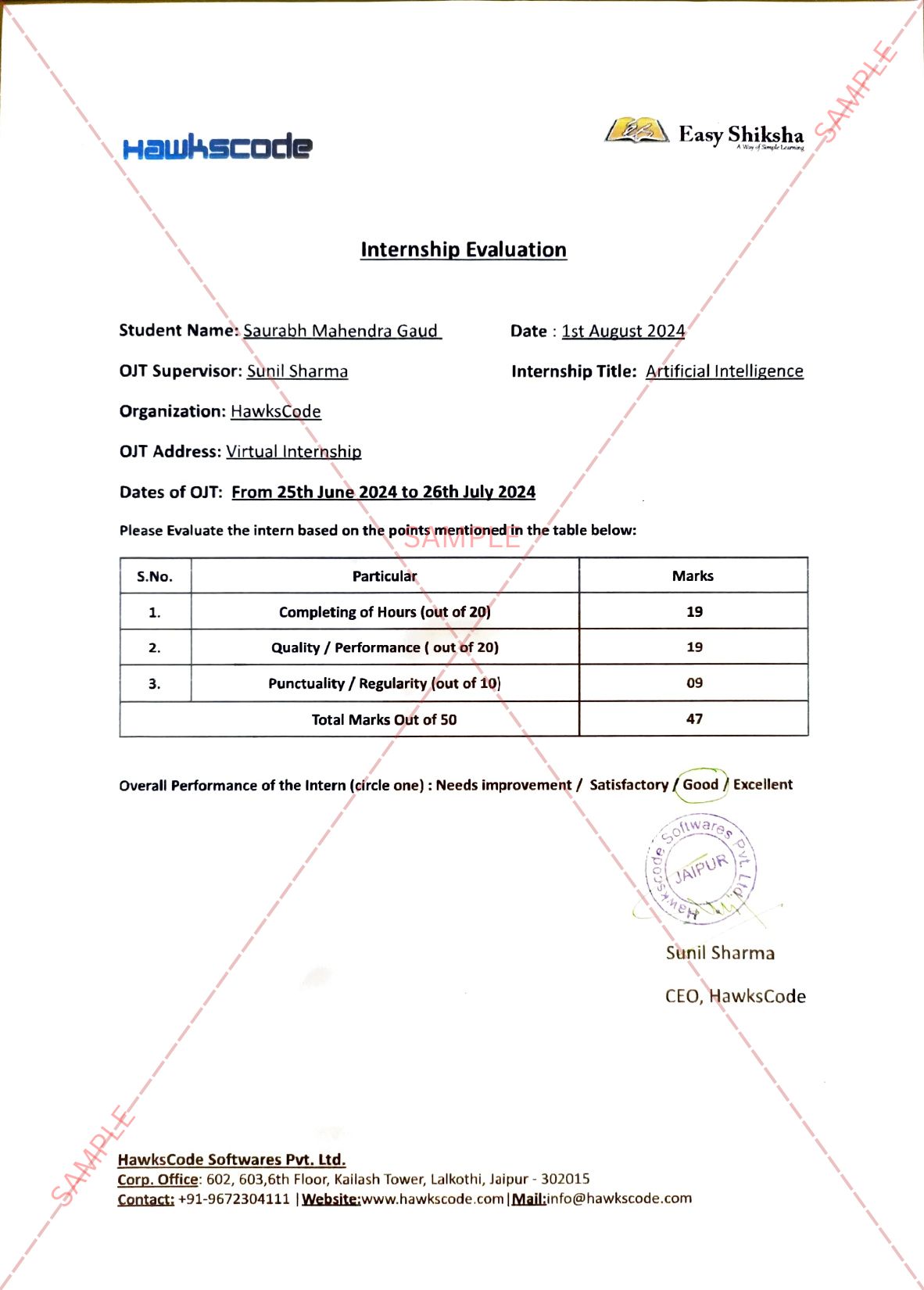
Internship Evaluation Report
Internship Certificate Hard Copy
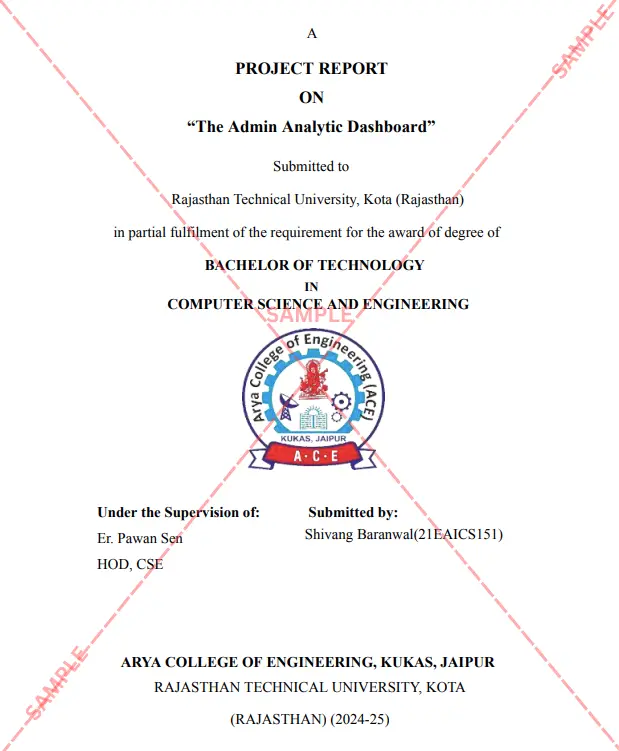
Project Report Assitance
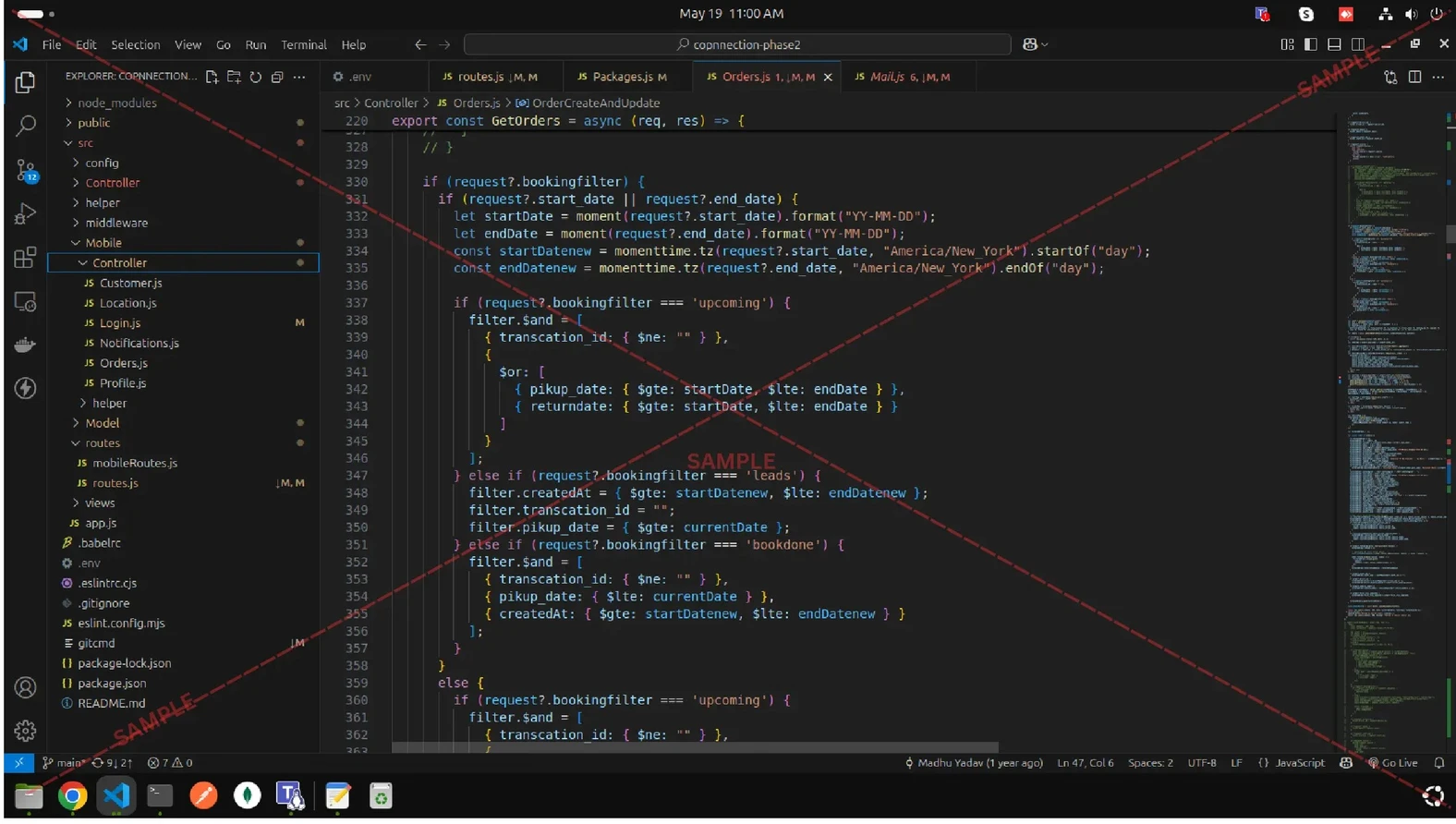
Internship Project Assitance
1:1 Live Mentor Call
Course Certificate in Elegant Wooden Frame
2 Certificates (Course + Internship) Lifetime Access Projects & Assignments 1 Quiz + Assignments
EMIs
15 On-demand Videos Course Completion Certificate
Internship Certificate
Internship Joining/Offer Letter
Letter of Appreciation (LOA)
Internship Attendance Report
Internship Evaluation Report
Internship Certificate Hard Copy
Project Report Assitance
Internship Project Assitance
1:1 Live Mentor Call
Course Certificate in Elegant Wooden Frame
2 Certificates (Course + Internship) Lifetime Access Projects & Assignments 1 Quiz + Assignments
Why Start Now?
The Opportunity Won’t Wait.
Every day you delay is a missed opportunity to grow your skills. Learners who start today gain the advantage — whether it's building skills, improving careers, or unlocking new opportunities.
Still Thinking?
Here's everything that makes this a no-brainer:
No prior experience needed — start from absolute zero Beginner friendly — explained step by step Risk-free — 30-day full refund guarantee One-time payment — access forever Student-friendly pricing — see details at checkout Real internship certificate includedWhat Happens After You Enroll?
From payment to certificate — here's exactly what to expect
 Secure Payment
 Instant Access
30-Day Refund
2 Certificates
Instant Access
30-Day Refund
2 Certificates
Imagine After Completing This Course
Picture yourself 30 days from now — with skills, experience, and credentials that open real doors.




 Includes Internship