






Mastering Windows 10: Enterprise Architecture, Security & UX
Master Windows 10 to architect, secure, and optimize enterprise desktops, driving productivity, compliance, and strategic digital transformation.
#1 Most Popular Online Course & Internship in Computer Science You can enroll today & get certified from EasyShiksha & HawksCode.
 Build real-world projects
Internship with certificate
Resume-ready experience
Beginner to advanced
Lifetime access
Interview prep included
Build real-world projects
Internship with certificate
Resume-ready experience
Beginner to advanced
Lifetime access
Interview prep included
 Updated October 05, 2026
Join 5,00,000+ students already enrolled worldwide
No risk — 30-day full refund guarantee
Start instantly after payment — access in seconds
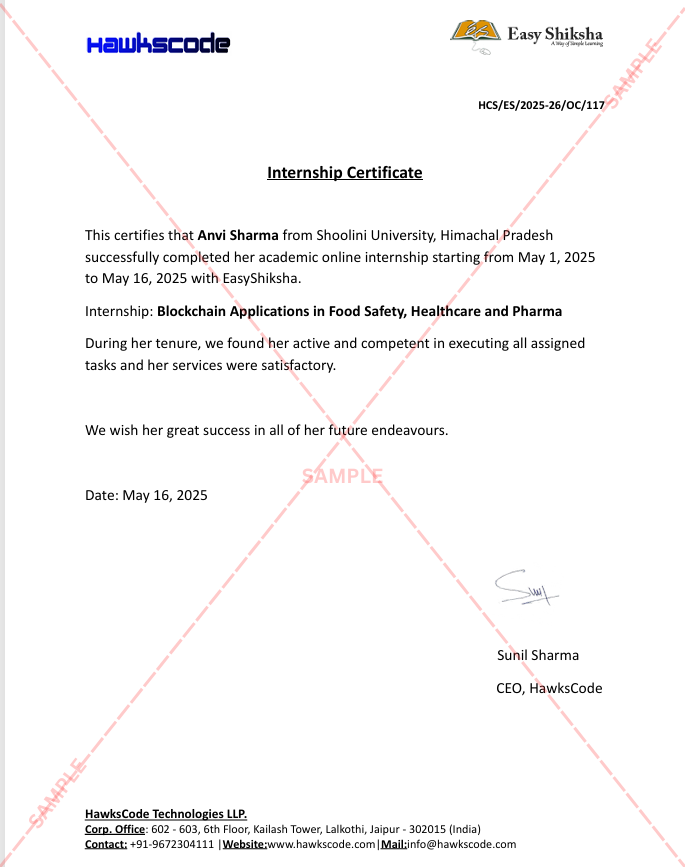
Certificate + Internship Joining Letter included
Updated October 05, 2026
Join 5,00,000+ students already enrolled worldwide
No risk — 30-day full refund guarantee
Start instantly after payment — access in seconds
Certificate + Internship Joining Letter included

 Free Preview
 101 On-demand Videos
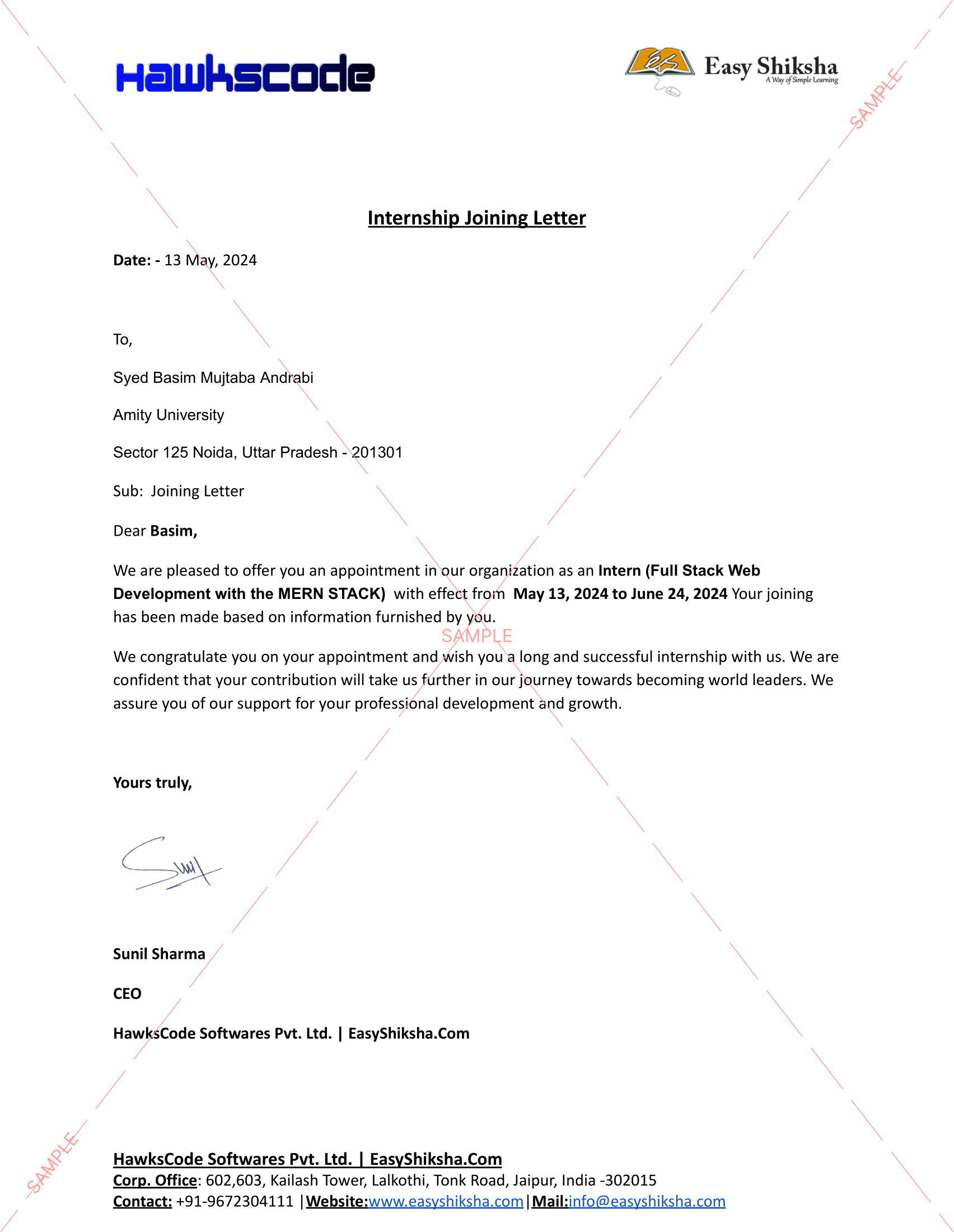
 Internship Joining Letter
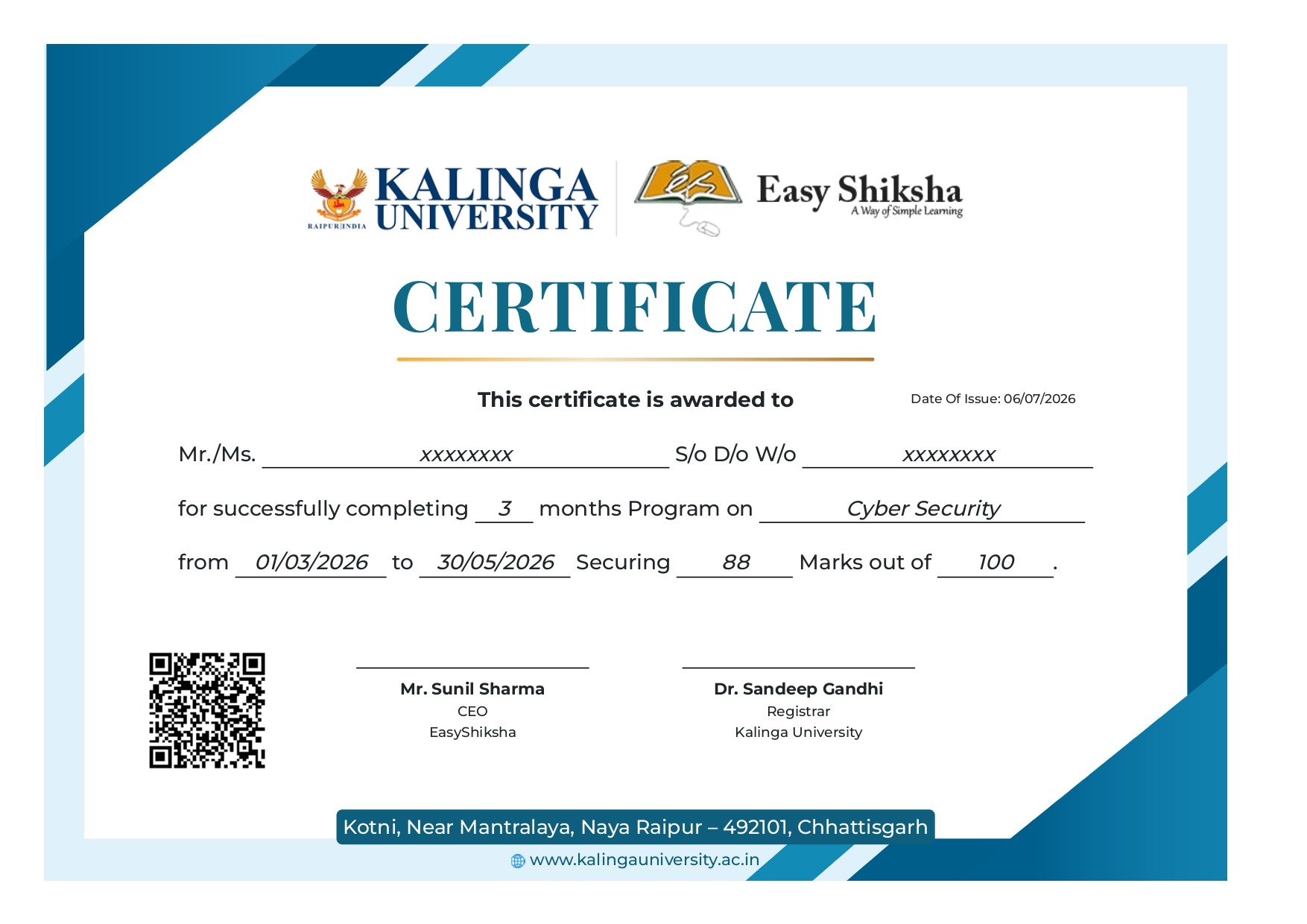
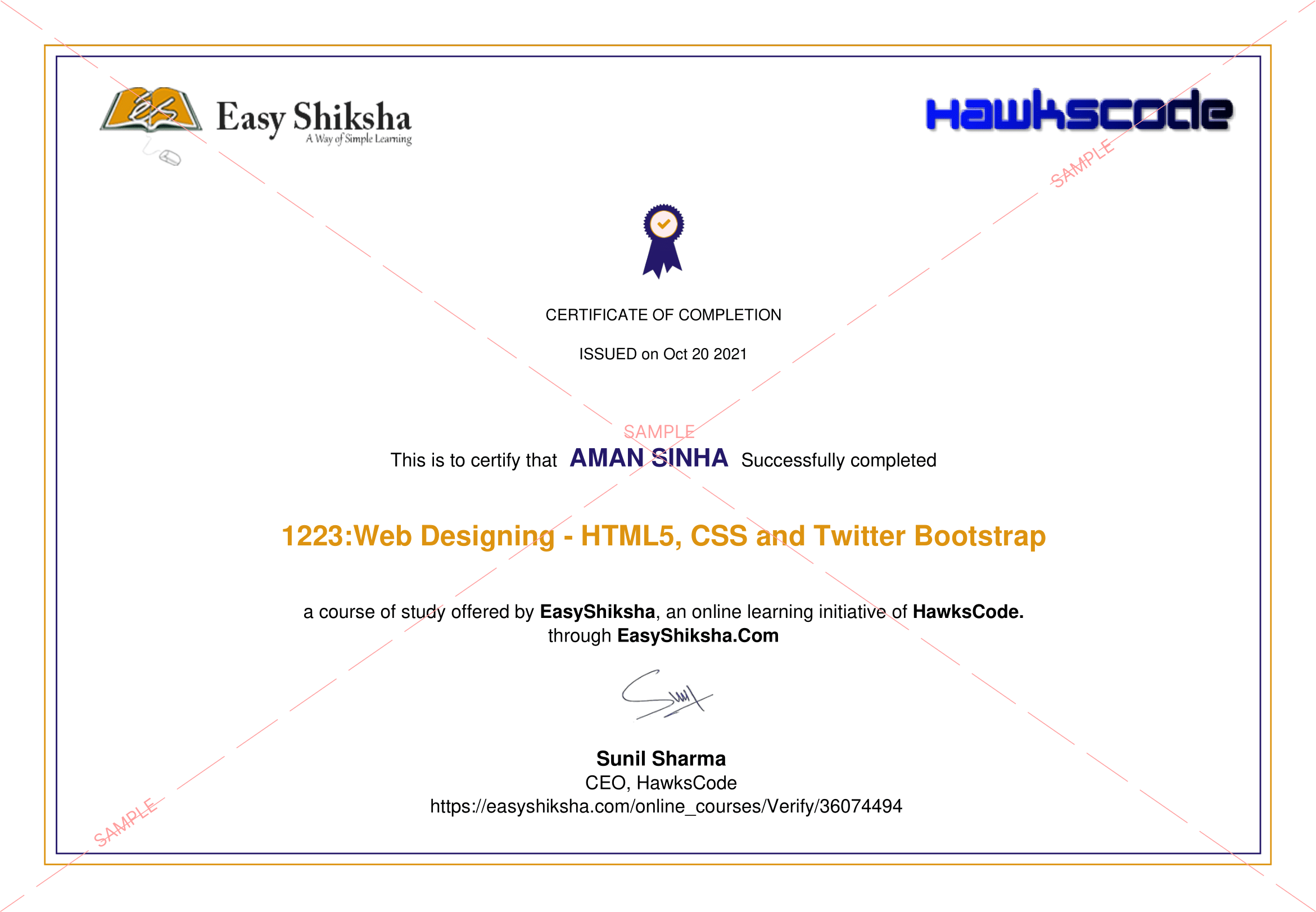
 2 Certificates (Course + Internship)
 Lifetime Access
 1 Quiz + Assignments
 Mobile & Desktop Access




Why This Course and Internship Stands Out
See exactly what separates EasyShiksha students from everyone else
 Watching scattered YouTube
videos with no structure
No certificate — nothing to show
employers
No internship experience on
resume
Wasting months without clear
direction
Struggling to stand out in job
applications
No proof of practical skills
Structured, beginner-to-advanced
learning path
Verified certificate — shareable
on LinkedIn
Real internship offer letter for
your resume
Go from zero to job-ready in one
programme
Resume-ready experience before
graduation
Practical projects you can show
any recruiter
Watching scattered YouTube
videos with no structure
No certificate — nothing to show
employers
No internship experience on
resume
Wasting months without clear
direction
Struggling to stand out in job
applications
No proof of practical skills
Structured, beginner-to-advanced
learning path
Verified certificate — shareable
on LinkedIn
Real internship offer letter for
your resume
Go from zero to job-ready in one
programme
Resume-ready experience before
graduation
Practical projects you can show
any recruiter
Internship Opportunity Included With This Course
"This is not just a course — it's real career experience. Walk away with documents that prove your skills to any employer."




This Course is Perfect For
Whether you're starting from scratch or switching careers — this course is designed with your success in mind.








This course uses elements of Artificial IntelligenceAre you or your organization prepared to unlock the full potential of Windows 10 as the foundation for modern enterprise computing? In a digital era where rapid technological shifts are the norm, mastering the architecture, security, and management of enterprise client platforms has never been more essential. As businesses grow more mobile and distributed, Windows 10’s robust feature set positions it at the forefront of business transformation, user productivity, and enterprise resilience.
Our team brings a deep, practical perspective built on years of experience architecting, deploying, and managing Microsoft client environments in industries ranging from finance and healthcare to education and global energy. We designed this course to serve as your definitive guide to leveraging Windows 10’s powerful client platform for tangible business advantages—whether you’re an IT professional, project leader, or strategist shaping the future of your organization.
Why Is Mastering Windows 10 Critical in Today’s Enterprise Environment?
Windows 10 is more than an operating system—it’s the backbone of modern workplace agility, digital security, and organizational collaboration. With over a billion devices powered by Windows 10 worldwide and a feature set crafted for enterprise innovation, it remains at the heart of secure digital transformation initiatives. As trends like zero-trust security, hybrid work, and AI-driven automation reshape the IT landscape, understanding Windows 10 isn’t just about technical proficiency; it’s about driving real business impact, reducing costs, and ensuring compliance.
What Makes This Course Different?
We go far beyond configuration basics and surface-level tutorials. You’ll embark on a journey into advanced system integration, layered security, and real-world case-based learning you won’t find in typical certification programs. Across every module, you’ll engage directly with enterprise deployment strategies, user experience architecture, regulatory compliance, intelligent automation, and scalable device management—all mapped to current business realities and tomorrow’s strategic needs.
Your Course Journey—From Foundation to Strategic Impact
Let us guide you through a carefully structured, immersive learning experience—one that integrates technical insight with practical enterprise strategy:
- Start with the Big Picture: Explore how Windows 10 became the standard for enterprise computing, examining its design philosophies, key features, and its critical role in supporting organizational growth and change. Real corporate case studies spotlight the challenges and victories in large-scale Windows 10 adoption, giving context to the transition from legacy systems.
- Master Enterprise-Grade User Experience: Delve into user experience architecture—learning how Windows 10 balances usability, accessibility, and productivity without compromise. We demystify interface design choices, system integration, and lessons from successful (and less successful) enterprise UX deployments, empowering you to shape workplaces where efficiency and satisfaction go hand-in-hand.
- Elevate Productivity with Modern Desktop Environments: Discover advanced workflows using the Windows 10 desktop, taskbar, Start Menu, and virtual desktops. Unlock new paradigms of window and workspace management, leverage File Explorer innovations for streamlined operations, and analyze productivity boosts demonstrated through workplace case studies.
- Champion Accessibility and Universal Design: Study critical accessibility features—including built-in screen readers, narrator, and high-contrast modes—and apply best practices for software inclusivity. Explore your organization’s regulatory obligations through compliance-focused scenarios, then consider how universal access enables workforce diversity and empowers every user.
- Drive Integration and Streamlined App Ecosystems: Go deep into Windows 10 app architecture, universal application strategies, and seamless legacy integration. Understand how modern device input/output, cross-device synergy, and robust workflow connectors unify Microsoft 365, third-party, and custom enterprise applications for maximum operational efficiency.
- Safeguard Your Enterprise with World-Class Security: Our security modules—crafted in response to the evolving threat landscape—offer proven frameworks for device and data protection. Learn how Windows 10’s security-by-design approach, layered defenses, and rapid threat response set new benchmarks for endpoint safety. Real-world breach response case studies equip you with practical incident-handling skills.
- Build a Secure Access and Identity Foundation: Investigate identity models from on-premises to federated and cloud-integrated options, learn about multi-factor authentication, and see how modern single sign-on transforms resource access. Detailed scenarios and case implementations illustrate both the theory and practice of privileged access management and credential protection at enterprise scale.
- Implement Next-Gen Endpoint Protection: Go beyond antivirus with holistic endpoint defense—apply knowledge of device encryption, secure boot, least privilege, and application control. Our hands-on labs and scenarios detail application whitelisting, sandboxing, and vulnerability patching across large, diverse environments.
- Align Security Policy and Governance Across the Organization: Develop, distribute, and automate security policy enforcement, and stay ahead of privacy regulations. Learn how policy-driven incident response and real-time monitoring protect your organization—not just in theory, but through proven, field-tested frameworks.
- Excel at Update and Lifecycle Management: Mitigate business risk by designing bulletproof update strategies, leveraging Windows as a Service for business continuity. Experience how automated quality, feature, and security updates keep your environment resilient, while effective change management smooths large-scale enterprise rollouts.
- Deploy Where Business Happens—Everywhere: Learn the practicalities of imaging, dynamic provisioning, and in-place upgrades. Compare deployment options, address global scalability, and navigate unique challenges in remote/hybrid workforces and multinational operations. Real-world enterprise deployment examples equip you with a playbook for diverse rollout scenarios.
- Modern Device Management and Cloud Integration for the Next Decade: Explore unified endpoint management, bridging on-premises and hybrid cloud assets, enabling conditional access, and ensuring continuous compliance. Our hybrid cloud case studies unpack how public sector and private organizations alike have modernized management without compromising security or productivity.
- Define and Execute a Modern Endpoint Strategy: Integrate personal and corporate device management, orchestrate device lifecycle from onboarding to retirement, and harness endpoint analytics for preemptive action. Rich examples from manufacturing, finance, and other sectors reveal best practices in real-world strategy deployment.
- Tap into Automation and System Intelligence: Master built-in automation tools, from Cortana to IT operational insights powered by telemetry and intelligent analytics. You’ll walk through real automation projects, resulting in dramatic time savings and performance gains—like revolutionizing IT workflows in healthcare environments.
- Unleash Collaboration and Digital Communication: Transform teamwork with Windows 10’s collaboration backbone—leveraging secure file sharing, enterprise social tools, and integrated communication. Real education sector transformations demonstrate the impact of modern collaboration models on learning and innovation.
- Evolve Security for Tomorrow’s Challenges: Adapt your security posture for remote and distributed teams, IoT endpoints, and critical infrastructure scenarios. Prepare for future threats with forward-looking frameworks, drawing from security incidents and resilience strategies implemented in critical industries.
- Achieve and Maintain Compliance Excellence: Understand the full regulatory landscape—GDPR, HIPAA, SOX, and beyond. Build audit-ready controls, get certification-ready for specialized domains, and implement education and automation that keep compliance aligned with business growth. Learn from success stories in cross-border and highly regulated organizations.
- Measure, Analyze, and Demonstrate Success: Harness advanced analytics to evaluate user satisfaction, security posture, and ROI. Conduct business impact analyses and drive continuous improvement through actionable Windows 10 insights, supporting your case for ongoing investment in digital transformation.
- Prepare for the Future—Platform Evolution and Transition: Stay ahead with trend analysis, AI-driven management concepts, and expert perspectives on cloud, hybrid, and on-premises futures. Learn how to roadmap critical organizational transitions, drawing lessons from large-scale platform strategies and real business outcomes.
- Conclude with Actionable Integration and Lifelong Learning: Cement your understanding by integrating principles across user needs, IT management, and business strategy. We’ll recommend continuing education pathways and guide you in building a lifelong learning mindset crucial for ongoing success in a dynamic Windows client landscape.
Hands-On Projects and Practical Assessment
Throughout this course, hands-on labs and scenario-driven assignments will reinforce your learning. You’ll design secure policies, draft deployment plans, simulate incident responses, and construct automation workflows that mirror real enterprise challenges. Aggregate these exercises into a professional portfolio piece to showcase your mastery to current or prospective employers. Final capstone assessments and knowledge checks support your confidence and readiness to lead Windows 10 initiatives.
What You Gain—Tangible, Portfolio-Ready Outcomes
- Expertise in designing, securing, and optimizing enterprise-scale Windows 10 deployments.
- Deep knowledge of compliance, security policy, and endpoint management for regulated industries.
- Real-world strategies for maximizing productivity, collaboration, and digital transformation.
- The ability to measure and communicate business value from IT investment.
- A portfolio of case-based projects to demonstrate your achievements and strategic impact.
Unique Value: Insights Rooted in Enterprise Reality
Unlike generic how-to courses or narrow certification prep, our curriculum is rooted in cross-industry field experience and shaped by the realities of global organizations. You’ll benefit from insider perspectives—supporting not only your technical growth but your ability to strategically advise and influence your organization.
We designed this journey for the modern IT professional, digital transformation leader, or anyone invested in the future of the enterprise workplace. Whether you’re preparing for an upgrade, managing ongoing operations, or shaping a platform strategy for a distributed global workforce, this course prepares you not simply to keep pace—but to lead.
Ready to master Windows 10 as your strategic enterprise platform? Enroll now and shape the future of your organization’s digital success.
 Unlock 99 More Lessons + Internship Access

 Missing this = losing the internship credential Missing this = losing your early-access advantage Missing this = falling behind candidates who did enroll



.svg?v1)
 Chat with us first →
 UPI
UPI
 Wallets
 Debit/ Credit card
 NetBanking
 EMIs
101 On-demand Videos Course Completion Certificate
Internship Certificate
Internship Joining/Offer Letter
Letter of Appreciation (LOA)
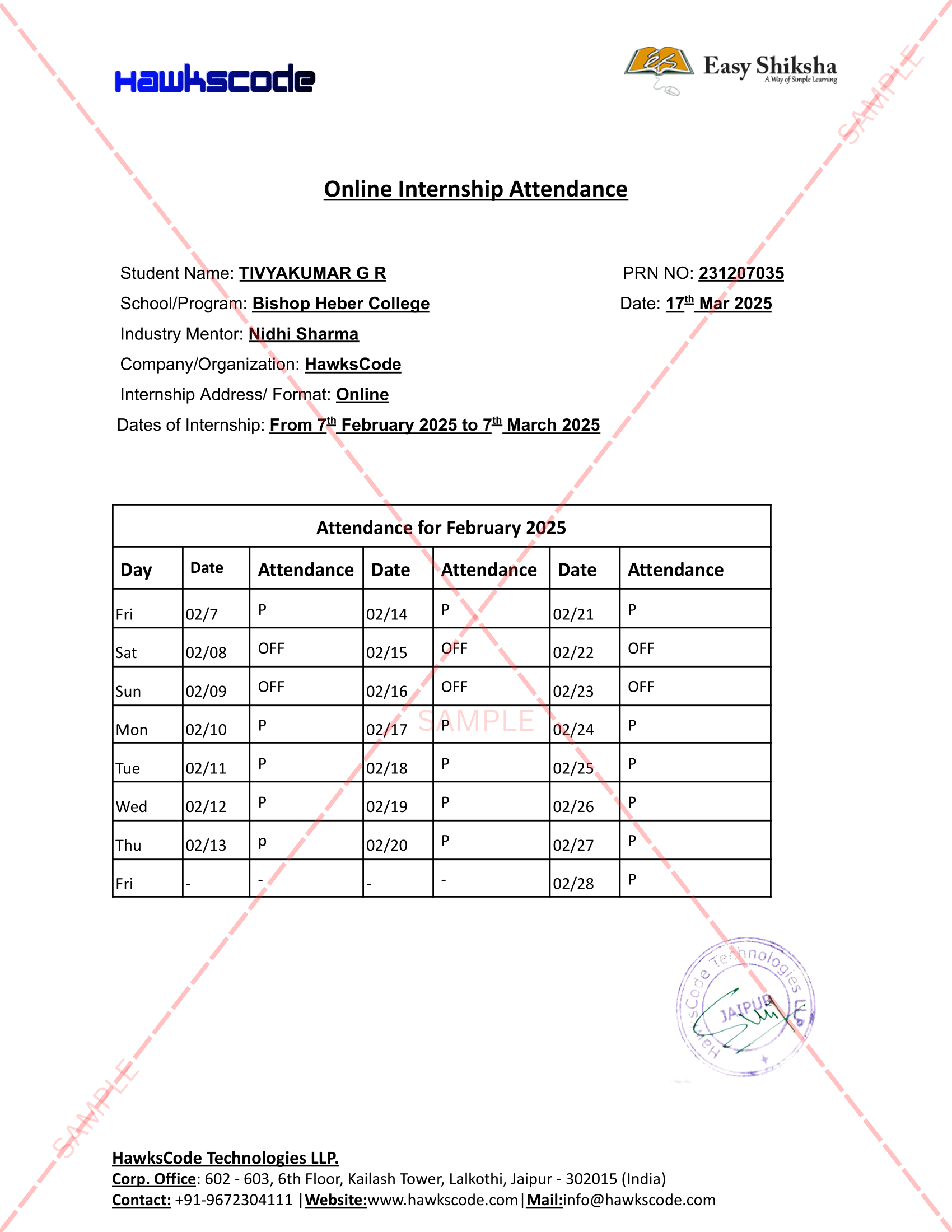
Internship Attendance Report
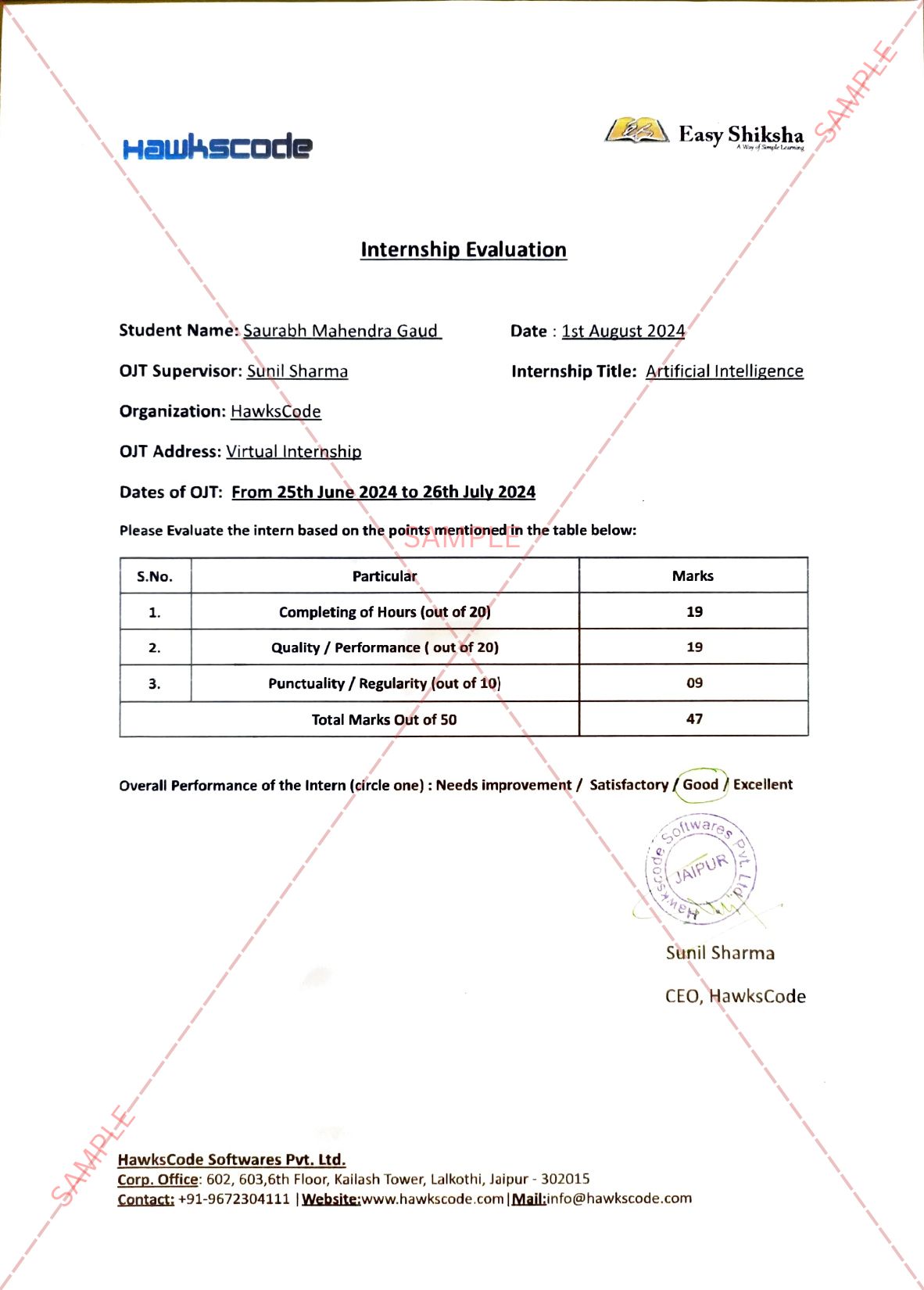
Internship Evaluation Report
Internship Certificate Hard Copy
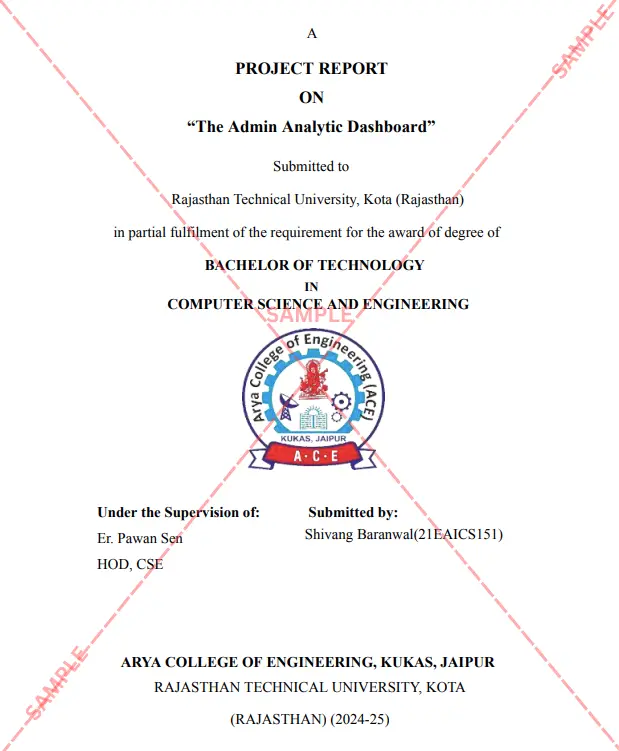
Project Report Assitance
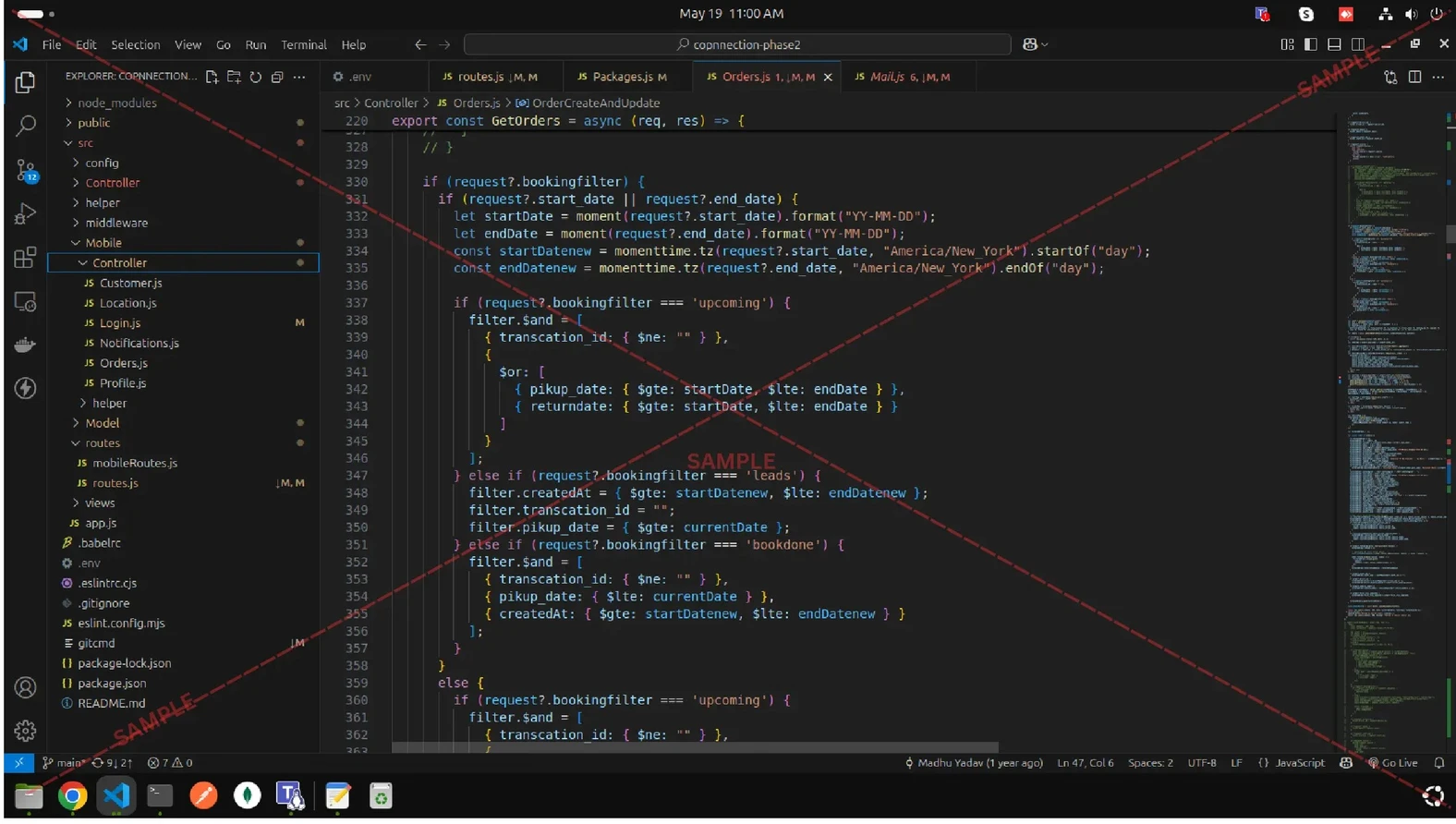
Internship Project Assitance
1:1 Live Mentor Call
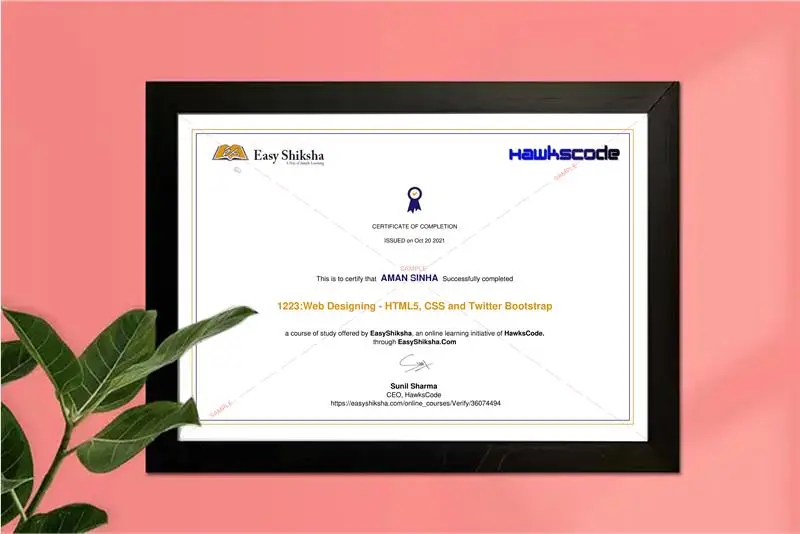
Course Certificate in Elegant Wooden Frame
2 Certificates (Course + Internship) Lifetime Access Projects & Assignments 1 Quiz + Assignments
EMIs
101 On-demand Videos Course Completion Certificate
Internship Certificate
Internship Joining/Offer Letter
Letter of Appreciation (LOA)
Internship Attendance Report
Internship Evaluation Report
Internship Certificate Hard Copy
Project Report Assitance
Internship Project Assitance
1:1 Live Mentor Call
Course Certificate in Elegant Wooden Frame
2 Certificates (Course + Internship) Lifetime Access Projects & Assignments 1 Quiz + Assignments
Why Start Now?
The Opportunity Won’t Wait.
Every day you delay is a missed opportunity to grow your skills. Learners who start today gain the advantage — whether it's building skills, improving careers, or unlocking new opportunities.
Still Thinking?
Here's everything that makes this a no-brainer:
No prior experience needed — start from absolute zero Beginner friendly — explained step by step Risk-free — 30-day full refund guarantee One-time payment — access forever Student-friendly pricing — see details at checkout Real internship certificate includedWhat Happens After You Enroll?
From payment to certificate — here's exactly what to expect
 Secure Payment
 Instant Access
30-Day Refund
2 Certificates
Instant Access
30-Day Refund
2 Certificates
Imagine After Completing This Course
Picture yourself 30 days from now — with skills, experience, and credentials that open real doors.




 Includes Internship