






Learn ESP32 with this 30 Days Challenge
Master ESP32 in 30 days, building IoT projects with Wi-Fi, Bluetooth, web servers, notifications, and real-world Arduino integrations.
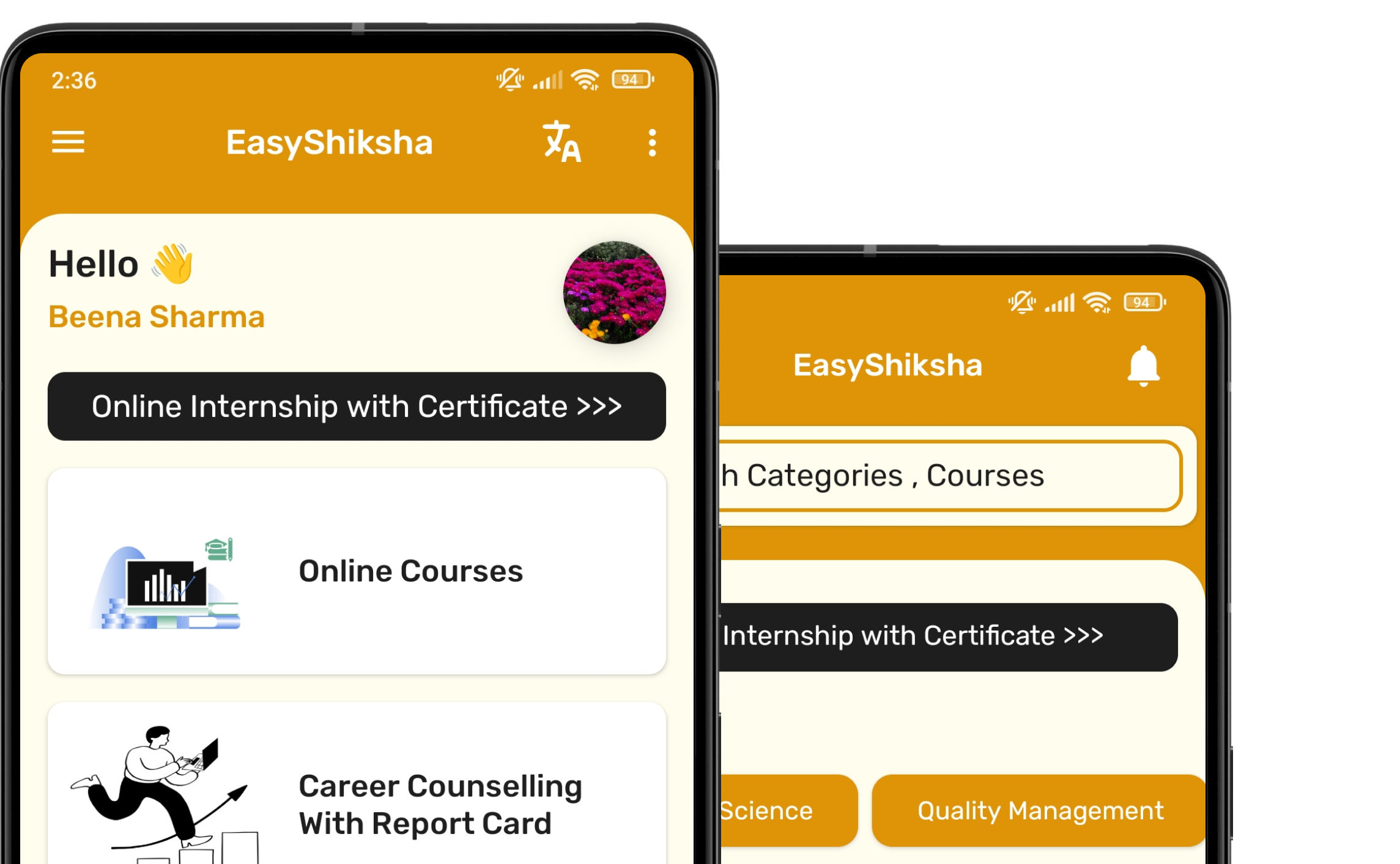
#1 Most Popular Online Course & Internship in Hardware You can enroll today & get certified from EasyShiksha & HawksCode.
 Build real-world projects
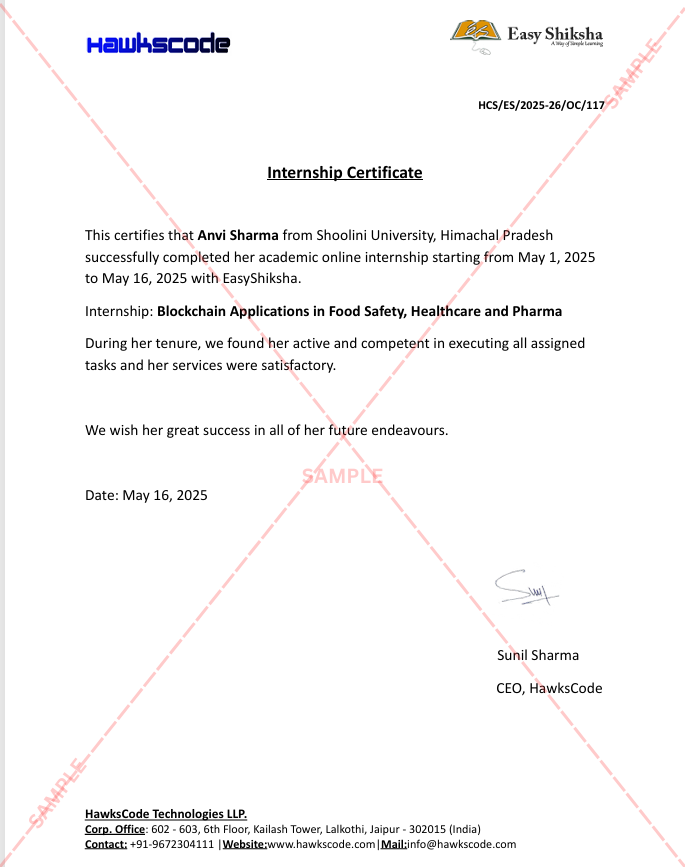
Internship with certificate
Resume-ready experience
Beginner to advanced
Lifetime access
Interview prep included
Build real-world projects
Internship with certificate
Resume-ready experience
Beginner to advanced
Lifetime access
Interview prep included
 Updated September 28, 2026
Join 5,00,000+ students already enrolled worldwide
No risk — 30-day full refund guarantee
Start instantly after payment — access in seconds
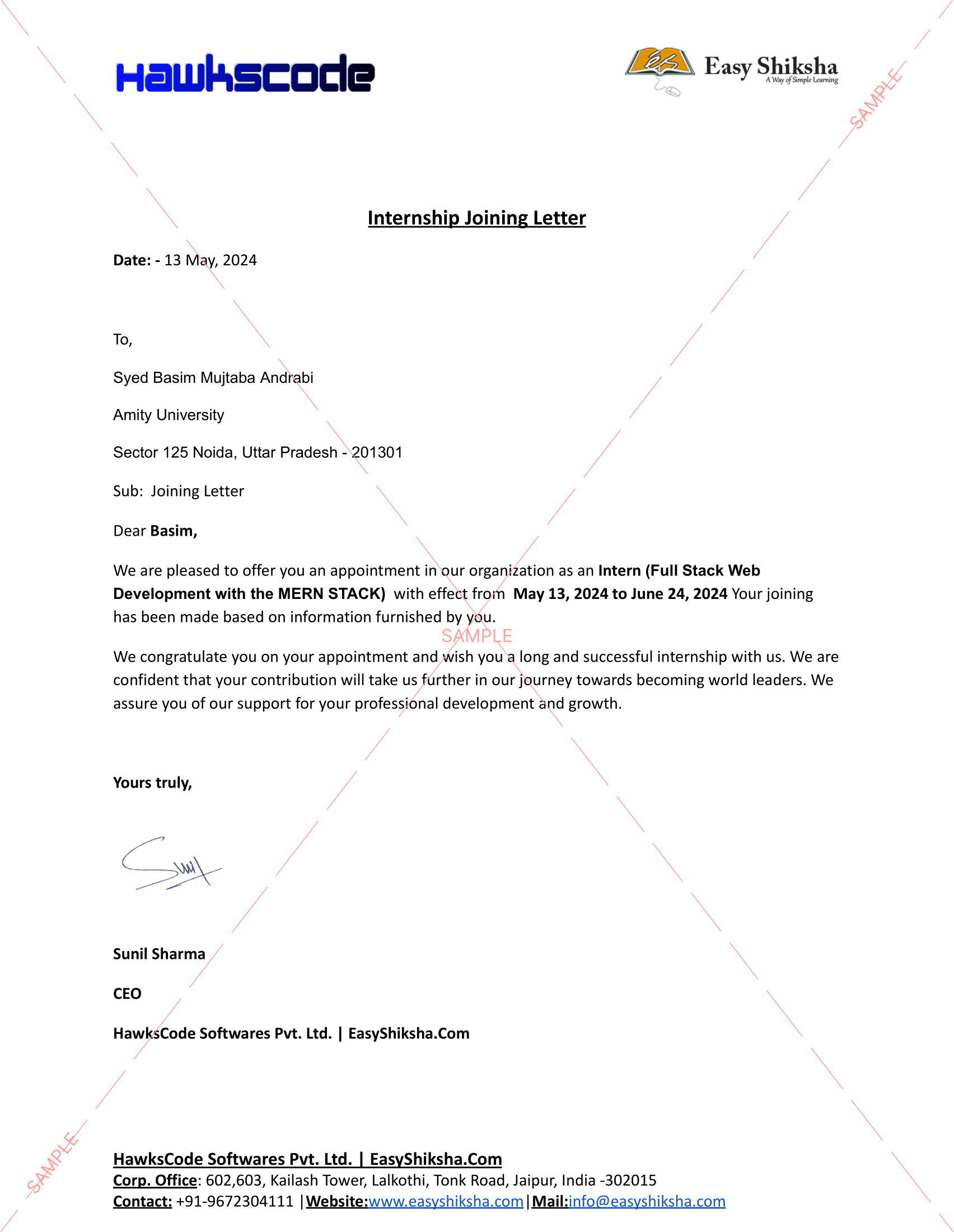
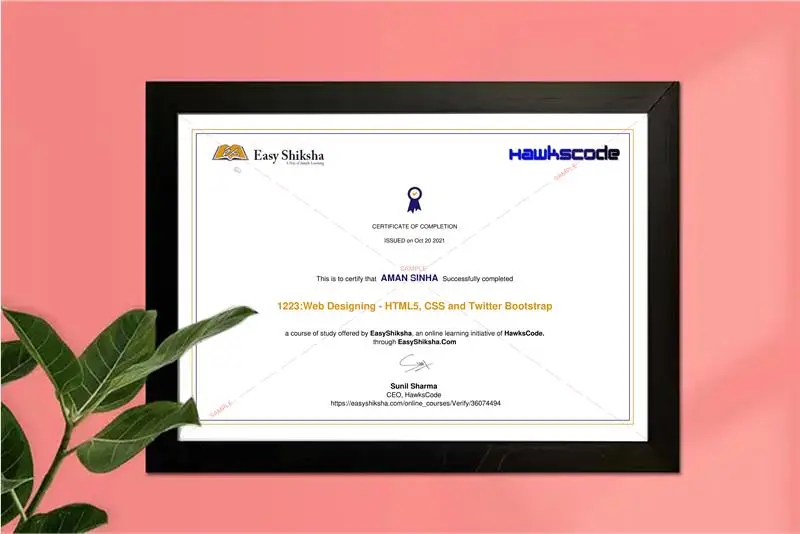
Certificate + Internship Joining Letter included
Updated September 28, 2026
Join 5,00,000+ students already enrolled worldwide
No risk — 30-day full refund guarantee
Start instantly after payment — access in seconds
Certificate + Internship Joining Letter included

 Free Preview
 83 On-demand Videos
 Internship Joining Letter
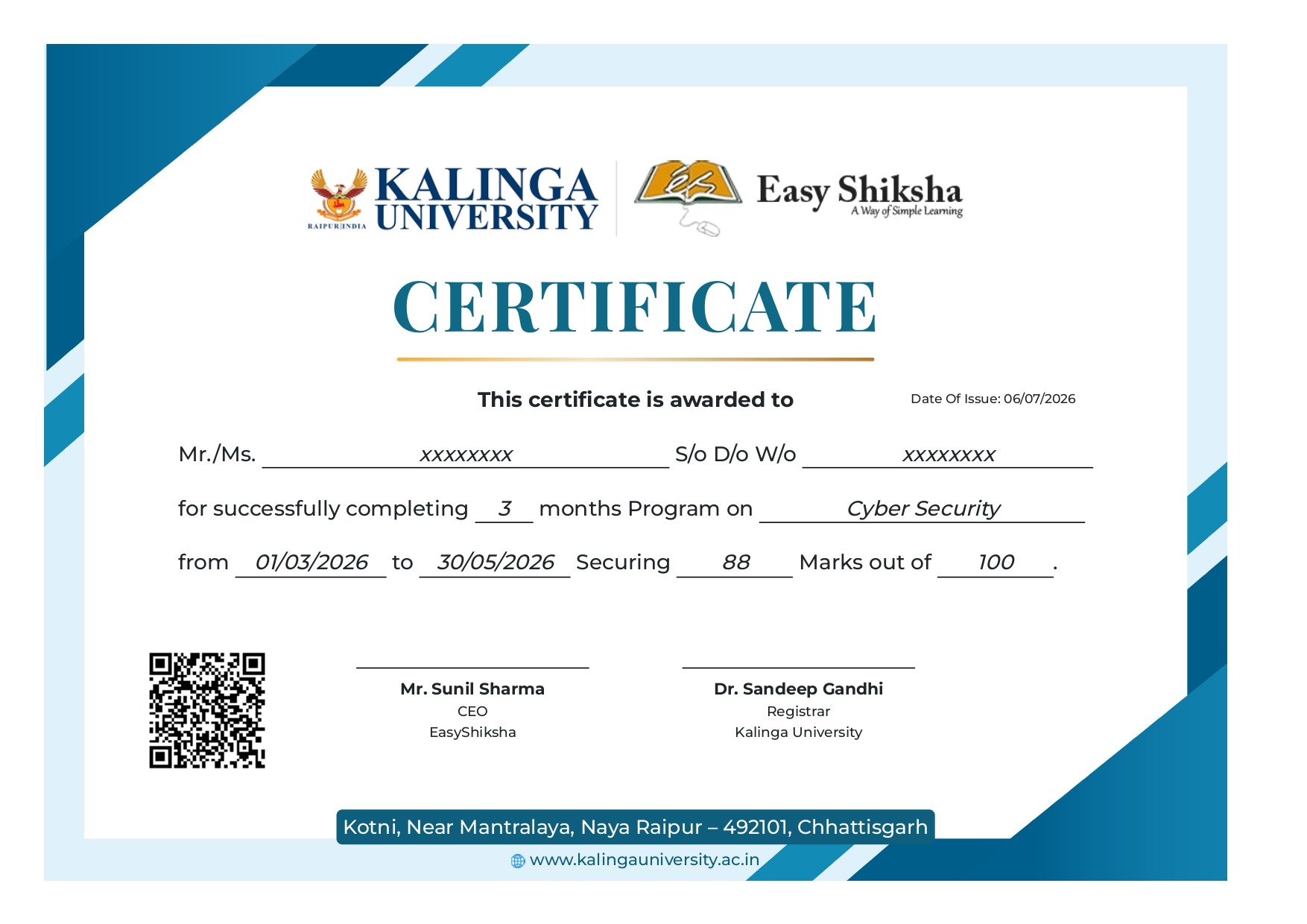
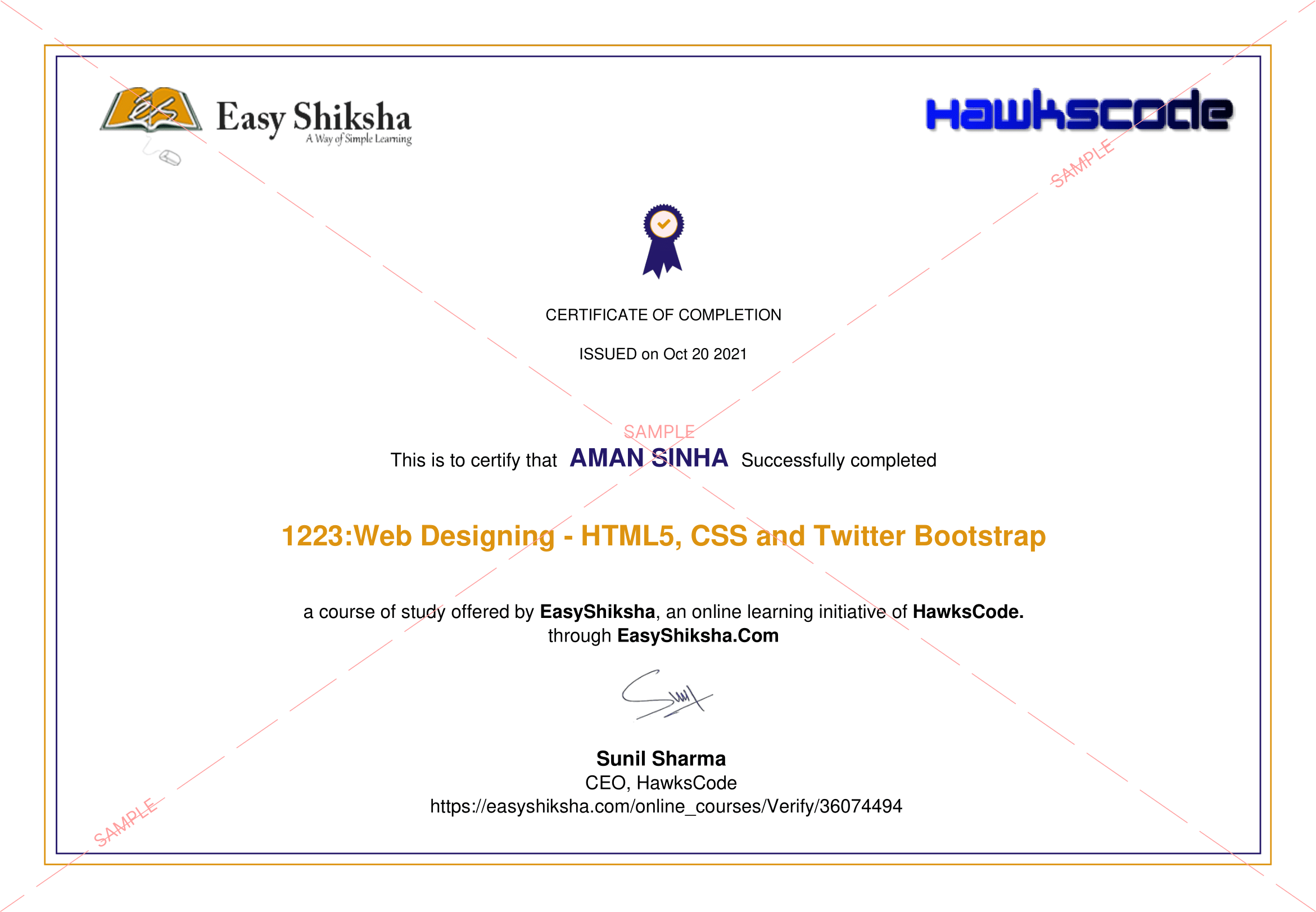
 2 Certificates (Course + Internship)
 Lifetime Access
 1 Quiz + Assignments
 Mobile & Desktop Access



Why This Course and Internship Stands Out
See exactly what separates EasyShiksha students from everyone else
 Watching scattered YouTube
videos with no structure
No certificate — nothing to show
employers
No internship experience on
resume
Wasting months without clear
direction
Struggling to stand out in job
applications
No proof of practical skills
Structured, beginner-to-advanced
learning path
Verified certificate — shareable
on LinkedIn
Real internship offer letter for
your resume
Go from zero to job-ready in one
programme
Resume-ready experience before
graduation
Practical projects you can show
any recruiter
Watching scattered YouTube
videos with no structure
No certificate — nothing to show
employers
No internship experience on
resume
Wasting months without clear
direction
Struggling to stand out in job
applications
No proof of practical skills
Structured, beginner-to-advanced
learning path
Verified certificate — shareable
on LinkedIn
Real internship offer letter for
your resume
Go from zero to job-ready in one
programme
Resume-ready experience before
graduation
Practical projects you can show
any recruiter
Internship Opportunity Included With This Course
"This is not just a course — it's real career experience. Walk away with documents that prove your skills to any employer."




This Course is Perfect For
Whether you're starting from scratch or switching careers — this course is designed with your success in mind.






Are you looking for a single course to teach you everything about the ESP32? Look no further, this 30-day challenge course is for you. The course is designed for beginners who want to get started with the ESP32. We will start by configuring the wifi and network so that you can start coding and using the ESP32.
In the next 30 days, we will cover all the basic features of the ESP32 using a series of sample programs.
During these 30 days, you will develop your programming skills and learn how to use the various tools available for your work.
You will also learn how to connect to the ESP32 using the Arduino IDE and make use of libraries.
The ESP32 is a microcontroller with built-in Wi-Fi and Bluetooth capabilities. The ESP32 is a full-featured and powerful microcontroller that can be programmed using C/C++ or other languages.
It has a lot of great features, including WiFi, Bluetooth, low power consumption, dual-mode Wi-Fi and Bluetooth connectivity. The ESP32 provides an integrated Wi-Fi and Bluetooth solution, which is the first fully integrated dual-mode Wi-Fi and Bluetooth SoC.
This course is on includes video content as well as text. The video content will include an overview of the ESP32, followed by an introduction to programming it. The videos also cover the following topics:
- Day 1- 6: IoT Internet of Things Crash Course
- Day 7 - 9: ESP32 Programming without Coding
- Day 10 - 12: ESP32 OTA Update(Over the Air) course
- Day 13 - 15: ESP32 Web Server
- Day 16 - 18: ESP32 Email Alert Based on Sensors Reading
- Day 19 - 21: Create IoT Smart Garden with ESP32 and Blynk
- Day 22 - 24: ESP32 + Telegram: Get Real-time notification for FREE
- Day 25 - 27: ESP32 + Databases to Control Anything Anywhere
- Day 28 - 30: ESP32 + Arduino Interfacing: A Step by Step Course
The ESP32 turns the Arduino IDE into an efficient development platform for all kinds of embedded projects. With the growth of the IoT market, ESP32 is one of the best technologies to fight against competition with its features such as dual-core processor, Wi-Fi, and Bluetooth. The ESP32 is integrated with WIFI and Bluetooth which can be used to connect to the sensors and other devices.
Why you should take this course?
- Learn ESP32 with this 30 Days Challenge course
- Learn how to use different components of the ESP32
- Get up to speed with the basics of programming and using the ESP32
- Get access to a range of tutorials and resources to help you further your knowledge
- You can use ESP32 for a wide range of applications, including home automation, IoT, and more.
- Learning ESP32 will give you an edge over other programmers.
 Unlock 81 More Lessons + Internship Access

 Missing this = losing the internship credential Missing this = losing your early-access advantage Missing this = falling behind candidates who did enroll



.svg?v1)
 Chat with us first →
 UPI
UPI
 Wallets
 Debit/ Credit card
 NetBanking
 EMIs
83 On-demand Videos Course Completion Certificate
Internship Certificate
Internship Joining/Offer Letter
Letter of Appreciation (LOA)
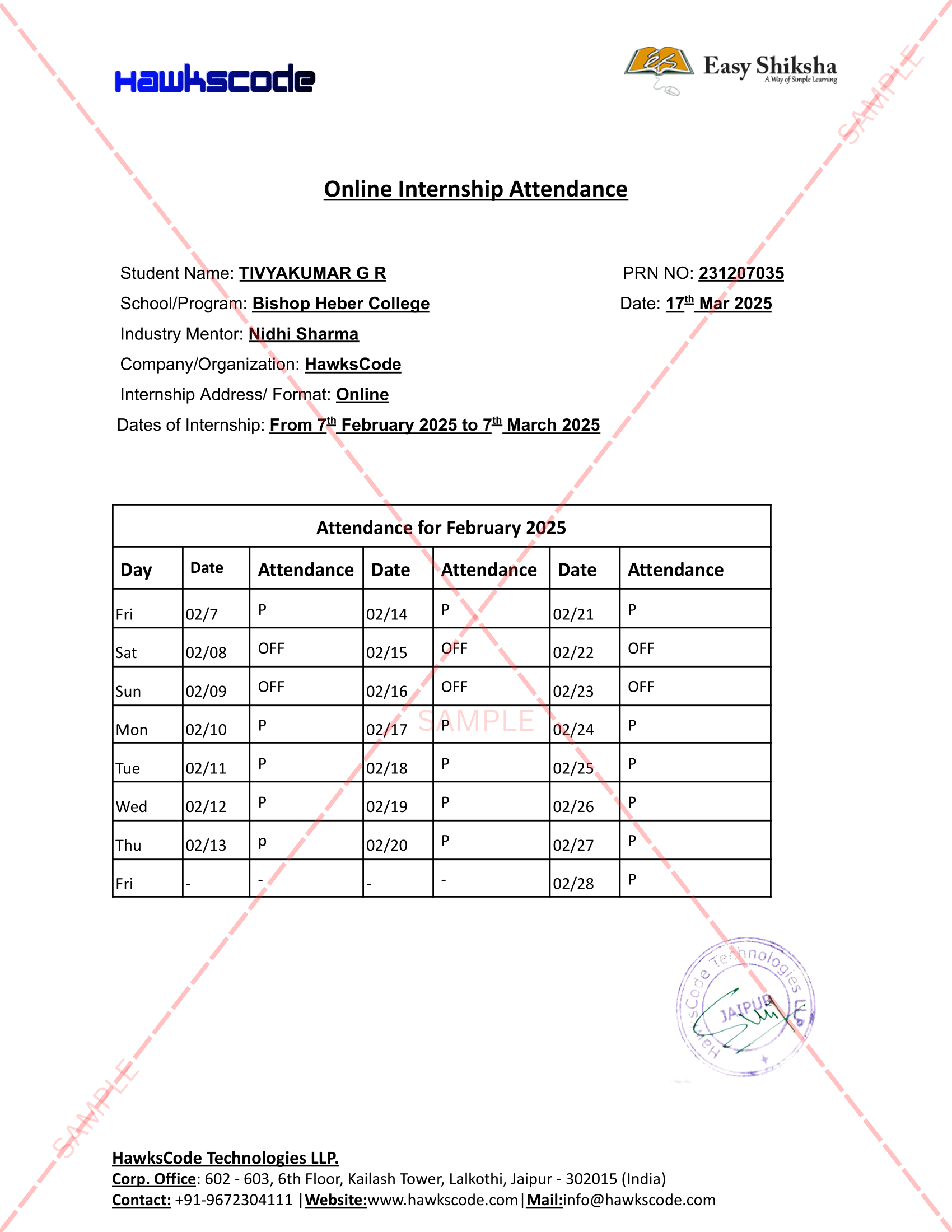
Internship Attendance Report
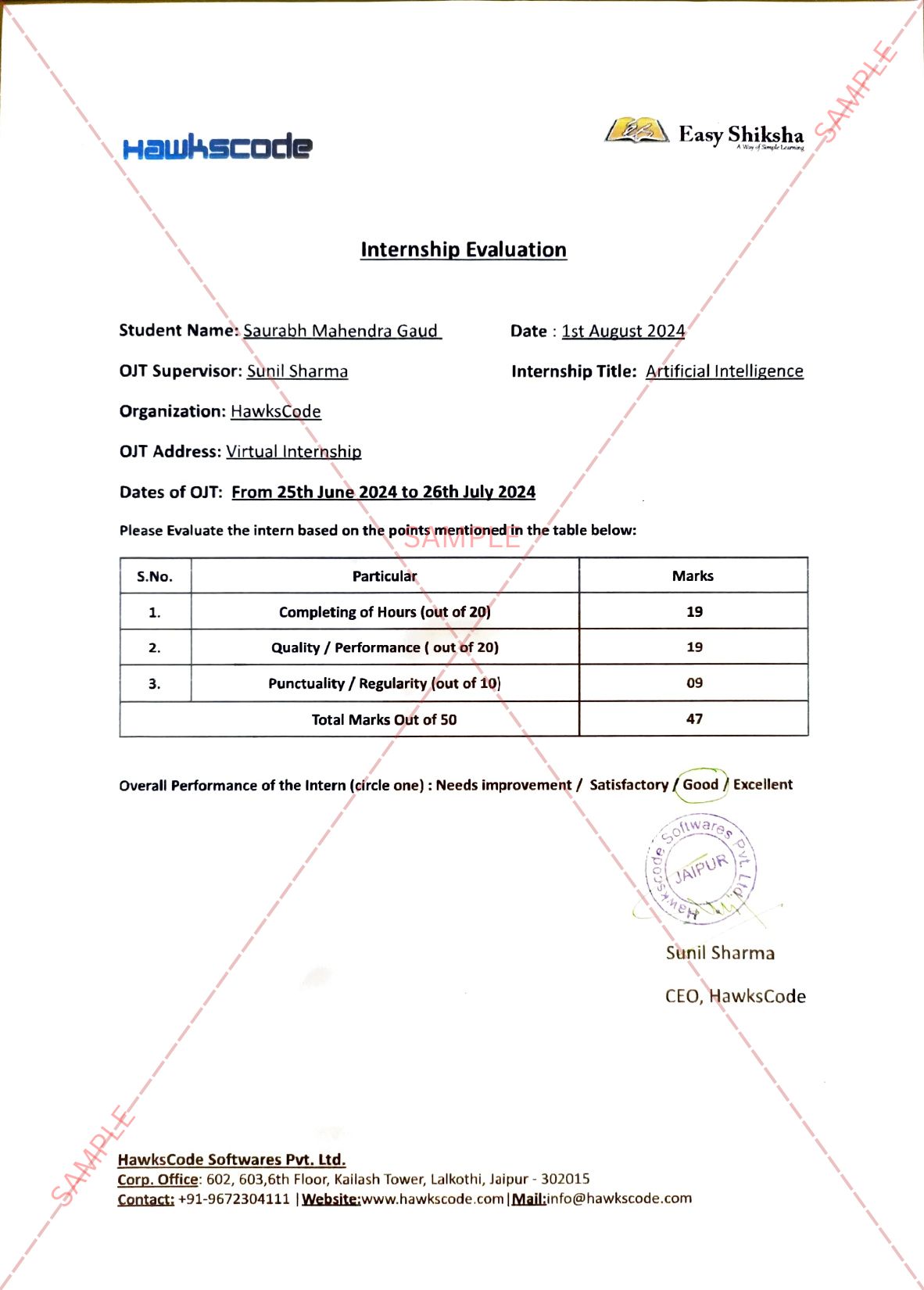
Internship Evaluation Report
Internship Certificate Hard Copy
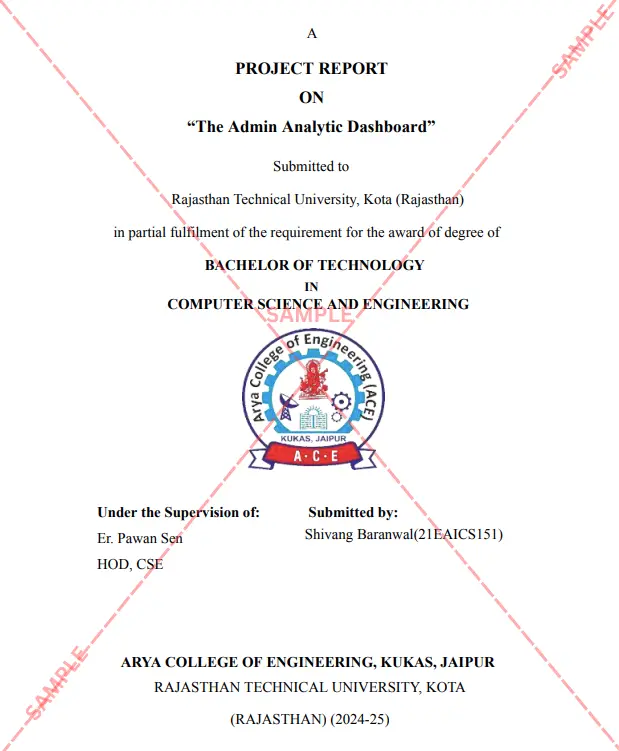
Project Report Assitance
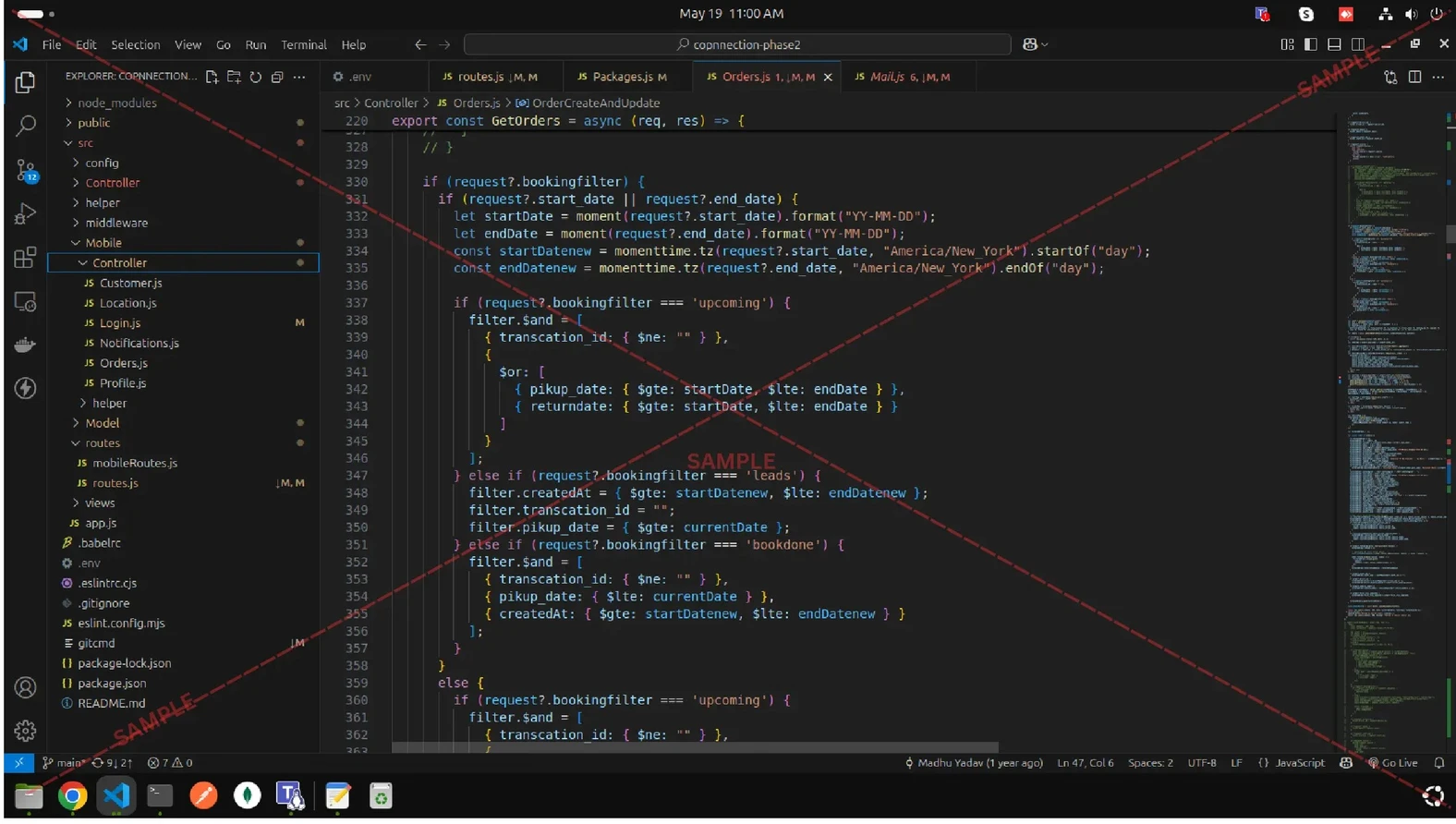
Internship Project Assitance
1:1 Live Mentor Call
Course Certificate in Elegant Wooden Frame
2 Certificates (Course + Internship) Lifetime Access Projects & Assignments 1 Quiz + Assignments
EMIs
83 On-demand Videos Course Completion Certificate
Internship Certificate
Internship Joining/Offer Letter
Letter of Appreciation (LOA)
Internship Attendance Report
Internship Evaluation Report
Internship Certificate Hard Copy
Project Report Assitance
Internship Project Assitance
1:1 Live Mentor Call
Course Certificate in Elegant Wooden Frame
2 Certificates (Course + Internship) Lifetime Access Projects & Assignments 1 Quiz + Assignments
Why Start Now?
The Opportunity Won’t Wait.
Every day you delay is a missed opportunity to grow your skills. Learners who start today gain the advantage — whether it's building skills, improving careers, or unlocking new opportunities.
Still Thinking?
Here's everything that makes this a no-brainer:
No prior experience needed — start from absolute zero Beginner friendly — explained step by step Risk-free — 30-day full refund guarantee One-time payment — access forever Student-friendly pricing — see details at checkout Real internship certificate includedWhat Happens After You Enroll?
From payment to certificate — here's exactly what to expect
 Secure Payment
 Instant Access
30-Day Refund
2 Certificates
Instant Access
30-Day Refund
2 Certificates
Imagine After Completing This Course
Picture yourself 30 days from now — with skills, experience, and credentials that open real doors.




 Includes Internship