






Essential ICT Skills for the Modern Workplace and Digital Transformation
Master essential ICT skills to use devices, software, and security tools effectively for work, communication, and safe digital practices.
#1 Most Popular Online Course & Internship in Computer Science You can enroll today & get certified from EasyShiksha & HawksCode.
 Build real-world projects
Internship with certificate
Resume-ready experience
Beginner to advanced
Lifetime access
Interview prep included
Build real-world projects
Internship with certificate
Resume-ready experience
Beginner to advanced
Lifetime access
Interview prep included
 Updated October 12, 2026
Join 5,00,000+ students already enrolled worldwide
No risk — 30-day full refund guarantee
Start instantly after payment — access in seconds
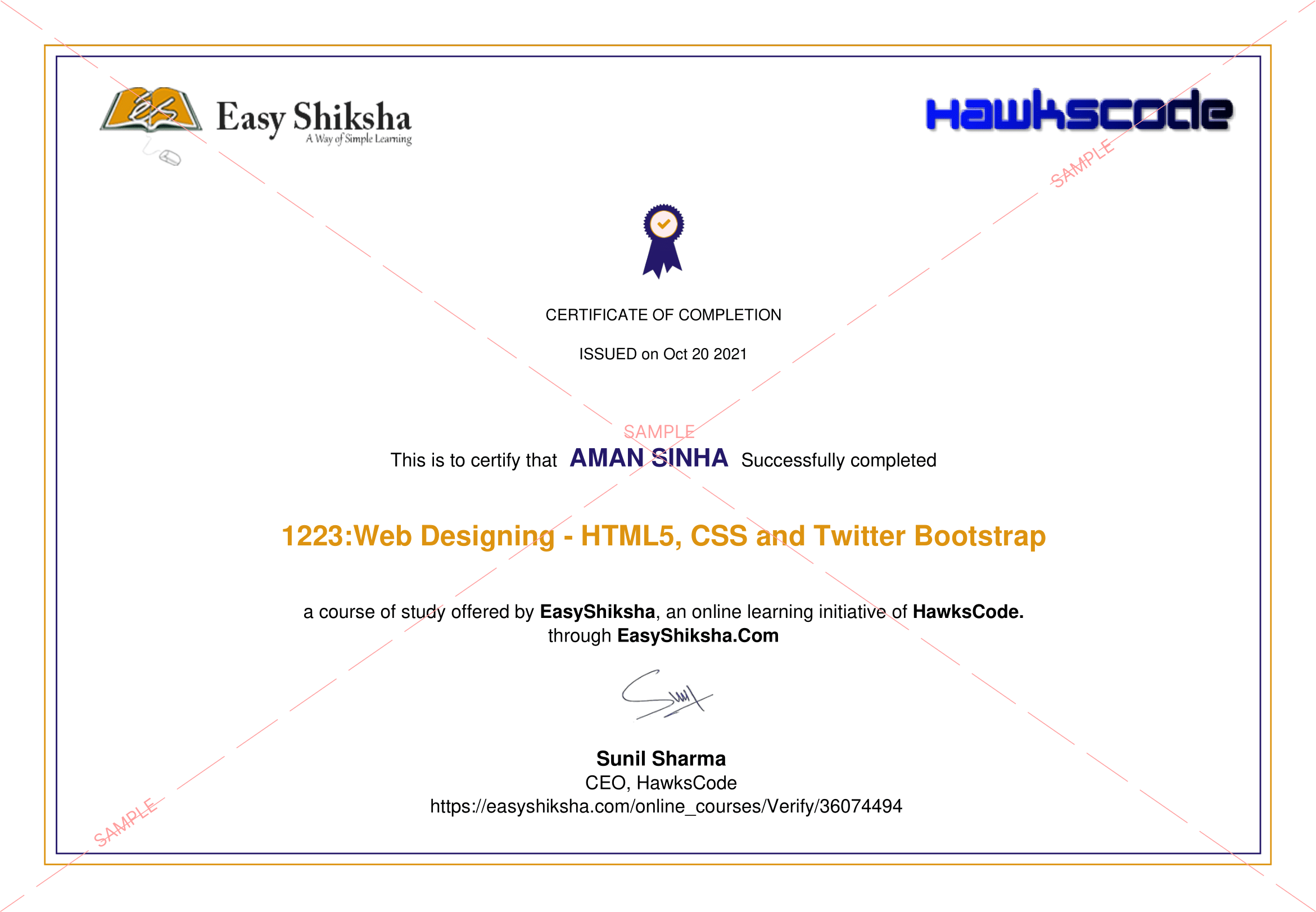
Certificate + Internship Joining Letter included
Updated October 12, 2026
Join 5,00,000+ students already enrolled worldwide
No risk — 30-day full refund guarantee
Start instantly after payment — access in seconds
Certificate + Internship Joining Letter included

 Free Preview
 6 On-demand Videos
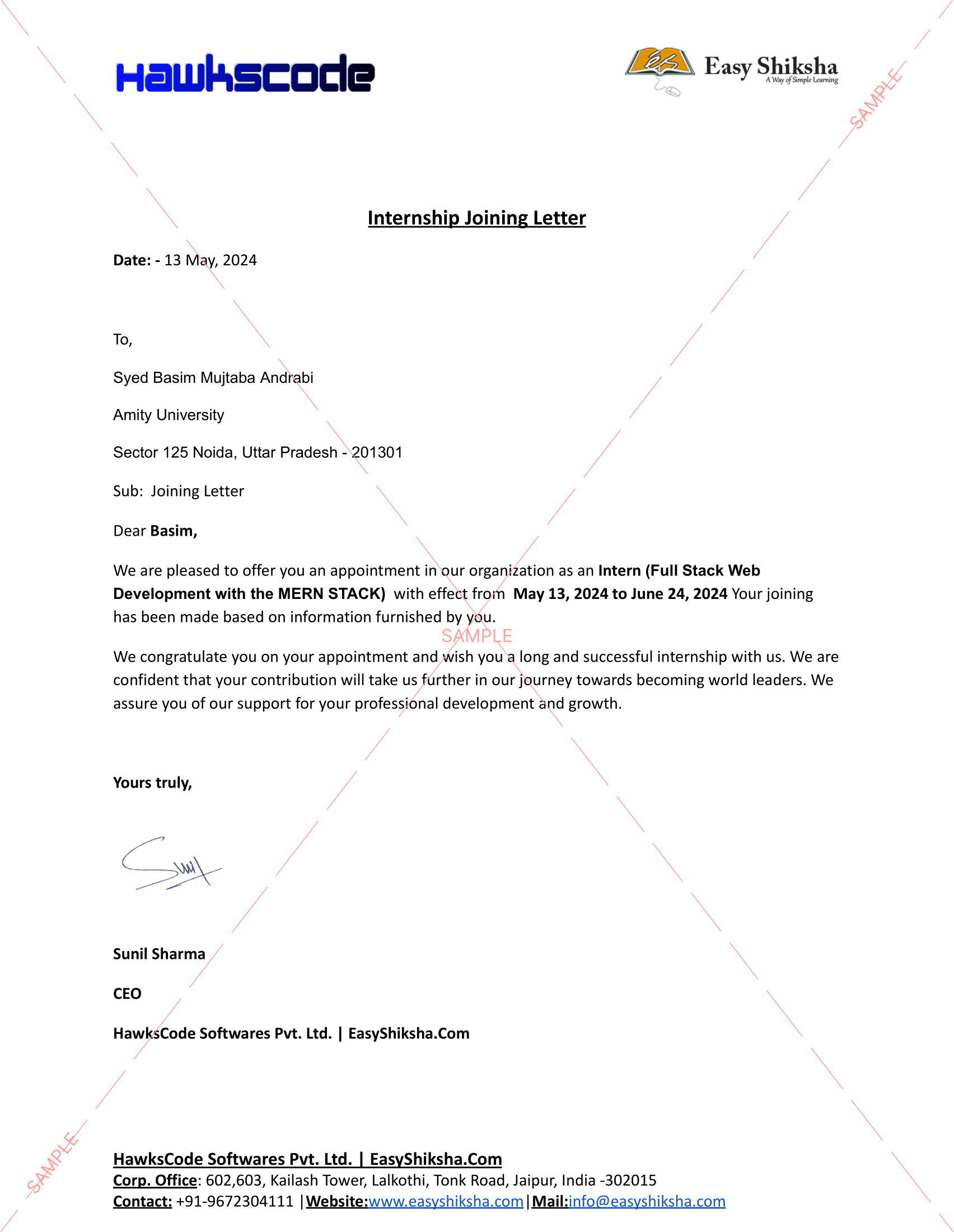
 Internship Joining Letter
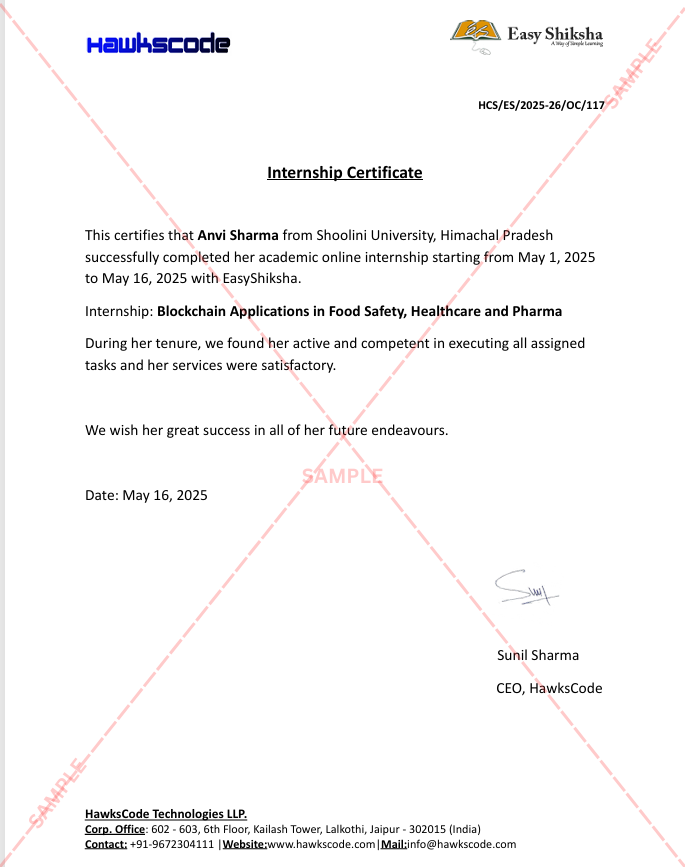
 2 Certificates (Course + Internship)
 Lifetime Access
 1 Quiz + Assignments
 Mobile & Desktop Access




Why This Course and Internship Stands Out
See exactly what separates EasyShiksha students from everyone else
 Watching scattered YouTube
videos with no structure
No certificate — nothing to show
employers
No internship experience on
resume
Wasting months without clear
direction
Struggling to stand out in job
applications
No proof of practical skills
Structured, beginner-to-advanced
learning path
Verified certificate — shareable
on LinkedIn
Real internship offer letter for
your resume
Go from zero to job-ready in one
programme
Resume-ready experience before
graduation
Practical projects you can show
any recruiter
Watching scattered YouTube
videos with no structure
No certificate — nothing to show
employers
No internship experience on
resume
Wasting months without clear
direction
Struggling to stand out in job
applications
No proof of practical skills
Structured, beginner-to-advanced
learning path
Verified certificate — shareable
on LinkedIn
Real internship offer letter for
your resume
Go from zero to job-ready in one
programme
Resume-ready experience before
graduation
Practical projects you can show
any recruiter
Internship Opportunity Included With This Course
"This is not just a course — it's real career experience. Walk away with documents that prove your skills to any employer."




This Course is Perfect For
Whether you're starting from scratch or switching careers — this course is designed with your success in mind.








1. What does ICT mean?
2. What are the different parts or components of ICT?
3. What are ICT devices? Can you give some examples?
4. Write a few lines about how ICT is used in different fields or sectors.
5. How is an ICT device like a smartphone useful in everyday life?
6. What does the term Software mean?
7. What are ICT skills?
8. Why are ICT skills important?
9. What are five basic ICT skills that every employee should have?
10. How can someone improve their ICT skills?
11. Why is it important to keep computers secure and protect our data?
12. How can our personal information be lost or leaked?
13. What are the different threats to computers?
14. What is the difference between physical theft and identity theft?
15. What is Software piracy?
16. What is a computer Virus?
17. What are Worms in the context of computers?
18. Write a few lines about Trojan Horse.
19. What do you know about Online Predators?
20. Name some common types of internet scams.
21. What steps can we take to protect our data from theft and viruses?
22. How can we create strong and smart passwords?
23. How can we tell if a website is secure or not?
24. What does encryption of data mean?
25. What happens when you press the power button on a computer’s CPU?
26. What is BIOS?
27. What basic tasks are performed when a computer starts?
28. What do Login and Logout mean?
29. What is the correct way to shut down a computer?
30. What is a Keyboard and what is its main purpose?
31. What are Function Keys on a keyboard?
32. What is the Control Key used for?
33. What does the Enter Key do?
34. Name some punctuation keys on the keyboard.
35. What are Navigation Keys?
36. What are Command Keys and what do they do?
37. What is the role of the Windows Key on the keyboard?
38. What is a Mouse in ICT terms?

 Missing this = losing the internship credential Missing this = losing your early-access advantage Missing this = falling behind candidates who did enroll



.svg?v1)
 Chat with us first →
 UPI
UPI
 Wallets
 Debit/ Credit card
 NetBanking
 EMIs
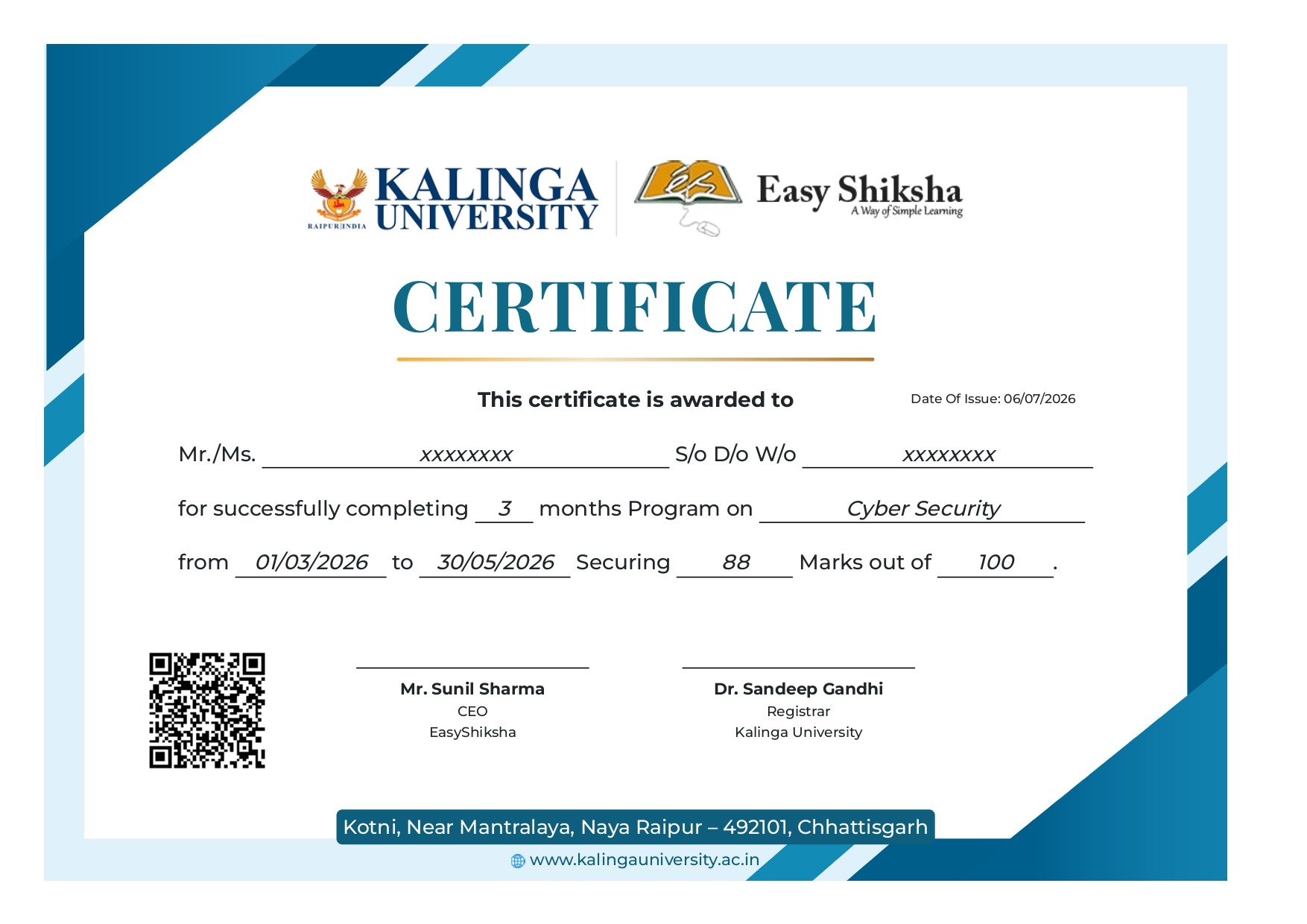
6 On-demand Videos Course Completion Certificate
Internship Certificate
Internship Joining/Offer Letter
Letter of Appreciation (LOA)
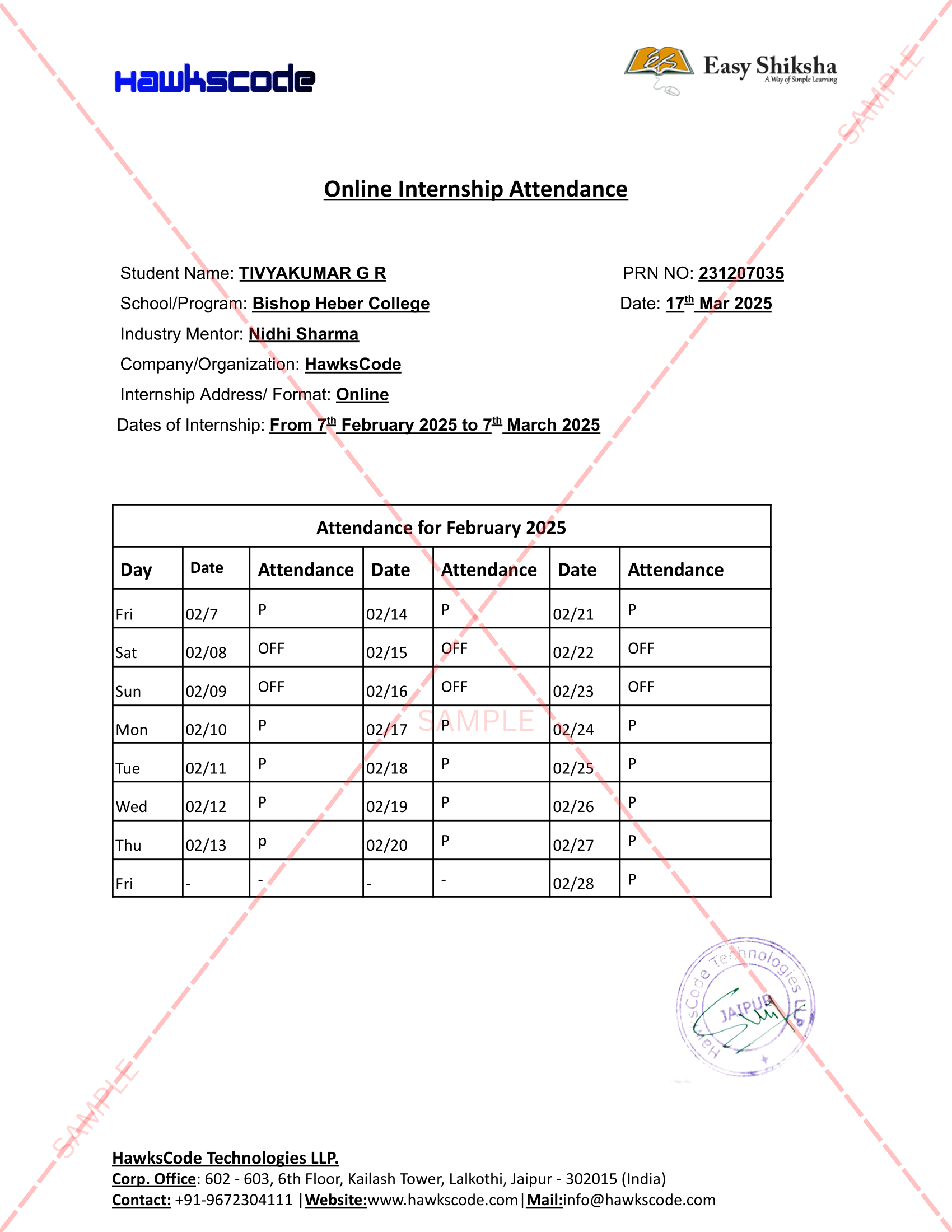
Internship Attendance Report
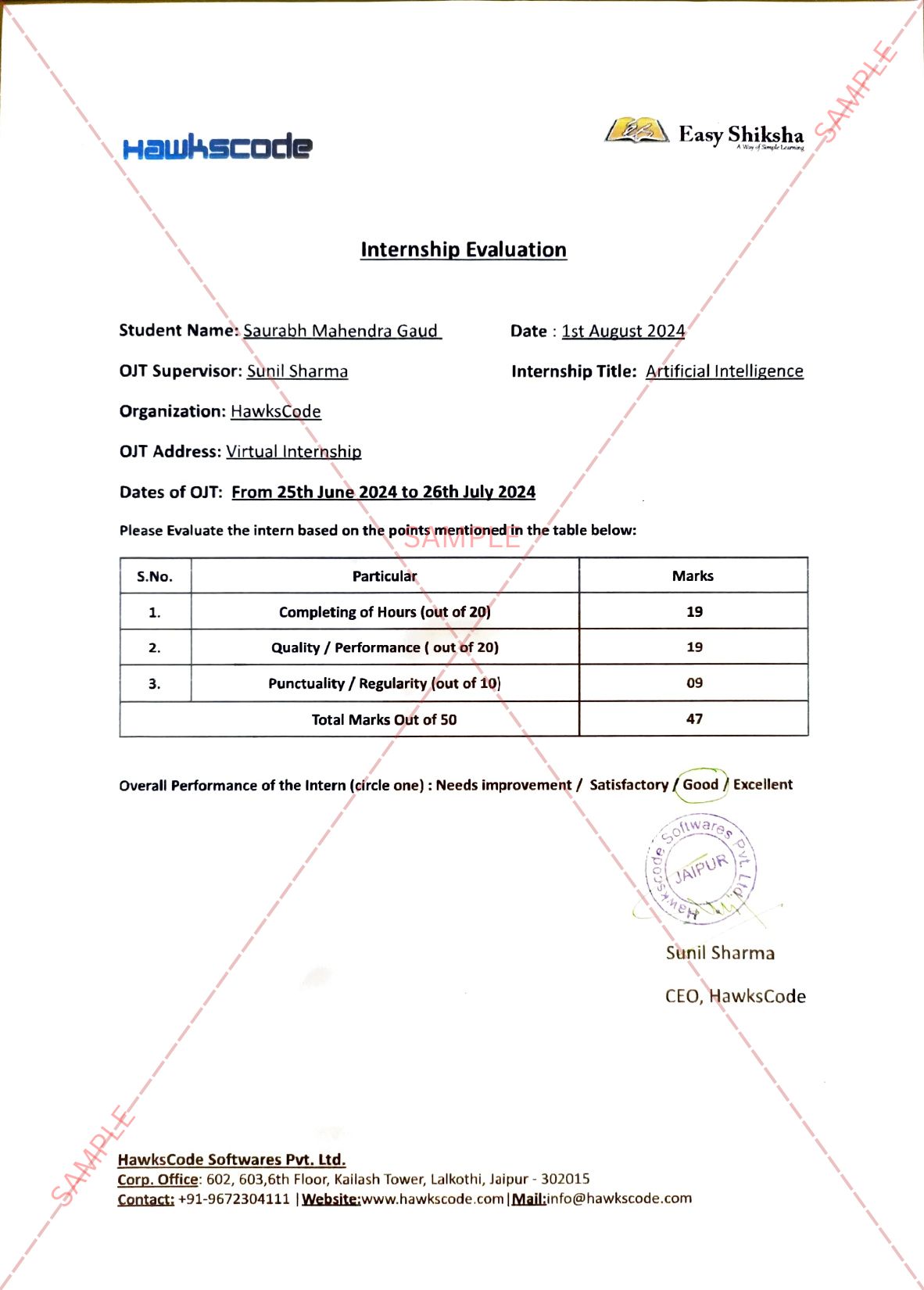
Internship Evaluation Report
Internship Certificate Hard Copy
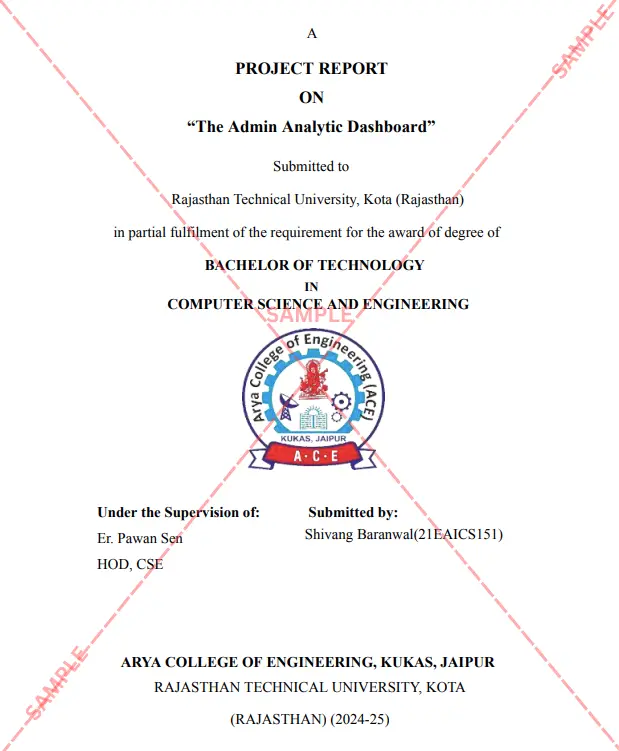
Project Report Assitance
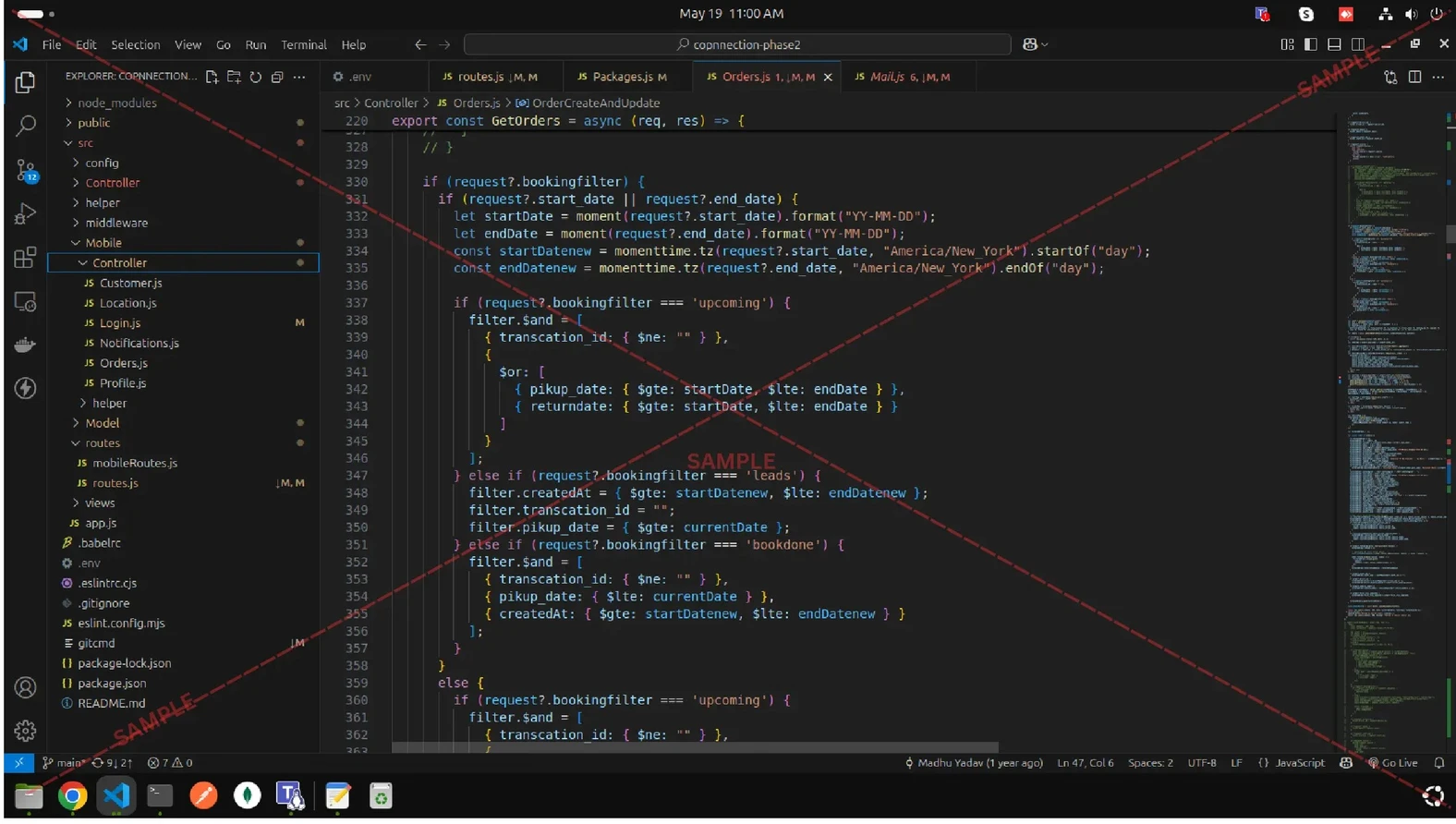
Internship Project Assitance
1:1 Live Mentor Call
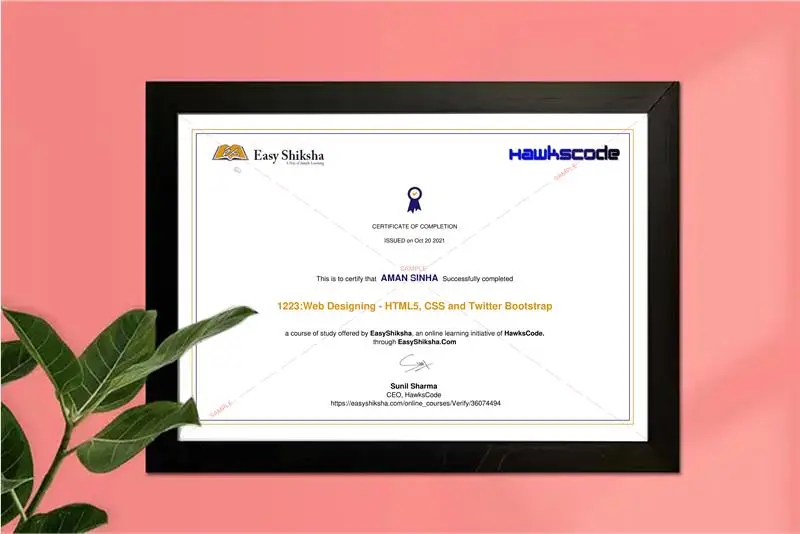
Course Certificate in Elegant Wooden Frame
2 Certificates (Course + Internship) Lifetime Access Projects & Assignments 1 Quiz + Assignments
EMIs
6 On-demand Videos Course Completion Certificate
Internship Certificate
Internship Joining/Offer Letter
Letter of Appreciation (LOA)
Internship Attendance Report
Internship Evaluation Report
Internship Certificate Hard Copy
Project Report Assitance
Internship Project Assitance
1:1 Live Mentor Call
Course Certificate in Elegant Wooden Frame
2 Certificates (Course + Internship) Lifetime Access Projects & Assignments 1 Quiz + Assignments
Why Start Now?
The Opportunity Won’t Wait.
Every day you delay is a missed opportunity to grow your skills. Learners who start today gain the advantage — whether it's building skills, improving careers, or unlocking new opportunities.
Still Thinking?
Here's everything that makes this a no-brainer:
No prior experience needed — start from absolute zero Beginner friendly — explained step by step Risk-free — 30-day full refund guarantee One-time payment — access forever Student-friendly pricing — see details at checkout Real internship certificate includedWhat Happens After You Enroll?
From payment to certificate — here's exactly what to expect
 Secure Payment
 Instant Access
30-Day Refund
2 Certificates
Instant Access
30-Day Refund
2 Certificates
Imagine After Completing This Course
Picture yourself 30 days from now — with skills, experience, and credentials that open real doors.




 Includes Internship