







Arduino EEPROM Store Data Permanently on your Arduino
Master Arduino EEPROM to save and retrieve data across power cycles, creating robust, smart projects with persistent memory and user settings.
#1 Most Popular Online Course & Internship in Hardware You can enroll today & get certified from EasyShiksha & HawksCode.
 Build real-world projects
Internship with certificate
Resume-ready experience
Beginner to advanced
Lifetime access
Interview prep included
Build real-world projects
Internship with certificate
Resume-ready experience
Beginner to advanced
Lifetime access
Interview prep included
 Updated September 28, 2026
Join 5,00,000+ students already enrolled worldwide
No risk — 30-day full refund guarantee
Start instantly after payment — access in seconds
Certificate + Internship Joining Letter included
Updated September 28, 2026
Join 5,00,000+ students already enrolled worldwide
No risk — 30-day full refund guarantee
Start instantly after payment — access in seconds
Certificate + Internship Joining Letter included

 Free Preview
 19 On-demand Videos
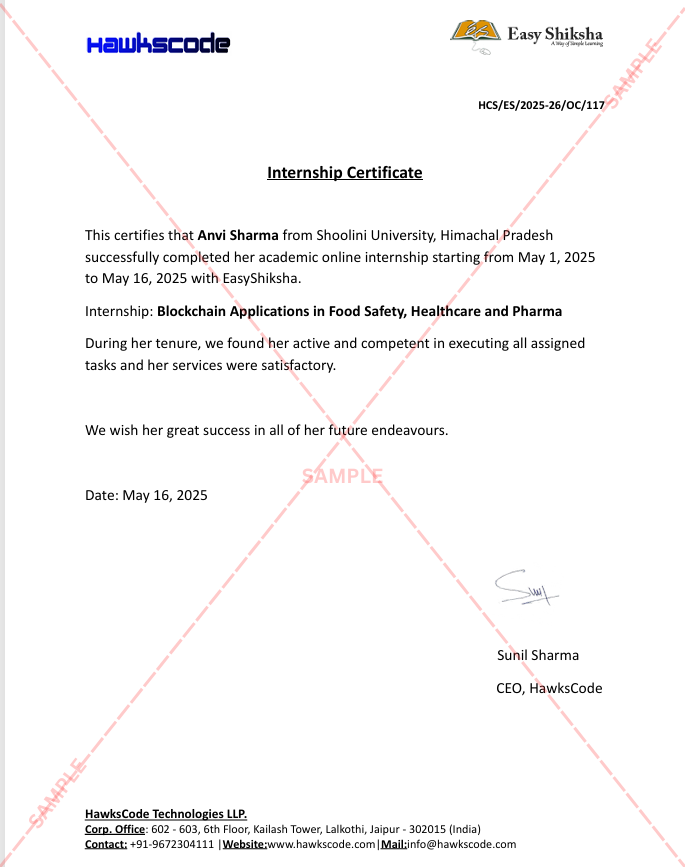
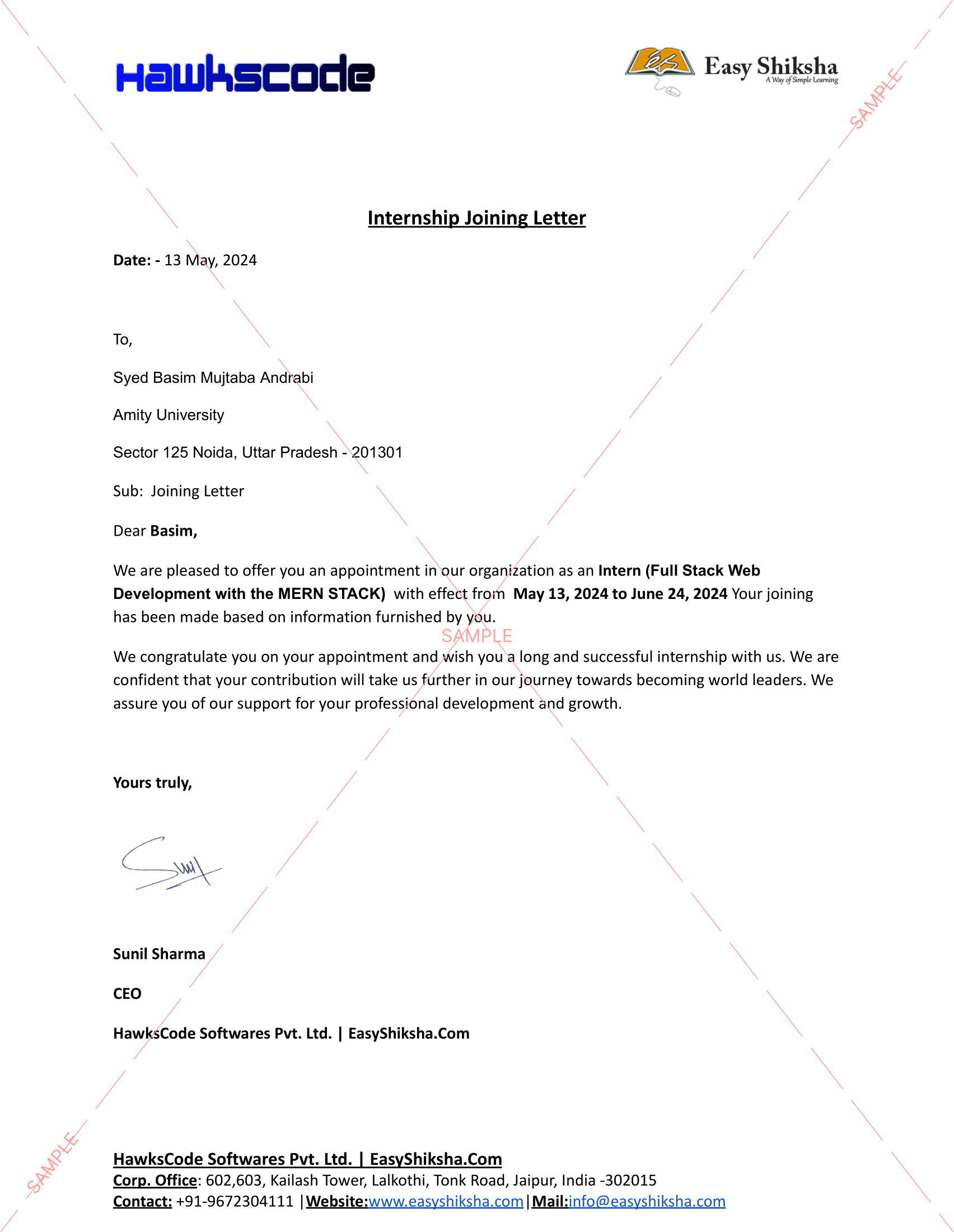
 Internship Joining Letter
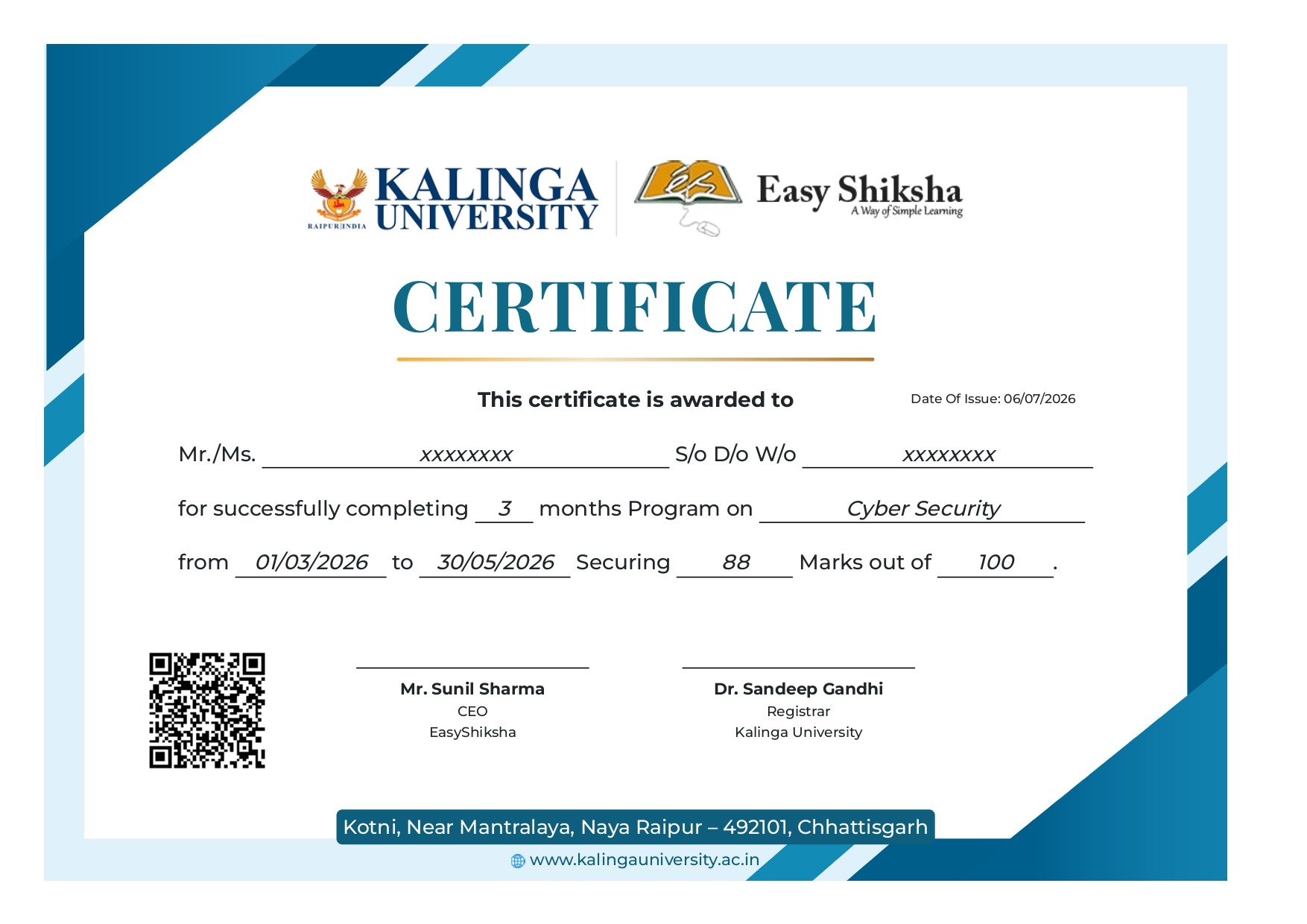
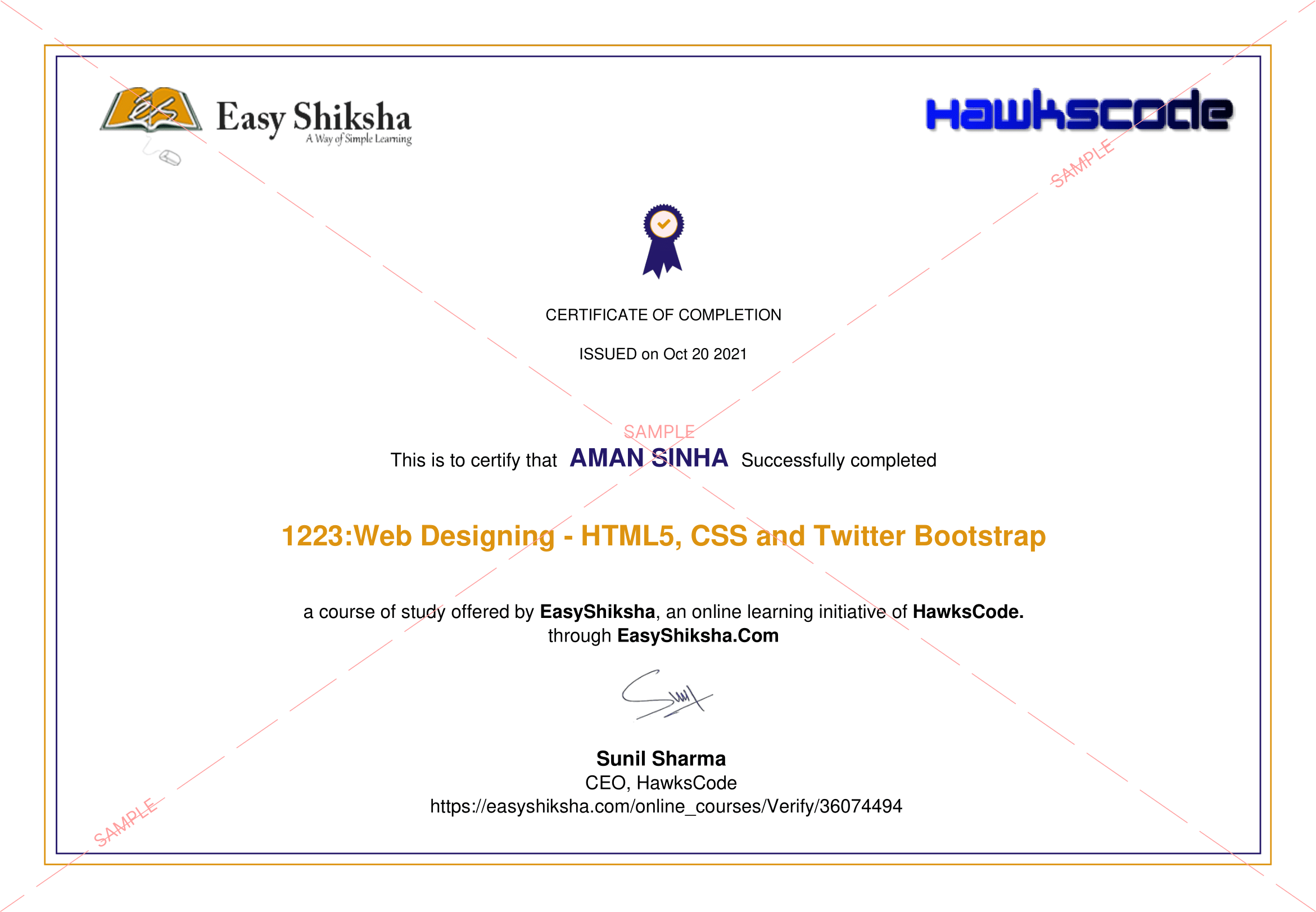
 2 Certificates (Course + Internship)
 Lifetime Access
 1 Quiz + Assignments
 Mobile & Desktop Access




Why This Course and Internship Stands Out
See exactly what separates EasyShiksha students from everyone else
 Watching scattered YouTube
videos with no structure
No certificate — nothing to show
employers
No internship experience on
resume
Wasting months without clear
direction
Struggling to stand out in job
applications
No proof of practical skills
Structured, beginner-to-advanced
learning path
Verified certificate — shareable
on LinkedIn
Real internship offer letter for
your resume
Go from zero to job-ready in one
programme
Resume-ready experience before
graduation
Practical projects you can show
any recruiter
Watching scattered YouTube
videos with no structure
No certificate — nothing to show
employers
No internship experience on
resume
Wasting months without clear
direction
Struggling to stand out in job
applications
No proof of practical skills
Structured, beginner-to-advanced
learning path
Verified certificate — shareable
on LinkedIn
Real internship offer letter for
your resume
Go from zero to job-ready in one
programme
Resume-ready experience before
graduation
Practical projects you can show
any recruiter
Internship Opportunity Included With This Course
"This is not just a course — it's real career experience. Walk away with documents that prove your skills to any employer."




This Course is Perfect For
Whether you're starting from scratch or switching careers — this course is designed with your success in mind.








Learn how to store and retrieve data permanently on your Arduino using its built-in EEPROM memory! This comprehensive course teaches you how to effectively use EEPROM to create smarter, more robust, and user-friendly electronics projects that retain data even after power loss or resets.
Unlike regular RAM, EEPROM memory is non-volatile, meaning your data is saved even when the device is turned off. This is perfect for saving critical information such as:
- Device settings
- User preferences
- Calibration values
- Last known sensor readings
- Configuration flags
- Login credentials and more
Throughout this course, you’ll not only learn the theory behind EEPROM memory, but also get hands-on experience with practical examples, real-world applications, and memory-saving techniques that prevent wear and ensure long-lasting project performance.
What You Will Learn:
- Introduction to Arduino Memory Architecture: RAM vs Flash vs EEPROM
- EEPROM basics: How it works and why it’s important
- How to read and write bytes to EEPROM
- How to store integers, floats, and strings
- Writing and reading custom data structures (using structs)
- EEPROM wear and how to avoid it (write cycles, memory endurance)
- Efficient memory usage: EEPROM.update() vs EEPROM.write()
- Using external EEPROM modules with I2C (for extra memory space)
- Real-world applications: saving state across power loss or reset
Course Modules:
- Getting Started with EEPROM
- Overview of memory types in Arduino
- Accessing the EEPROM library
- Basic Read/Write Operations
- Writing bytes and reading them back
- EEPROM.write() vs EEPROM.update()
- Storing Advanced Data Types
- Saving integers, floats, and strings
- Handling multi-byte data and memory layout
- Structs and Data Structures
- Saving custom objects using structs
- Pointer-based memory manipulation
- EEPROM Limitations and Best Practices
- Memory wear and write cycle limits
- Techniques to reduce EEPROM wear (e.g., wear leveling)
- Using External EEPROM
- Connecting I2C-based EEPROM chips (24LC256, etc.)
- Expanding your memory space
- Real Project Examples
- Creating a user settings saver
- Building a sensor logger with retained data
- Designing an Arduino menu system with saved options
 Unlock 17 More Lessons + Internship Access

 Missing this = losing the internship credential Missing this = losing your early-access advantage Missing this = falling behind candidates who did enroll



.svg?v1)
 Chat with us first →
 UPI
UPI
 Wallets
 Debit/ Credit card
 NetBanking
 EMIs
19 On-demand Videos Course Completion Certificate
Internship Certificate
Internship Joining/Offer Letter
Letter of Appreciation (LOA)
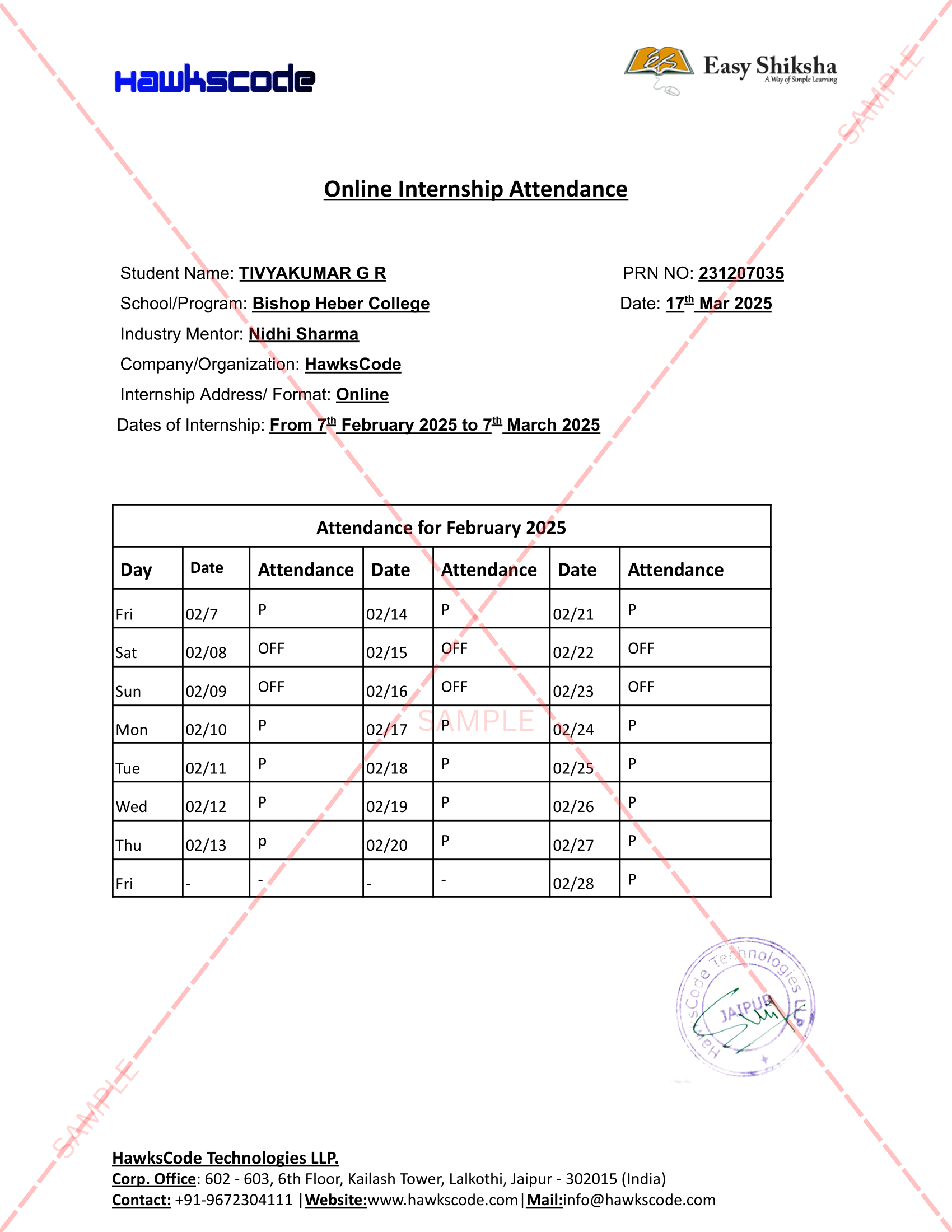
Internship Attendance Report
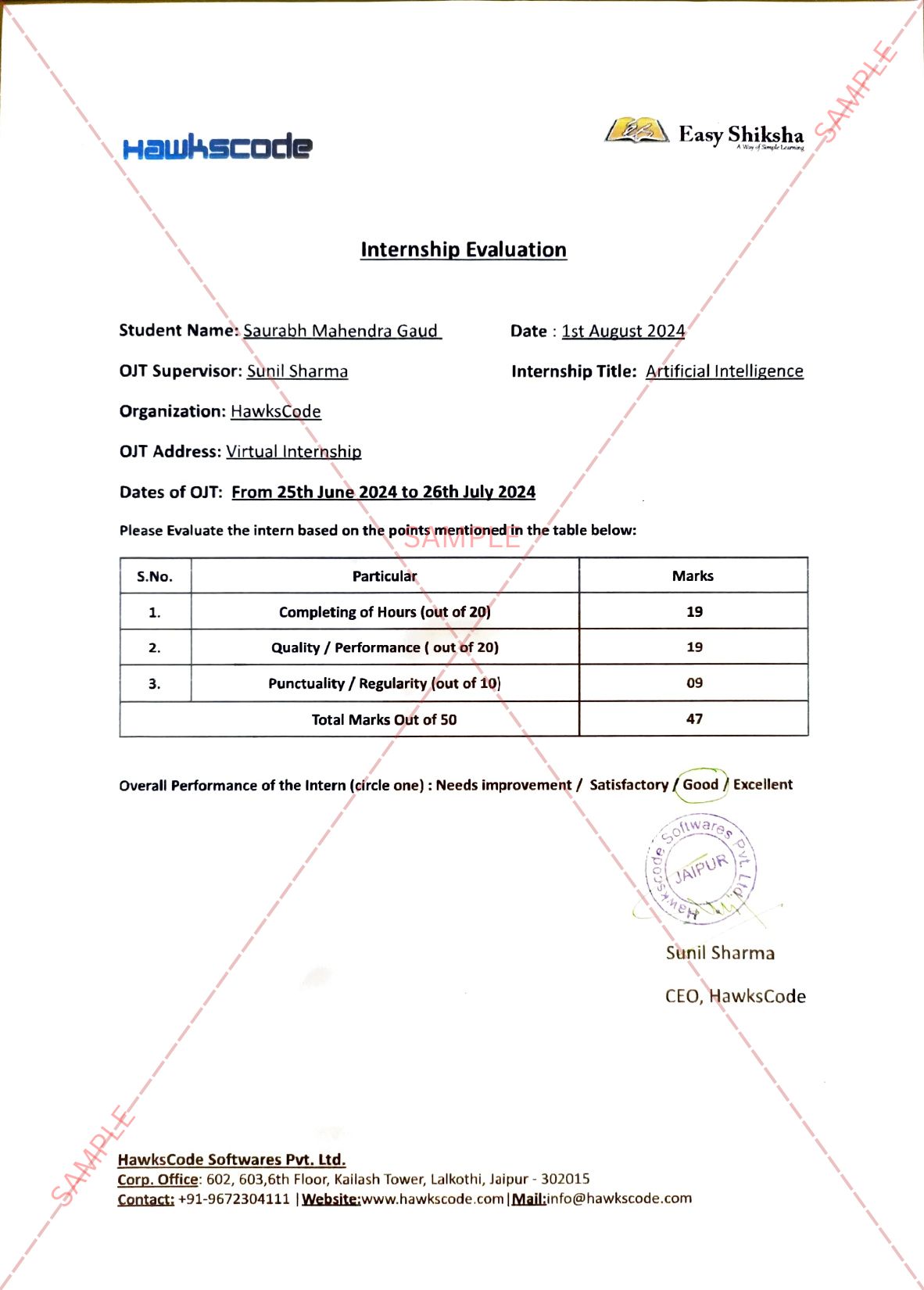
Internship Evaluation Report
Internship Certificate Hard Copy
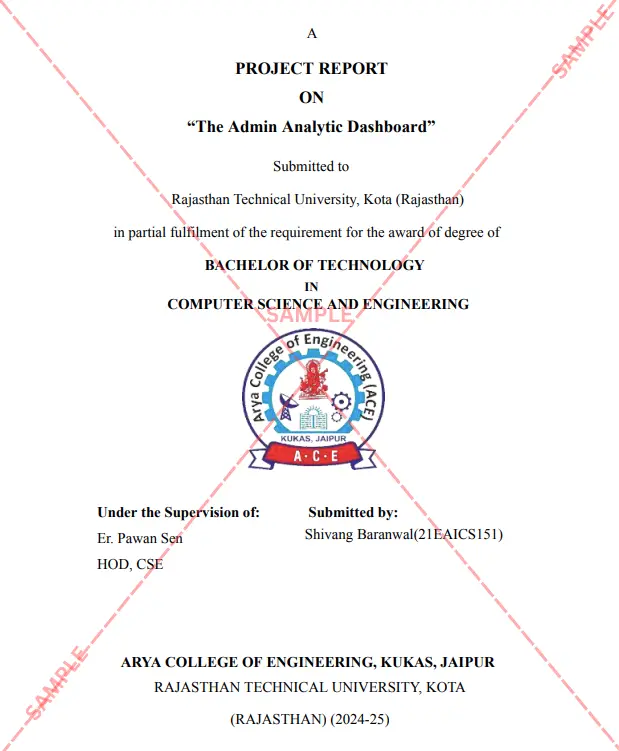
Project Report Assitance
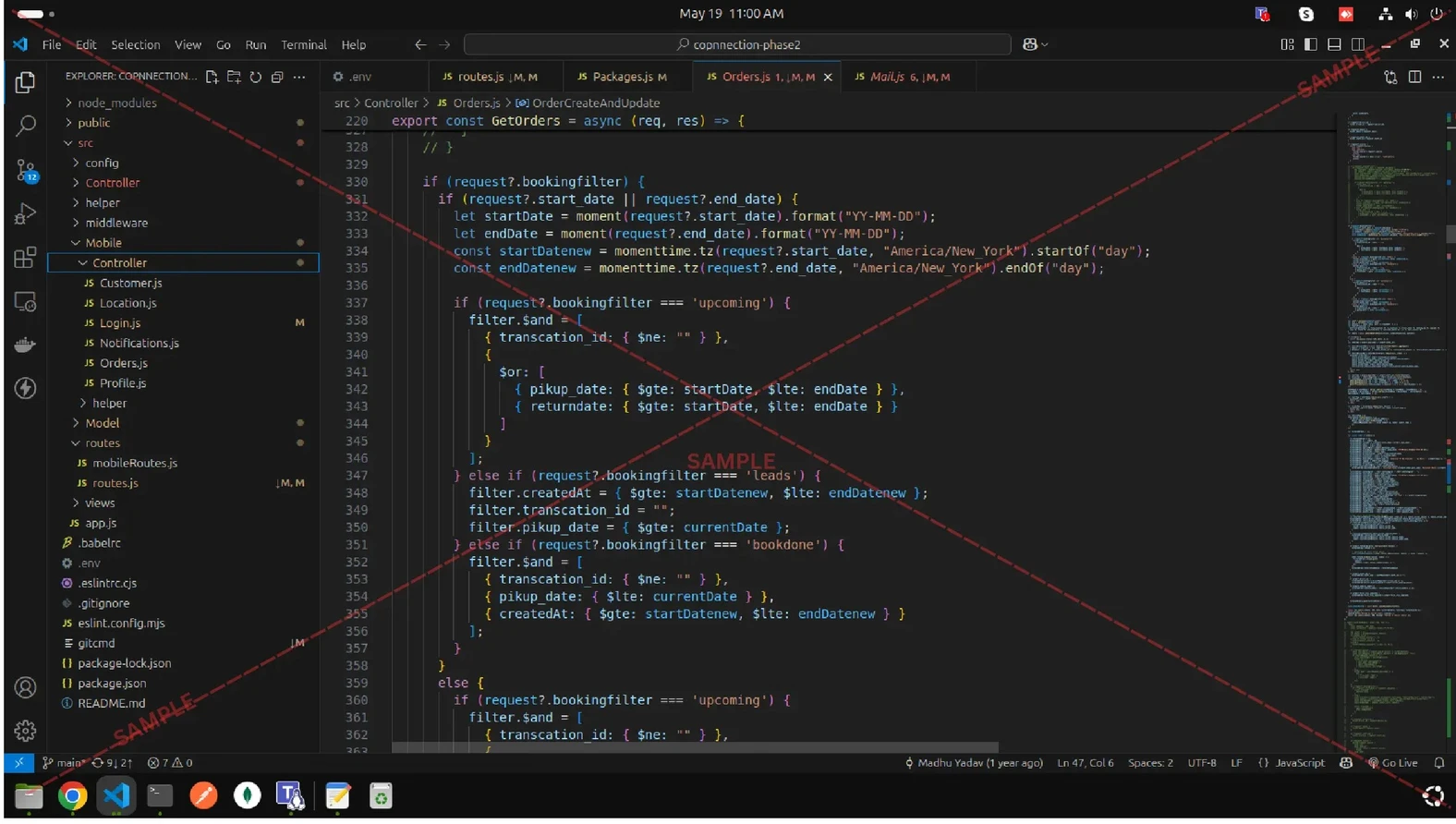
Internship Project Assitance
1:1 Live Mentor Call
Course Certificate in Elegant Wooden Frame
2 Certificates (Course + Internship) Lifetime Access Projects & Assignments 1 Quiz + Assignments
EMIs
19 On-demand Videos Course Completion Certificate
Internship Certificate
Internship Joining/Offer Letter
Letter of Appreciation (LOA)
Internship Attendance Report
Internship Evaluation Report
Internship Certificate Hard Copy
Project Report Assitance
Internship Project Assitance
1:1 Live Mentor Call
Course Certificate in Elegant Wooden Frame
2 Certificates (Course + Internship) Lifetime Access Projects & Assignments 1 Quiz + Assignments
Why Start Now?
The Opportunity Won’t Wait.
Every day you delay is a missed opportunity to grow your skills. Learners who start today gain the advantage — whether it's building skills, improving careers, or unlocking new opportunities.
Still Thinking?
Here's everything that makes this a no-brainer:
No prior experience needed — start from absolute zero Beginner friendly — explained step by step Risk-free — 30-day full refund guarantee One-time payment — access forever Student-friendly pricing — see details at checkout Real internship certificate includedWhat Happens After You Enroll?
From payment to certificate — here's exactly what to expect
 Secure Payment
 Instant Access
30-Day Refund
2 Certificates
Instant Access
30-Day Refund
2 Certificates
Imagine After Completing This Course
Picture yourself 30 days from now — with skills, experience, and credentials that open real doors.




 Includes Internship