





PIC Microcontroller Interfacing with Graphical LCD
Master PIC-based GLCD programming to build interactive dashboards, custom graphics, and real-time sensor displays for professional projects.
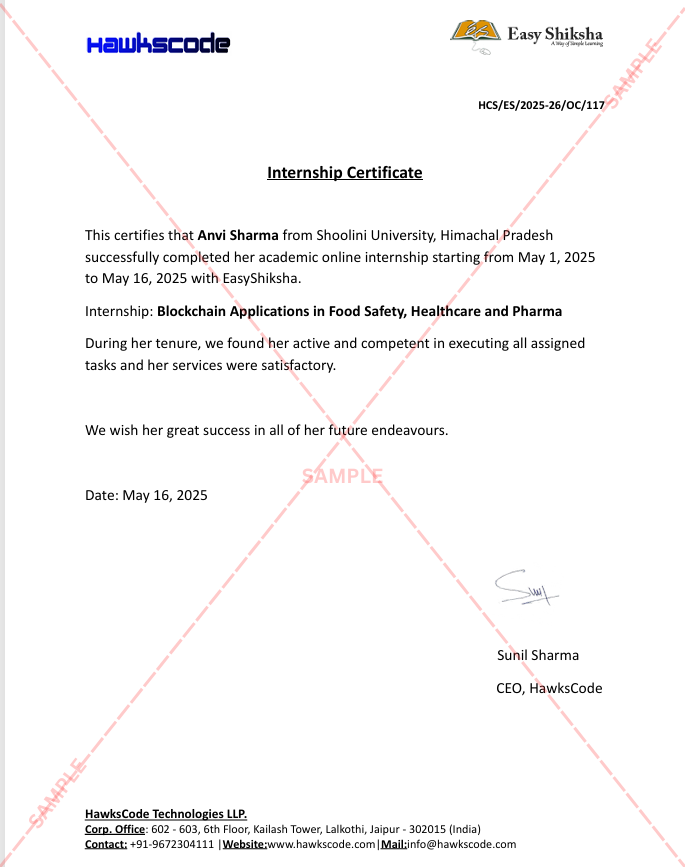
#1 Most Popular Online Course & Internship in Hardware You can enroll today & get certified from EasyShiksha & HawksCode.
 Build real-world projects
Internship with certificate
Resume-ready experience
Beginner to advanced
Lifetime access
Interview prep included
Build real-world projects
Internship with certificate
Resume-ready experience
Beginner to advanced
Lifetime access
Interview prep included
 Updated September 28, 2026
Join 5,00,000+ students already enrolled worldwide
No risk — 30-day full refund guarantee
Start instantly after payment — access in seconds
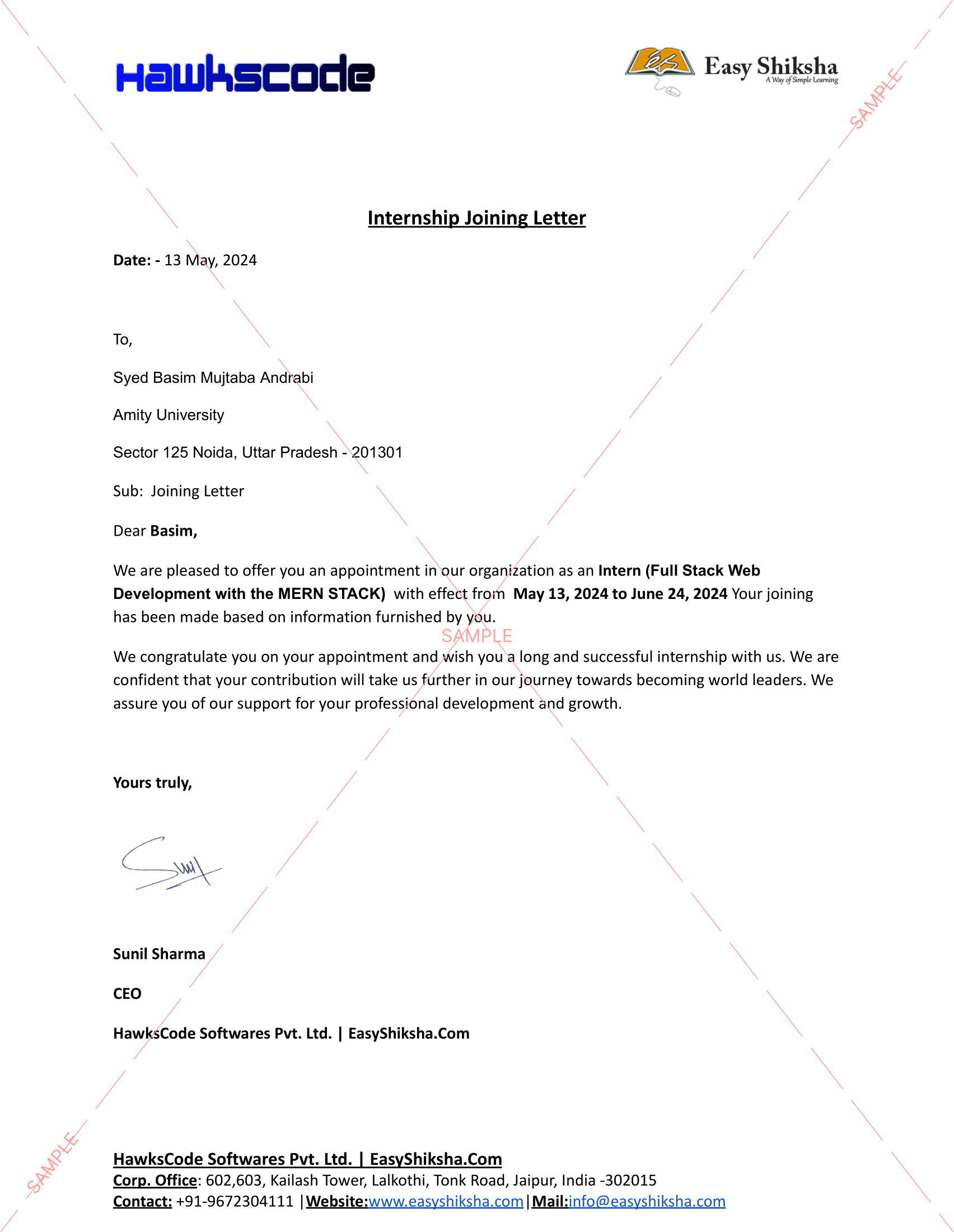
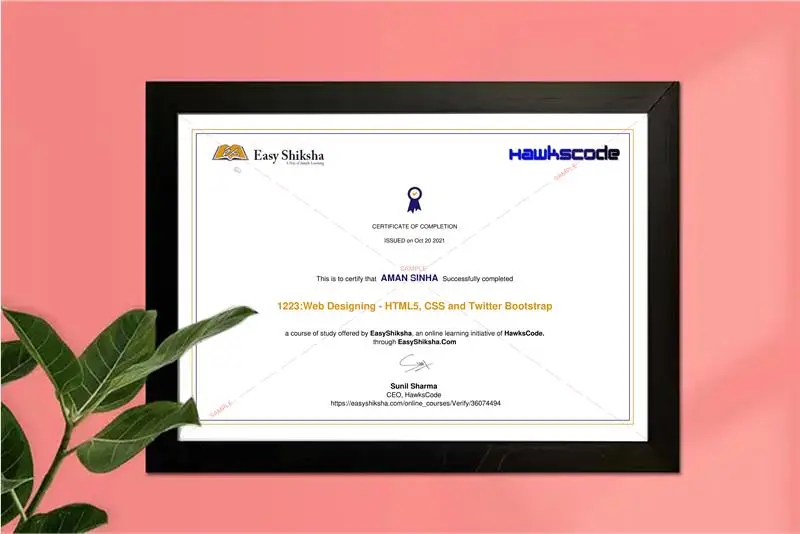
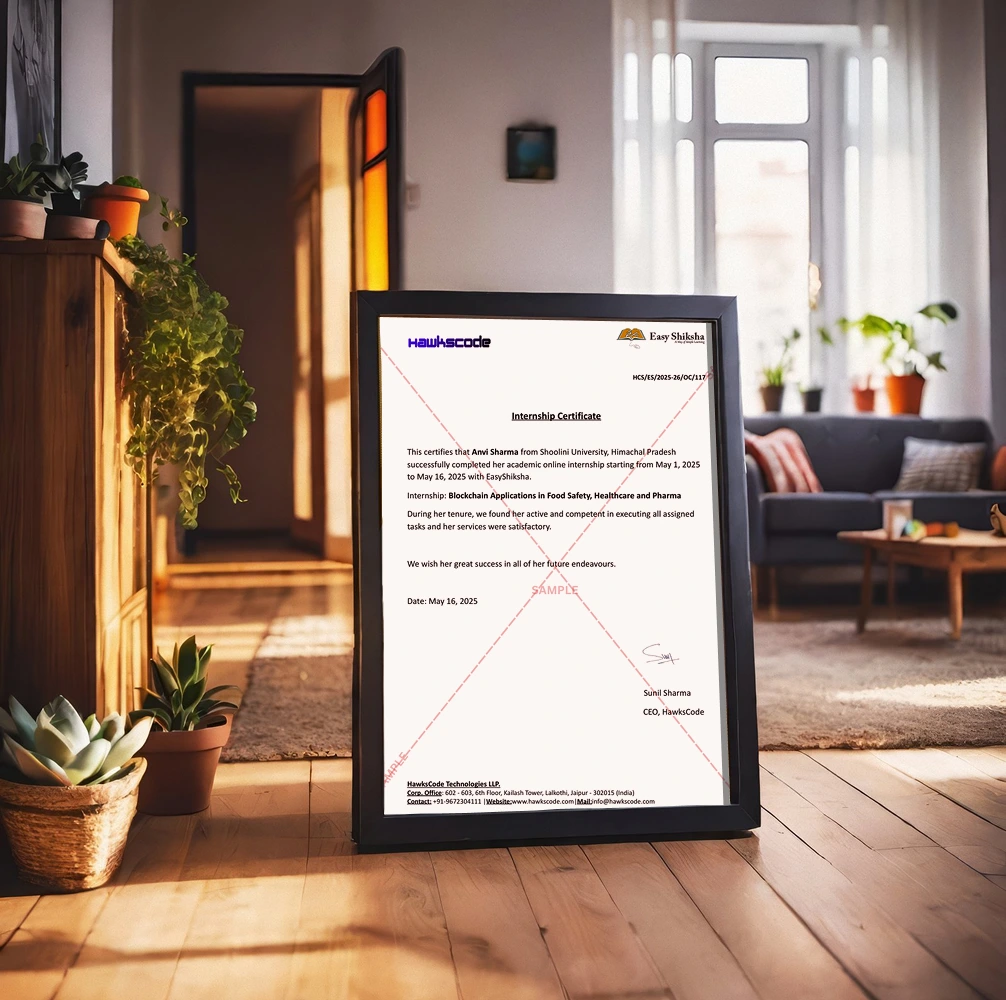
Certificate + Internship Joining Letter included
Updated September 28, 2026
Join 5,00,000+ students already enrolled worldwide
No risk — 30-day full refund guarantee
Start instantly after payment — access in seconds
Certificate + Internship Joining Letter included

 Free Preview
 17 On-demand Videos
 Internship Joining Letter
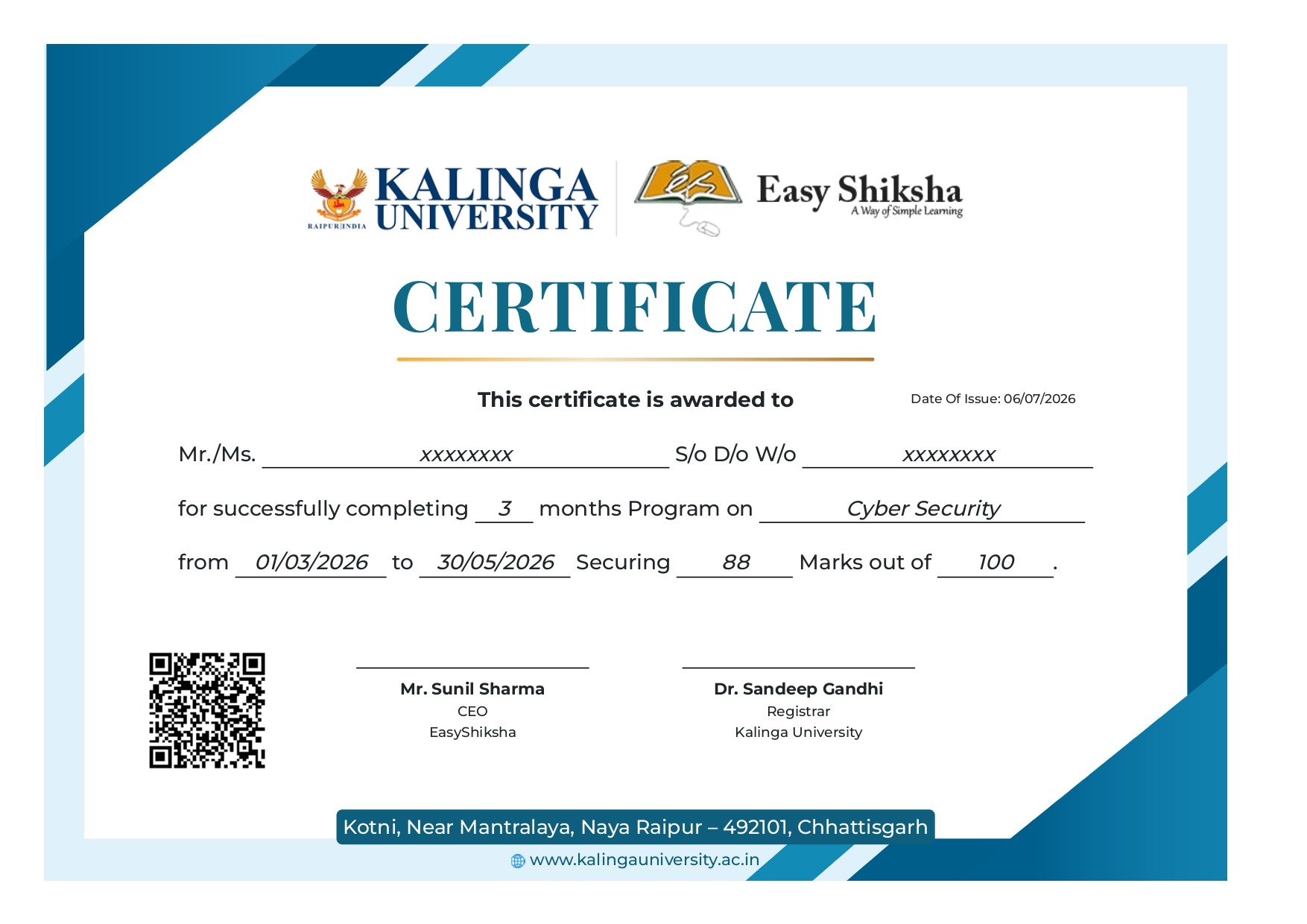
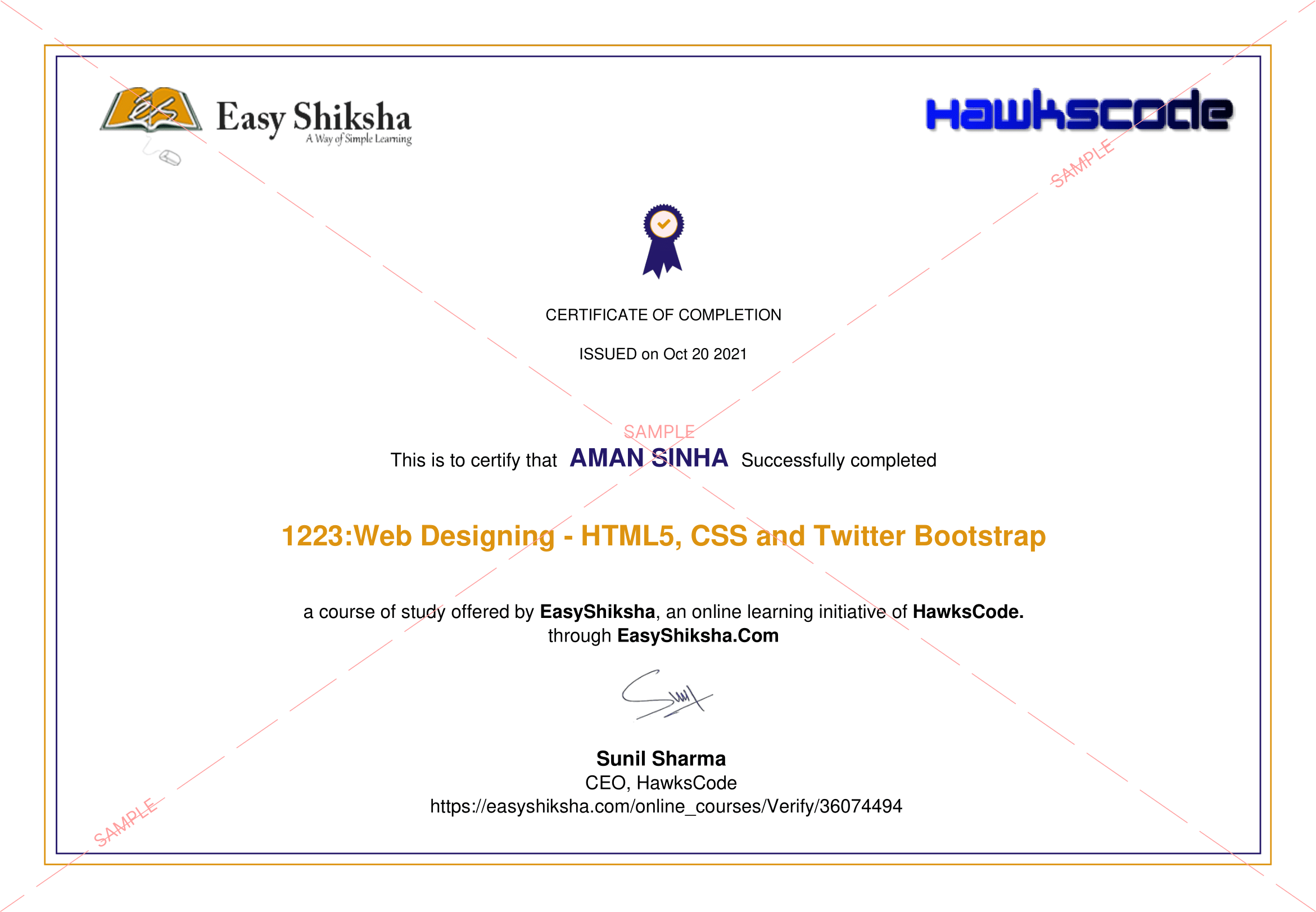
 2 Certificates (Course + Internship)
 Lifetime Access
 1 Quiz + Assignments
 Mobile & Desktop Access




Why This Course and Internship Stands Out
See exactly what separates EasyShiksha students from everyone else
 Watching scattered YouTube
videos with no structure
No certificate — nothing to show
employers
No internship experience on
resume
Wasting months without clear
direction
Struggling to stand out in job
applications
No proof of practical skills
Structured, beginner-to-advanced
learning path
Verified certificate — shareable
on LinkedIn
Real internship offer letter for
your resume
Go from zero to job-ready in one
programme
Resume-ready experience before
graduation
Practical projects you can show
any recruiter
Watching scattered YouTube
videos with no structure
No certificate — nothing to show
employers
No internship experience on
resume
Wasting months without clear
direction
Struggling to stand out in job
applications
No proof of practical skills
Structured, beginner-to-advanced
learning path
Verified certificate — shareable
on LinkedIn
Real internship offer letter for
your resume
Go from zero to job-ready in one
programme
Resume-ready experience before
graduation
Practical projects you can show
any recruiter
Internship Opportunity Included With This Course
"This is not just a course — it's real career experience. Walk away with documents that prove your skills to any employer."




This Course is Perfect For
Whether you're starting from scratch or switching careers — this course is designed with your success in mind.








Go beyond simple characters—learn to control full graphic displays using PIC microcontrollers. In this hands-on course, you’ll unlock the ability to build custom UIs, draw shapes, plot sensor data, and create interactive interfaces with a GLCD (Graphical LCD).
Why This Course?
Most microcontroller courses stop at basic LCDs. But in real-world products—industrial dashboards, instruments, and consumer electronics—graphical displays are standard. This course teaches you how to interface and program a Graphical LCD (GLCD 128x64) with a PIC microcontroller using embedded C, so you can show live data, design custom screens, and impress with visual polish.
Whether you're working on a professional prototype or an academic project, this is the course that elevates your hardware design from functional to professional.
What You’ll Learn
- The internal structure and working of a graphical LCD (e.g., KS0108)
- How to wire a GLCD to your PIC microcontroller (pin mapping and setup)
- Programming graphics primitives: pixels, lines, boxes, text rendering
- Creating custom characters and bitmaps on screen
- Real-time display of sensor data or menu systems
- How to organize graphics code for modular, reusable design
Real Skills You’ll Gain
- Understand the GLCD architecture and pin configuration
- Program with KS0108 driver-compatible GLCDs (128x64)
- Draw shapes, icons, and custom graphics
- Display sensor readings in real time as visuals
- Use graphical libraries for PIC microcontrollers
- Create splash screens and navigation menus
- Structure code for scalable display applications
- Troubleshoot and optimize for clarity, contrast, and power
What You’ll Build
- A real-time data monitor that visually displays temperature, light, or any sensor input
- A graphical menu or selection screen for a device interface
- Custom animations or splash screens for microcontroller-based products
- A visual debugging interface for your circuits and sensors
Who Should Take This Course
- Intermediate-level embedded programmers ready to expand their display skills
- Students working on capstone or final-year electronics projects
- Product developers building user-facing microcontroller systems
- Engineers prototyping devices with visual dashboards
- Hobbyists aiming to create graphical IoT interfaces or smart gadgets
What’s Inside the Course
- Module 1: Introduction to GLCD Hardware & Setup
- Module 2: Writing Initialization and Display Drivers
- Module 3: Drawing Pixels, Lines, Circles, and Rectangles
- Module 4: Displaying Text and Custom Fonts
- Module 5: Interfacing GLCD with Analog Sensors
- Module 6: Animation, Menus, and Real-World Applications
- Bonus: Troubleshooting Techniques and Library Integrations
 Unlock 15 More Lessons + Internship Access

 Missing this = losing the internship credential Missing this = losing your early-access advantage Missing this = falling behind candidates who did enroll



.svg?v1)
 Chat with us first →
 UPI
UPI
 Wallets
 Debit/ Credit card
 NetBanking
 EMIs
17 On-demand Videos Course Completion Certificate
Internship Certificate
Internship Joining/Offer Letter
Letter of Appreciation (LOA)
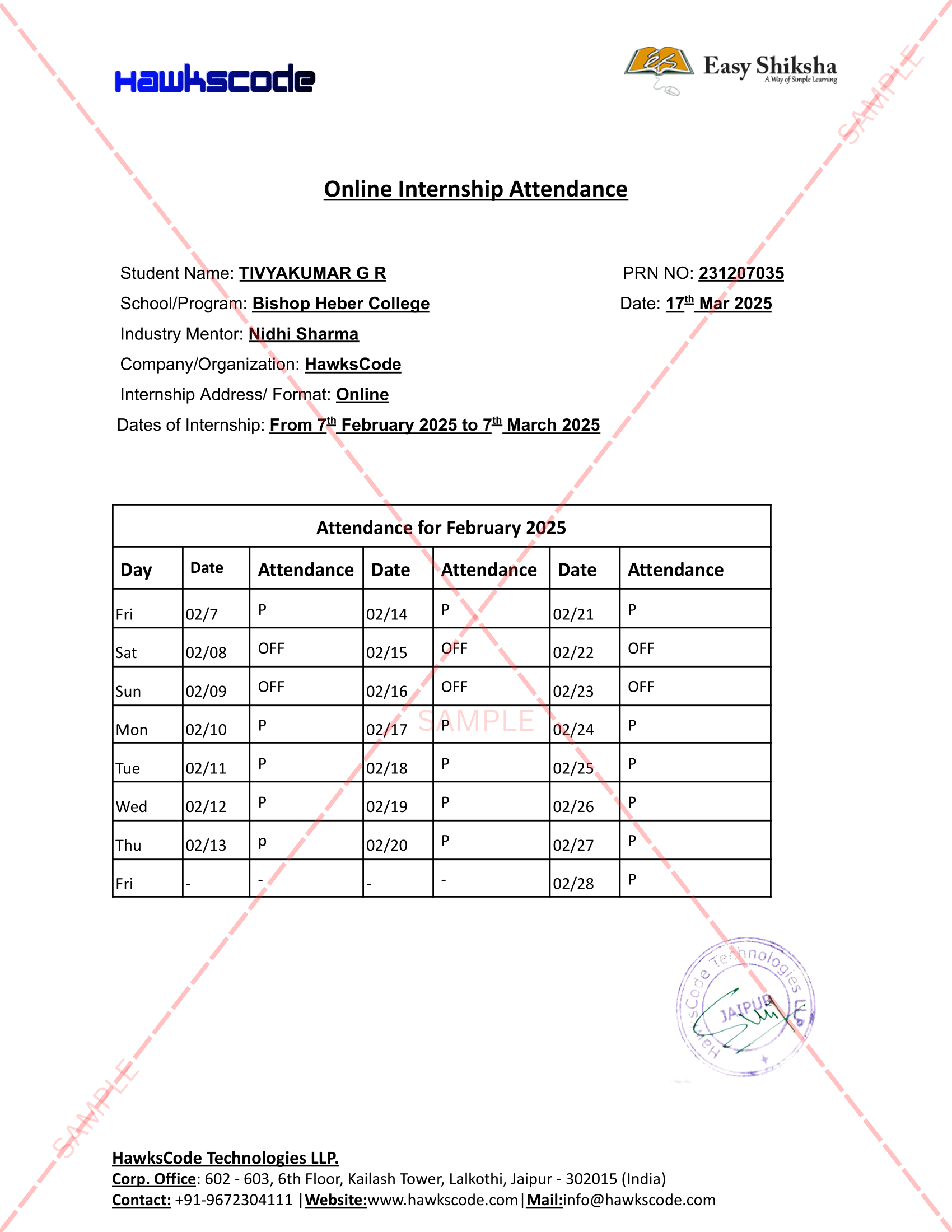
Internship Attendance Report
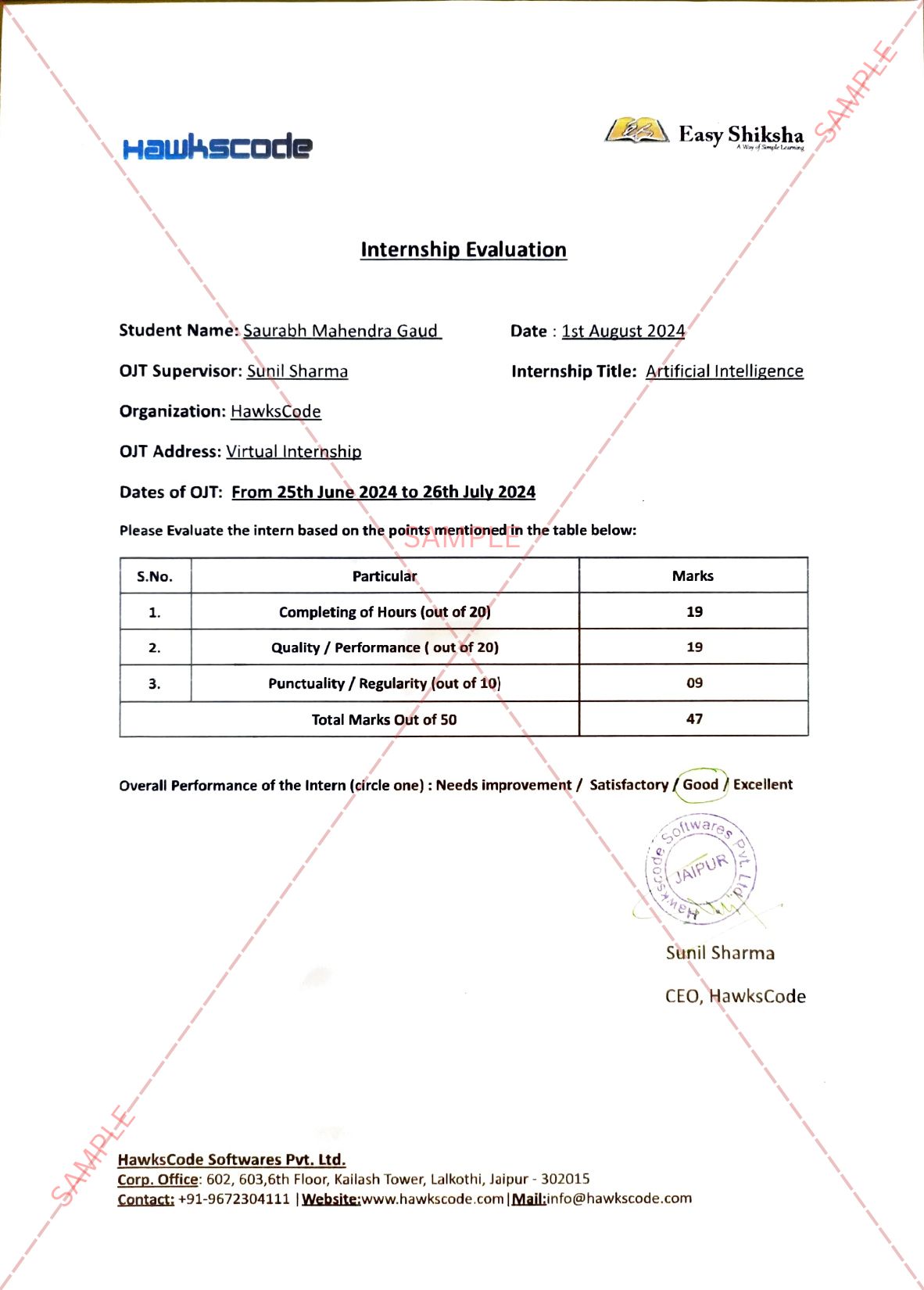
Internship Evaluation Report
Internship Certificate Hard Copy
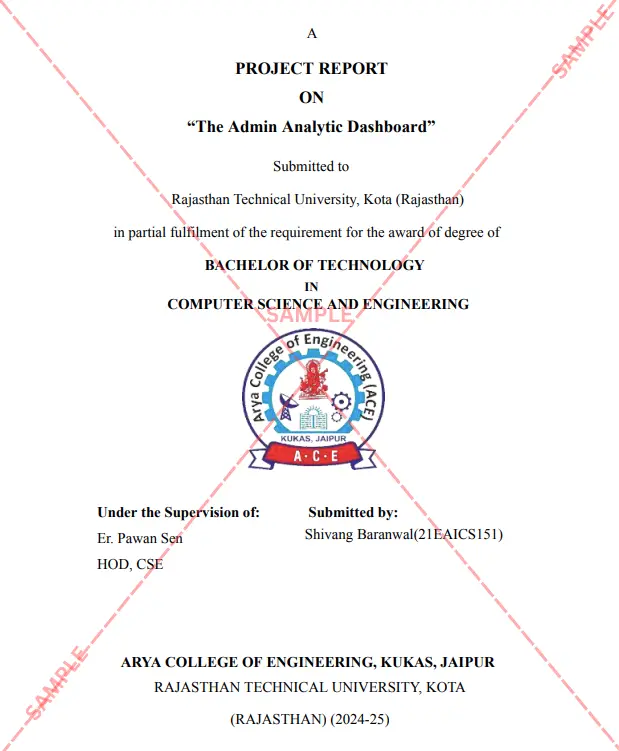
Project Report Assitance
Internship Project Assitance
1:1 Live Mentor Call
Course Certificate in Elegant Wooden Frame
2 Certificates (Course + Internship) Lifetime Access Projects & Assignments 1 Quiz + Assignments
EMIs
17 On-demand Videos Course Completion Certificate
Internship Certificate
Internship Joining/Offer Letter
Letter of Appreciation (LOA)
Internship Attendance Report
Internship Evaluation Report
Internship Certificate Hard Copy
Project Report Assitance
Internship Project Assitance
1:1 Live Mentor Call
Course Certificate in Elegant Wooden Frame
2 Certificates (Course + Internship) Lifetime Access Projects & Assignments 1 Quiz + Assignments
Why Start Now?
The Opportunity Won’t Wait.
Every day you delay is a missed opportunity to grow your skills. Learners who start today gain the advantage — whether it's building skills, improving careers, or unlocking new opportunities.
Still Thinking?
Here's everything that makes this a no-brainer:
No prior experience needed — start from absolute zero Beginner friendly — explained step by step Risk-free — 30-day full refund guarantee One-time payment — access forever Student-friendly pricing — see details at checkout Real internship certificate includedWhat Happens After You Enroll?
From payment to certificate — here's exactly what to expect
 Secure Payment
 Instant Access
30-Day Refund
2 Certificates
Instant Access
30-Day Refund
2 Certificates
Imagine After Completing This Course
Picture yourself 30 days from now — with skills, experience, and credentials that open real doors.




 Includes Internship